
TRUCKON T4HIS2107/30K, STB-HY4403, HY4415, HY4402
TRUCKON Replacement Remote Control User Manual
Model: T4HIS2107/30K, STB-HY4403, HY4415, HY4402
Product Overview
This manual provides essential information for the TRUCKON replacement remote control, designed for various MagentaTV and Skyworth STB models, including T4HIS2107/30K, STB-HY4403, HY4415, HY4402, and T-Mobile TVision. It is a direct replacement, requiring no programming or pairing.
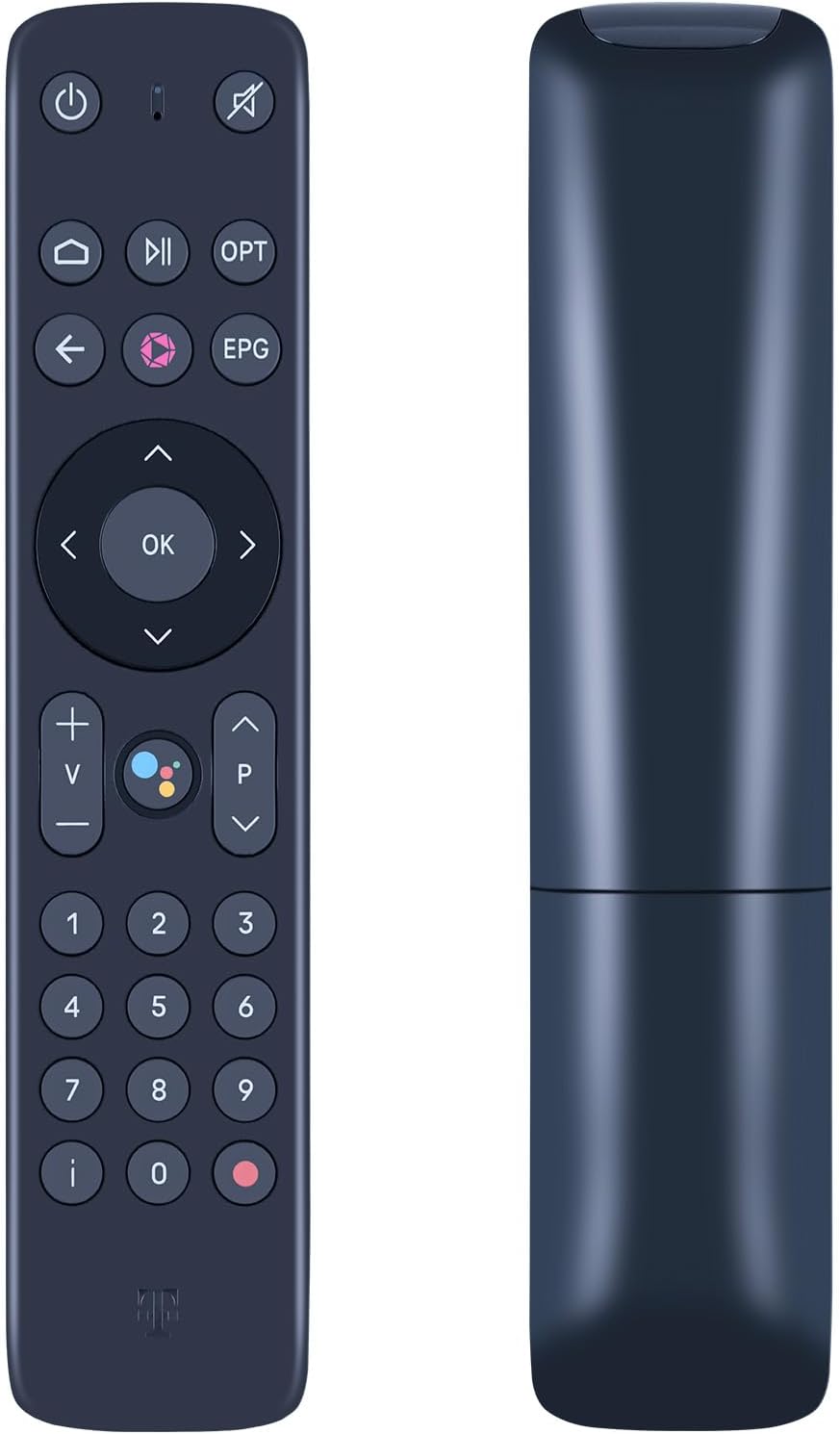
Image: Front and side view of the TRUCKON replacement remote control, showcasing its ergonomic design.
The remote control is highly portable, ergonomic, and compact, designed for easy grip and to prevent slipping. It utilizes infrared connectivity technology for reliable performance.
Key Features
- Wide Compatibility: Compatible with MagentaTV T4HIS2107/30K Main L1 T, Skyworth STB-HY4403, HY4415, HY4402, and T-Mobile TVision.
- No Programming Required: Functions immediately upon battery insertion; no complex setup or pairing needed.
- High Performance: Features ABS material for durability, ergonomic design for comfortable handling, and responsive buttons.
- Infrared 3.0 Technology: Ensures strong signal and quick response, with precise control up to 12 meters (40 feet).
- Durability: Supports over 120,000 click approval tests for long-lasting use.
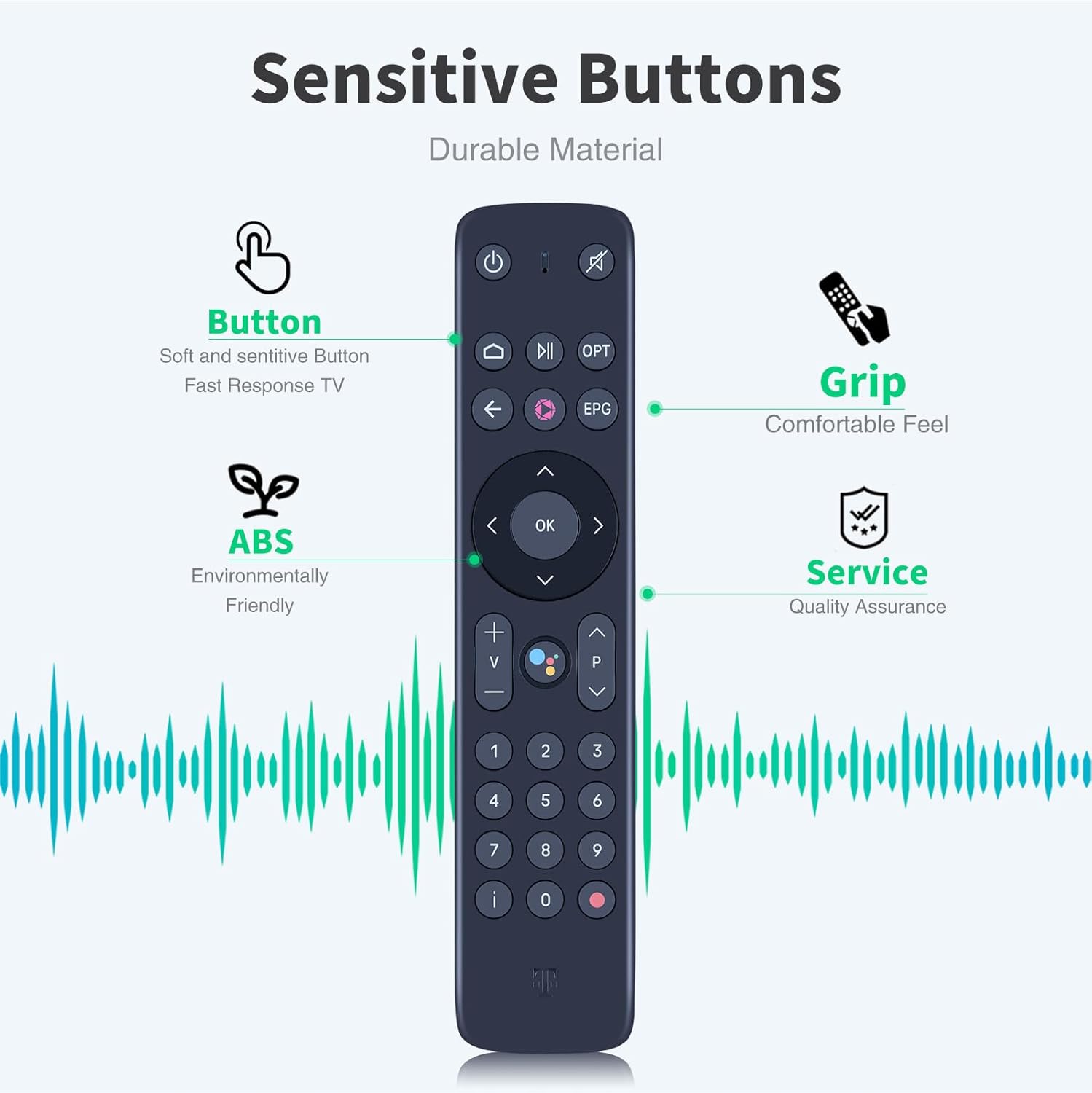
Image: Diagram illustrating the sensitive buttons, comfortable grip, durable ABS material, and overall quality assurance of the remote control.
Setup
Battery Installation
- Locate the battery compartment on the back of the remote control.
- Slide open the battery compartment cover.
- Insert two (2) AAA batteries, ensuring correct polarity (+ and -) as indicated inside the compartment. (Batteries are not included and must be purchased separately.)
- Close the battery compartment cover securely.
Once batteries are installed, the remote control is ready for immediate use with compatible devices, as no programming or pairing is required.

Image: Visual representation emphasizing that two AAA batteries are required and are not included with the remote control.
Operating Instructions
Direct Use
This replacement remote control is designed for direct use with compatible devices without the need for any programming or pairing. Simply point the remote control towards your device (e.g., MagentaTV box, Skyworth STB, T-Mobile TVision) and press the desired button.

Image: Illustration demonstrating the remote control's direct usability with various entertainment systems, emphasizing no programming is required.
Signal Stability and Range
The remote control features Infrared 3.0 technology, providing a strong and stable signal. It offers precise control over distances of up to 12 meters (40 feet) and supports multi-angle operation (up to 120 degrees), ensuring reliable performance from various positions within your room.

Image: Diagram illustrating the remote control's signal stability, effective range of 26 feet, and wide 120-degree multi-angle operation.
Maintenance
To ensure the longevity and optimal performance of your TRUCKON remote control, follow these simple maintenance guidelines:
- Cleaning: Wipe the remote control regularly with a soft, dry cloth. For stubborn dirt, slightly dampen the cloth with water or a mild, non-abrasive cleaner. Avoid using harsh chemicals or abrasive materials, as they can damage the surface.
- Battery Replacement: Replace batteries promptly when the remote control's responsiveness decreases. Always use new AAA batteries and dispose of old batteries responsibly.
- Storage: Store the remote control in a cool, dry place away from direct sunlight, extreme temperatures, and high humidity.
- Avoid Drops: While designed to be durable, avoid dropping the remote control, especially on hard surfaces, to prevent internal damage.
Troubleshooting
If you experience issues with your TRUCKON replacement remote control, consider the following troubleshooting steps:
- Remote Not Responding:
- Check the batteries. Ensure they are inserted correctly with the correct polarity (+/-).
- Replace the batteries with new ones. Low battery power is a common cause of unresponsiveness.
- Ensure there are no obstructions between the remote control and the device's infrared receiver.
- Confirm you are within the effective operating range (up to 12 meters / 40 feet) and pointing the remote directly at the device.
- Buttons Not Working:
- If only specific buttons are not working, check for any debris or stickiness around the buttons. Gently clean the remote surface.
- Device Not Compatible:
- Verify that your device model is listed as compatible (MagentaTV T4HIS2107/30K, Skyworth STB-HY4403, HY4415, HY4402, T-Mobile TVision). This remote is a direct replacement and does not support programming for other devices.
If these steps do not resolve the issue, please refer to the "Warranty and Support" section for further assistance.
Specifications
| Feature | Detail |
|---|---|
| Brand | TRUCKON |
| Compatible Devices | MagentaTV T4HIS2107/30K, Skyworth STB-HY4403, HY4415, HY4402, T-Mobile TVision |
| Connectivity Technology | Infrared (IR 3.0) |
| Special Features | Ergonomic design, No programming required, Responsive buttons, Durable ABS material |
| Power Source | 2 x AAA Batteries (not included) |
| Operating Range | Up to 12 meters (40 feet) |
| Response Time | Less than 0.2 seconds |
| Dimensions (Approx.) | 195mm (Length) x 42mm (Width) |
| Weight (Approx.) | 100 g |

Image: Detailed dimensions of the remote control, indicating a length of 195mm and a width of 42mm.
Safety Information
Please read and adhere to the following safety precautions:
- Choking Hazard: Keep this product and its packaging away from infants and young children. The product may contain small parts that could pose a choking hazard if swallowed.
- Battery Safety: Do not mix old and new batteries. Do not mix alkaline, standard (carbon-zinc), or rechargeable (nickel-cadmium) batteries. Always remove exhausted batteries promptly.
- Liquid Exposure: Do not expose the remote control to water or other liquids.
- Temperature: Avoid exposing the remote control to extreme temperatures or direct sunlight for prolonged periods.
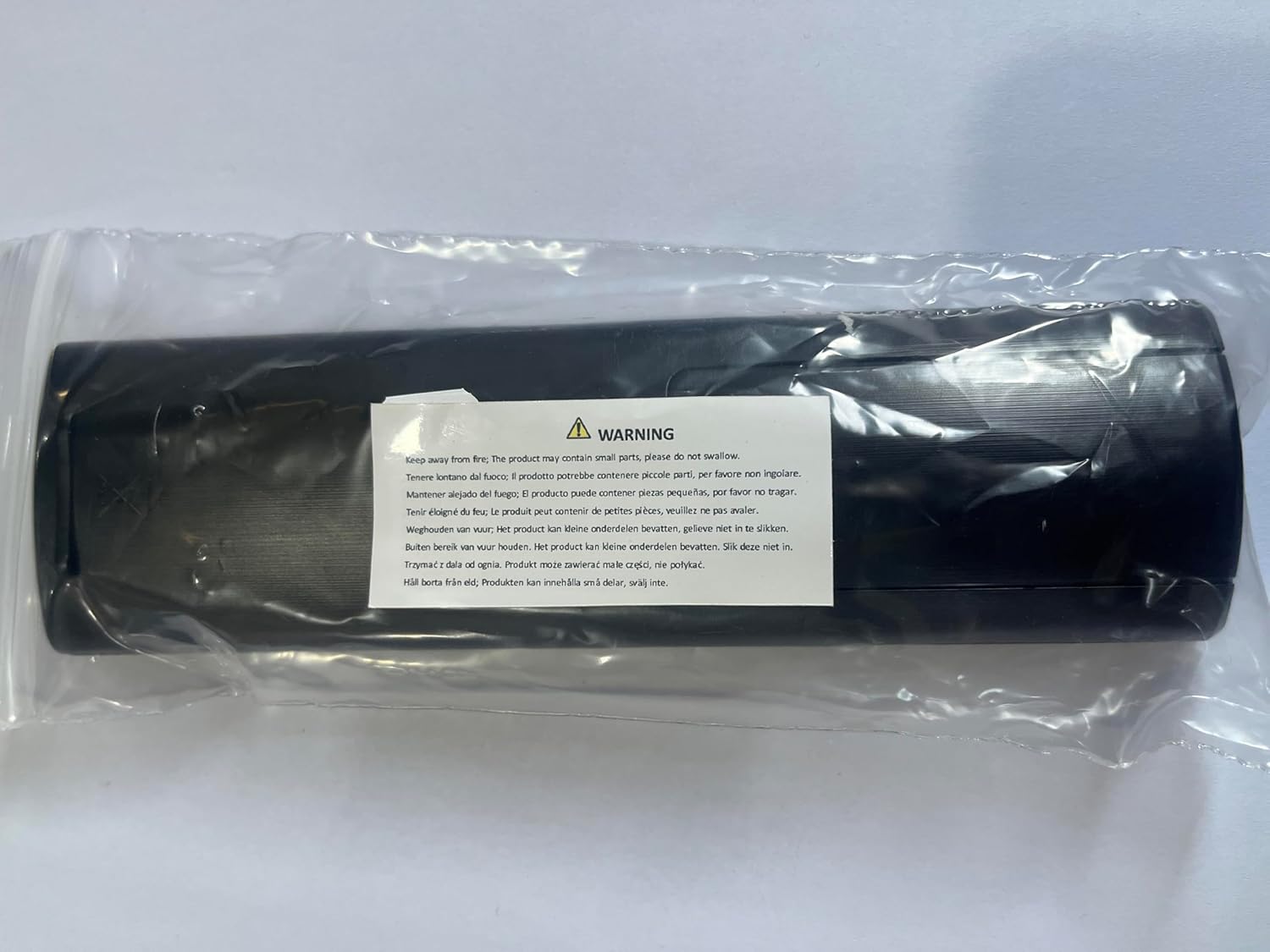
Image: Warning label indicating the product may contain small parts and should be kept away from children to prevent choking hazards.
Warranty and Support
TRUCKON is committed to providing high-quality products and professional customer service. While specific warranty details are not provided in this manual, we encourage you to reach out for any questions or concerns.
If you have any questions about your order, product compatibility, or require assistance with troubleshooting, please contact TRUCKON customer service. We aim to respond to inquiries within 12 hours on weekdays.
For the most up-to-date support information, please refer to the seller's contact details on the platform where the product was purchased.