
Introduction
This manual provides comprehensive instructions for the operation and maintenance of your Dealark Military Smart Watch KR88. Please read this manual thoroughly before using the device to ensure proper function and to maximize its capabilities. This smartwatch is designed for durability and features extensive health and fitness tracking functionalities.
Package Contents
- 1 x Dealark Military Smart Watch
- 1 x Watch Band
- 1 x Charging Cable
- 1 x User Manual
- 1 x Gift Box
Product Overview
The Dealark Military Smart Watch KR88 features a robust design and a 1.57-inch IPS display. It is equipped with various sensors for health monitoring and supports multiple sports modes. The watch is constructed from a metallic zinc alloy, providing military-grade durability against impact, dust, and corrosion.
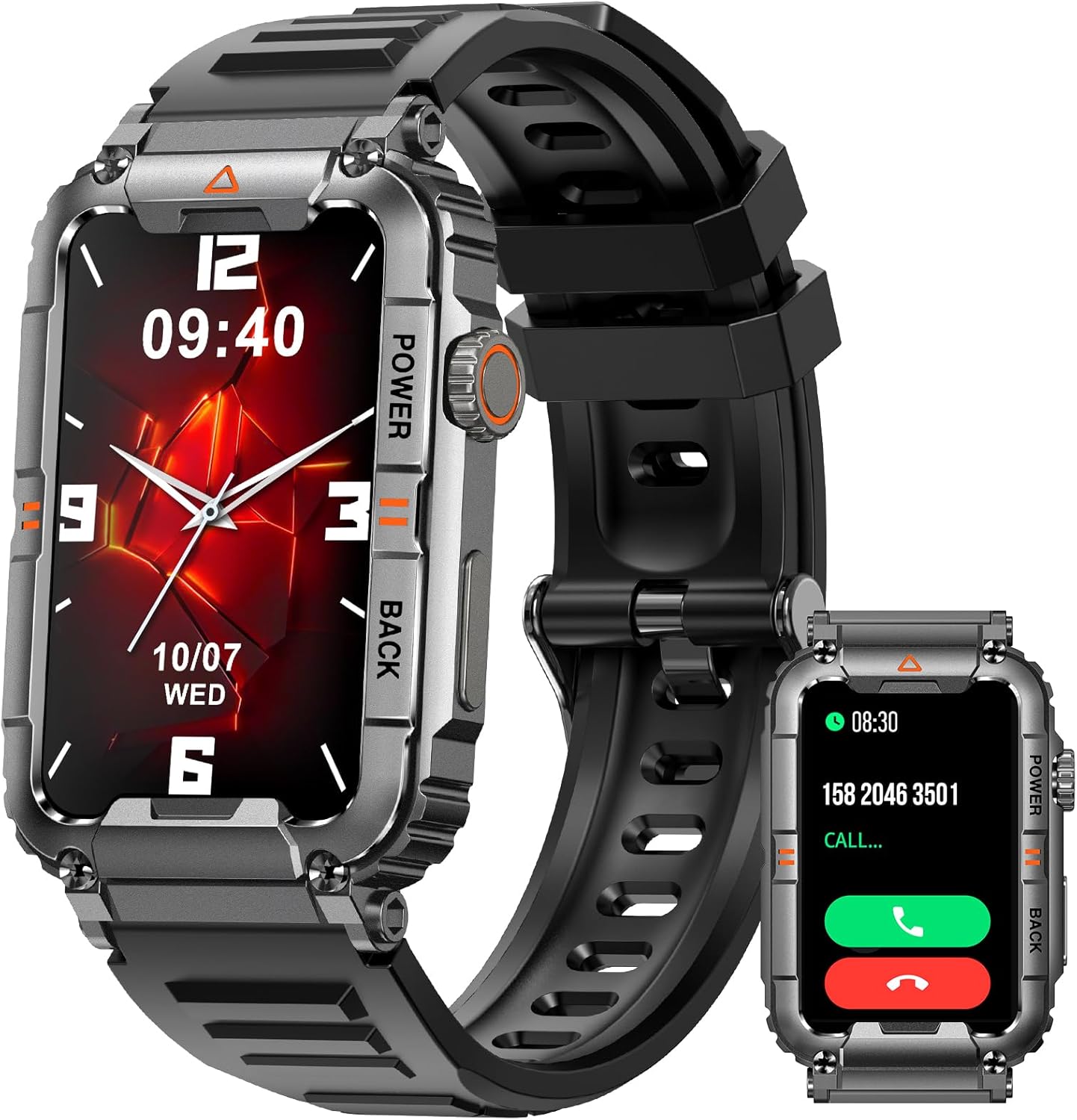
Image: Main view of the Dealark Military Smart Watch KR88, displaying the watch face and side buttons.

Image: Detailed view highlighting the 1.57" HD large screen, advanced sensors on the back, and the rugged frame of the smartwatch.
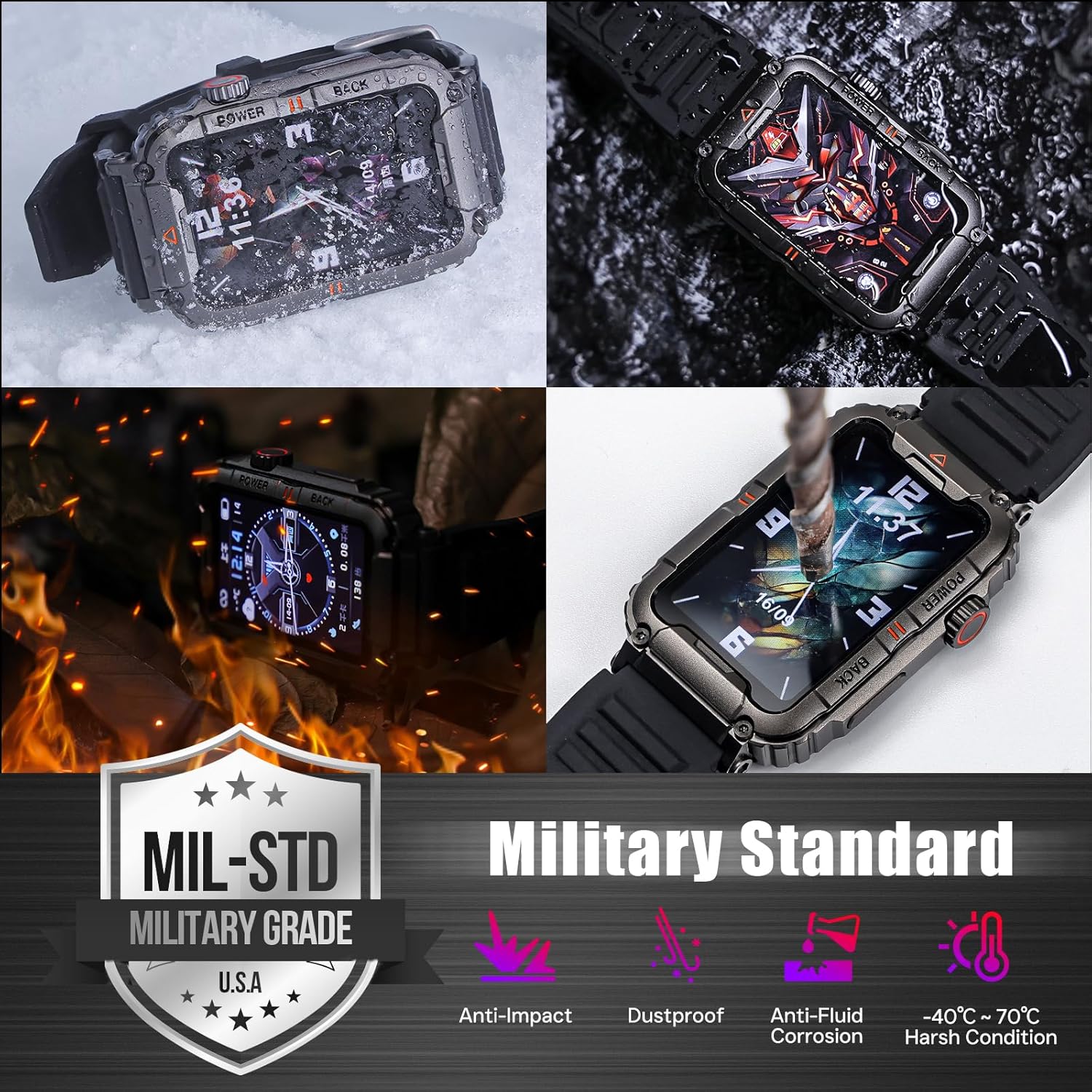
Image: Illustration of the smartwatch's military-grade durability, including anti-impact, dustproof, anti-fluid corrosion, and resistance to extreme temperatures (-40°C to 70°C).
Setup
1. Initial Charging
Upon receiving your smartwatch, it is recommended to charge it for 2-3 hours. Use the provided magnetic charging cable. Connect the magnetic end to the charging points on the back of the watch and the USB end to a standard USB power adapter (not included).
2. App Installation
Download and install the "Da Fit" application on your smartphone. The app is compatible with iOS 12.0 and above, and Android 8.0 and above. Search for "Da Fit" in your phone's app store (Apple App Store for iOS, Google Play Store for Android).
3. Device Pairing
- Ensure Bluetooth is enabled on your smartphone.
- Open the "Da Fit" app.
- Follow the in-app instructions to add a new device.
- Select "KR88" or the corresponding device name from the list of available devices.
- Confirm the pairing request on both your phone and the smartwatch.
- Once paired, the watch will synchronize data with the app.
Operating Instructions
Basic Navigation
- Touch Screen: Swipe left, right, up, or down to navigate through menus and features. Tap to select.
- Side Buttons: The watch features side buttons for power, back, and other functions as indicated on the device.
Communication Features
Once paired with your smartphone, the smartwatch allows you to manage calls and messages directly from your wrist.
- Answering/Making Calls: Use the watch to answer incoming calls or dial numbers.
- Message Alerts: Receive notifications for SMS, Facebook, WhatsApp, Instagram, Twitter, and other applications. Notifications are displayed on the watch screen and accompanied by vibration.

Image: The smartwatch screen showing examples of Bluetooth call functionality, recent calls, contact list, and message notifications from social media platforms.
Health Monitoring
The smartwatch continuously monitors various health metrics. Data is for reference only and not intended for medical use.
- Heart Rate Monitor: Tracks your heart rate throughout the day.
- Sleep Monitor: Analyzes your sleep patterns, including awake, light sleep, and restful sleep durations.
- Blood Oxygen (SpO2): Measures your blood oxygen saturation levels.
- Activity Tracking: Records steps taken, calories burned, and distance traveled.
- Breathing Training: Guided breathing exercises.

Image: The smartwatch screen showing real-time health data including heart rate (HR), breathing training, blood oxygen (SpO2), and daily activity steps and calories.

Image: The smartwatch screen showing sleep monitoring data, including total sleep duration, and breakdown of awake, light sleep, and restful sleep phases.
Sports Modes
The watch offers over 100 indoor and outdoor sports modes to track your workouts. Select the desired mode before starting an activity to record specific metrics.

Image: The smartwatch screen showing a selection of over 100 sports modes, such as basketball, football, climbing, tennis, rugby, and golf, along with a timer, steps, and distance tracking.
Other Functions
- Weather Forecast: Connect to your phone via Bluetooth to receive local weather information.
- Music Control: Play, pause, skip tracks, and adjust volume for music playing on your connected phone.
- Remote Camera: Use the watch as a remote shutter for your phone's camera.
- Alarm Clock: Set alarms directly on the watch.
- Stopwatch/Timer: Access stopwatch and timer functions.
- Find Phone: Locate your paired smartphone.
- Voice Assistant: Access your phone's AI voice assistant.
- DIY Watch Face: Customize your watch face through the Da Fit app.

Image: The smartwatch screen demonstrating features like weather forecast display, music playback controls, and remote camera control.
Maintenance
Cleaning
Regularly clean your smartwatch and watch band with a soft, damp cloth. Avoid using harsh chemicals or abrasive materials, as these can damage the device's finish and sensors. Ensure the charging contacts are clean and dry before charging.
Water Resistance (IP67)
The Dealark Military Smart Watch KR88 has an IP67 waterproof rating. This means it is protected against dust ingress and can withstand immersion in water up to 1 meter for up to 30 minutes. It is suitable for daily use, such as hand washing, rain, and splashes. However, it is not recommended for swimming, diving, hot showers, or exposure to high-pressure water jets, as steam and hot water can compromise the seal.
Troubleshooting
- Watch not turning on: Ensure the watch is fully charged. Connect it to the charging cable and a power source for at least 30 minutes.
- Unable to pair with phone:
- Ensure Bluetooth is enabled on your phone and the watch.
- Make sure the watch is within Bluetooth range of your phone.
- Restart both your phone and the watch.
- Clear the Bluetooth cache on your phone (if applicable) and try pairing again through the "Da Fit" app.
- Inaccurate health data: Ensure the watch is worn snugly on your wrist, about one finger's width above the wrist bone. Avoid excessive movement during measurements. Remember, data is for reference only.
- Notifications not received:
- Check if the watch is successfully paired with the "Da Fit" app.
- Verify that notification permissions are enabled for the "Da Fit" app in your phone's settings.
- Ensure notifications are enabled within the "Da Fit" app for the specific applications you wish to receive alerts from.
- Short battery life:
- Reduce screen brightness.
- Disable continuous heart rate monitoring if not needed.
- Limit the number of apps sending notifications to the watch.
- Ensure the watch is fully charged before use.
Specifications

Image: Visual representation of the smartwatch's dimensions, including screen size (1.57 inches) and wrist strap length (7.01 to 8.26 inches).
| Feature | Detail |
|---|---|
| Product Name | Dealark Military Smart Watch |
| Model Number | KR88 |
| Screen Size | 1.57 inches |
| Screen Type | IPS Full Touch Screen |
| Resolution | 200x320 pixels |
| Battery Capacity | 270mAh |
| Working Hours | Approximately 4-7 days |
| Charging Type | Magnetic charging |
| Charging Time | Approximately 2 hours |
| APP Name | Da Fit |
| Bluetooth Version | BLE 5.1 |
| Compatible System | iOS 12.0 and above, Android 8.0 and above |
| Waterproof Rating | IP67 |
| Material | Metallic Zinc Alloy |
| Item Weight | 150 Grams (5.3 ounces) |
| Memory Storage Capacity | 128 MB |
| Battery Cell Composition | Lithium Ion |
| GPS | Via Smartphone |
Warranty and Support
Dealark provides customer service for its products. For any questions or issues regarding your Military Smart Watch KR88, please contact Dealark customer support. Refer to the product packaging or the official Dealark website for specific warranty terms and contact information.
Note: This device is not a professional medical device. Data provided by the watch is for reference purposes only and should not be used for medical diagnosis or treatment.