
Introduction
The Puqo MD037 AI Translation Earbuds are a versatile 3-in-1 device combining real-time translation, call functionality, and music playback. These earbuds support real-time translation in 144 languages, facilitating seamless communication across various scenarios including business, travel, and learning. Equipped with advanced features like Bluetooth 5.4, ENC noise cancellation, and a dedicated app, they are designed to break language barriers and enhance productivity.
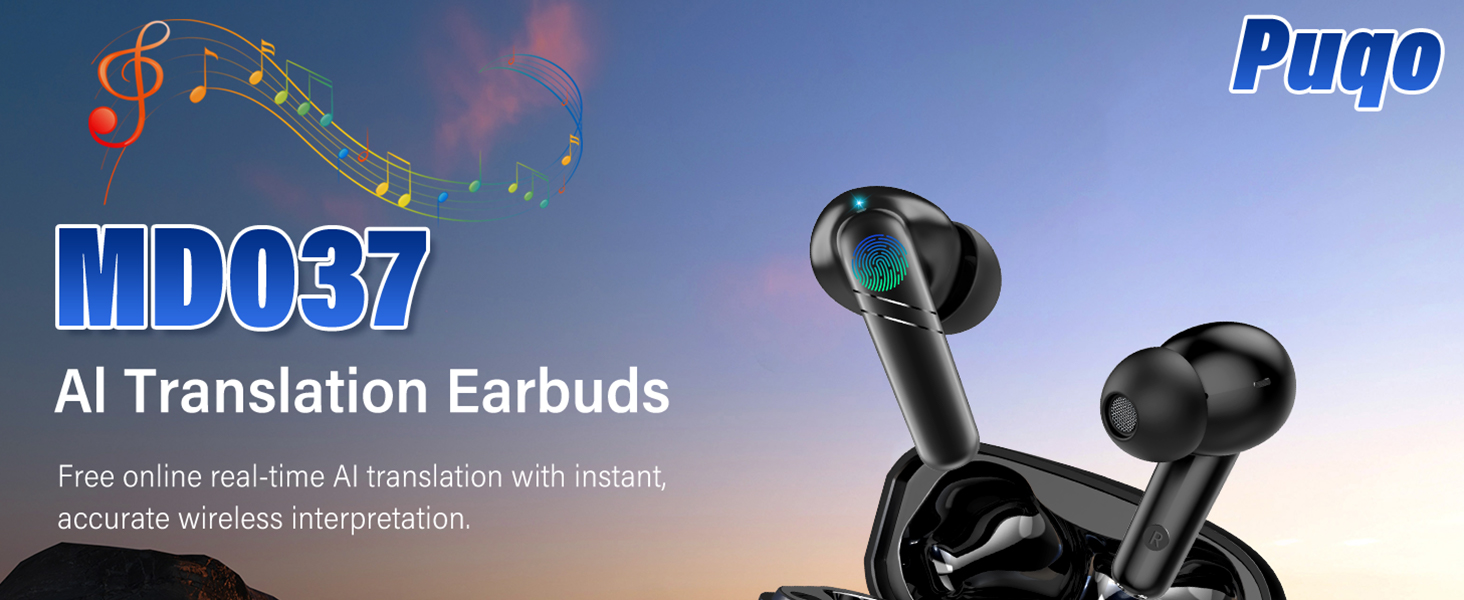
Overview of the Puqo MD037 AI Translation Earbuds, highlighting their core function for real-time translation.
What's in the Box
Upon unboxing your Puqo MD037 AI Translation Earbuds, please verify that all the following components are included:
- 2 x Translation Earbuds
- 1 x User Manual
- 1 x Charging Case
- 1 x USB-C Charging Cable
- 3 Pairs of Eartips (S / M / L)
- 1 x Translation Manual (with built-in authorization QR code)
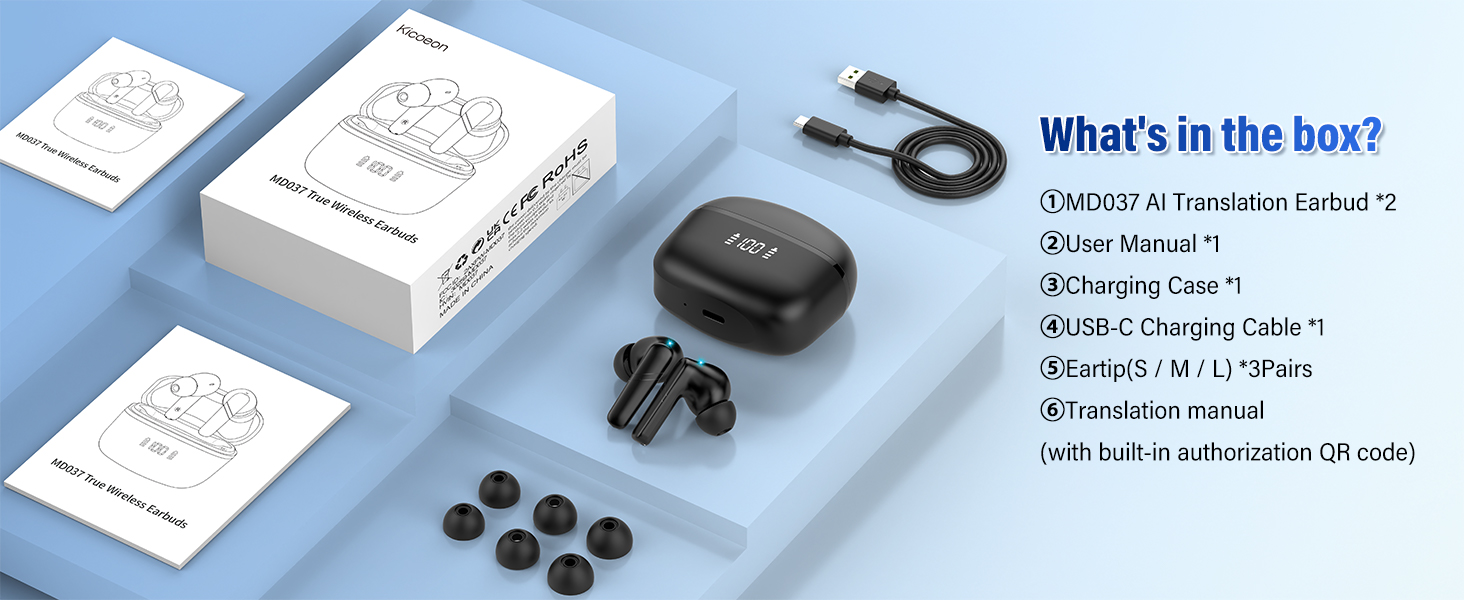
Image showing all items included in the product packaging.
Setup Guide
1. App Download & Activation
To utilize the full range of features, including real-time translation, you must download and activate the dedicated "Nebula Buds" application.
- Scan the QR code provided in the manual or on the product packaging to download the "Nebula Buds" app. Alternatively, search for "Nebula Buds" on major app stores (iOS/Android).
- Once installed, open the app.
- Scan the activation code found in the translation manual. This permanently enables all app functions.
For direct download, visit: https://www.nebulabuds.com/download/index.html
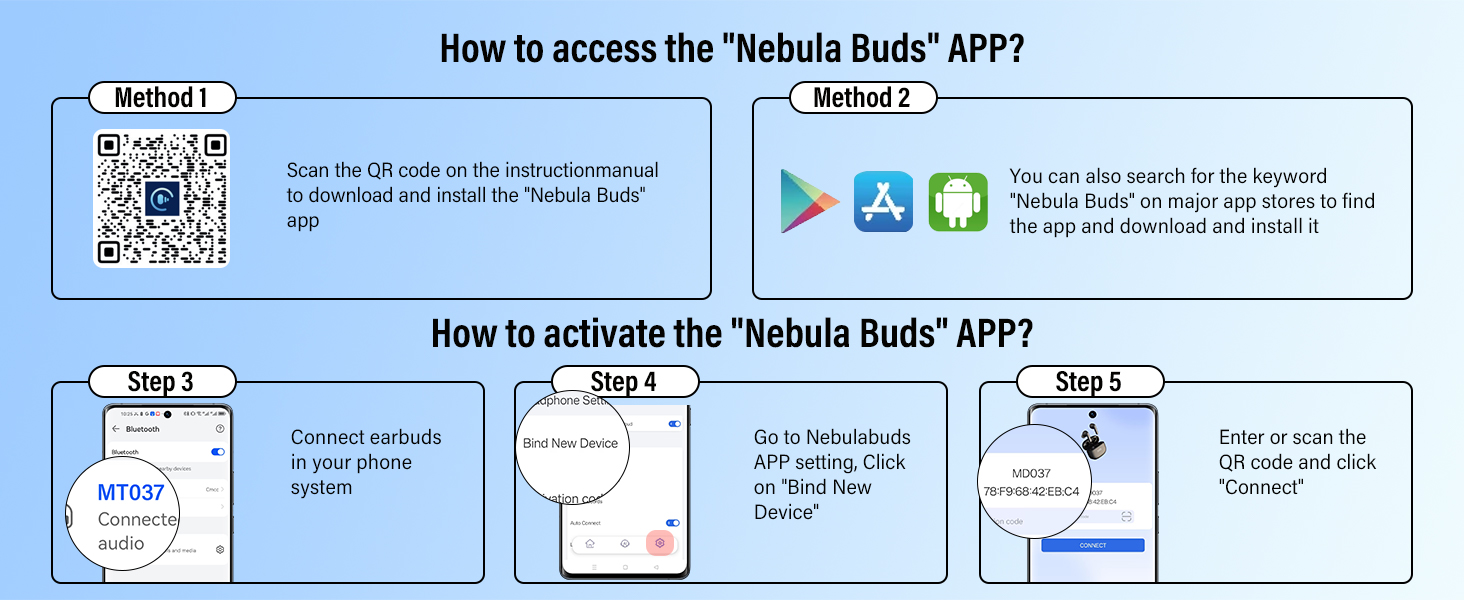
Visual guide for downloading and activating the Nebula Buds application.
2. Bluetooth Connection
After app activation, connect your earbuds via Bluetooth:
- Ensure your earbuds are charged and within range of your smartphone.
- Enable Bluetooth on your smartphone.
- Open the "Nebula Buds" app. The app will guide you through pairing.
- Select "MD037" from the list of available Bluetooth devices in your phone's system settings or directly within the app to connect.
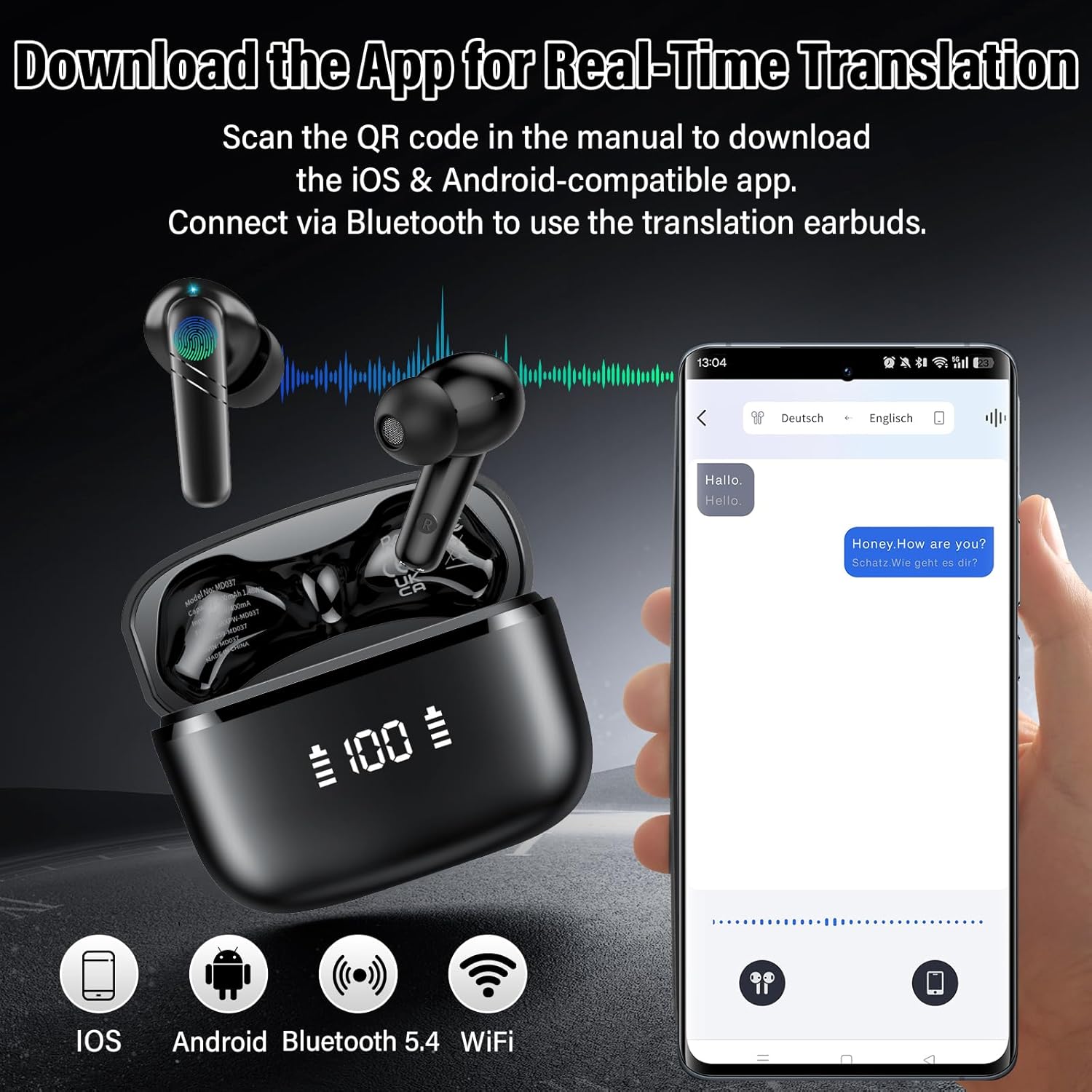
Illustration of the earbuds connecting to a smartphone for real-time translation.
Operating Modes
The Puqo MD037 earbuds offer multiple modes to suit various communication needs:
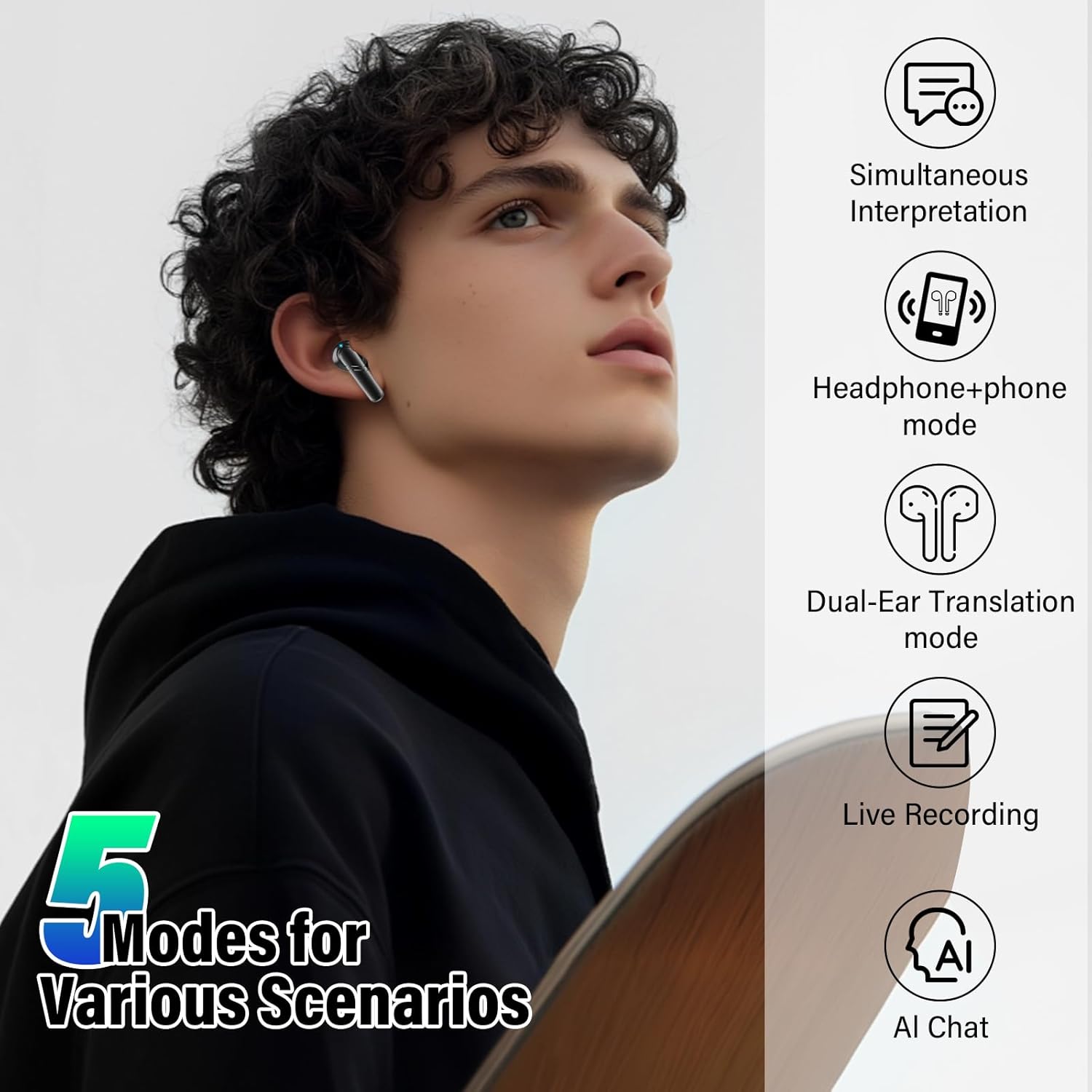
Visual representation of the different operational modes available with the earbuds.
1. Simultaneous Interpretation Mode
Ideal for forums, lectures, or presentations where one person speaks and others listen. The speaker's speech is translated into your language and played through your earbud.

Screenshots demonstrating the simultaneous interpretation feature for real-time voice translation.
2. Headphone + Phone Mode
Perfect for face-to-face communication. You wear the earbuds, and the other person speaks into your smartphone. The translation is heard by both parties.

Illustrations of the Headphone + Phone mode, showing how one person uses the earbuds and the other uses the phone for translation.
3. Dual-Ear Translation Mode
Designed for direct conversations where both parties wear one earbud each. This allows for smooth, interference-free simultaneous translation.

Diagrams explaining the Dual-Ear Translation mode, where each person wears an earbud for simultaneous conversation.
4. Audio/Video Call Translation
The earbuds provide real-time translation during audio and video calls, ensuring clear communication across languages.

Screenshots illustrating the video chat translation feature for instant communication.
5. Live Recording (Meeting Note Assistant)
Convert live conversations, lectures, or videos into text in real-time. This feature automatically captures dialogue and generates accurate transcripts, allowing you to focus on the discussion. Note: This function provides recording only, not translation of the recording.

Screenshots showing the live recording feature, which converts audio into text.
6. AI Chat Mode
Powered by Deepseek R1, this mode provides instant, accurate answers to your questions, acting as a smart, fast, and efficient AI assistant.

Screenshots illustrating the AI Chat Mode, providing instant answers to user queries.
7. AI Multifunction Assistant
The earbuds integrate a range of smart applications. With AI voice interaction, you can ask "Nebula" at any time and get accurate answers. The AI assistant offers over 200 tools for tasks like text optimization, PPT creation, product design, and market analysis to enhance productivity.

Screenshots of the AI Assistant interface, showcasing over 200 AI apps for various tasks.
Key Features
Superior Hi-Fi Stereo Sound Quality
Equipped with Bluetooth 5.4 and 14.2mm dynamic frequency speaker drivers, these earbuds deliver premium sound with powerful bass and crystal-clear treble. The 14.2mm dual-diaphragm driver ensures clarity and depth, enhancing every note for an immersive audio experience.
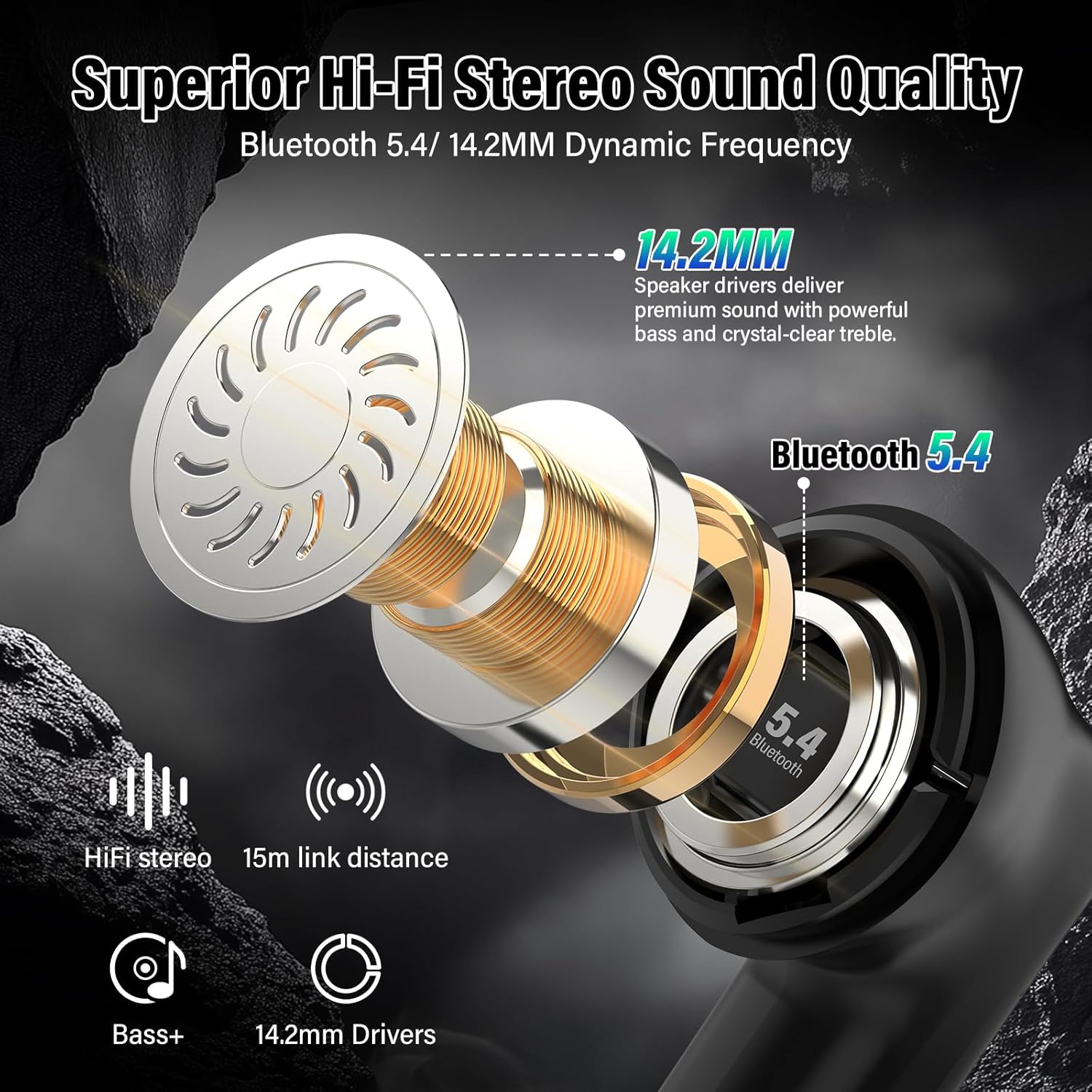
Detailed view of the earbud's internal components, highlighting the 14.2mm driver and Bluetooth 5.4 technology.
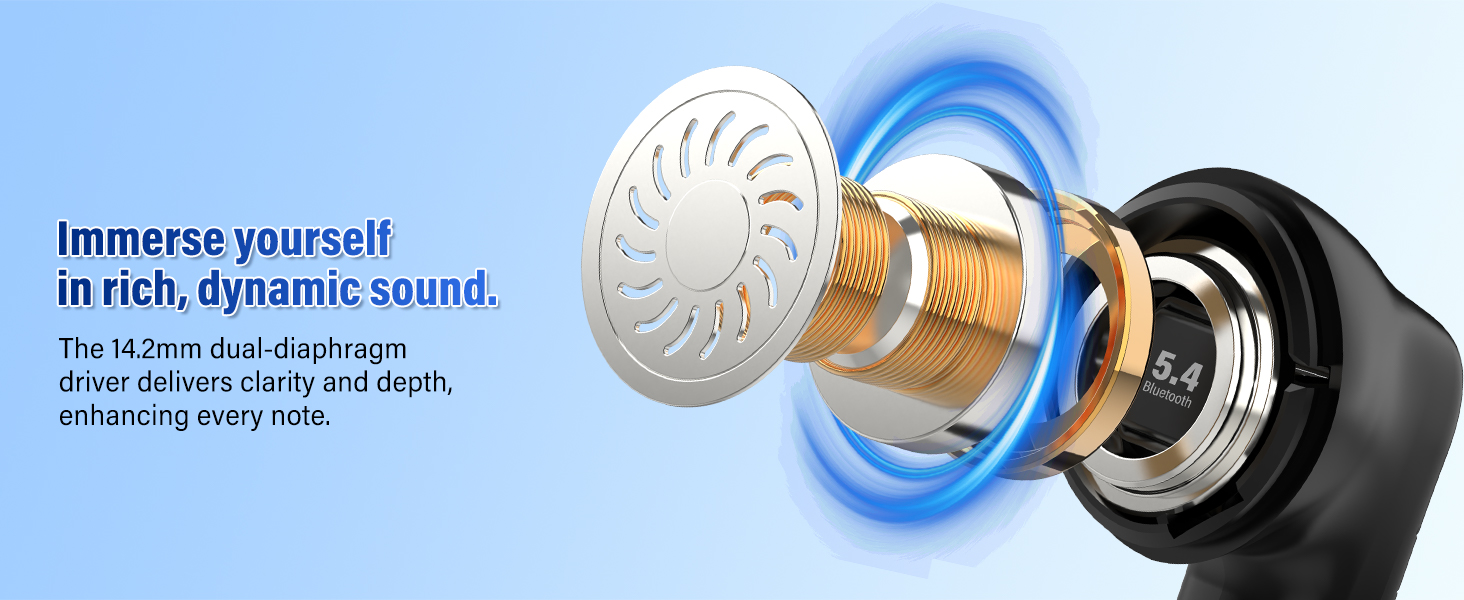
Visual representation of the earbud's ability to produce rich, dynamic sound.
ENC Noise Cancellation
Advanced ENC microphones effectively block ambient noise, ensuring clear and natural translations and calls. This feature allows your voice to be heard with exceptional clarity, whether in international conferences, business negotiations, or during travel.
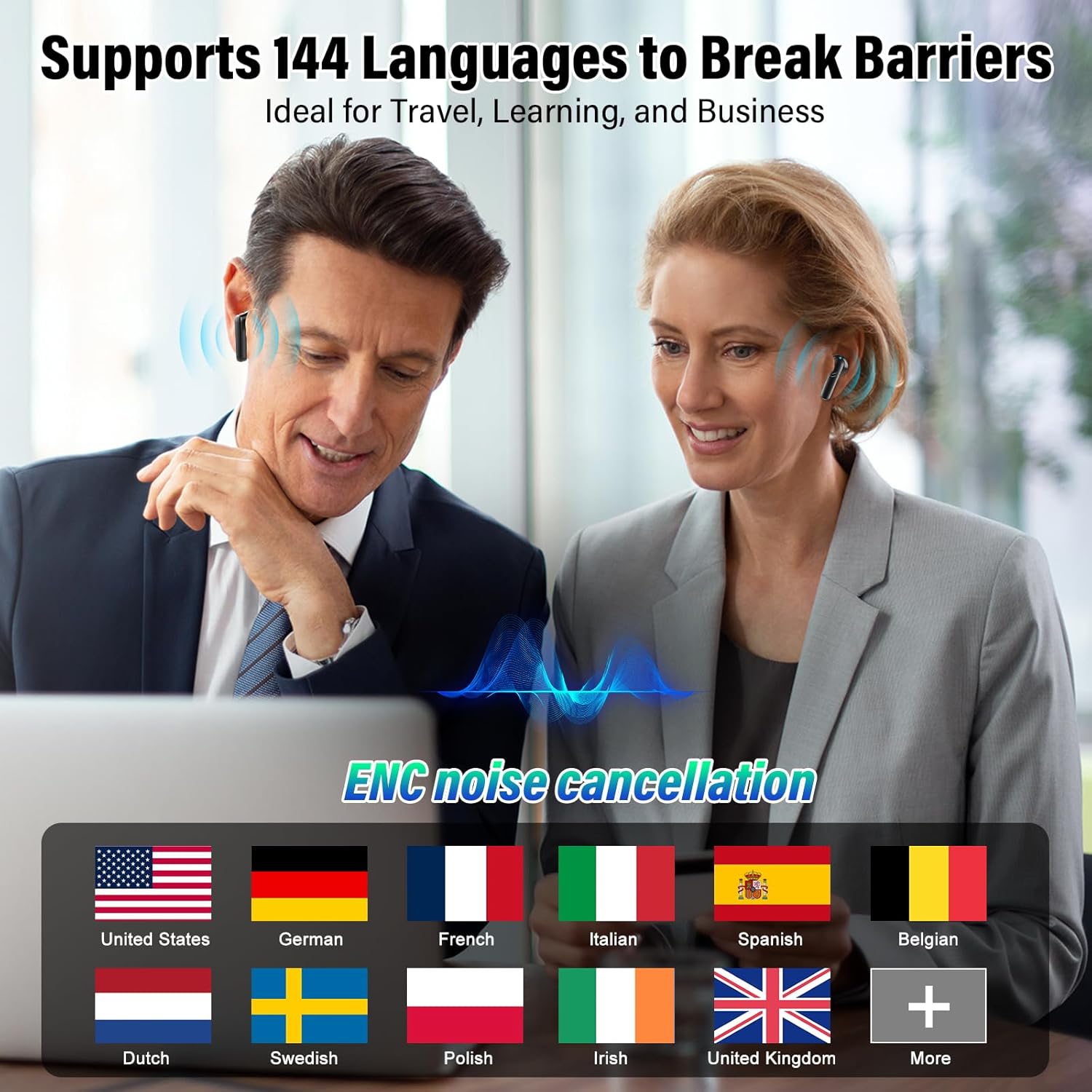
Image depicting individuals using the earbuds, emphasizing the ENC noise cancellation feature for clear communication.
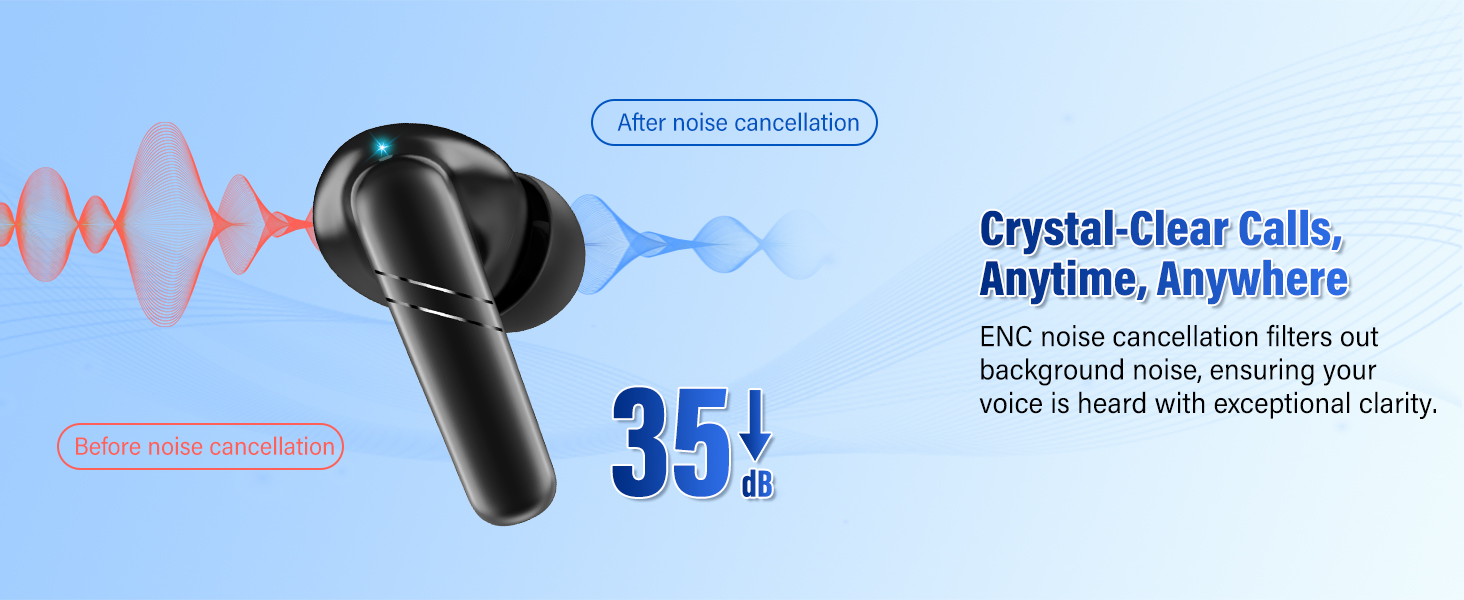
Diagram showing how ENC noise cancellation filters out background noise for crystal-clear calls.
Long Battery Life & Fast Charging
The earbuds provide 8 hours of use per charge, with the charging case extending total playback time up to 48 hours. The LED display on the case shows the remaining battery level. A USB-C fast charging port fully recharges the earbuds in just 1.5 hours.
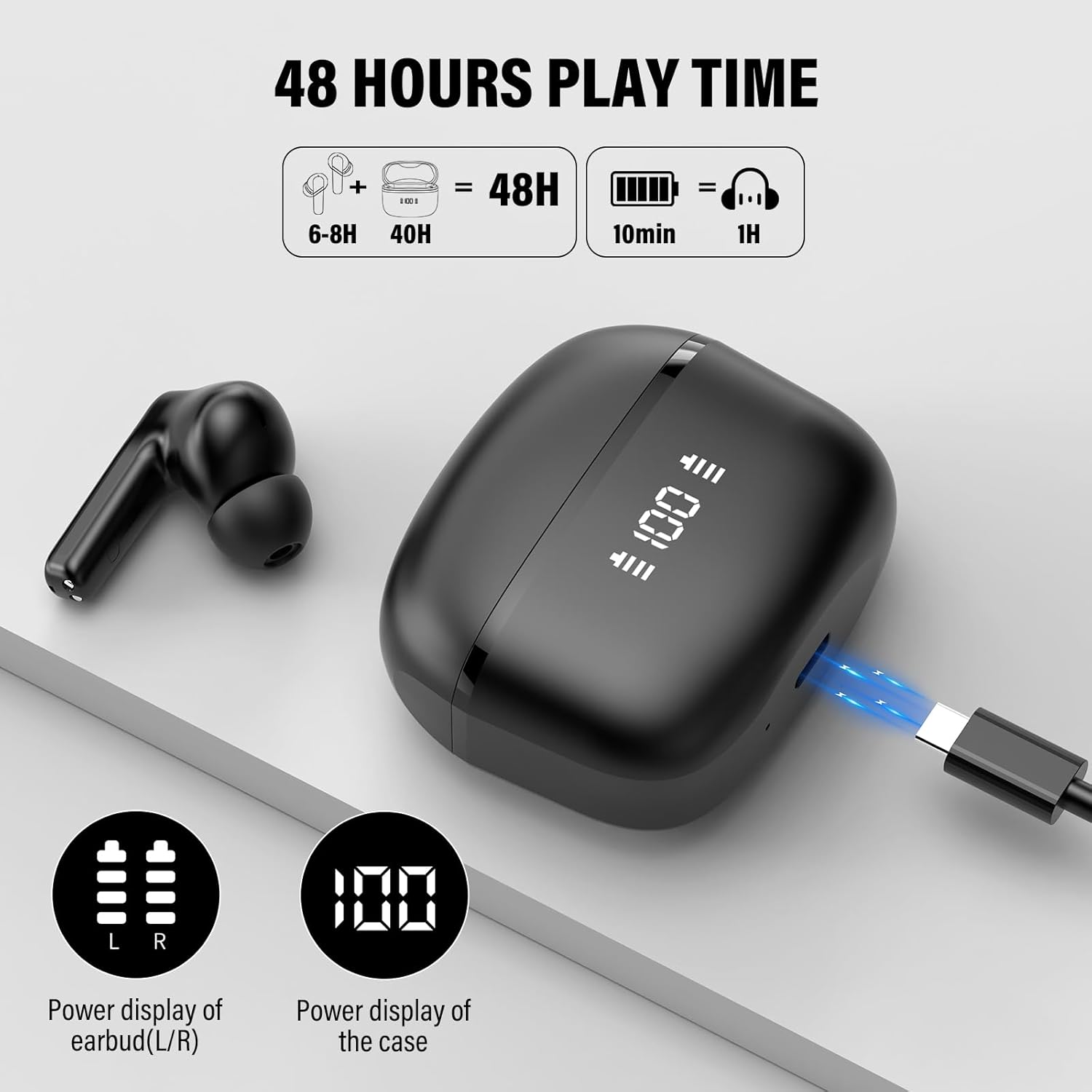
Image illustrating the 48-hour total play time with the charging case and fast charging capability.
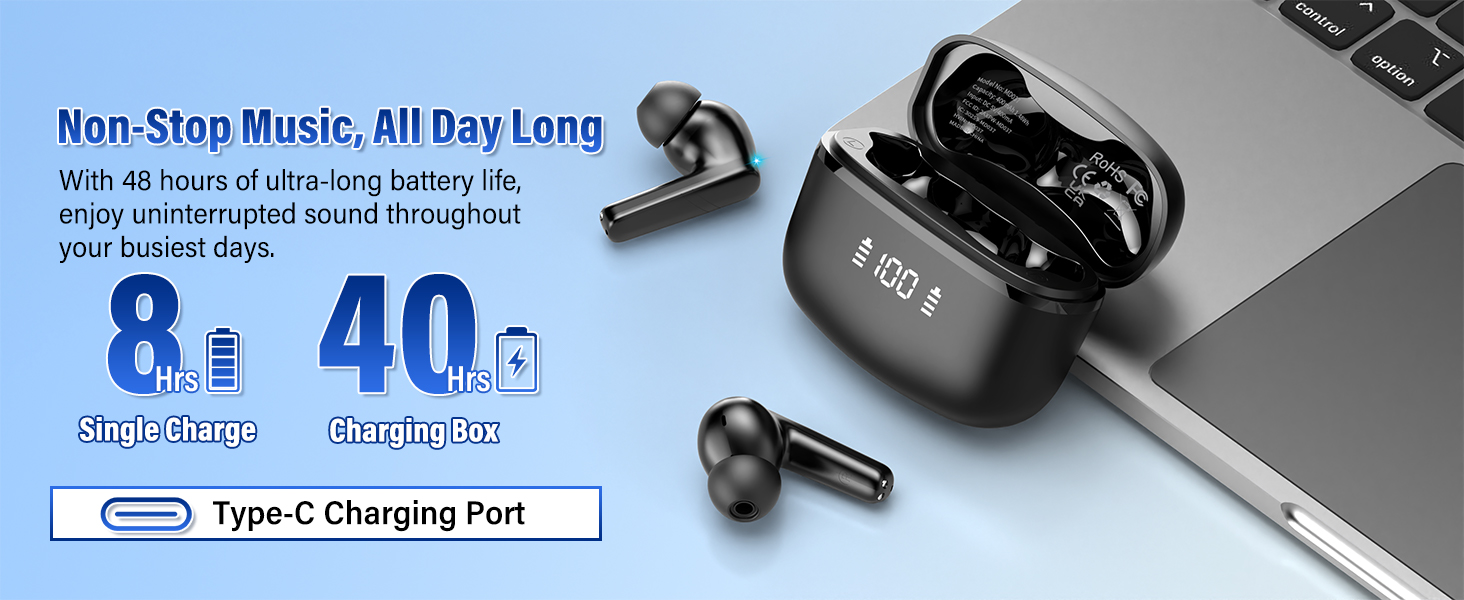
Visual representation of the earbuds' long battery life and Type-C charging port.
Comfortable Fit & Touch Control
Featuring a 45° in-ear design and including three pairs of soft ear tips (S/M/L), these earbuds ensure maximum comfort even during extended use. The built-in touch sensor allows for effortless control of music, calls, and voice assistant activation without needing to access your phone.

Illustration of various touch control gestures for managing music, calls, and other functions.
IPX7 Waterproof & Sweatproof
With an IPX7 waterproof rating, your music and communication remain uninterrupted through rain, sweat, and splashes, making them suitable for various environments and activities.

Image demonstrating the IPX7 waterproof and sweatproof capabilities of the earbuds.
Applications
The Puqo MD037 AI Translation Earbuds are designed for a wide range of applications:
International Travel
Enhance communication with locals, enrich your travel experience, and ensure comfort at hotels, restaurants, or attractions by easily understanding and being understood.
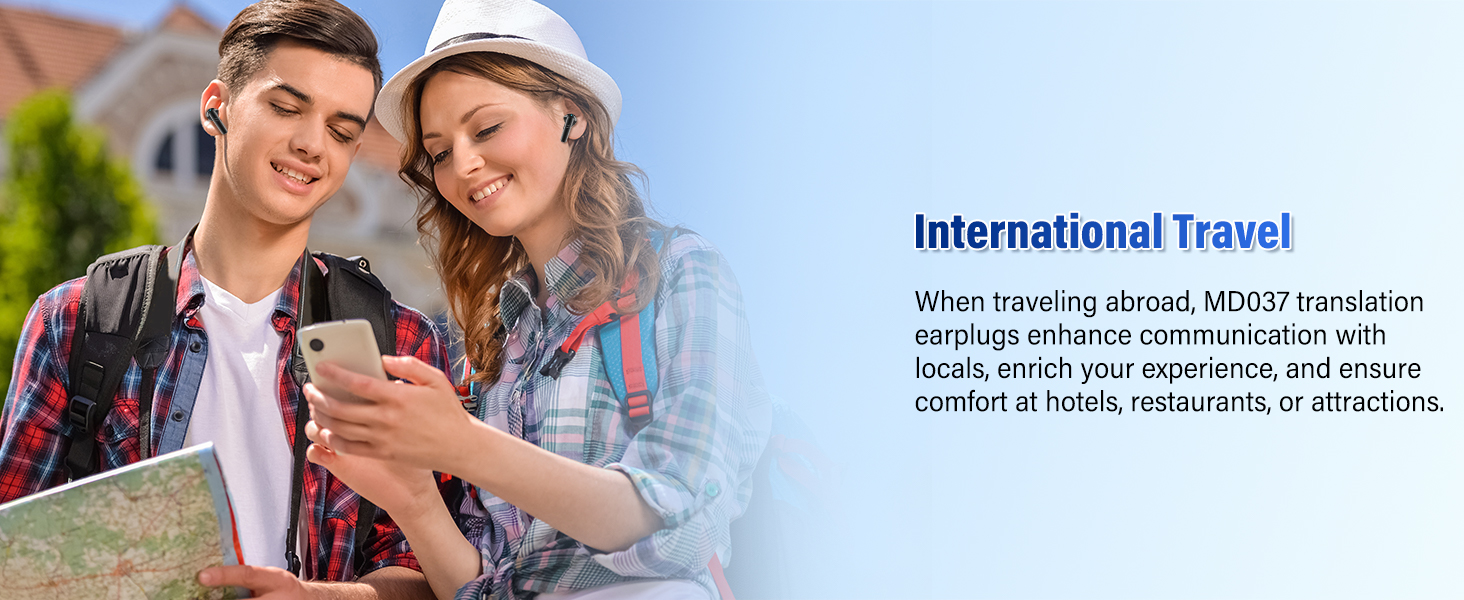
Two individuals using the earbuds while traveling, highlighting their utility for international communication.
Business Meetings
In international business meetings, the MD037 can translate multiple languages in real-time, helping participants from different language backgrounds to better understand and communicate, fostering effective collaboration.

Business professionals using the earbuds during a meeting to facilitate multilingual communication.
Academic Exchange
At international academic conferences or seminars, MD037 translation earbuds help you understand lectures and discussions across languages, enhancing cross-cultural communication and academic collaboration.

Students utilizing the earbuds for academic discussions and learning.
Learning & Training
In classroom learning or training sessions, the MD037 translation headset provides instant language translation to help learners better understand the content and allows speech to be converted into text for easier learning.
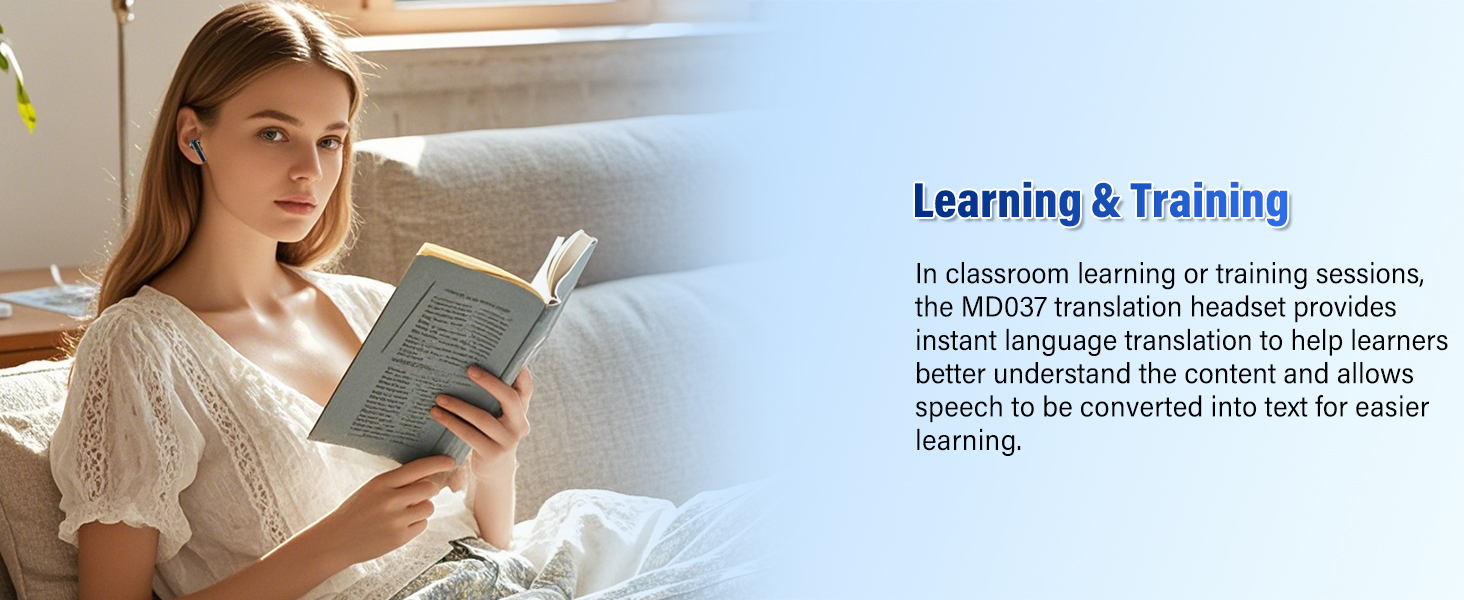
An individual using the earbuds for language learning or training sessions.
Reliable Aid in Emergencies
In medical, legal, or lost-person situations, MD037 AI Translation Earbuds help you communicate clearly with professionals, ensuring accurate information exchange when it matters most.

Illustration of the earbuds being used in an emergency scenario for clear communication.
Specifications
| Feature | Detail |
|---|---|
| Model Number | MD037 |
| Brand | Puqo |
| Translation Languages | 144 (real-time) |
| Bluetooth Version | 5.4 |
| Speaker Driver Size | 14.2mm |
| Noise Cancellation | ENC Microphones |
| Earbud Battery Life (single charge) | 8 hours |
| Total Playback Time (with charging case) | Up to 48 hours |
| Charging Port | USB-C |
| Full Recharge Time | 1.5 hours |
| Item Weight | 3.84 ounces |
| Package Dimensions | 3.62 x 3.31 x 1.46 inches |
| Batteries | 3 Lithium Polymer batteries required (included) |
| Date First Available | May 21, 2025 |
Troubleshooting
If you encounter any issues with your Puqo MD037 AI Translation Earbuds, please refer to the following common solutions:
- No Sound/Poor Sound Quality: Ensure earbuds are fully charged. Check Bluetooth connection and ensure they are paired correctly. Clean ear tips and speaker mesh to remove any debris. Adjust volume on both earbuds and connected device.
- Translation Issues: Verify a stable internet connection for real-time translation. Ensure the "Nebula Buds" app is open and active. Check language settings in the app to ensure correct source and target languages are selected. Speak clearly and at a moderate pace.
- Connectivity Problems: Make sure Bluetooth is enabled on your device. Try unpairing and re-pairing the earbuds. Restart both the earbuds (by placing them back in the case and closing it, then reopening) and your connected device. Ensure earbuds are within the effective Bluetooth range (up to 15m).
- Earbuds Not Charging: Check if the charging cable is securely connected to both the case and a power source. Ensure the charging case itself has power. Clean the charging contacts on both the earbuds and inside the case.
- App Not Functioning: Ensure the app is updated to the latest version. Try force-closing and reopening the app. If issues persist, uninstall and reinstall the app (note: you may need to re-activate with the QR code).
For persistent issues not covered here, please contact customer support.
Warranty and Support
Puqo products are manufactured with high standards of quality and durability. For information regarding warranty coverage, technical support, or service inquiries, please refer to the warranty card included in your product packaging or visit the official Puqo website. Please retain your proof of purchase for any warranty claims.