
1. Introduction
Thank you for choosing the Aulaborer DL-B1 Fingerprint Door Lock Deadbolt with Handle Set. This smart keyless entry system offers advanced security and convenience for your home or rental property. This manual provides detailed instructions for installation, operation, maintenance, and troubleshooting to ensure optimal performance and security.

Image 1.1: Aulaborer DL-B1 Fingerprint Door Lock with companion app.
2. Product Overview
2.1 Key Features
- 5-in-1 Keyless Entry: Unlock using fingerprint, mobile app, keypad code, one-time temporary code, or physical key.
- High-Precision Fingerprint Sensor: Recognizes fingerprints in approximately 0.3 seconds with 99.99% accuracy.
- Smart Auto-Lock: Configurable auto-lock timer (10-30 seconds) for enhanced security.
- Low Power Consumption: Operates for over a year on 4 AA batteries with a low-battery indicator.
- Anti-Peeping Password: Allows entry of random digits before or after the correct code to prevent code exposure.
- Backlit Keypad: Ensures visibility and ease of use in low-light conditions.
- Weather Resistant: IP65 waterproof grade for reliable operation in various weather conditions.
- Ambidextrous Design: Compatible with both left- and right-hand doors.

Image 2.1: Key features of the Aulaborer DL-B1 Fingerprint Door Lock.
2.2 Package Contents
Verify that all components are present before beginning installation:
- Fingerprint Door Lock (Exterior Unit)
- Door Handle Set (Interior Unit)
- Mounting Plate
- Deadbolt Latch
- Strike Plate
- Physical Keys (2)
- Screwdriver (for installation)
- User Manual (this document)

Image 2.2: Overview of the lock's functions and features.
3. Installation
The Aulaborer DL-B1 is designed for easy DIY installation, typically taking less than 15 minutes with a screwdriver. No professional tools or locksmith are required.
3.1 Compatibility Check
Before installation, ensure your door meets the following specifications:
- Door Thickness: 1.31 inches to 2.16 inches (35mm to 55mm)
- Backset: 2-3/8 inches or 2-3/4 inches (60mm or 70mm)
- Bore Hole Diameter: 2-1/8 inches (54mm)
- Compatible with both left-handed and right-handed doors.

Image 3.1: Door compatibility measurements.
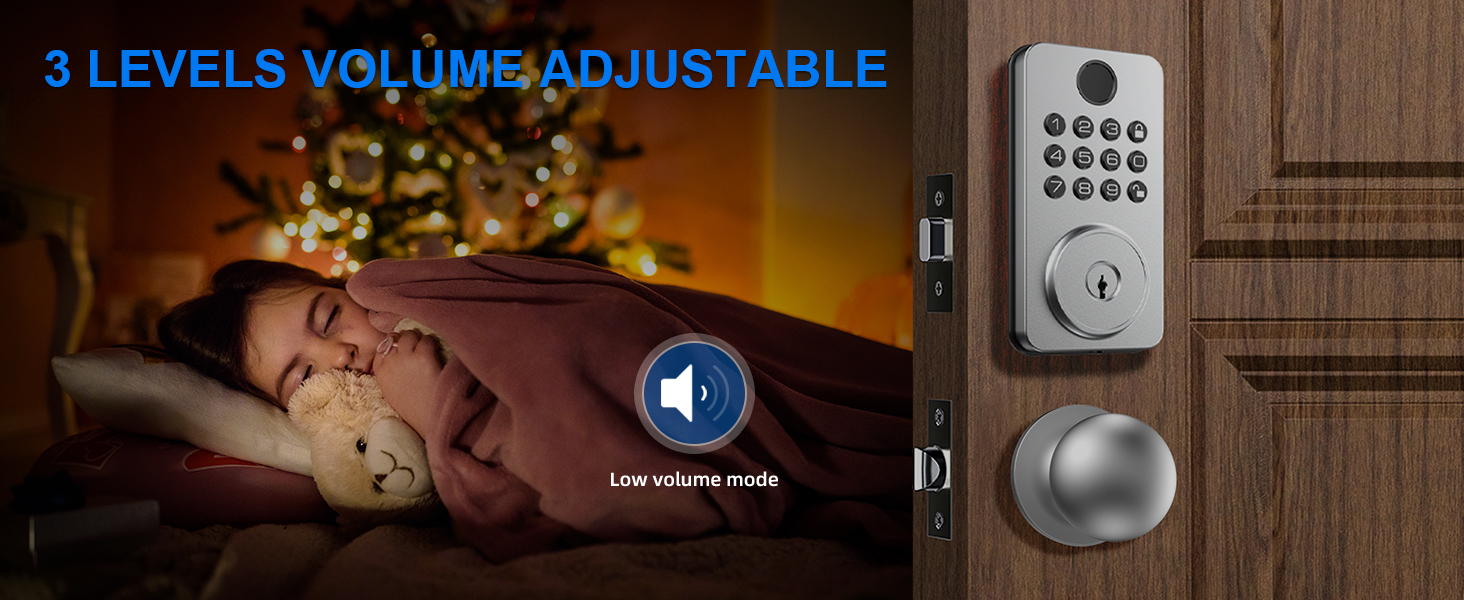
Image 3.2: Compatible and incompatible door lock types.
3.2 Installation Steps
Refer to the included quick start guide or the full user manual for detailed, step-by-step installation instructions. A screwdriver is the only tool required.

Image 3.3: Easy DIY installation process.
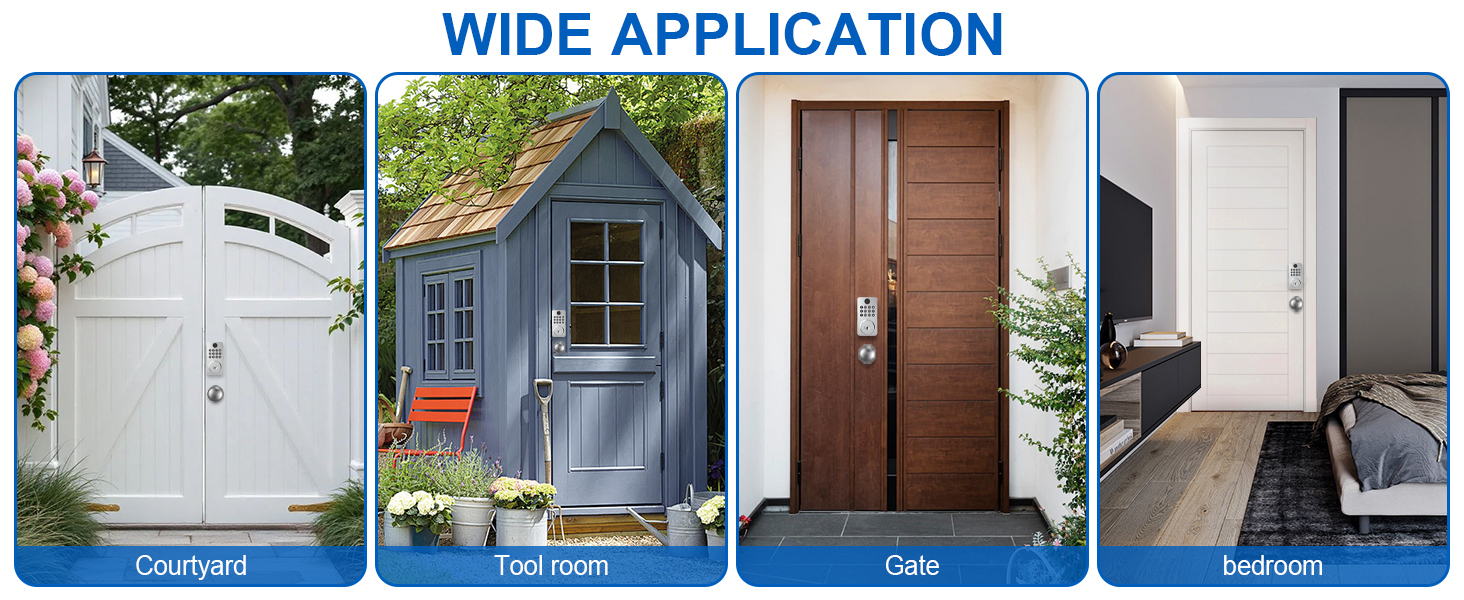
Image 3.4: Compatibility with left and right-hand doors.
4. Operation
4.1 Unlocking Methods
The Aulaborer DL-B1 offers five convenient ways to unlock your door:
- Fingerprint: Place a registered finger on the sensor. The lock will unlock in approximately 0.3 seconds. Supports up to 50 unique fingerprints.
- App Control: Use the dedicated mobile application to unlock the door remotely via Bluetooth.
- Keypad Code: Enter a registered 6-8 digit code on the backlit keypad. Supports up to 50 user codes.
- One-Time Temporary Code: Generate a temporary code via the app for guests or service providers. This code expires after a single use or a set time.
- Physical Key: Use the provided mechanical key as a backup.

Image 4.1: Multiple unlocking methods for the Aulaborer DL-B1.
4.2 Smart Auto-Lock
The auto-lock feature automatically secures your door after a set period (10-30 seconds) once it has been unlocked. This provides peace of mind, ensuring your door is always locked even if you forget.
Image 4.2: Auto-lock feature in action.
4.3 Anti-Peeping Password
To prevent others from observing your passcode, you can enter random digits before or after your actual code. The lock will still recognize the correct sequence within the longer string of numbers.
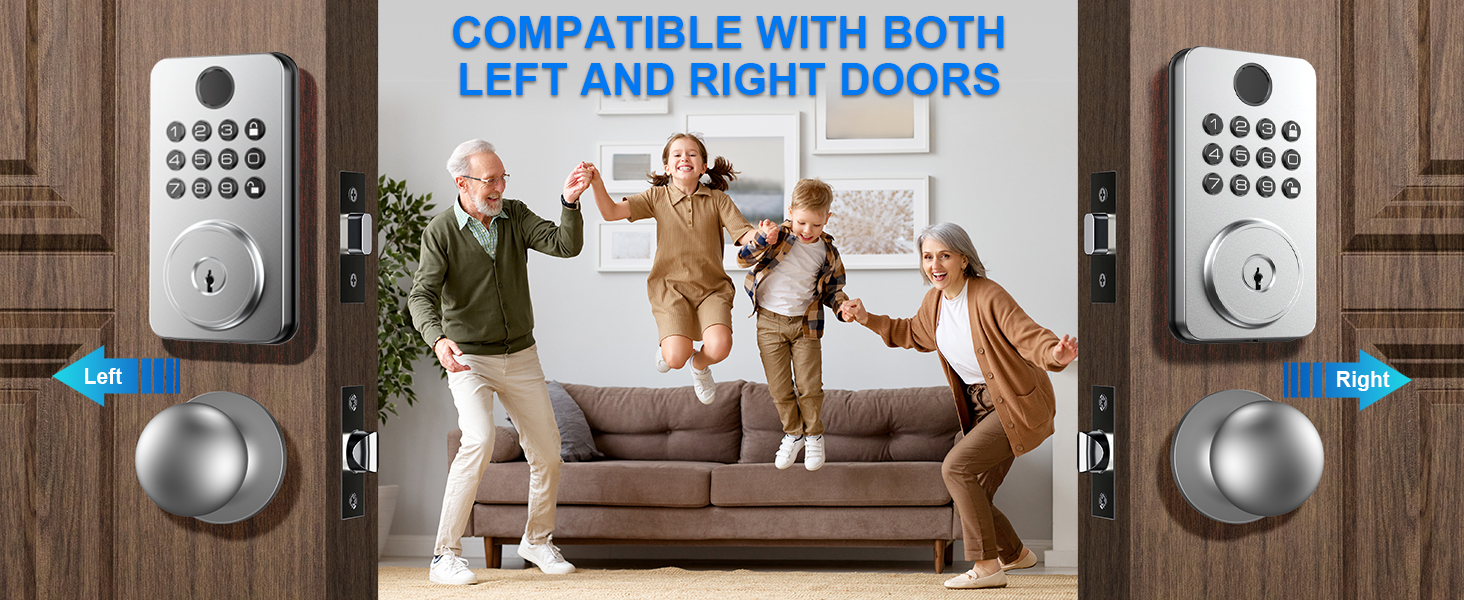
Image 4.3: Anti-peeping password function.
4.4 One-Touch Locking
Instantly secure your home with a single press of the lock button on the keypad, ideal for quick exits.
4.5 One-Time PIN Code
Generate temporary access codes for visitors, housekeepers, or couriers directly from the mobile application. These codes can be set to expire after a single use or a specific duration, enhancing security and convenience.
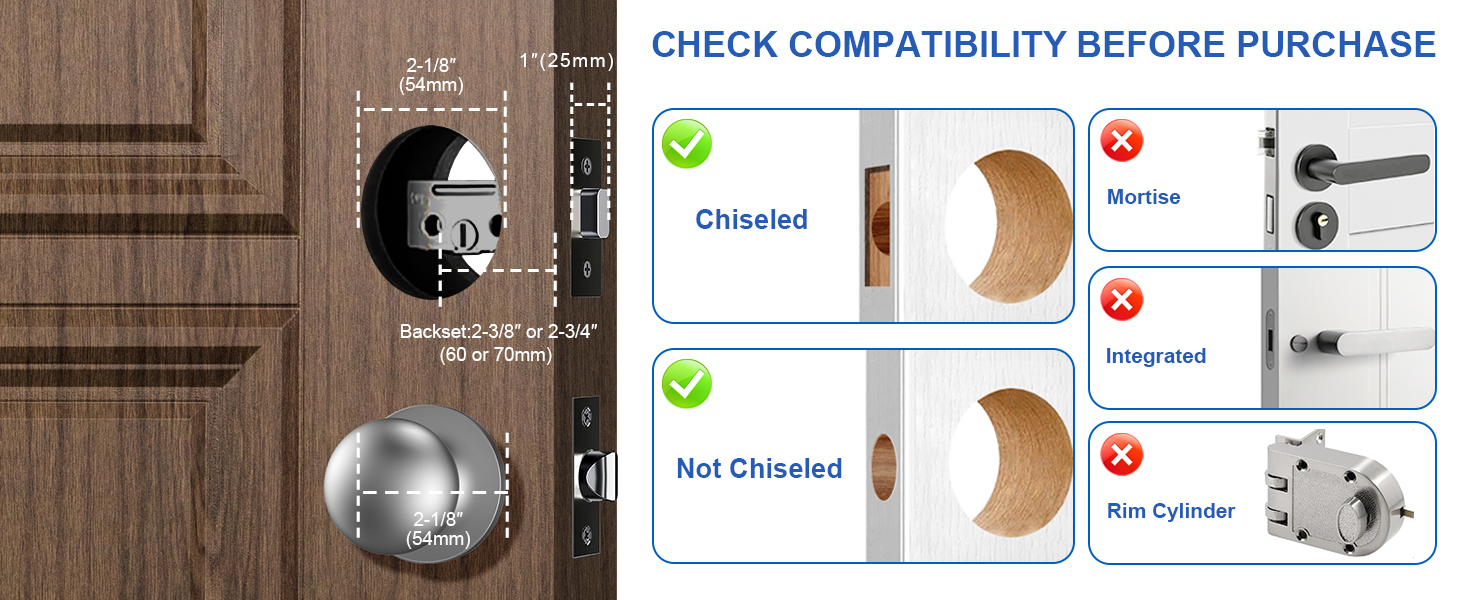
Image 4.4: Generating and using a one-time PIN code.
5. Maintenance
5.1 Battery Replacement
The lock is powered by 4 AA batteries (not included). When the battery level drops below 20%, an LED indicator will alert you. Replace all four batteries promptly to ensure continuous operation.
5.2 Emergency Power
In case of complete battery depletion, the lock features a USB-C port for emergency power. Connect a power bank to this port to temporarily power the lock and gain entry.
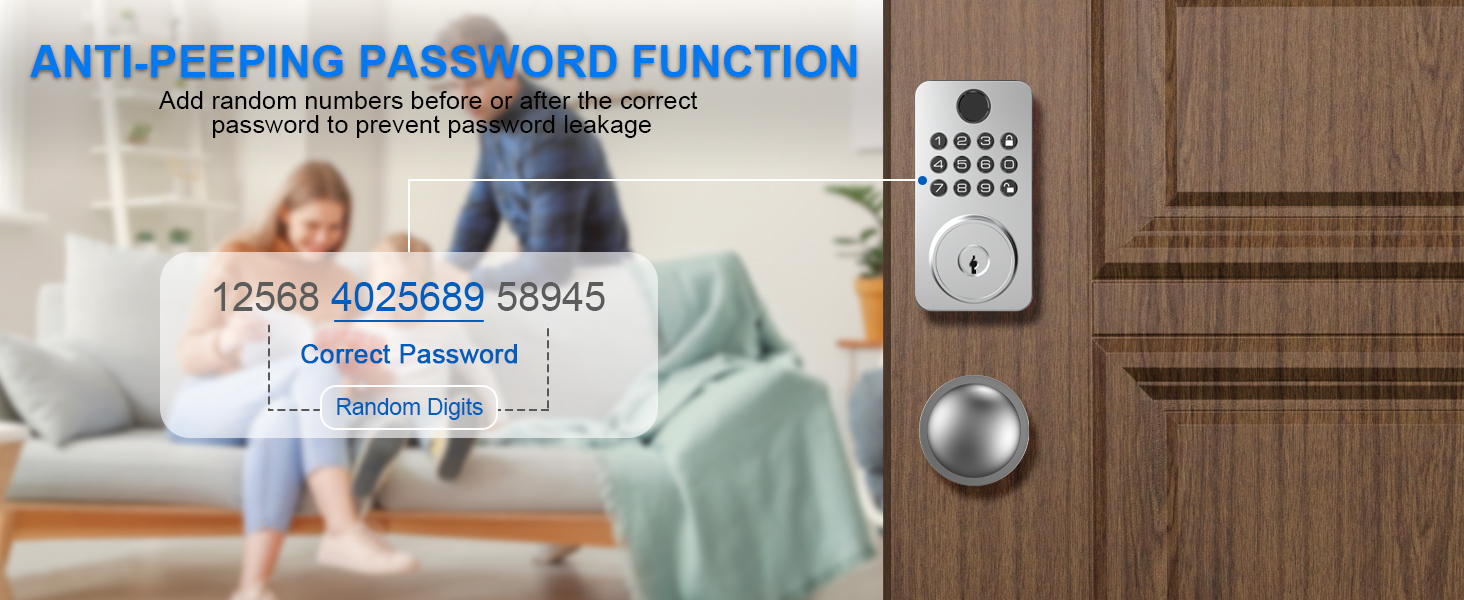
Image 5.1: Emergency battery backup via USB-C.
5.3 Cleaning
Wipe the lock's exterior with a soft, damp cloth. Avoid using abrasive cleaners or solvents that could damage the finish or electronic components.
6. Troubleshooting
- Lock not responding: Check battery levels and replace if necessary. Ensure the emergency power port is clean if using a power bank.
- Fingerprint not recognized: Ensure your finger is clean and dry. Re-register your fingerprint if issues persist.
- Keypad not responding: Check battery levels. Ensure no debris is obstructing the buttons.
- Auto-lock not engaging: Verify the auto-lock feature is enabled and configured correctly in the mobile application.
- Difficulty with installation on left/right-hand door: The lock is designed to be ambidextrous. Refer to the detailed installation guide to ensure all components are oriented correctly for your door's swing direction.
- App connectivity issues: Ensure Bluetooth is enabled on your smartphone and you are within range of the lock. Restart the app or your phone if necessary.
7. Specifications
| Feature | Specification |
|---|---|
| Model Number | DL-B1 |
| Material | Zinc |
| Exterior Finish | Nickel |
| Lock Type | Biometric, Deadbolt with Handle Set, Electronic Deadbolt, Keypad Lock |
| Item Weight | 2.3 Pounds |
| Product Dimensions | 6 x 3.5 x 10 inches |
| Hand Orientation | Ambidextrous |
| Power Source | 4 AA Batteries (not included) |
| Special Features | Anti-Peeping Password, Auto-Lock, Fingerprint, Passcode Unlock, Weather Resistant (IP65) |
8. Warranty and Support
For warranty information, technical support, or any questions regarding your Aulaborer DL-B1 Fingerprint Door Lock, please contact Aulaborer customer service through the retailer where the product was purchased or visit the official Aulaborer website.