
1. Important Safety Information
Please read all instructions carefully before installation and operation. Failure to follow these instructions may result in personal injury or damage to the product or vehicle. Keep this manual for future reference.
- Always ensure the vehicle is turned off and the battery is disconnected before performing any installation or wiring.
- Consult a professional installer if you are unsure about any part of the installation process.
- Do not operate the device in a way that distracts you from driving. Always prioritize road safety.
- Avoid exposing the unit to extreme temperatures, direct sunlight for prolonged periods, or excessive moisture.
2. What's in the Box
Verify that all components are present before beginning installation:
- Bobuluo Android 13 Car Stereo Head Unit
- Power Cable and Wiring Harness (with CANBUS decoder)
- GPS Antenna
- USB Cables (4P and 6P)
- RCA Cables
- Radio Adapter Cable
- Backup Camera (optional accessory, may be included)
- External Microphone
- Car Compass
- User Manual (this document)
3. Setup and Installation
This car stereo is designed for plug-and-play installation in compatible VW, Skoda, and Seat models. No additional frame or cable changes are typically required. The included CANBUS supports most original vehicle functions.
3.1 Wiring Diagram
Refer to the following diagram for proper connection of all cables. Ensure all connections are secure to prevent malfunctions.

Image Description: A detailed wiring diagram illustrating the various cable connections for the car stereo, including power, RCA lines, 4P USB, 6P USB, reversing line, radio adapter cable, and GPS cable. Specific instructions for Volkswagen low-profile models are also shown.
- Power Connection: Connect the main power harness to your vehicle's wiring. The CANBUS decoder will manage communication with the vehicle's systems.
- USB Connections: Utilize the 4P and 6P USB ports for external devices, such as USB drives or optional accessories.
- GPS Antenna: Mount the GPS antenna in a location with a clear view of the sky for optimal signal reception.
- Backup Camera (if applicable): Connect the reversing line and video input for the backup camera.
- Radio Antenna: Connect the radio adapter cable to your vehicle's antenna.
Note: For Volkswagen low-profile models, ensure you plug into the correct port and do not connect to the protocol box during initial installation.
4. Operating Instructions
4.1 9-inch IPS Touchscreen Display
The unit features a 9-inch IPS touchscreen with a resolution of 1280x720, providing enhanced clarity and a responsive interface. The Android 13 operating system offers a revamped user interface for fluid interactions.

Image Description: A visual comparison demonstrating the superior clarity, brightness, and color reproduction of the 2.5D IPS touch screen compared to an ordinary screen, emphasizing high-definition 1080P quality.
4.2 Wireless Apple CarPlay / Android Auto / Screen Mirroring
Enjoy seamless integration with your smartphone using wireless Apple CarPlay and Android Auto via Bluetooth, or wired connections via USB. You can also mirror your phone's display onto the car stereo.
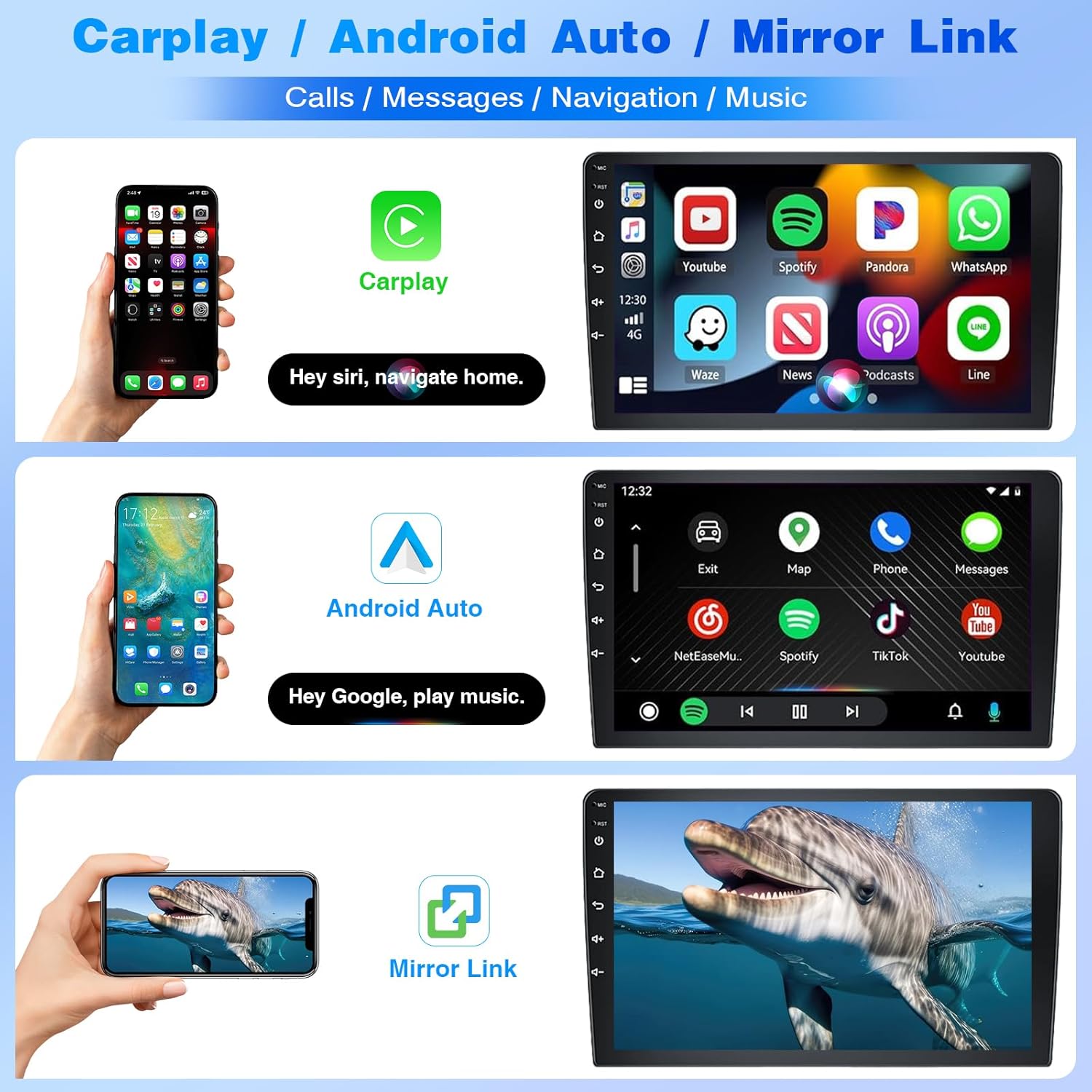
Image Description: Three panels demonstrating the functionality of CarPlay, Android Auto, and Mirror Link. The top panel shows CarPlay with phone, music, maps, and messages. The middle panel shows Android Auto with navigation and music. The bottom panel shows a phone screen mirrored to the car stereo.
Connecting to Apple CarPlay / Android Auto:
The following video demonstrates the connection process for both Bluetooth and ZLINK (CarPlay/Android Auto).
Video Description: An instructional video demonstrating how to connect your smartphone to the car stereo via Bluetooth and ZLINK for Apple CarPlay and Android Auto. It covers initial Bluetooth pairing, launching the ZLINK application, and troubleshooting manual WiFi connection if automatic pairing fails.
4.3 Bluetooth Connectivity
The unit supports Bluetooth for hands-free calling and audio streaming. Pair your phone with the car stereo to make and receive calls safely, and play music wirelessly.

Image Description: A multi-panel image showcasing key features: a Bluetooth chip for hands-free calling, split-screen options (e.g., navigation and YouTube), the FM/RDS radio interface with equalizer, and voice control commands for calls and music.
4.4 GPS Navigation and WiFi
Connect to WiFi via a hotspot to access online maps and navigation services. The system supports various navigation applications for your journey.
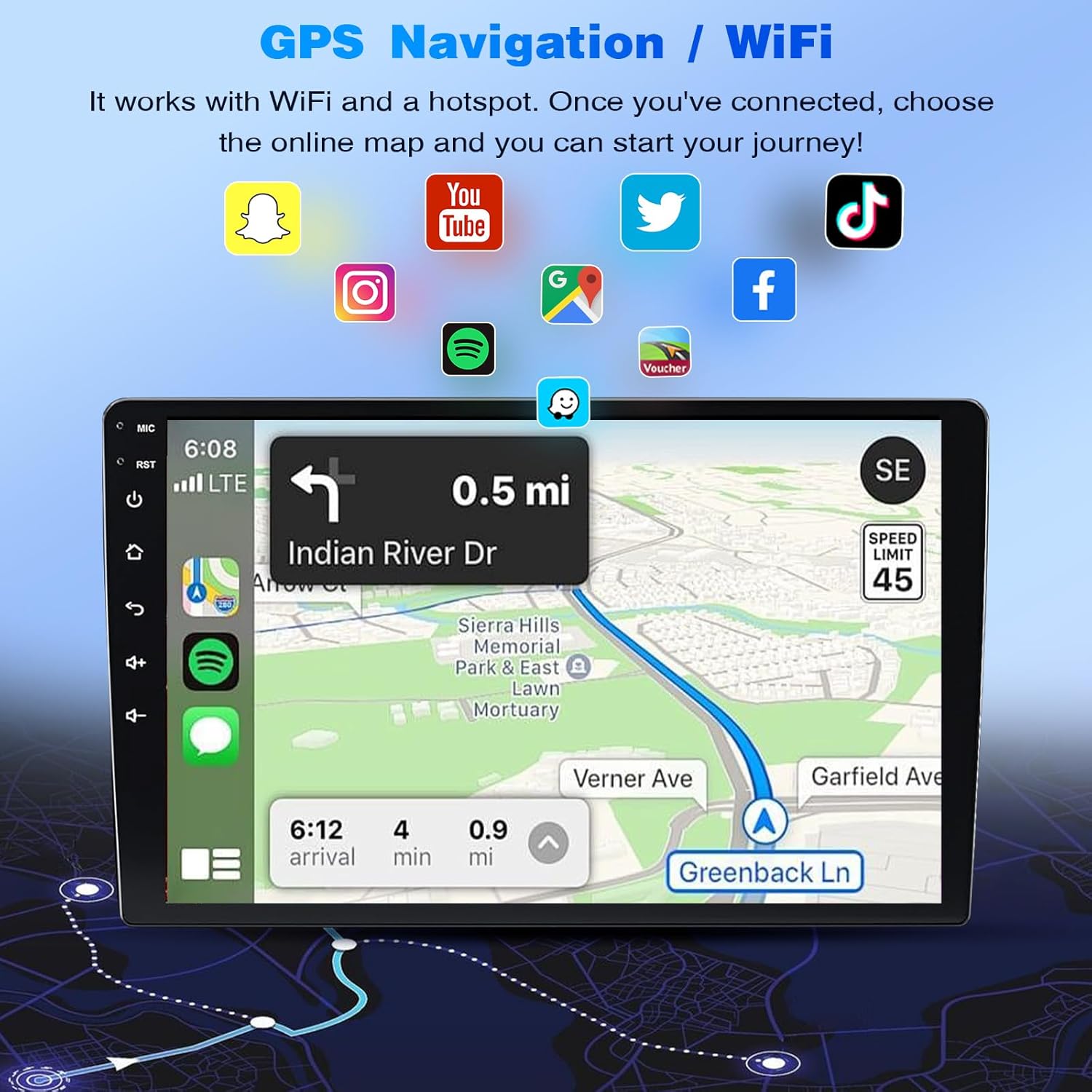
Image Description: A car stereo display showing a GPS navigation map with a route highlighted. Surrounding the map are icons for various applications like Snapchat, YouTube, Twitter, TikTok, Instagram, Spotify, and Facebook, indicating WiFi and online functionality.
4.5 FM/RDS Radio
Tune into your favorite FM radio stations. The RDS (Radio Data System) feature provides additional information like station names and song titles where available.
4.6 Audio Customization
Personalize your listening experience with the 36-band graphic equalizer and 5 preset EQ modes. The 4x45W max output power ensures clear audio.
4.7 Steering Wheel Controls (SWC)
The unit retains factory features, including steering wheel controls, allowing you to manage audio and calls without taking your hands off the wheel.
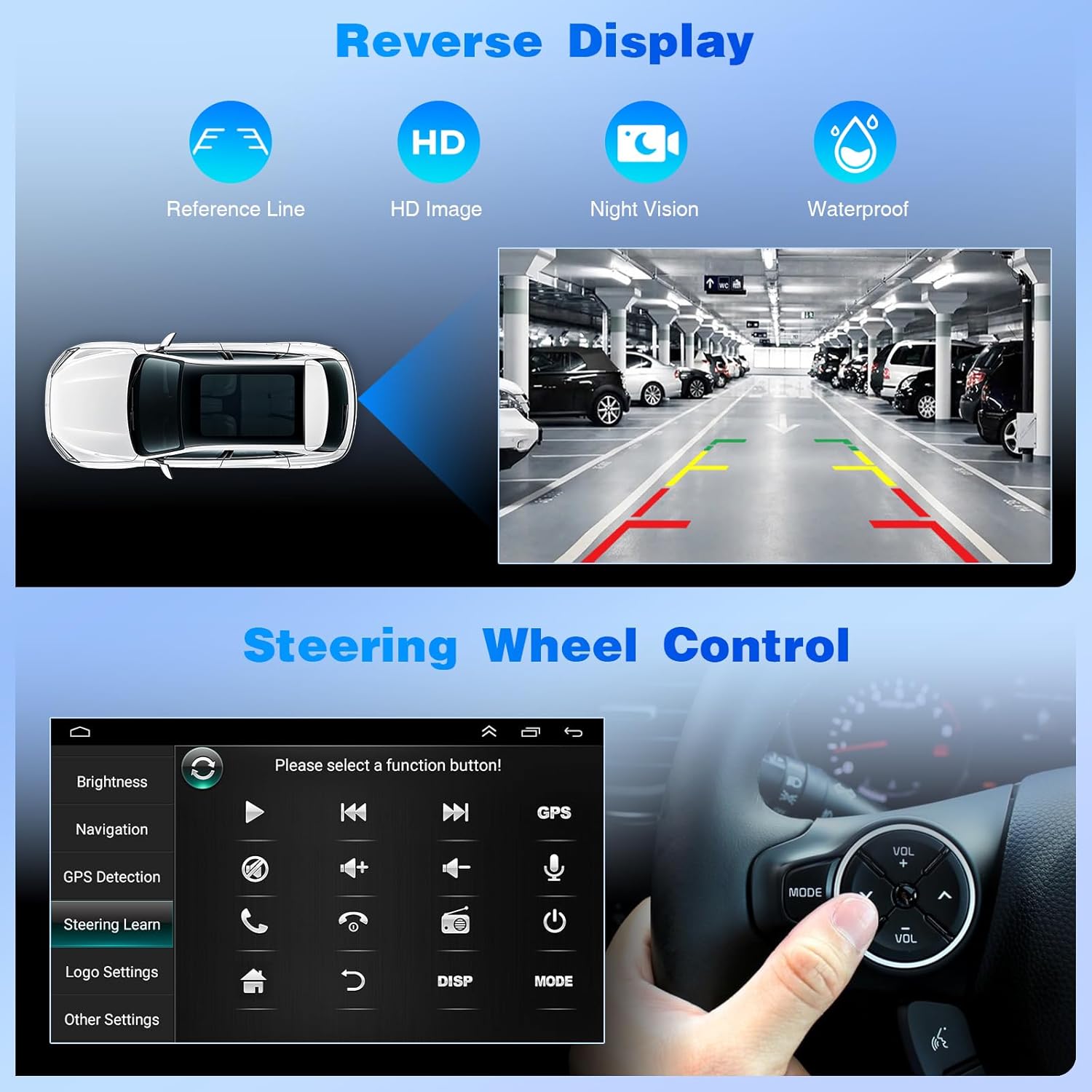
Image Description: The top section displays a reverse camera view with HD quality, night vision, and waterproof features, including dynamic reference lines. The bottom section shows the car stereo interface for learning and configuring steering wheel controls.
4.8 Backup Camera Support
The system supports backup cameras, providing HD images, night vision, and waterproof capabilities. Reference lines assist with parking maneuvers.
4.9 UI Themes
Choose from 3 built-in UI themes to personalize the appearance of your car radio interface.
4.10 Optional Accessories
The Bobuluo car stereo supports various optional accessories (not included) to enhance functionality:
- Eonon Dashcam (A100)
- Backup Camera (A0125)
- Bluetooth OBD2 Scanner (V0056)
- DAB+ Box (A0593 or A503)
5. Maintenance
To ensure the longevity and optimal performance of your car stereo, follow these maintenance guidelines:
- Cleaning: Use a soft, dry cloth to clean the screen and exterior. Avoid abrasive cleaners or solvents that could damage the finish.
- Temperature: Do not expose the unit to extreme heat or cold. Park your vehicle in shaded areas when possible during hot weather.
- Software Updates: Periodically check for software updates to ensure the system is running the latest version and has the most current features and bug fixes.
- Cable Connections: Occasionally check all cable connections to ensure they remain secure and free from corrosion.
6. Troubleshooting
If you encounter issues with your Bobuluo car stereo, refer to the following common troubleshooting steps:
- No Power: Check all power connections and fuses. Ensure the vehicle's ignition is on.
- No Sound: Verify speaker connections, volume levels, and audio source selection. Check if the mute function is active.
- Bluetooth Connection Issues: Ensure Bluetooth is enabled on both the stereo and your phone. Delete previous pairings and try reconnecting. Refer to the connection video in Section 4.2.
- GPS Signal Loss: Ensure the GPS antenna has a clear view of the sky. Check antenna connection.
- Touchscreen Unresponsive: Try restarting the unit. If the issue persists, a factory reset might be necessary (note: this will erase all personal settings).
- CarPlay/Android Auto Not Connecting: Ensure your phone's operating system is up to date. Try both wireless (Bluetooth/WiFi) and wired (USB) connections. Reinstall the ZLINK app if necessary.
If these steps do not resolve the issue, please contact customer support.
7. Specifications
| Feature | Detail |
|---|---|
| Item Weight | 2.84 pounds (1287 Grams) |
| Product Dimensions | 11.42 x 7.48 x 3.94 inches |
| Item Model Number | JFHZ-QJ0580X-WJM-05 |
| Brand | Bobuluo |
| Special Feature | Bluetooth, Touchscreen |
| Connectivity Technology | Bluetooth, USB |
| Map Type | North America (pre-installed, online maps via WiFi) |
| Operating System | Android 13 (API level 33), iOS (via CarPlay) |
| Display | 9-inch IPS Touchscreen, 1280x720 Resolution |
| Audio Output | 4x45W Max Power, 36-band Graphic Equalizer, 5 Preset EQ Modes |
| Memory/Storage | 2GB RAM + 32GB Internal Storage |
| CANBUS Support | Retains factory features (Dynaudio/Fender audio, SWC, AC info, radar sensors, vehicle info) |
8. Warranty and Support
For warranty information, please refer to your purchase documentation or contact the seller directly. Bobuluo is committed to providing high-quality customer service.
If you have any questions about the product, require technical assistance, or need to verify vehicle compatibility, please contact Bobuluo customer support through Amazon. Technical support is available within 24 hours.
When contacting support, please provide your car model and, if possible, a photo of your car's center console for compatibility inquiries.