
1. Introduction
The Hollyland Pyro 5 is an advanced wireless video transmission system designed for professional film production, live streaming, and ENG/EFP applications. It integrates transmitter, receiver, and monitor functionalities into a single, compact 5.5-inch unit. Featuring a high-brightness display, low latency, extended range, and dual-band auto-hopping technology, the Pyro 5 ensures stable and high-quality video transmission in various demanding environments. This manual provides detailed instructions for setting up, operating, and maintaining your Pyro 5 system.

Figure 1.1: Front view of the Hollyland Pyro 5 Wireless Video Transmitter & Receiver.
2. What's in the Box
Upon unboxing your Hollyland Pyro 5, please verify that all the following components are included:
- Pyro 5 Wireless Transceiving Monitor (x1)
- Easy-Install Short Antenna (x2)
- USB-C OTG Adapter (x1)
- Tempered Glass Screen Protector (x1)
- Quick Guide (x1)

Figure 2.1: All components included in the Hollyland Pyro 5 package.
3. Key Features
The Hollyland Pyro 5 is equipped with a range of features designed to enhance your video production workflow:
3.1 All-In-One Solution and Enhanced Display
The Pyro 5 combines transmitter, receiver, and monitor functionalities into a single compact unit. Its 5.5-inch display offers a high brightness of 1,500 nits, ensuring clear visibility even in bright outdoor conditions. It operates on the new HollyOS, providing an intuitive user experience and advanced analytical capabilities.

Figure 3.1: Overview of the Pyro 5's integrated features and display capabilities.
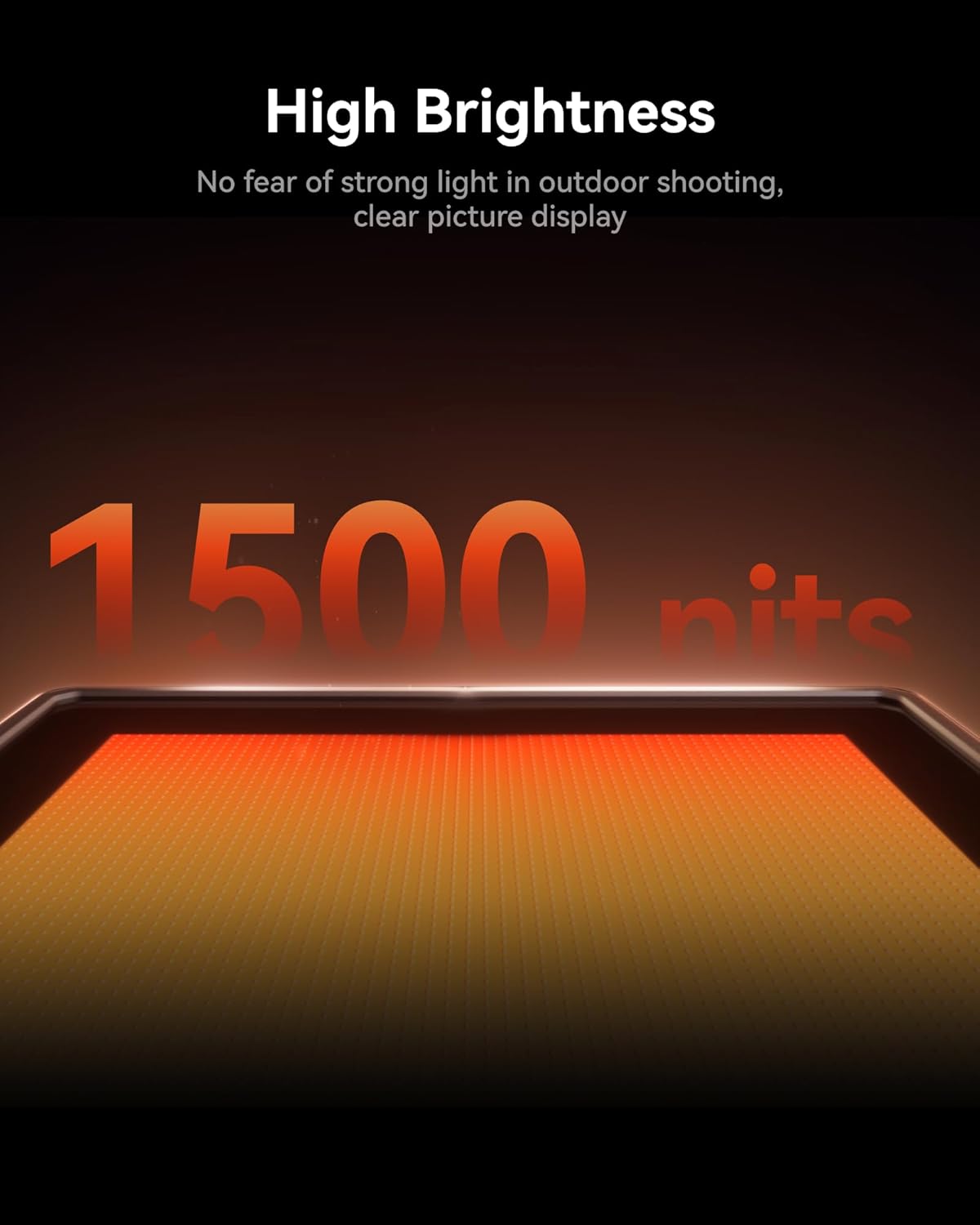
Figure 3.2: The 1500 nits high brightness display ensures clear visibility in strong light.
3.2 Low Latency and Extended Range
Experience real-time video streaming with an ultra-low latency of 60ms and an extended transmission range of up to 400 meters (1300 feet). This makes the Pyro 5 suitable for demanding live events and complex film productions where precise timing is crucial.
3.3 4K Input and Dual-Band Auto Hopping
The Pyro 5 supports 4K video inputs, delivering exceptional clarity. Its advanced Dual-Band Auto Hopping (ADH) technology seamlessly operates across 2.4GHz and 5GHz frequencies, dynamically selecting from 8 frequency points to minimize interference and ensure stable video transmission, even in signal-dense environments.
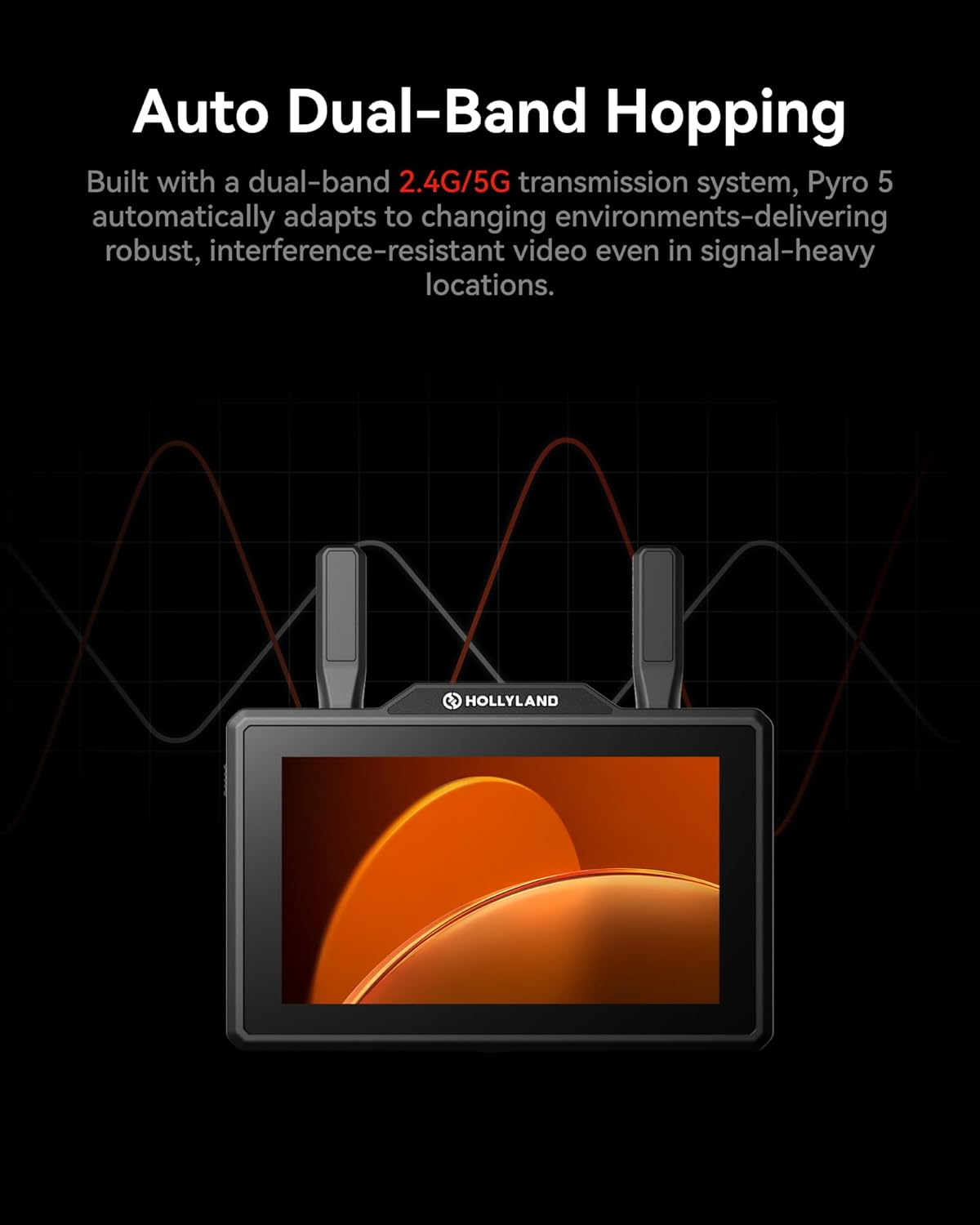
Figure 3.3: The Pyro 5's auto dual-band hopping system adapts to changing environments for robust, interference-resistant video.
3.4 Versatile Connectivity and Live Streaming
Equipped with HDMI and SDI inputs and outputs, the Pyro 5 offers comprehensive connectivity for diverse production setups. Its RTMP functions simplify live streaming, allowing direct streaming to platforms like YouTube Live and Twitch, facilitating real-time content distribution.

Figure 3.4: HDMI and SDI ports provide versatile connectivity options.

Figure 3.5: RTMP streaming allows direct broadcast to popular platforms.
3.5 New HollyOS and Image Analysis Tools
The intuitive HollyOS provides a suite of advanced image analysis tools, including Waveform, Vectorscope, Zebra Pattern, Focus Assist, False Color, 3D LUT, and more, enabling precise monitoring and decision-making on set.

Figure 3.6: The New HollyOS offers a comprehensive suite of auxiliary tools for professional monitoring.
3.6 Expandable Storage and Direct Camera Control
Proxy files can be recorded directly to an SD card or USB drive, automatically organized into folders for efficient review and editing. The Pyro 5's 5.5-inch touchscreen also enables direct adjustments to camera settings such as shutter speed, aperture, focus, and ISO, providing dynamic control.

Figure 3.7: Expandable storage allows direct recording of proxy files.

Figure 3.8: Direct camera control via the touchscreen.
4. Setup Guide
Follow these steps to set up your Hollyland Pyro 5 for operation:
- Attach Antennas: Carefully screw the two easy-install short antennas onto the designated antenna ports on the top of the Pyro 5 unit. Ensure they are securely fastened but do not overtighten.
- Power Supply:
- NPF Battery: Insert a compatible NPF battery into the battery slot on the rear of the unit.
- DC Input: Connect a DC power adapter (6V-16V) to the DC-IN port.
- USB-C: For power output (5V/1A), use the USB-C port.

Figure 4.1: Flexible power supply solutions for the Pyro 5.
- Connect Video Source:
- HDMI: Connect your camera or video source to the HDMI-IN port using an HDMI cable.
- SDI: Alternatively, connect your camera or video source to the SDI-IN port using an SDI cable.
- Power On: Press and hold the power button until the display illuminates.
- Initial Configuration: Upon first power-on, the device may guide you through initial language and network settings. Follow the on-screen prompts.
5. Operating Instructions
This section covers the basic operation of your Hollyland Pyro 5.
5.1 Navigating HollyOS
The Pyro 5 features a touchscreen interface powered by HollyOS. Swipe gestures and taps are used to navigate menus and access functions. The main screen displays your video feed along with overlays for monitoring tools and settings.
5.2 Video Transmission Modes
The Pyro 5 offers different transmission modes to suit your needs:
- HD Mode: Delivers high clarity with a 12 Mbps bitrate and a minimum latency of 75ms. Ideal for critical image monitoring.
- Smooth Mode: Dynamically adjusts bitrate to achieve the lowest 60ms latency for ultra-long-distance transmission.
You can switch between these modes via the settings menu on the device.
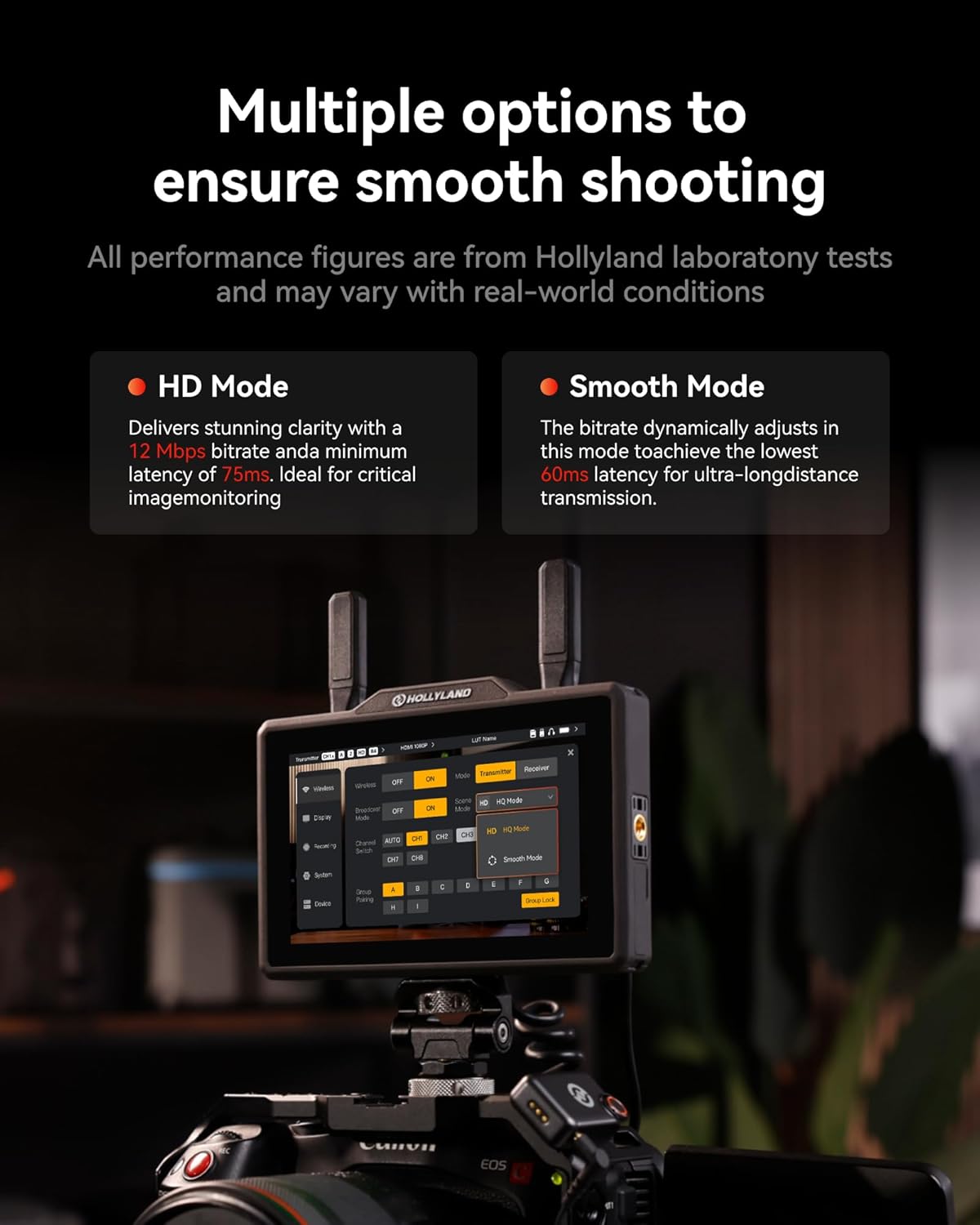
Figure 5.1: Select between HD Mode for clarity or Smooth Mode for lowest latency.
5.3 Using Monitoring Tools
Access various professional monitoring tools from the HollyOS interface:
- Waveform: Analyze luminance and color levels.
- Vectorscope: Check color saturation and hue.
- Zebra Pattern: Identify overexposed areas.
- Focus Assist: Aid in achieving sharp focus.
- False Color: Visualize exposure levels.
- 3D LUT: Apply custom Look-Up Tables for color grading and monitoring. The Pyro 5 comes with 5 built-in LUTs and supports custom LUT import.
5.4 Recording and Playback
Insert an SD card into the designated slot to enable recording of proxy files. Files are automatically organized for easy access. Use the playback function to review recorded footage directly on the device.
5.5 RTMP Live Streaming
To initiate live streaming:
- Connect the Pyro 5 to a network via a 4G LTE Wi-Fi modem or a network card.
- Access the RTMP settings in HollyOS.
- Enter your stream key and server URL for your desired platform (e.g., YouTube Live, Twitch).
- Start streaming directly from the device.
6. Maintenance
Proper maintenance ensures the longevity and optimal performance of your Hollyland Pyro 5.
- Cleaning: Use a soft, dry cloth to clean the exterior of the unit. For the screen, use a microfiber cloth specifically designed for electronics. Avoid abrasive cleaners or solvents.
- Storage: When not in use, store the Pyro 5 in a cool, dry place, away from direct sunlight and extreme temperatures.
- Antenna Care: Handle antennas with care. Ensure they are properly folded or detached when transporting the unit to prevent damage.
- Firmware Updates: Periodically check the official Hollyland website for firmware updates. Keeping your device's firmware up-to-date ensures access to the latest features and performance improvements.
7. Troubleshooting
This section addresses common issues you might encounter with your Pyro 5.
| Problem | Possible Cause | Solution |
|---|---|---|
| No video signal on monitor |
|
|
| Poor signal quality or frequent disconnections |
|
|
| Device not powering on |
|
|
8. Specifications
Detailed technical specifications for the Hollyland Pyro 5:
| Feature | Detail |
|---|---|
| Model Number | Pyro 5 |
| Screen Size | 5.5 Inches |
| Display Resolution | 1920 x 1080 Pixels |
| Brightness | 1500 nits (peak) |
| Latency | 60ms (Smooth Mode) |
| Transmission Range | Up to 400m (1300ft) |
| Frequency | 2.4GHz & 5GHz (Dual-Band Auto Hopping) |
| Video Input/Output | HDMI, SDI |
| Connectivity Technology | HDMI, SDI, Wi-Fi |
| Power Supply | NPF Battery, DC-IN (6V-16V), USB-C (5V/1A output) |
| Item Weight | 1.52 pounds (0.69 Kilograms) |
| Package Dimensions | 8.7 x 5.35 x 2.24 inches |
| Manufacturer | Hollyland |
| First Available Date | August 1, 2025 |
9. Warranty and Support
For warranty information, technical support, or further assistance with your Hollyland Pyro 5, please visit the official Hollyland website or contact their customer service directly.
You can find more information and support resources at the Hollyland Official Store on Amazon.