
ZTIANFOTO PT2000
ZTFON PT2000 360° Auto Motorized Rotating Panoramic Head User Manual
Model: PT2000 | Brand: ZTIANFOTO
1. Introduction
Thank you for purchasing the ZTFON PT2000 Auto Motorized Rotating Panoramic Head. This device is engineered to provide precise and versatile motion control for your camera or smartphone, enhancing your photography and videography experience. It is ideal for time-lapse sequences, panoramic shots, and live streaming, offering both automated and remote-controlled operation.
The PT2000 features a robust design with a 2.2kg (77 ounce) bearing capacity, a 0.1° stepping angle for ultra-slow rotation, and a 2.4GHz wireless joystick remote for intuitive control. Please read this manual thoroughly to understand the product's features and ensure proper operation.
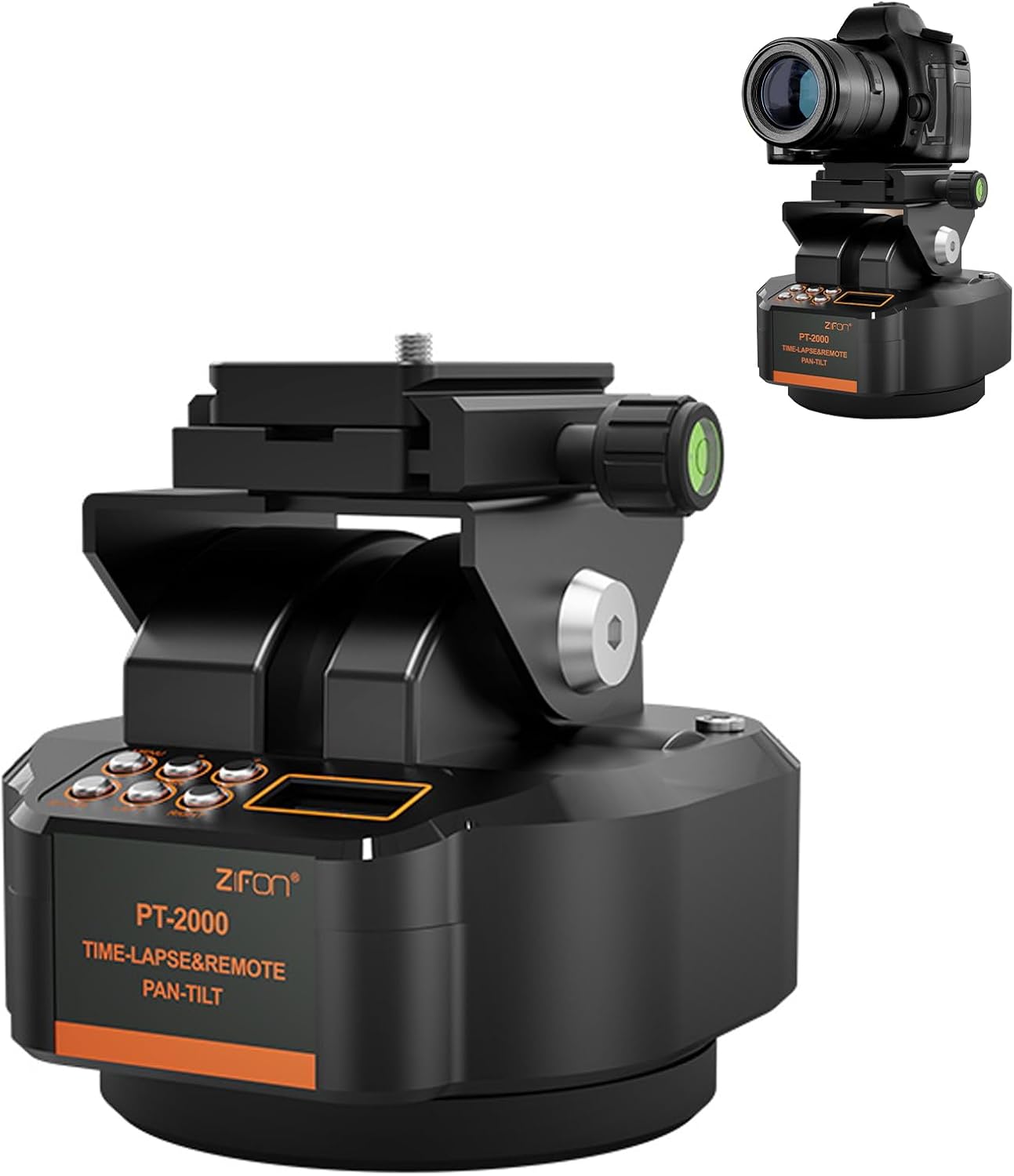
Figure 1.1: ZTFON PT2000 Panoramic Head with a camera mounted.
2. What's in the Box
Please check the contents of your package to ensure all items are present:
- Auto Motorized Rotating Panoramic Head (PT2000)
- Remote Control
- USB Charging Cable
- User Manual
Note: The phone holder is not included and requires a separate purchase.
3. Setup
3.1 Charging the Device
The PT2000 is powered by two Lithium Ion batteries (included). Before first use, ensure the device is fully charged using the provided USB charging cable. Connect the cable to the charging port on the PT2000 and to a standard USB power adapter (not included).
3.2 Mounting Your Camera or Phone
The PT2000 features a 1/4-inch screw interface on its quick mounting plate, compatible with most cameras and mobile phone clips (phone clip sold separately).
- Secure your camera or phone clip onto the quick mounting plate by screwing it onto the 1/4-inch screw.
- Ensure the camera/phone is securely fastened and balanced on the head.

Figure 3.1: Comprehensive device compatibility with the PT2000.
3.3 Attaching to a Tripod
The base of the PT2000 is equipped with a 1/4-inch universal interface, allowing it to be mounted on most standard tripods for stable operation.
- Locate the 1/4-inch screw on your tripod's quick release plate.
- Align the PT2000's base with the tripod screw and rotate to secure it firmly.
4. Operating Instructions
4.1 Power On/Off
To power on the PT2000, press and hold the power button located on the device. To power off, press and hold the power button again until the device shuts down.
4.2 Pan + Tilt Dual Axis Rotation
The PT2000 supports horizontal infinite rotation and a 50° tilt angle adjustment. It offers 8 levels of adjustable rotational speed for precise control over your shots.

Figure 4.1: Pan + Tilt Dual Axis Rotation capabilities.
4.3 Wireless Remote Control
The included 2.4GHz wireless remote controller allows for precision control over the pan/tilt direction, speed adjustment, and shutter triggering from a distance. This is particularly useful for real-time camera operation during live streaming sessions or when operating the device from afar.

Figure 4.2: Joystick Controls for Silky Smoothness.

Figure 4.3: Wireless Remote Control Head.
4.4 Time-Lapse Photography
The PT2000 is designed for time-lapse photography, featuring an ultra-slow rotational speed as low as 4 hours per full revolution. This makes it ideal for capturing transitions like day to night, dynamic traffic flows, or celestial scenes.
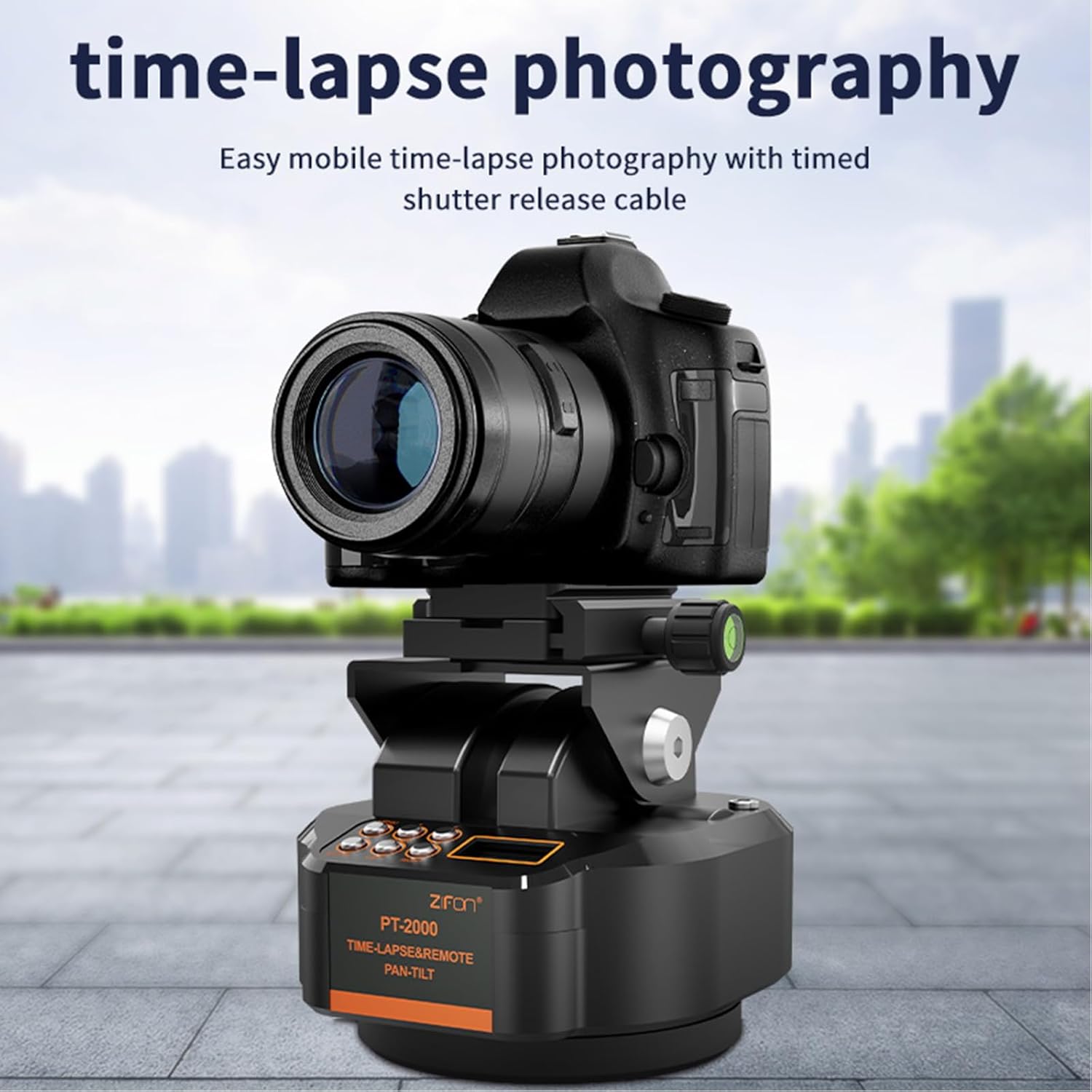
Figure 4.4: Time-lapse photography setup.
4.5 Seamless Time-Lapse/Remote Control Switching
A long press of the menu key on the device enables instant switching between time-lapse photography mode and manual remote control mode, providing adaptability across diverse shooting scenarios.
4.6 AB Point Double Anchor Position
The PT2000 supports setting two shooting angles (A and B points). You can press a button to switch back and forth between these preset angles, allowing for repeatable and precise movements.
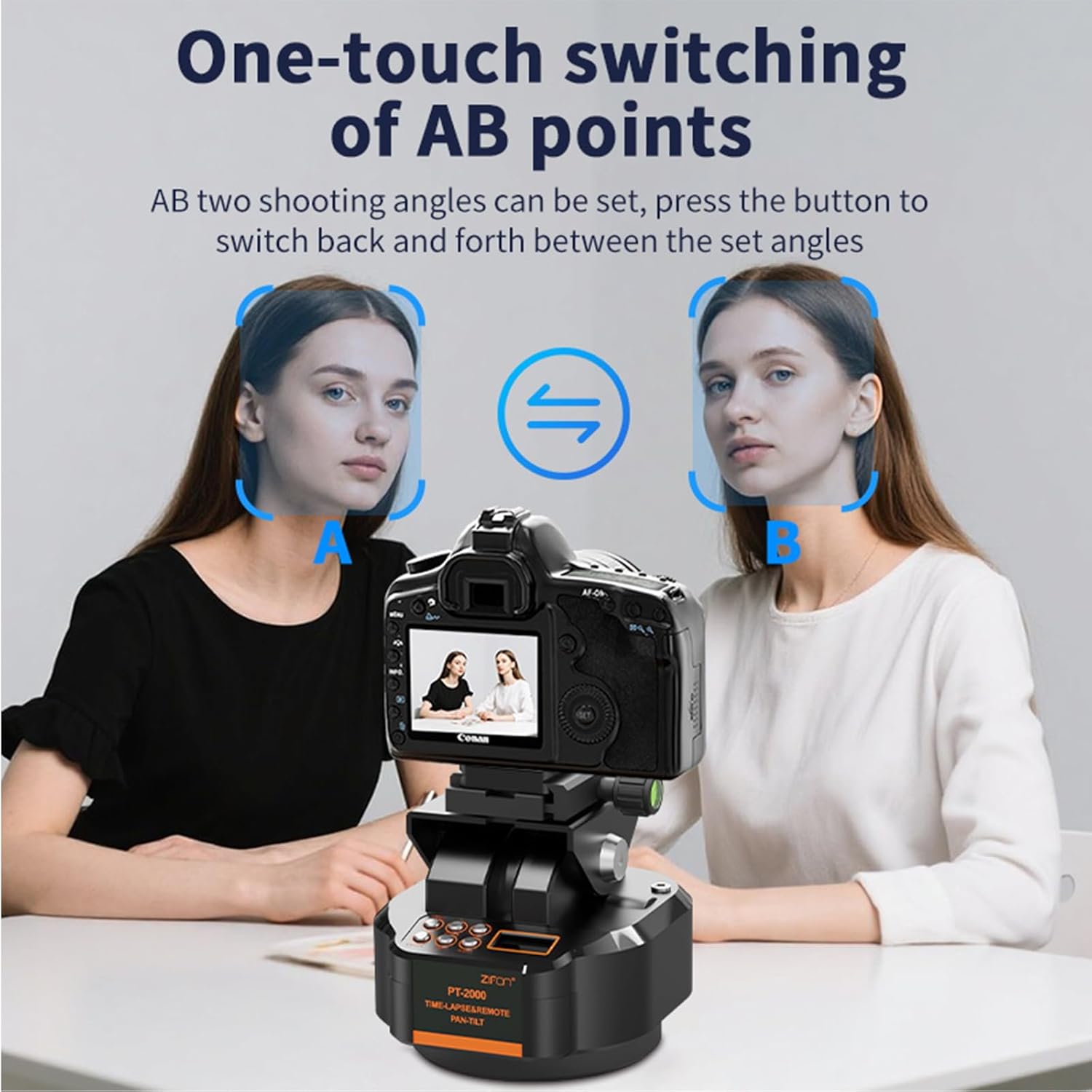
Figure 4.5: One-touch switching of AB points.
5. Maintenance
To ensure the longevity and optimal performance of your ZTFON PT2000, follow these maintenance guidelines:
- Cleaning: Use a soft, dry cloth to wipe the exterior of the device. Avoid using harsh chemicals, solvents, or abrasive cleaners, as they may damage the finish or internal components.
- Storage: When not in use, store the PT2000 in a cool, dry place, away from direct sunlight and extreme temperatures.
- Battery Care: If storing for an extended period, ensure the batteries are partially charged (around 50%) to prolong their lifespan. Avoid fully discharging or overcharging the batteries.
- Avoid Impact: Handle the device with care to prevent drops or impacts, which could damage the precision internal mechanisms.
6. Troubleshooting
If you encounter issues with your ZTFON PT2000, please refer to the following common problems and solutions:
| Problem | Possible Cause | Solution |
|---|---|---|
| Device does not power on. | Low battery or depleted battery. | Charge the device fully using the provided USB cable. |
| Remote control not responding. | Remote batteries are low or depleted; remote not paired. | Replace remote batteries. Ensure the remote is within range and properly paired with the PT2000. Refer to pairing instructions in the full manual (if applicable). |
| Motor movement is jerky or inconsistent. | Overload; obstruction; low battery. | Ensure the mounted equipment does not exceed the 2.2kg load capacity. Check for any physical obstructions. Charge the device. |
| Time-lapse function not working as expected. | Incorrect settings; not in time-lapse mode. | Verify time-lapse settings (speed, duration). Ensure the device is switched to time-lapse mode (long press menu key). |
7. Specifications
| Feature | Detail |
|---|---|
| Product Model | PT2000 |
| Bearing Capacity | 2.2 kg (77 ounces) |
| Pan Rotation | 360° (Infinite Horizontal Rotation) |
| Tilt Angle Adjustment | 50° |
| Rotational Speed | 8 adjustable levels |
| Stepping Angle | 0.1° |
| Remote Control Frequency | 2.4GHz Wireless |
| Power Source | 2 Lithium Ion batteries (included) |
| Mounting Interface (Top) | 1/4-inch screw |
| Mounting Interface (Base) | 1/4-inch universal interface |
| Item Weight | 2.86 pounds |
| Package Dimensions | 7.44 x 6.02 x 5.63 inches |
8. Warranty and Support
For warranty information and customer support, please refer to the documentation provided with your purchase or contact ZTIANFOTO customer service directly. Keep your proof of purchase for any warranty claims.
For further assistance or technical inquiries, please visit the official ZTIANFOTO website or contact their support team through the contact information provided on their product page or packaging.