Introduction
This manual provides comprehensive instructions for the proper use and care of your Generic PU Leather Wallet Case, specifically designed for the ZTE Blade A35e Z2466. Please read this manual carefully to ensure optimal performance and longevity of your product.
Product Overview
The Generic PU Leather Wallet Case offers comprehensive protection and multi-functional utility for your ZTE Blade A35e Z2466. It features an integrated wallet design with card slots and a cash compartment, a convenient stand function for hands-free viewing, and robust drop protection through its cushioning TPU bumper.
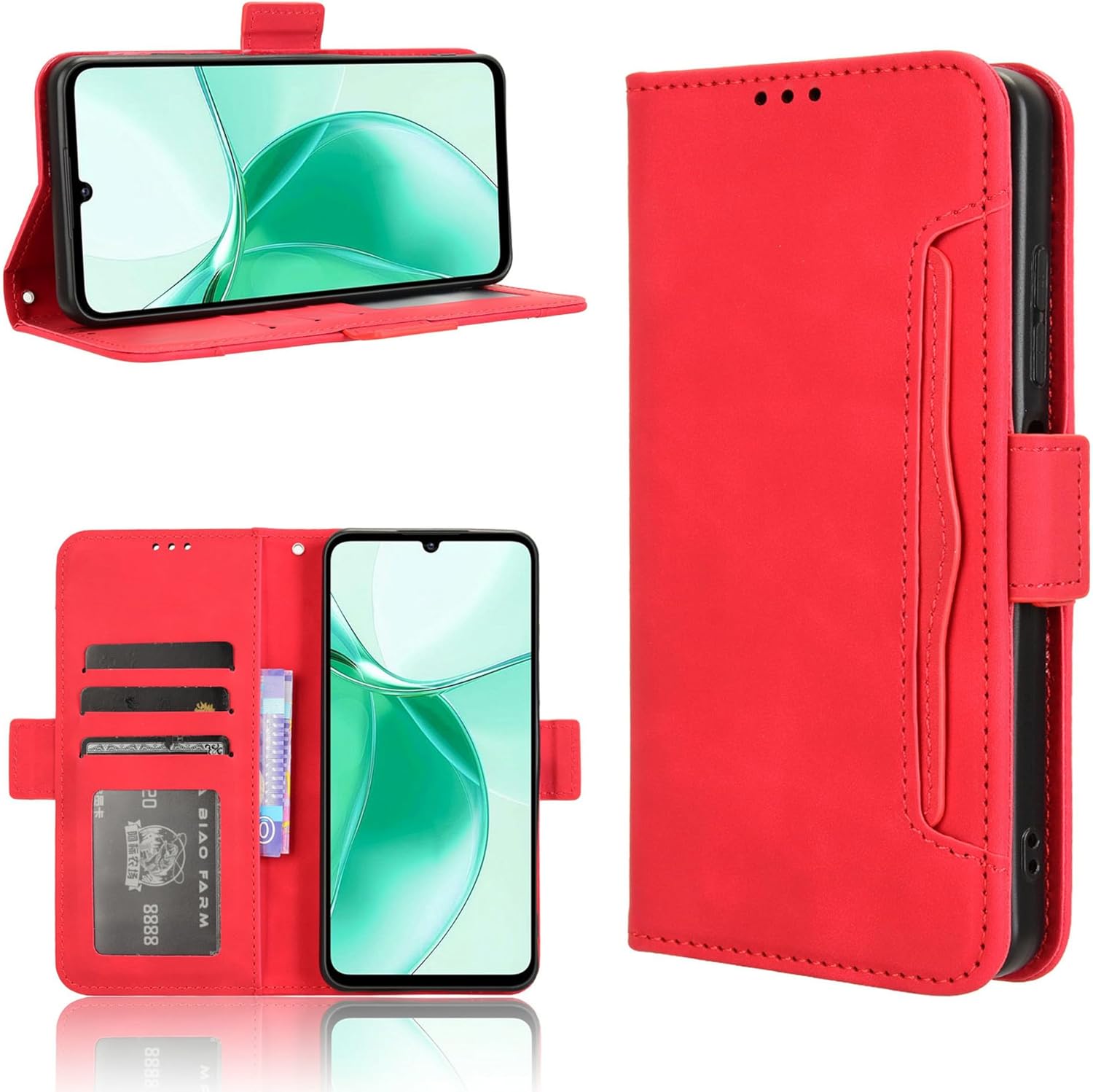
Figure 1: General view of the red PU leather wallet case with a phone in stand mode.
Installation
- Ensure your ZTE Blade A35e Z2466 is clean and free of dust or debris.
- Gently align your phone with the flexible TPU inner shell of the case.
- Carefully press the phone into the shell, starting from one corner and working your way around, ensuring all edges and corners are securely fitted.
- Verify that all ports, buttons, and camera lenses are unobstructed and accessible.

Figure 2: The flexible TPU inner shell designed for easy installation and removal.
Key Features and Operation
Wallet Function
The case features multiple card slots and a dedicated bill compartment, allowing you to conveniently carry essential credit cards, ID, and cash alongside your phone. This integrated design reduces the need for a separate wallet.
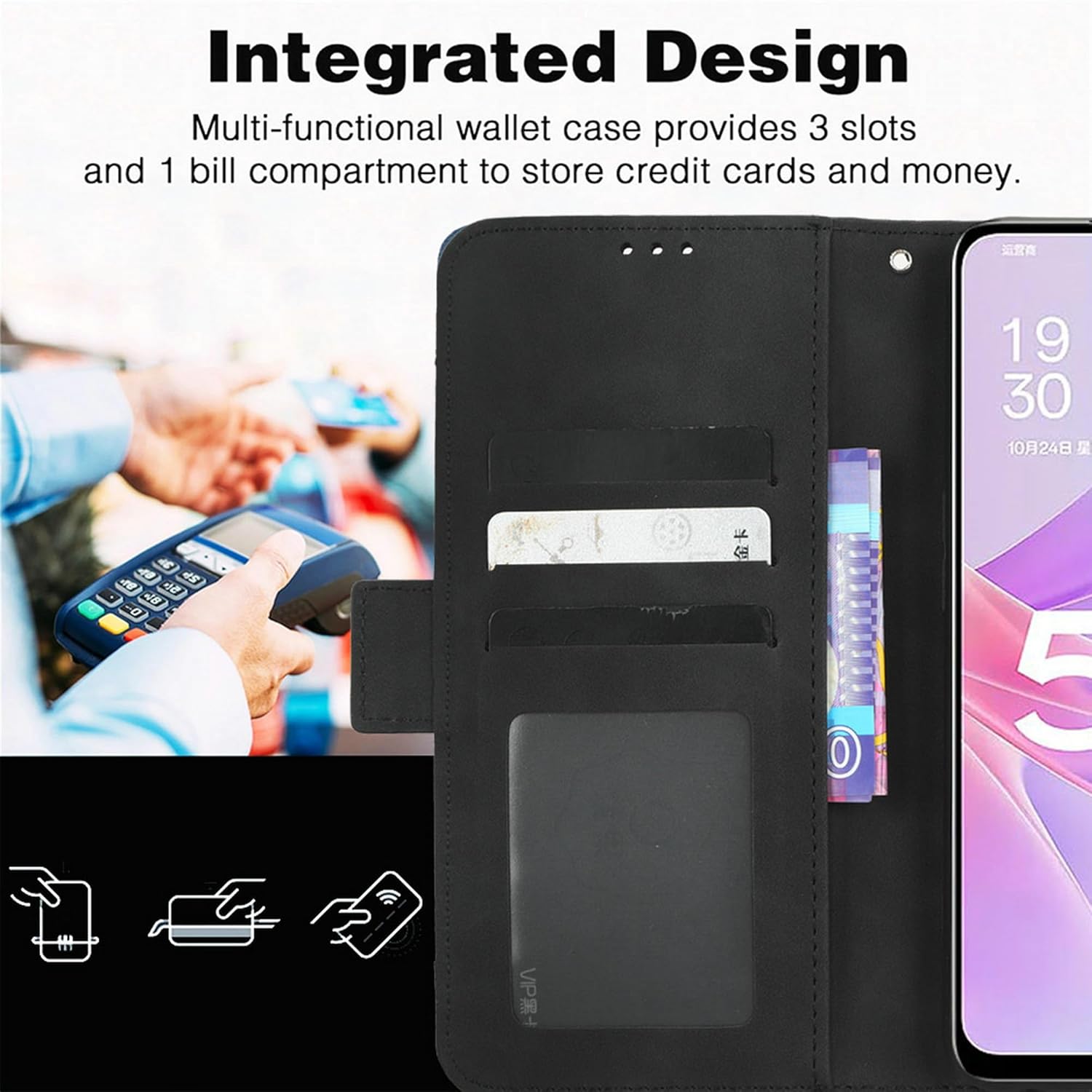
Figure 3: The integrated wallet design with slots for cards and a compartment for bills.
Stand Function
The case can be folded into a horizontal stand, providing multiple viewing angles. This feature is ideal for hands-free video watching, reading, or video calls, enhancing your multimedia experience.

Figure 4: The case's adjustable stand function for comfortable viewing.
Call Convenience
A precisely designed speaker hole on the front cover allows you to answer calls with the case closed, maintaining privacy and protecting your screen during conversations.
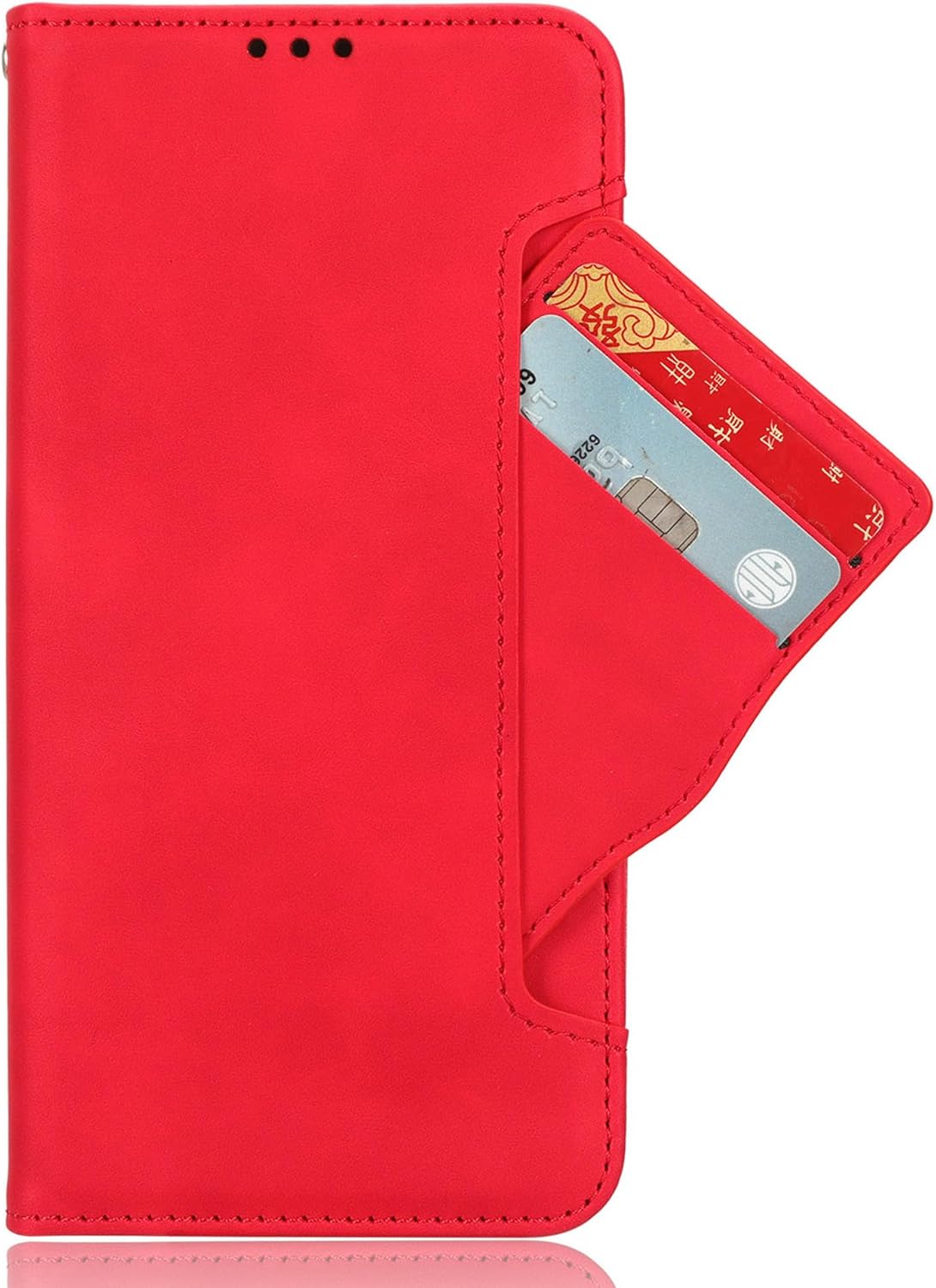
Figure 5: Speaker hole design for convenient calls with the front cover closed.
Drop Protection
The case incorporates a cushioning TPU bumper in all four corners, designed to absorb shock and protect your device against drops and impacts. This ensures your phone remains safe and secure.
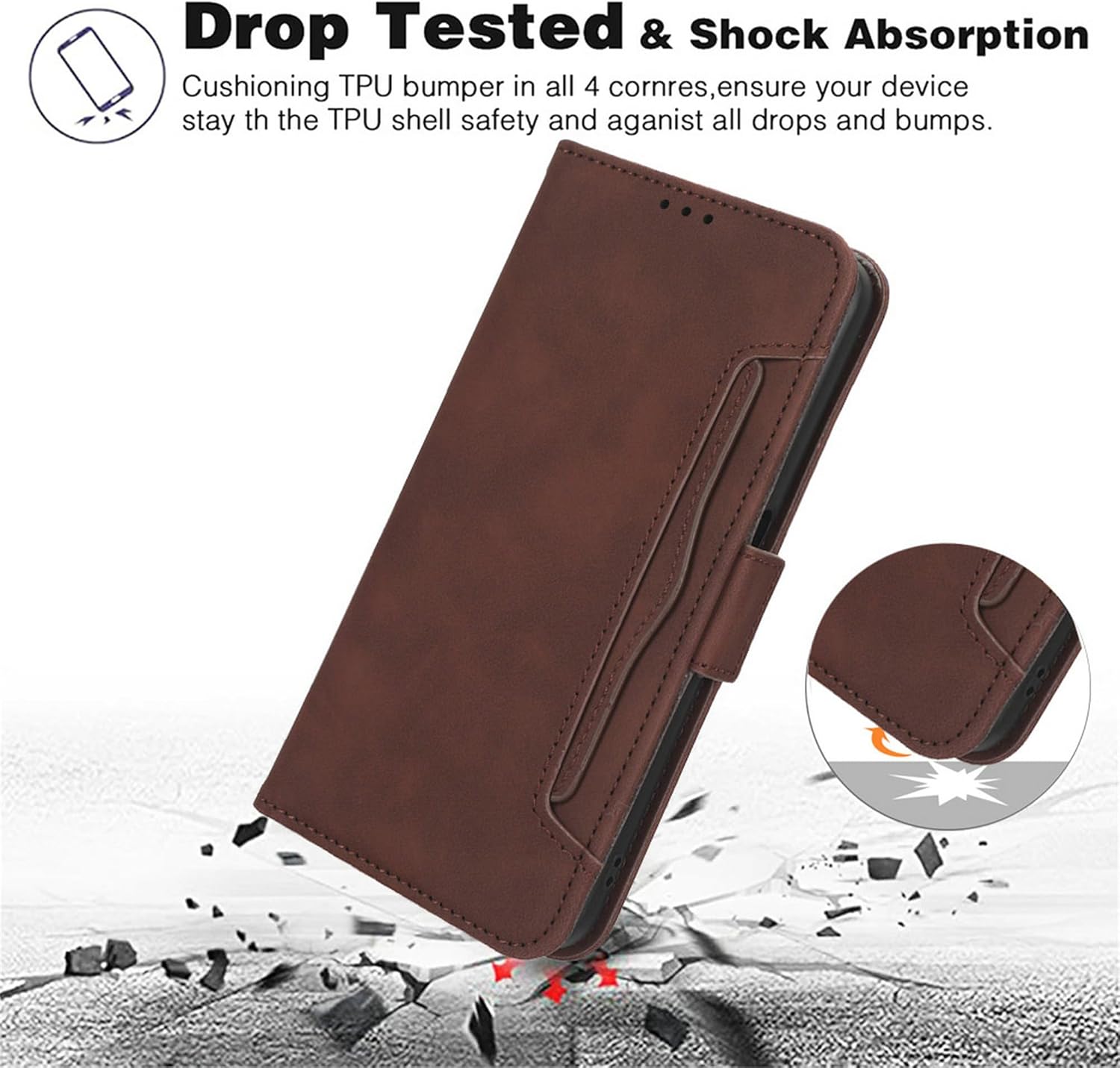
Figure 6: Visual representation of the case's drop protection and shock absorption.
Maintenance
To maintain the appearance and integrity of your PU leather wallet case, follow these guidelines:
- Wipe the exterior with a soft, slightly damp cloth to remove dust and light smudges.
- Avoid using harsh chemicals, abrasive cleaners, or solvents, as these can damage the PU leather and TPU materials.
- Keep the case away from direct sunlight and extreme temperatures to prevent material degradation.
- Do not overfill the card slots, as this can stretch the material and affect the magnetic closure.
Troubleshooting
If you encounter any issues with your phone case, consider the following:
- Improper Fit: Ensure your phone model is indeed the ZTE Blade A35e Z2466. Remove and re-install the phone, making sure all corners are properly seated within the TPU shell.
- Magnetic Closure Weakness: Avoid placing too many cards or bulky items in the wallet section, as this can interfere with the magnetic closure.
- Button/Port Obstruction: Double-check that the phone is correctly aligned within the case, ensuring all cutouts match the phone's buttons and ports.
Specifications
| Feature | Detail |
|---|---|
| Compatible Phone Model | ZTE Blade A35e Z2466 |
| Material | PU Leather, TPU inner shell |
| Color | Red |
| Special Features | Wallet Card Slot Design, Stand Function, Magnetic Closure, Drop Protection |
| Product Dimensions | 0.39 x 0.39 x 0.39 inches |
| Item Weight | 2.46 ounces |
| What's in the Box | 1 Phone Case |
Warranty and Support
As a Generic branded product, specific warranty details may vary. For any questions, concerns, or support regarding your PU Leather Wallet Case, please contact the seller directly through your purchase platform. They will be able to provide assistance with product-related inquiries or potential issues.