
1. Introduction
This manual provides comprehensive instructions for the installation, operation, and maintenance of your TDAOCTN SYNC 3 APIM Module V3.4. This module is designed to upgrade or replace the infotainment system in compatible Ford F-150, F-250, and Lincoln vehicles from model years 2016-2019, offering enhanced features such as navigation, CarPlay, and Android Auto.
Please read this manual thoroughly before installation and use to ensure proper functionality and to avoid potential issues.
2. Product Features
- SYNC 3 APIM Module: Equipped with an original navigation SYNC 3 APIM control module.
- Latest Software and Maps: Features the latest applicable SYNC 3 software with the NA223 map for 2024, providing full coverage for USA and Canada.
- Enhanced Performance: Utilizes RAM 4G + ROM 32G for improved speed and functionality.
- CarPlay Capable: Supports Apple CarPlay for seamless integration with your iPhone (may require an updated USB Hub).
- Android Auto Capable: Supports Android Auto for integration with Android smartphones (may require an updated USB Hub).
- Retains Factory Features: Maintains all original vehicle features, including backup camera, heated seats, park assist, and climate controls.
- VIN Programming: Vehicle-specific programming is performed based on your VIN to ensure compatibility and proper function.
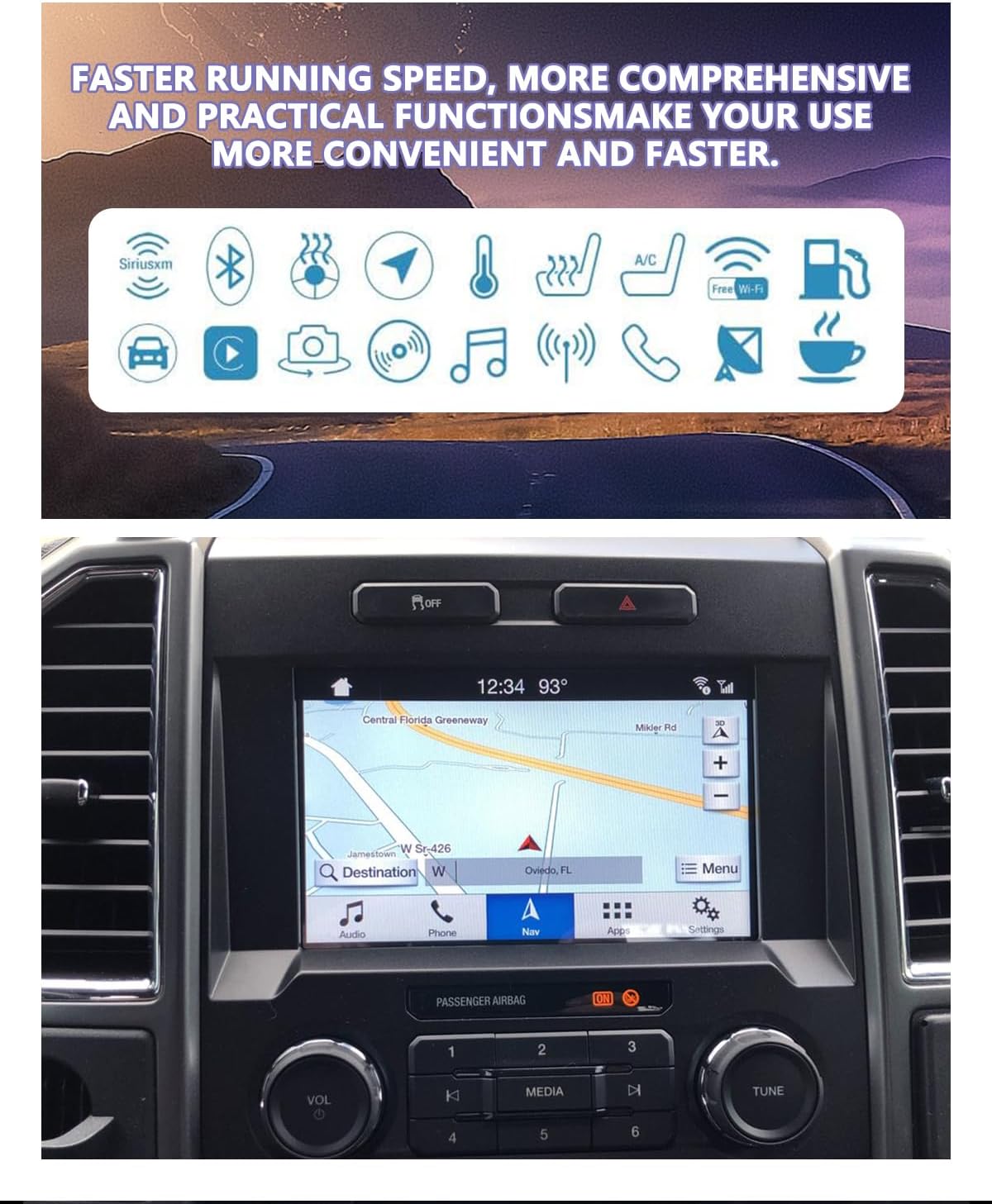
Image: SYNC 3 APIM Module displaying various feature icons and an in-car navigation screen.
3. Compatibility
This module is a direct replacement for vehicles factory-equipped with SYNC 3. It is compatible with 2016-2019 Ford F-150, F-250, and Lincoln models.
Important Compatibility Notes:
- To use this module on vehicles originally equipped with MyFordTouch (SYNC 2), you will need to purchase an upgraded capacitive SYNC 3 screen separately.
- This module is not compatible with older MyFordTouch screens found in 2013-2015 (and some 2016) models.

Image: Visual comparison highlighting the difference between the SYNC 2 and SYNC 3 user interfaces.
4. Package Contents
The package includes the following items:
- 1 x TDAOCTN SYNC 3 APIM Module
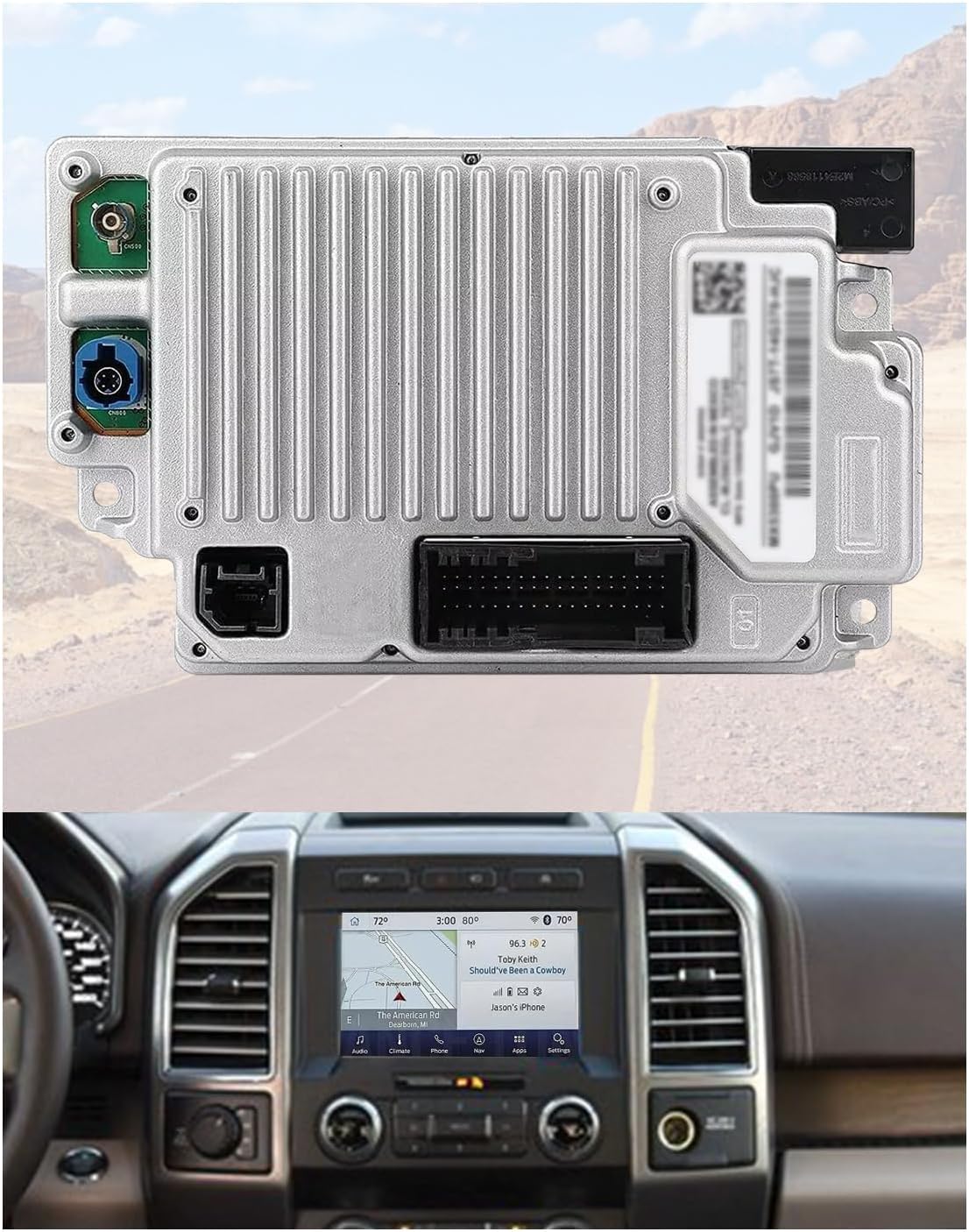
Image: Top view of the TDAOCTN SYNC 3 APIM Module, showing connectors and labels.
5. Setup and Installation
5.1 VIN Programming Requirement
Prior to shipping, the module requires vehicle-specific programming based on your Vehicle Identification Number (VIN). This ensures the module is correctly configured for your vehicle's features and specifications. Please provide your VIN at the time of purchase.
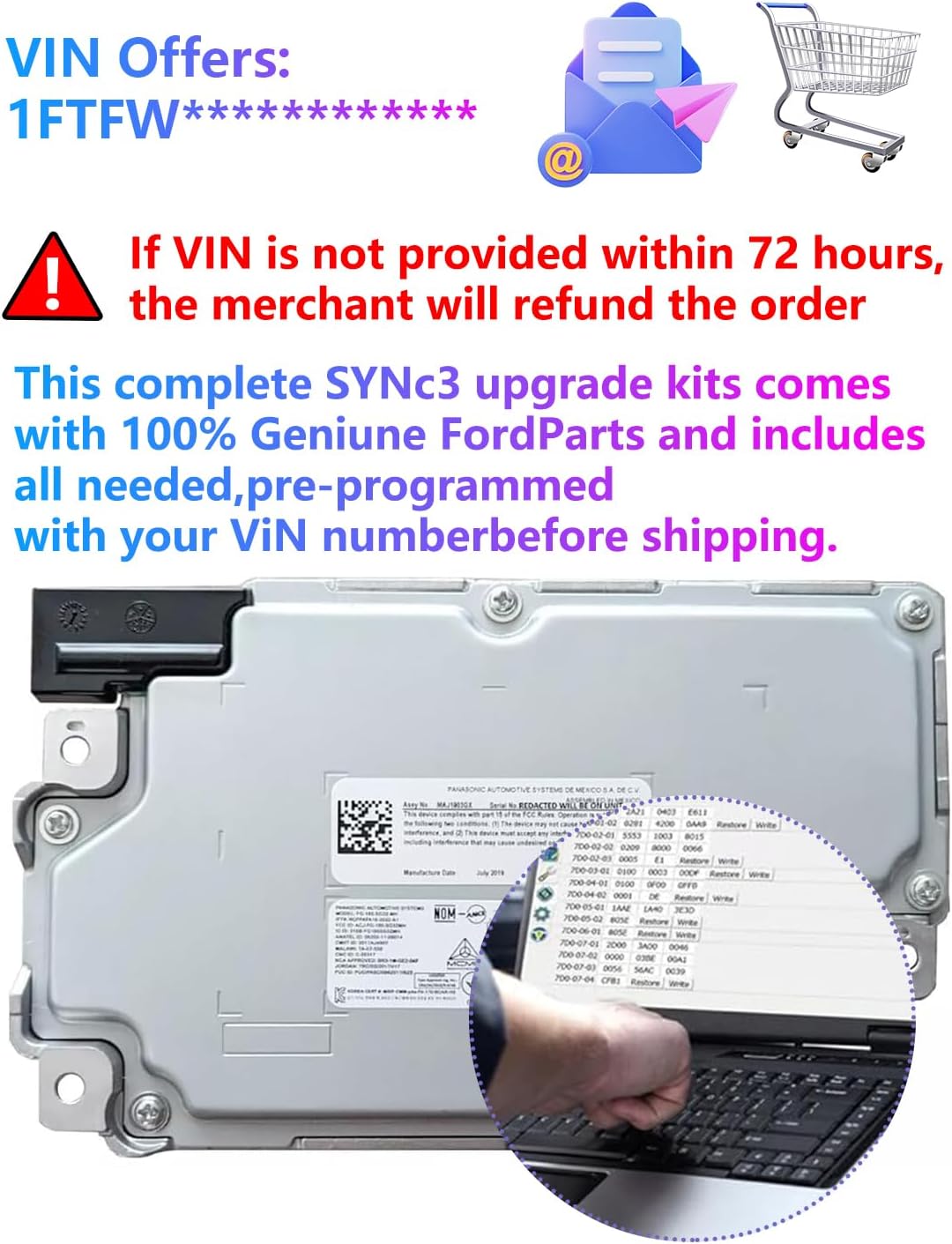
Image: Illustration emphasizing the VIN programming requirement for the module.
5.2 Installation Process (Plug and Play)
This unit is designed for plug-and-play installation, intended to repair or upgrade select Ford and Lincoln SYNC 3 systems. While the process is generally straightforward, professional installation is recommended if you are unfamiliar with automotive electronics.
- Preparation: Ensure your vehicle's ignition is off and the battery is disconnected before beginning installation.
- Access: Carefully remove the necessary trim panels and components to access the existing APIM module. Refer to your vehicle's service manual for specific instructions on panel removal.
- Disconnect Old Module: Disconnect all electrical connectors from the existing APIM module.
- Install New Module: Connect the electrical connectors to the new TDAOCTN SYNC 3 APIM Module. Ensure all connections are secure.
- Reassembly: Reinstall all trim panels and components in reverse order of removal.
- Power On: Reconnect the vehicle battery.
- Initial Boot: Turn on the vehicle's ignition. The system may take a few minutes to boot up and initialize.
Note: If your vehicle was originally equipped with MyFordTouch (SYNC 2), you will need to replace the screen with a compatible SYNC 3 capacitive screen during this process.

Image: The SYNC 3 APIM Module shown in a vehicle dashboard environment, illustrating its plug-and-play nature.
6. Operating Instructions
6.1 Navigation
The module comes pre-loaded with the latest NA223 maps for USA and Canada. To use the integrated navigation:
- Tap the "Nav" icon on the SYNC 3 touchscreen.
- Enter your destination using the on-screen keyboard or voice commands.
- Follow the on-screen directions and voice prompts to reach your destination.
6.2 CarPlay and Android Auto
To utilize CarPlay or Android Auto, connect your compatible smartphone to the vehicle's USB port. An updated USB Hub may be required for full functionality.
- CarPlay: Connect your iPhone via a USB cable. The CarPlay interface should automatically appear on the SYNC 3 screen.
- Android Auto: Connect your Android phone via a USB cable. The Android Auto interface should automatically appear on the SYNC 3 screen.
- Follow any on-screen prompts on your phone or the SYNC 3 system to complete the setup.
These features allow you to access compatible phone applications, navigation (via phone apps), messaging, and music directly through the SYNC 3 interface.
7. Maintenance
The TDAOCTN SYNC 3 APIM Module is designed for long-term reliability and generally requires minimal maintenance.
- Software Updates: Periodically check for official SYNC 3 software updates from Ford or your vehicle manufacturer. While the module comes with the latest software, future updates may be released.
- Cleaning: Keep the touchscreen clean using a soft, lint-free cloth. Avoid abrasive cleaners or solvents.
- Environmental Conditions: Ensure the vehicle's interior climate control is functioning correctly to prevent extreme temperatures from affecting the module.
8. Troubleshooting
If you encounter issues with your SYNC 3 APIM Module, refer to the following troubleshooting steps:
| Problem | Possible Cause | Solution |
|---|---|---|
| Black Screen / No Display | Loose connection, power issue, module fault. |
|
| Frequent Bluetooth Disconnects | Software glitch, phone compatibility, interference. |
|
| Lag Between Touch Input and Reaction | System overload, software issue. |
|
| CarPlay/Android Auto Not Activating | USB Hub issue, cable fault, phone settings. |
|
If these steps do not resolve the issue, please contact customer support for further assistance.
9. Specifications
| Feature | Detail |
|---|---|
| Model Name | SYNC 3 APIM Module |
| Brand | TDAOCTN |
| Part Numbers (OEM Equivalent) | HC3Z-19A387-B, HU5Z-19A387-A, HC3T-14F014-BD |
| Memory | RAM 4G + ROM 32G |
| Map Type | NA223 (North America - USA & Canada) |
| Connectivity | USB |
| Compatible Screen Size | 8 Inches (capacitive touchscreen required for MyFordTouch upgrades) |
| Vehicle Service Type | Car (Ford F-150, F-250, Lincoln 2016-2019) |
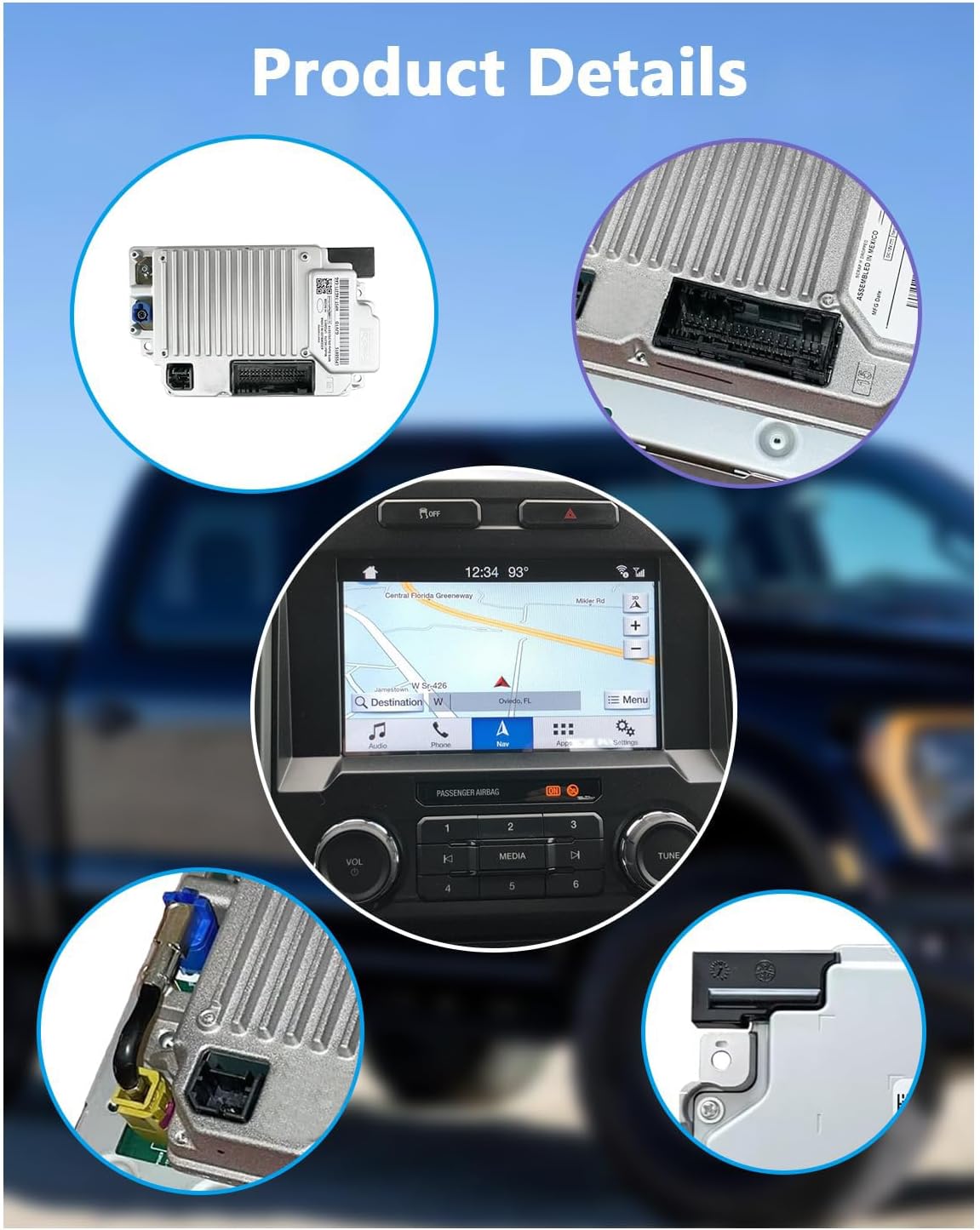
Image: A collage showing various detailed views of the SYNC 3 APIM Module, including its connectors and overall design.
10. Warranty and Support
For warranty information and technical support, please refer to the documentation provided with your purchase or contact the seller directly. Ensure you have your purchase details and VIN readily available when seeking support.