
Ktaxon RM9410b026-0db5-42a0-a072-42d9016f888e
Ktaxon Foldable 88-Key Electronic Piano Keyboard User Manual
Model: RM9410b026-0db5-42a0-a072-42d9016f888e
1. Introduction
This manual provides essential information for the setup, operation, and maintenance of your Ktaxon Foldable 88-Key Electronic Piano Keyboard. Please read this manual thoroughly before using the product to ensure proper function and longevity.
2. Package Contents
Verify that all items listed below are included in your package:
- Ktaxon Foldable 88-Key Electronic Piano Keyboard
- Portable Bag
- Sustain Pedal
- Music Rest
- Microphone
- Earphones
- Power Adapter
- Piano Sticker (for key labeling)
- Cleaning Cloth
- Dustproof Cloth
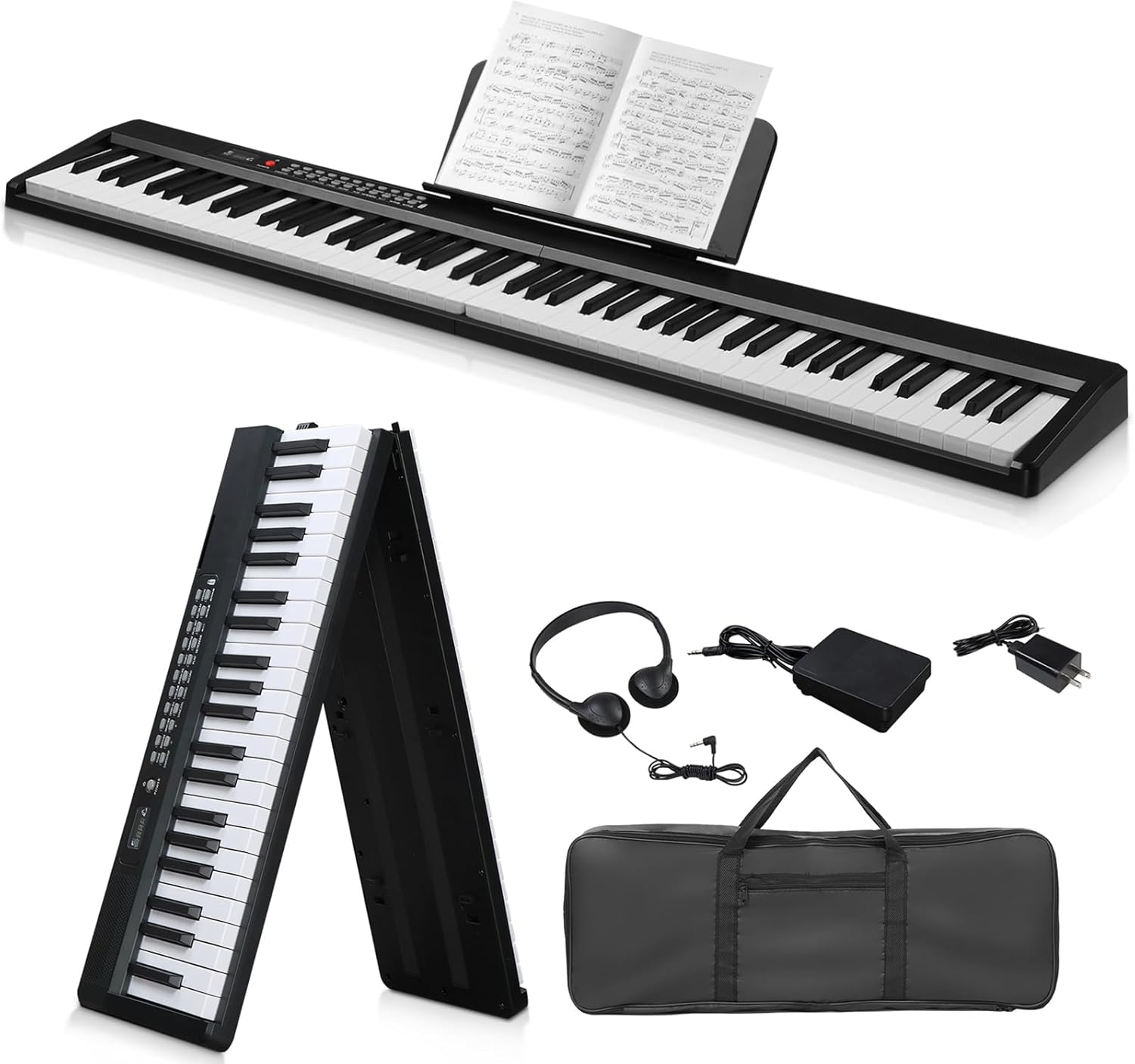
Image 1: Ktaxon Foldable 88-Key Electronic Piano Keyboard shown with included accessories: portable bag, sustain pedal, music rest, headphones, and power adapter.
3. Setup Instructions
- Unfolding the Keyboard: Gently unfold the keyboard 180 degrees until it locks into place. Ensure it is placed on a stable, flat surface.
- Attaching the Music Rest: Insert the music rest into the designated slots on the top panel of the keyboard.
- Power Connection: Connect the power adapter to the DC IN port on the keyboard and then plug it into a standard electrical outlet. The keyboard can also be powered by internal batteries (not included, refer to specifications for battery type).
- Connecting Peripherals:
- Sustain Pedal: Connect the sustain pedal to the "PEDAL" input jack.
- Headphones: For private practice, connect the included earphones or other compatible headphones to either of the two headphone jacks.
- Microphone: Connect a microphone to the "MIC" input jack for vocal accompaniment.

Image 2: Detailed view of the Ktaxon keyboard's connectivity ports, including inputs for pedal, microphone, audio in/out, and USB/Type-C power.
4. Operating Instructions
4.1 Basic Operation
- Power On/Off: Press the power button to turn the keyboard on or off.
- Volume Control: Use the dedicated volume controls to adjust the output level.
- Tone Selection: The keyboard features 1000 international standard tones. Use the tone selection buttons or dial to browse and select different instrument sounds.
- Rhythm Selection: Access 1000 international standard rhythms using the rhythm selection controls.
- Demo Songs: Play any of the 50 built-in demo songs to experience various musical styles.

Image 3: The control panel of the Ktaxon keyboard, highlighting various function buttons and the digital display.
4.2 Advanced Features
- Dual Bluetooth Mode:
- Bluetooth MIDI: Connect the keyboard to your smartphone or tablet via Bluetooth MIDI for use with music applications.
- Bluetooth Audio: Connect to your PC or tablet directly for arrangement or accompaniment playback through the keyboard's speakers.
- Recording and Playback: Use the record function to capture your performances and the playback function to review them.
- Teaching Modes: The keyboard includes three teaching modes designed to assist beginners in learning. Refer to the on-screen display or specific buttons for mode selection and guidance.
- Semi-Weighted Keys: The 88 semi-weighted keys provide a realistic touch and strong rebound, simulating the feel of an acoustic piano.
- Stereo Speakers: Built-in stereo speakers deliver full, delicate sound with rich overtones.

Image 4: The Ktaxon keyboard in use, illustrating its multiple practical features including Bluetooth and MIDI connectivity.
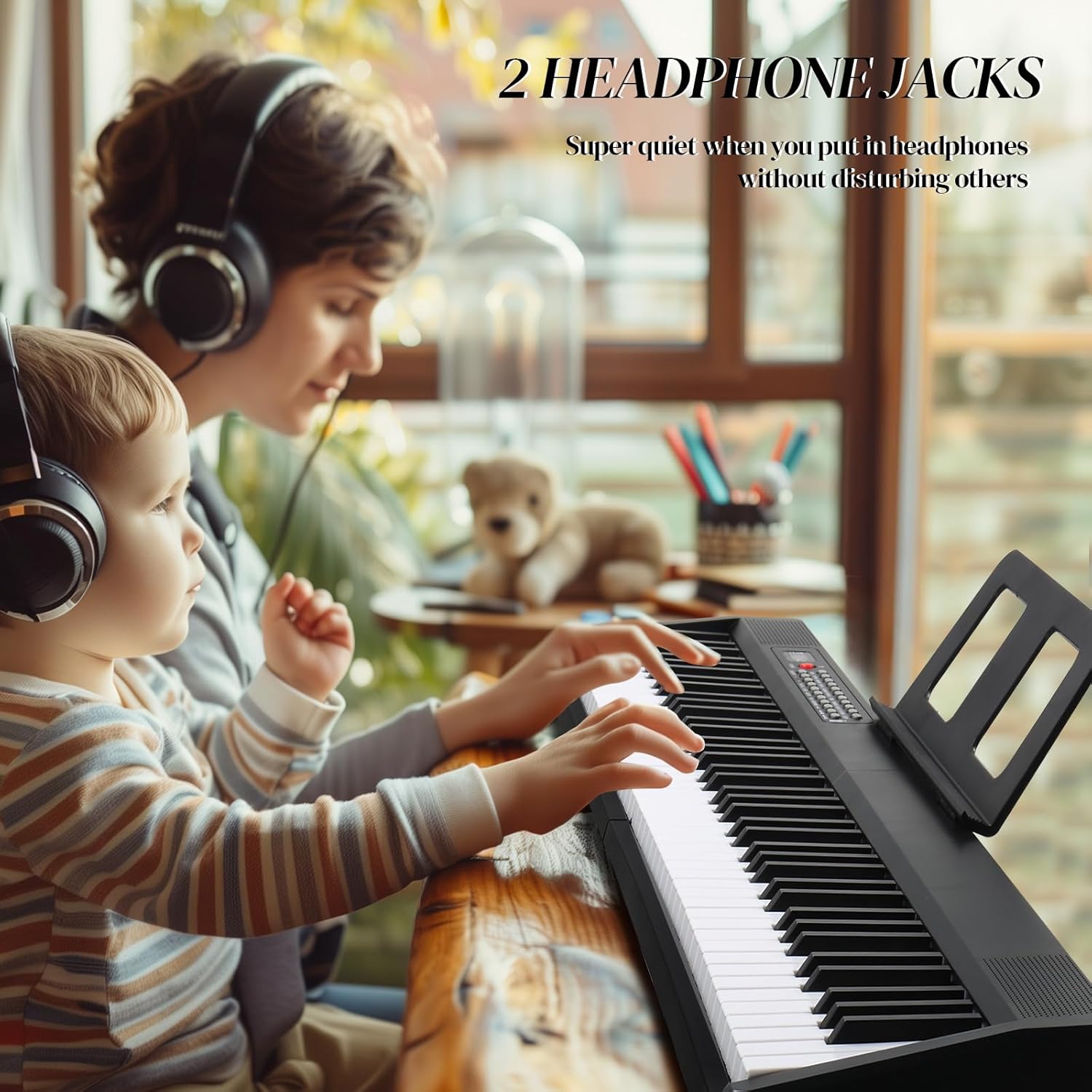
Image 5: Two individuals using headphones with the Ktaxon keyboard, highlighting the dual headphone jack feature for quiet practice.
5. Maintenance
- Cleaning: Use the provided cleaning cloth or a soft, dry cloth to wipe down the keyboard surface. For stubborn dirt, slightly dampen the cloth with water. Avoid abrasive cleaners or solvents.
- Dust Protection: Use the provided dustproof cloth to cover the keyboard when not in use to prevent dust accumulation.
- Storage: When not in use for extended periods, fold the keyboard and store it in the portable bag in a cool, dry place away from direct sunlight and extreme temperatures.
- Handling: Always handle the keyboard gently, especially when folding or unfolding, to avoid damage to the hinges or internal components.
6. Troubleshooting
| Problem | Possible Cause | Solution |
|---|---|---|
| No sound from speakers/headphones. |
|
|
| Keyboard does not power on. |
|
|
| Bluetooth connection issues. |
|
|
| Keys not responding or inconsistent touch. |
|
|
7. Specifications
| Brand | Ktaxon |
| Model Number | RM9410b026-0db5-42a0-a072-42d9016f888e |
| Number of Keys | 88 |
| Key Type | Semi-Weighted |
| Dimensions (Unfolded) | 50.59 x 8.86 x 2.95 inches (L x W x H) |
| Weight | Approximately 5.1 lbs (2.3 kg) |
| Material | Acrylonitrile Butadiene Styrene, Aluminum, PC |
| Connectivity | Bluetooth (MIDI & Audio), MIDI USB, USB, 3.5mm Jack (Headphone, Audio In, Microphone) |
| Tones | 1000 International Standard Tones |
| Rhythms | 1000 International Standard Rhythms |
| Demo Songs | 50 |
| Power Supply | AC Adapter, Battery (type not specified, typically AA or rechargeable internal) |
| Special Features | Foldable design, Dual Bluetooth mode, Recording, Playback, 3 Teaching modes, Built-in stereo speakers |
8. Warranty and Support
For warranty information, please refer to the documentation included with your purchase or contact Ktaxon customer support directly. The product typically comes with a standard manufacturer's warranty covering defects in materials and workmanship.
If you encounter any issues not covered in the troubleshooting section or require further assistance, please contact Ktaxon customer support:
- Manufacturer: Ktaxon
- Website: Visit the Ktaxon Store on Amazon
- Contact Information: Refer to the Ktaxon store page or product packaging for the most current contact details.
Related Documents - RM9410b026-0db5-42a0-a072-42d9016f888e
 |
Portable Folded Electronic Piano User Manual - OYAYO Official user manual for the OYAYO Portable Folded Electronic Piano. Learn about its 61/88 keys, 128 tones, 128 rhythms, demo songs, Bluetooth MIDI/audio functions, and detailed button operations. |
 |
ISONART MU10079US 88 Key Foldable Electronic Piano Keyboard User Manual User manual for the ISONART MU10079US 88 Key Foldable Electronic Piano Keyboard, detailing product functions, button descriptions, protection, precautions, and troubleshooting. |
 |
MINIpro Roll Up Piano User Manual: Features, Specifications, and Safety Comprehensive user manual for the MINIpro Roll Up Piano. Learn about its features, functions, product specifications, connection diagrams, and important safety precautions. Ideal for musicians seeking a portable digital piano. |
 |
Starfavor SP-15F 88 Key Foldable Keyboard Piano Owner's Manual User manual for the Starfavor SP-15F 88 Key Foldable Keyboard Piano, detailing its features, operation instructions, tones, rhythms, and maintenance. |
 |
Best Choice Products 88-Key Digital Piano Instruction Manual Comprehensive instruction manual for the Best Choice Products 88-Key Digital Piano (Models SKY5484 + SKY7222), covering setup, parts, assembly, preparation, performance methods, effects, lesson mode, recording, timbre selection, and FCC compliance. |
 |
Digital Piano User Manual Comprehensive user manual for the 88-key digital piano, featuring 800 tones, 600 rhythms, and 80 demo songs. Includes setup, maintenance, and safety instructions. |
Ask a question about this manual
Ask about setup, troubleshooting, compatibility, parts, safety, or missing instructions. Manuals+ will review the question and use this page’s manual context to help answer it.