
1. Introduction
This manual provides instructions for the SkyArmor 2-Pack Waterproof Silicone Case with Pin, designed specifically for the Tile Mate 2022 and Tile by Life360 Mate 2024. This case offers protection and a secure attachment method for your Tile Mate device, helping to prevent loss and damage.
The case is made from durable, waterproof silicone and features a hidden pin design for discreet attachment to various items.
2. Product Features
- Compatibility: Specifically designed for Tile Mate 2022 and Tile by Life360 Mate 2024, ensuring a secure fit.
- Hidden Pin Design: Allows for discreet attachment to clothing, bags, pet collars, and other items.
- Waterproof & Sweat-Resistant: Constructed from premium-grade silicone to protect your Tile Mate from water and sweat.
- Durable Protection: Offers scratch-resistant, impact-resistant, and wear-resistant properties.
- Versatile Use: Ideal for tracking children, pets, luggage, or elderly family members.
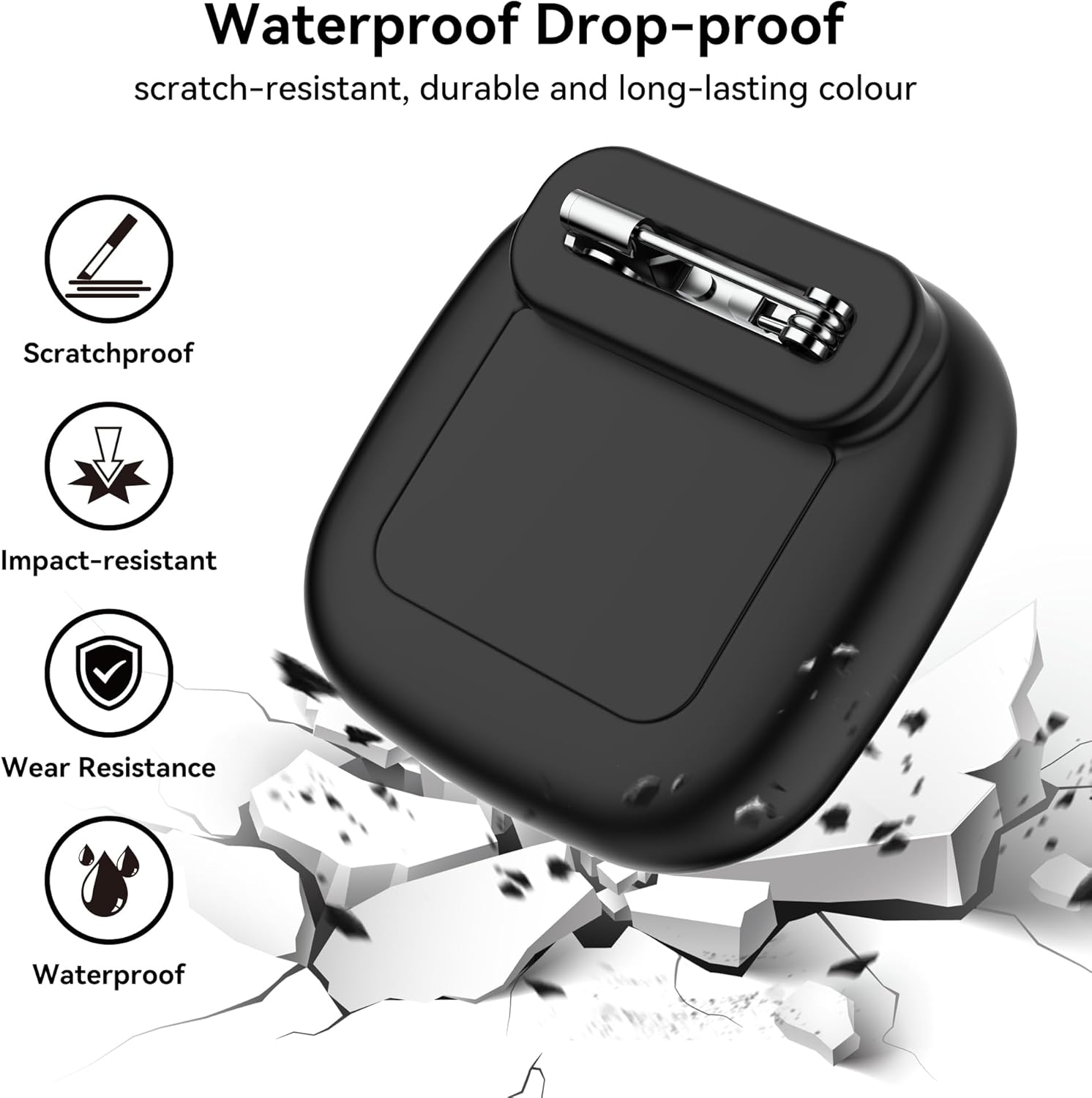
Image: Features of the SkyArmor silicone case, highlighting its scratchproof, impact-resistant, wear-resistant, and waterproof qualities.
3. Package Contents
- 2 x SkyArmor Waterproof Silicone Cases with Pin (Black/Blue)
Note: Tile Mate device is not included and must be purchased separately.
4. Setup Instructions
Follow these steps to install your Tile Mate into the SkyArmor silicone case and attach it securely.

Image: Overview of the SkyArmor silicone case, showing its dimensions and design.
- Install the Tile: Open the silicone case and carefully insert your Tile Mate device into the main compartment. Ensure it sits snugly.
- Place Waterproof Cover: Take the separate waterproof cover. Place it onto the Tile holder with the grooved side facing outward.
- Seal the Cover: Squeeze the bezel around the edges to ensure a tight and complete seal on the waterproof cover. This is crucial for maintaining the waterproof integrity.
- Extend the Pin: Press the pin with your finger to extend it outward from its housing.
- Insert Pin Through Item: Carefully insert the extended pin through the fabric or material of the item you wish to attach the case to (e.g., clothing, backpack strap).
- Secure the Pin: Press the pin back into its safety slot to lock it in place, ensuring the case is securely fastened.

Image: Step-by-step guide for installing the Tile Mate and securing the case with its pin.
Video: Demonstration of how to install the Tile Mate into the waterproof silicone case and attach it using the integrated pin.
5. Operating Instructions
The SkyArmor silicone case is designed for versatile and discreet attachment. Once your Tile Mate is securely inside the case and the pin is fastened, you can attach it to various items.
- For Children: Attach the case to the inside of a child's jacket, backpack, or stroller. The hidden pin design helps keep it out of sight and securely in place.
- For Pets: Securely pin the case to a pet's collar. Ensure the pin is fully locked to prevent accidental detachment.
- For Luggage/Bags: Attach the case to the inner lining or a discreet part of luggage, handbags, or school bags.
- For Elderly: Pin to clothing or personal items for discreet tracking.
Always ensure the pin is fully engaged in its safety slot after attachment to prevent accidental release.

Image: The hidden design of the SkyArmor case, shown attached to a child's stroller.

Image: Versatile application of the Tile Mate case in various scenarios, including luggage, strollers, jackets, and backpacks.

Image: The stable design of the SkyArmor case, ensuring secure attachment even during active use, compared to less stable alternatives.
6. Maintenance
- Cleaning: To clean the silicone case, remove the Tile Mate. Wash the case with mild soap and water. Rinse thoroughly and allow it to air dry completely before reinserting the Tile Mate.
- Waterproof Seal: Regularly inspect the waterproof cover and the main case for any signs of wear or damage. Ensure the cover is always properly sealed after installation to maintain its waterproof properties.
- Pin Mechanism: Check the pin mechanism periodically to ensure it moves freely and locks securely. Keep it free from debris.
7. Troubleshooting
- Case Not Sealing Properly: Ensure the Tile Mate is correctly positioned inside the case and that the waterproof cover is aligned and pressed firmly around all edges until a tight seal is achieved. Check for any debris preventing a proper seal.
- Pin Not Locking: Verify that the pin is fully extended before inserting it through the item and then fully retracted into its safety slot. If the pin feels loose, inspect for any obstructions or damage to the spring mechanism.
- Tile Mate Not Fitting: This case is specifically designed for Tile Mate 2022 and Tile by Life360 Mate 2024. Ensure you are using the correct Tile Mate model. Other models may not fit securely.
- Water Leakage: If water enters the case, immediately remove the Tile Mate and dry both the device and the case thoroughly. Re-evaluate the sealing process as described above.
8. Specifications
| Feature | Detail |
|---|---|
| Brand | SkyArmor |
| Model Number | PINBB |
| Compatible Devices | Tile Mate 2022, Tile by Life360 Mate 2024 |
| Material | Silicone |
| Form Factor | Case |
| Shell Type | Soft |
| Additional Features | Slim Fit, Hidden Pin Design, Waterproof, Sweat-Resistant, Scratch-Resistant, Impact-Resistant, Wear-Resistant |
| Unit Count | 2 Count |
| Item Weight | 0.03 kg (per case) |
9. Warranty Information
For detailed warranty information regarding your SkyArmor Waterproof Silicone Case, please contact the manufacturer directly. Keep your proof of purchase for any warranty claims.
10. Support Information
If you require further assistance, have questions about product usage, or need to report an issue, please contact SkyArmor customer support. Refer to the product packaging or the SkyArmor official website for contact details.
11. Safety Information
- Choking Hazard: Keep the case and its components away from small children and pets when not in use, as small parts could pose a choking hazard.
- Pin Safety: The integrated pin is sharp. Handle with care during installation and removal to avoid injury. Ensure the pin is fully secured in its safety slot when attached to an item.
- Intended Use: Use this product only as intended for securing compatible Tile Mate devices. Do not attempt to modify the case or use it for purposes other than its design.