
ACHTFACH SC-05
ACHTFACH Steam Mop Cleaner User Manual
Model: SC-05
Introduction
The ACHTFACH 6-in-1 Rotated Steam Mop Cleaner (Model SC-05) is a versatile and efficient cleaning appliance designed to sanitize and clean various surfaces using high-temperature steam. This manual provides essential information for the safe and effective operation, setup, and maintenance of your steam cleaner. Please read this manual thoroughly before first use and retain it for future reference.
What's in the Box
Upon unpacking your ACHTFACH Steam Mop Cleaner, please ensure all components listed below are present and in good condition. Refer to the diagram for visual identification of each part.
- Steam Mop Cleaner Main Unit
- Mop Head (x2)
- Coral Mop Cloth
- Microfiber Cloth
- Angled Spray Nozzle
- Small Nylon Brush
- Long Spray Nozzle
- Window Scraper Board
- Extension Tube (x3)
- Wiper Tool

Figure 1: All components included with the ACHTFACH Steam Mop Cleaner.

Figure 2: Detailed diagram of the steam mop cleaner and its various attachments.
Setup Instructions
- Assemble the Handle: Connect the extension tubes to the main unit and to each other by aligning the connectors and pushing until they click into place. Ensure all connections are secure. The three-section detachable pole allows for adjustable heights for comfortable cleaning.
- Attach the Mop Head: Insert the mop head onto the end of the assembled handle. Ensure it is firmly attached.
- Attach Mop Pad: The mop pads attach to the bottom of the mop head using Velcro. Align the mop pad with the mop head and press firmly to secure.
- Fill the Water Tank: The steam cleaner features a 400ML removable water tank. To remove, press the unlock button and slide the tank out. Open the easy-access plug and fill with clean water. Reinsert the tank until it clicks securely into place.

Figure 3: Assembly of the steam mop handle and attachment of the rotating head.

Figure 4: Filling the large removable water tank.
Operating Instructions
- Power On: Plug the steam cleaner into a standard two-prong power outlet. The red light will illuminate, indicating it is powered on.
- Select Mode: Press the power button to cycle between the two cleaning modes:
- Min Mode: For light cleaning or delicate surfaces like cloth.
- Max Mode: For heavy-duty cleaning on dirty areas.
- Heat Up: The steam cleaner heats up rapidly, generating high-pressure steam in just 15 seconds. Wait for the indicator light to change (typically from red to green) to confirm it's ready for use.
- Begin Cleaning: Once heated, the steam will begin to emit from the mop head. Move the steam mop across the surface you wish to clean. The rotating steam mop cleaner head offers 180-degree horizontal and 135-degree vertical rotation for easy maneuverability around corners and edges.
- Using Attachments: The steam cleaner is a 6-in-1 device with various attachments for different cleaning tasks:
- Floor Cleaning: Use the main mop head with mop pads for hardwood, laminate, marble, and tile floors.
- Window Cleaning: Attach the window scraper board or the coral mop cloth for streak-free windows. The telescopic handle allows reaching high areas.
- Grout and Tight Spaces: Use the angled spray nozzle or small nylon brush for targeted cleaning of grout lines, crevices, and hard-to-reach areas like behind appliances or inside ovens.
- Fabric Steaming: The long spray nozzle can be used for basic ironing or refreshing fabrics.

Figure 5: Two adjustable steam modes for different cleaning needs.

Figure 6: Examples of multi-purpose steam cleaning applications.
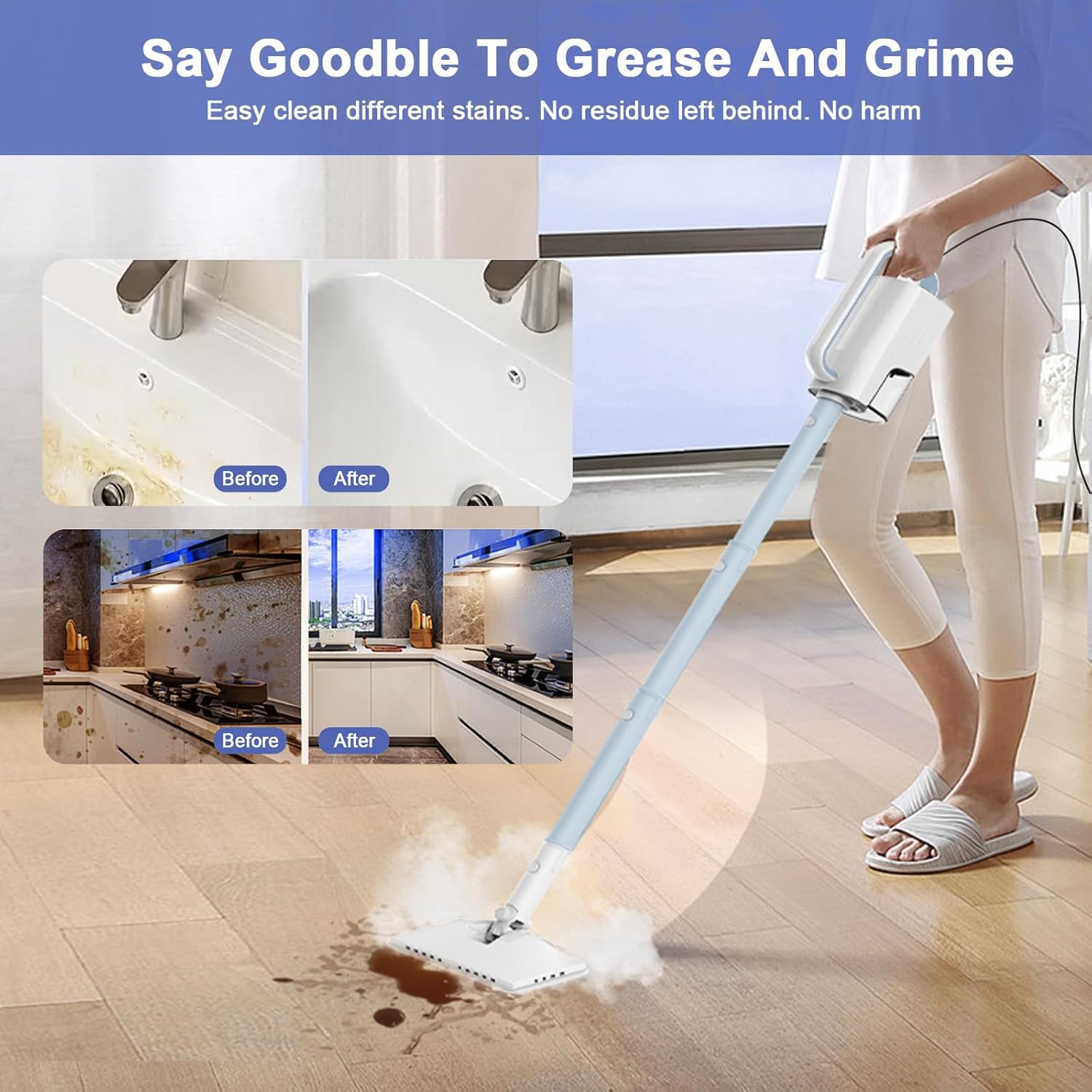
Figure 7: Demonstrating the effectiveness of the steam mop on various stains.
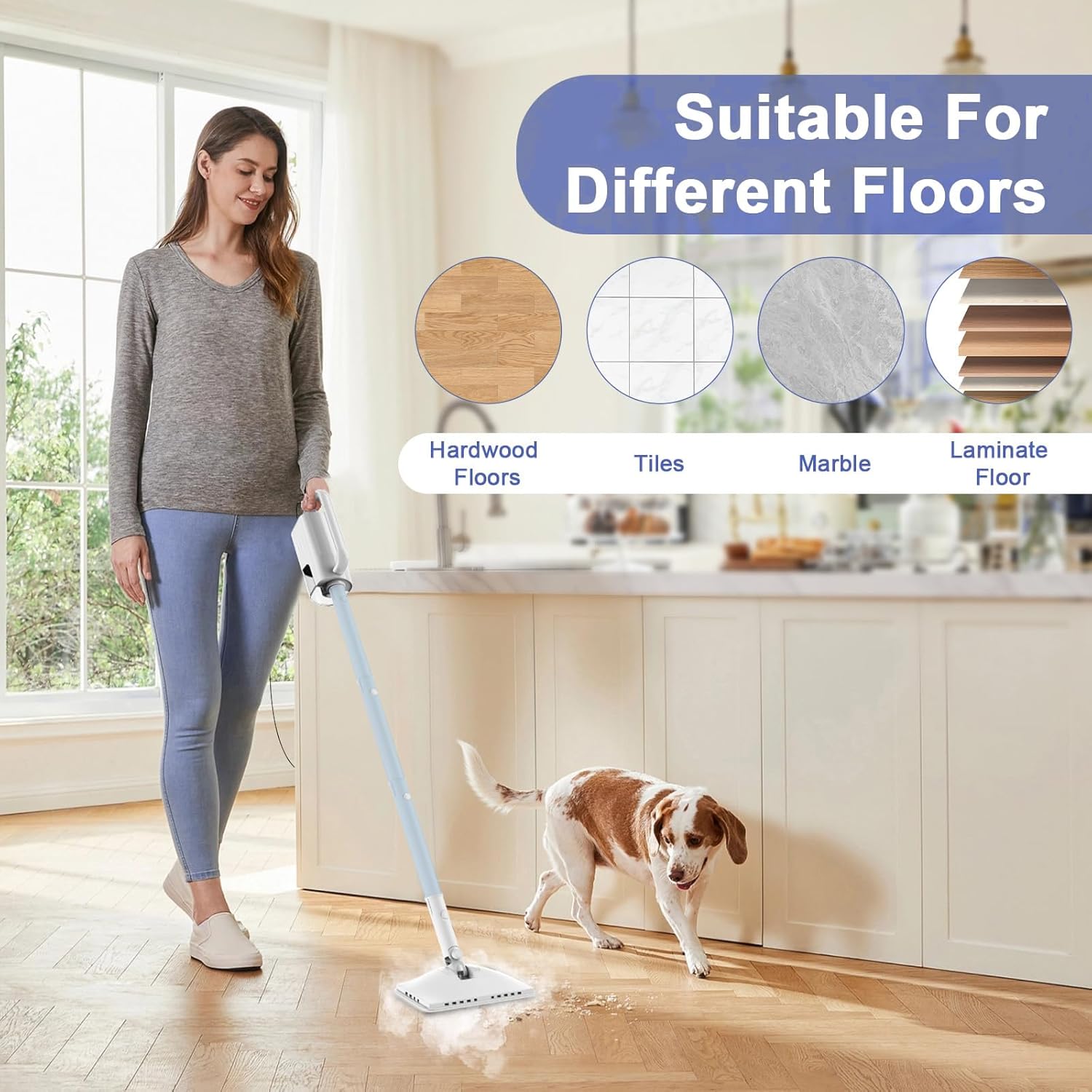
Figure 8: The steam mop is suitable for various floor types.
Maintenance
- Refilling Water: The 400ML water tank provides up to 30 minutes of high-temperature cleaning runtime. Monitor the water level and refill as needed by detaching the tank and opening the plug.
- Cleaning Mop Pads: The microfiber mop pads are machine washable. After cleaning, remove the pads from the mop head and wash them according to fabric care instructions. An extra set of pads is provided for convenience.
- Storage: After use, ensure the unit is unplugged and cooled down. Empty any remaining water from the tank. Store the steam cleaner and its attachments in a dry, safe place.
Troubleshooting
If you encounter any issues with your ACHTFACH Steam Mop Cleaner, please refer to the following common solutions:
- No Steam Production:
- Check if the water tank is empty. Refill if necessary.
- Ensure the unit is properly plugged into a working power outlet.
- Verify that the power button is pressed and the correct mode (Min/Max) is selected.
- Allow sufficient time (approx. 15 seconds) for the unit to heat up.
- Reduced Steam Output:
- The water tank might be running low. Refill the tank.
- Mineral buildup can affect steam output. Consider using distilled water to prevent this. If buildup occurs, consult the warranty section for service.
- Mop Head Not Rotating Smoothly:
- Check for any obstructions around the rotating mechanism.
- Ensure the mop head is securely attached to the extension tube.
For further assistance, please contact ACHTFACH customer support.
Specifications
| Feature | Specification |
|---|---|
| Brand | ACHTFACH |
| Model Name | SC-05 |
| Special Feature | Detachable |
| Surface Recommendation | Floor |
| Wattage | 1200 watts |
| Tank Volume | 0.4 Liters |
| Heat Time | 15 seconds |
| Power Cable Length | 23 feet |
| Item Weight | 6.38 pounds |
| Package Dimensions | 15.07 x 9.76 x 5.79 inches |
| UPC | 850073522134 |
Warranty and Support
ACHTFACH offers an extra year of maintenance service and online support for your steam cleaner. If you have any problems or require assistance, please do not hesitate to contact our customer service team. We are committed to providing high-quality, efficient cleaning solutions for a comfortable and pristine home environment.
For support, please visit the official ACHTFACH website or refer to the contact information provided with your product packaging.
Ask a question about this manual
Ask about setup, troubleshooting, compatibility, parts, safety, or missing instructions. Manuals+ will review the question and use this page’s manual context to help answer it.