
1. Introduction
The GoAssemb GOOSKY E2 UH-1Y is a 1/35 scale RC simulation helicopter designed for both beginners and enthusiasts. This Ready-to-Fly (RTF) model features advanced GPS and Lidar positioning for stable flight, dual brushless direct-drive motors for powerful performance, and intelligent return-to-home functions. This manual provides essential information for the safe and proper operation, maintenance, and care of your helicopter.

Image 1: The GoAssemb GOOSKY E2 UH-1Y Smart Helicopter, 1/35 scale replica.
2. Safety Information
Before operating the GOOSKY E2 UH-1Y helicopter, please read and understand all safety warnings and instructions. Failure to do so may result in injury or damage to the product.
- Age Recommendation: This product is recommended for users aged 16 and above.
- Flight Environment: Operate the helicopter in open, clear areas, away from people, animals, buildings, and power lines. Avoid flying in strong winds or adverse weather conditions.
- Battery Safety: Use only the dedicated charger and smart LiPo battery provided. Do not overcharge, puncture, or expose batteries to extreme temperatures. Always supervise charging.
- Rotor Blades: Keep hands, face, and loose clothing away from rotating blades. Blades can cause serious injury.
- Electronic Fence: The helicopter is restricted to a maximum flight altitude of under 100 meters and a maximum flight distance of under 300 meters. Adhere to these limits for safe operation.
- Pre-Flight Check: Always perform a thorough pre-flight check to ensure all components are securely attached and functioning correctly.

Image 2: Illustration of the electronic fence limiting flight altitude to 100 meters and flight distance to 300 meters.
3. Package Contents
Verify that all items are present in your package:
- Carrying Case (1)
- GOOSKY E2 UH-1Y Helicopter (1)
- User Manual (1)
- Dedicated Charger (1)
- Smart LiPo Battery (1 or 2, depending on package)
- A8 Remote Control (1)
- Extra Main Shaft (1)
- Several Tools
- Several Spare Screws
4. Setup
4.1 Charging the Batteries
- Connect the dedicated charger to a power source.
- Connect the 3S 11.1V 1600mAh 30C Smart LiPo Battery to the dedicated charger.
- Allow approximately 90 minutes for a full charge. The charger will indicate when charging is complete.
- Charge the A8 Remote Control's 2800mAh battery using a Type-C fast charging cable.
4.2 Installing the Helicopter Battery
- Ensure the helicopter's power switch is in the OFF position.
- Open the quick-release canopy.
- Carefully insert the charged Smart LiPo Battery into the battery compartment.
- Connect the battery cable to the helicopter's power port.
- Securely close the quick-release canopy.
4.3 Remote Control Pairing
The GOOSKY E2 UH-1Y is a Ready-to-Fly (RTF) model, meaning it comes pre-tuned and paired from the factory. No manual tuning or linkage adjustments are typically required for initial flight. If re-pairing is ever needed, refer to the specific instructions in the full manual or manufacturer's website.
5. Operating Instructions
5.1 Basic Flight Controls
The A8 Remote Control operates on a 2.4G 6CH system. Familiarize yourself with the control sticks and their functions before attempting flight.
- Throttle Stick: Controls altitude (up/down).
- Directional Stick: Controls forward/backward, left/right movement, and yaw (rotation).
5.2 GPS and Lidar Positioning
The GOOSKY E2 UH-1Y is equipped with advanced GPS and Lidar sensors for enhanced flight stability and ease of use.
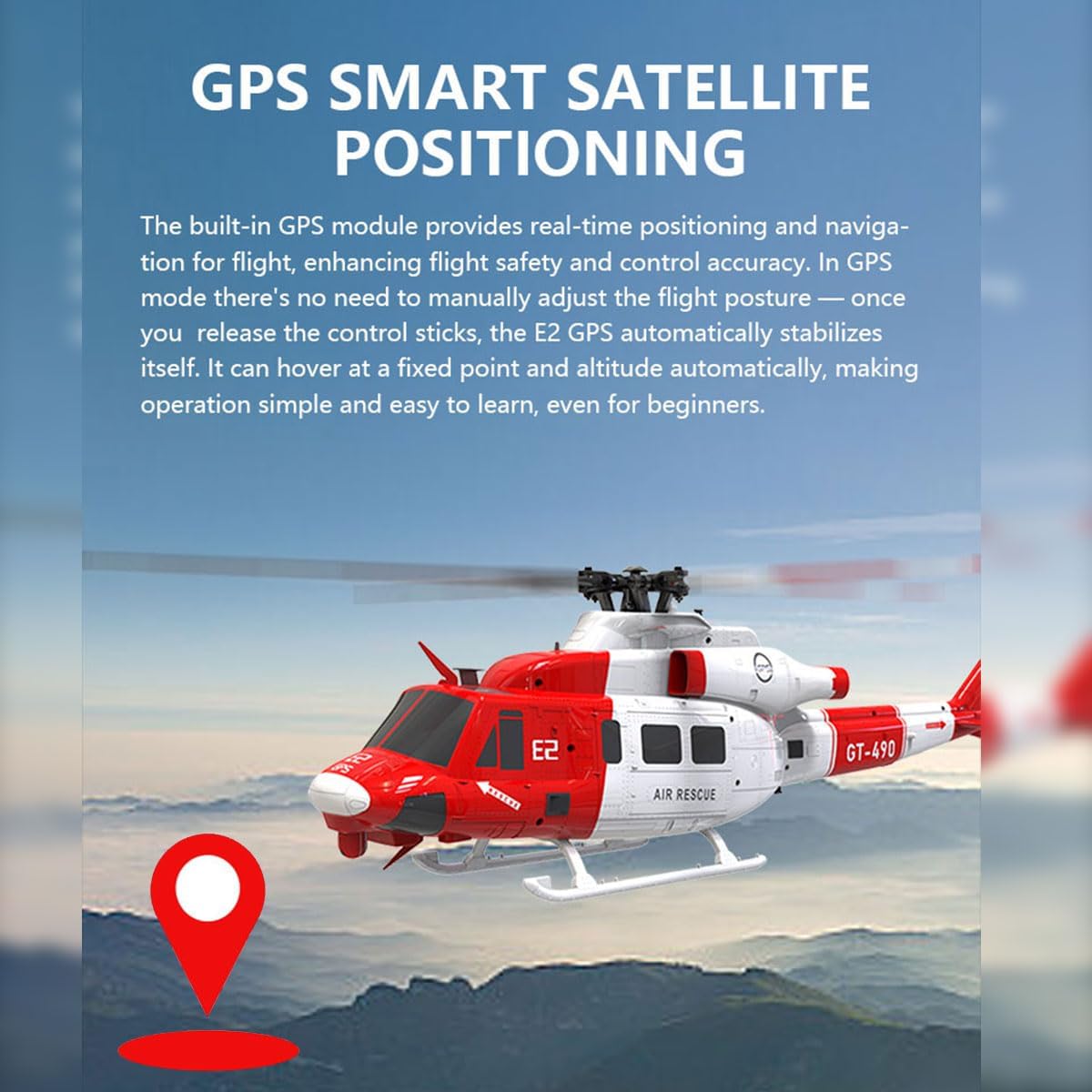
Image 3: The built-in GPS module provides real-time positioning and navigation, enhancing flight safety and control accuracy.

Image 4: Vision system provides horizontal displacement data, while TOF Lidar supplies vertical altitude data, forming a 3D spatial coordinate system.
- Auto-Hovering & Altitude Hold: In GPS mode, the helicopter automatically stabilizes itself and maintains a fixed point and altitude when control sticks are released.
- One-Key Return: Initiates an automatic return to the takeoff point.
- Low-Battery Return (RTH): The helicopter will automatically return to home if the battery voltage drops below a safe level during flight.

Image 5: The flight controller plans a return route, bringing the helicopter back to the takeoff point and landing automatically.
5.3 Flight Duration
The 11.1V 1600mAh LiPo battery provides a flight time of approximately 15 minutes per charge. The remote control distance is up to 300 meters.
6. Maintenance
Regular maintenance ensures the longevity and optimal performance of your GOOSKY E2 UH-1Y helicopter.
- Cleaning: After each flight, gently wipe down the helicopter with a soft, dry cloth to remove dust, dirt, or debris. Avoid using harsh chemicals.
- Blade Inspection: Regularly check rotor blades for any signs of damage, cracks, or wear. Replace damaged blades immediately using the provided spare parts or genuine replacements.
- Motor & Gear Inspection: Ensure the dual brushless direct-drive motors and any visible gears are free from obstructions and operate smoothly.
- Battery Storage: Store LiPo batteries in a cool, dry place, away from direct sunlight and extreme temperatures. Do not store fully charged or fully discharged for extended periods.
- Screw Tightness: Periodically check all screws and fasteners to ensure they are secure. Tighten any loose screws carefully.
7. Troubleshooting
If you encounter issues with your helicopter, refer to the following common problems and solutions:
- Helicopter does not power on:
- Ensure the battery is fully charged and correctly connected.
- Check the helicopter's power switch.
- Remote control does not respond:
- Ensure the remote control battery is charged.
- Verify the remote control is powered on.
- Confirm the remote control is properly paired with the helicopter.
- Unstable flight or drifting:
- Ensure you are flying in an open area with minimal wind interference.
- Check for any damaged rotor blades and replace if necessary.
- Recalibrate the helicopter's sensors if the issue persists (refer to manufacturer's advanced instructions).
- Short flight time:
- Ensure the battery is fully charged before each flight.
- Battery performance may degrade over time; consider replacing older batteries.
For more complex issues, please contact customer support or refer to the manufacturer's official website.
8. Specifications
| Model Name | E2 UH-1Y |
| Brand | GoAssemb |
| Scale | 1/35 |
| Rotor Diameter | 490mm |
| Single Body Weight | 538g |
| Drive Motor | GOOSKY Dual Brushless Direct Drive Motor |
| Remote Control | 2.4G A8 Rechargeable Remote Control |
| Remote Control Distance | 300 meters |
| Body Battery | 3S 11.1V 1600mAh 30C Smart LIPO Battery |
| Charger | Dedicated Charger |
| Charging Time | Approximately 90 minutes |
| Flight Time | Approximately 15 minutes |
| Product Dimensions | 48.3 x 49 x 13.2 cm (19.02 x 19.29 x 5.2 inches) |
| Product Weight | 1770 Grams |
| Material Type | Plastic + Electronic Components |
| Age Range Description | 16+ Years |
| Additional Features | Rechargeable, Portable, GPS, Lidar Positioning, Low-Battery Return |
9. Warranty Information
GoAssemb products are manufactured to high-quality standards. For specific warranty terms and conditions, please refer to the warranty card included with your product or visit the official GoAssemb website. Keep your proof of purchase for any warranty claims.
10. Support
For further assistance, technical support, or to purchase spare parts, please visit the official GoAssemb website or contact their customer service department. You can often find FAQs and additional resources online.