1. Introduction
The Anytrox Wireless HDMI Transmitter and Receiver kit, model THT-020-8, provides a convenient solution for wirelessly transmitting high-definition video and audio signals. This device eliminates the need for long, cumbersome HDMI cables, allowing you to project content from various source devices to a display without delay. It supports 1080p/60Hz resolution and operates on both 2.4GHz and 5GHz frequencies for stable transmission. This manual provides detailed instructions for setup, operation, and maintenance of your device.

Image: Overview of the Anytrox Wireless HDMI system's capabilities, including 1080p resolution and 5G transmission.
2. Package Contents
Please verify that all items are present in your package:
- 1 x Wireless HDMI Transmitter (TX)
- 1 x Wireless HDMI Receiver (RX)
- 1 x Micro HDMI Adapter
- 1 x Mini HDMI Adapter
- 1 x Storage Bag
- 1 x Instruction Manual (this document)

Image: The Anytrox Wireless HDMI Transmitter and Receiver units, shown with included adapters.
3. Product Overview
The Anytrox Wireless HDMI system consists of two main components: the Transmitter (TX) and the Receiver (RX). Both units are compact and designed for ease of use.
3.1 Key Features
- Wireless HDMI Transmission: Transmits video and audio wirelessly to large displays.
- Plug and Play: No drivers, Bluetooth, or Wi-Fi required for initial setup. Connects in approximately 10 seconds.
- Full HD 1080p Output: Supports 1080p/60Hz resolution with full RGB color gamut for clear visuals and synchronized audio.
- Wide Compatibility: Compatible with most HDMI devices including laptops, PCs, cameras, DVD players, gaming consoles, TVs, monitors, and projectors.
- Dual-band Support: Utilizes 2.4GHz and 5GHz frequencies for stable signal transmission.

Image: Compatibility chart for Transmitter (TX) and Receiver (RX) devices.
4. Setup Instructions
The Anytrox Wireless HDMI system is designed for simple plug-and-play operation. Follow these steps to set up your device:
- Connect the Transmitter (TX): Connect the HDMI end of the TX unit to the HDMI output port of your source device (e.g., laptop, PC, camera). Connect the USB power cable from the TX unit to a USB port on your source device or a USB power adapter for power supply.
- Connect the Receiver (RX): Connect the HDMI end of the RX unit to an HDMI input port on your display device (e.g., TV, monitor, projector). Connect the USB power cable from the RX unit to a USB port on your display device or a USB power adapter for power supply. Note: If your display device does not have a USB port, use an external USB power adapter (not included) for power.
- Automatic Pairing: Once both units are powered on and connected, the system will automatically begin pairing. An indicator on the TX unit will flash during this process.
- Connection Confirmation: When the image from your source device appears on the display, and the indicator on the TX unit stops flashing and stays solid, the pairing is successful. The connection should be established within a few seconds.

Image: Step-by-step connection guide for the Anytrox Wireless HDMI system.
5. Operating Instructions
Once the Anytrox Wireless HDMI system is set up, it will automatically mirror the content from your source device to the connected display.
5.1 General Usage
- Ensure both the Transmitter (TX) and Receiver (RX) units are properly connected and powered.
- The system will automatically detect the input signal and display it on the connected screen.
- The device supports 1080p Full HD resolution, providing a clear visual experience for various applications.
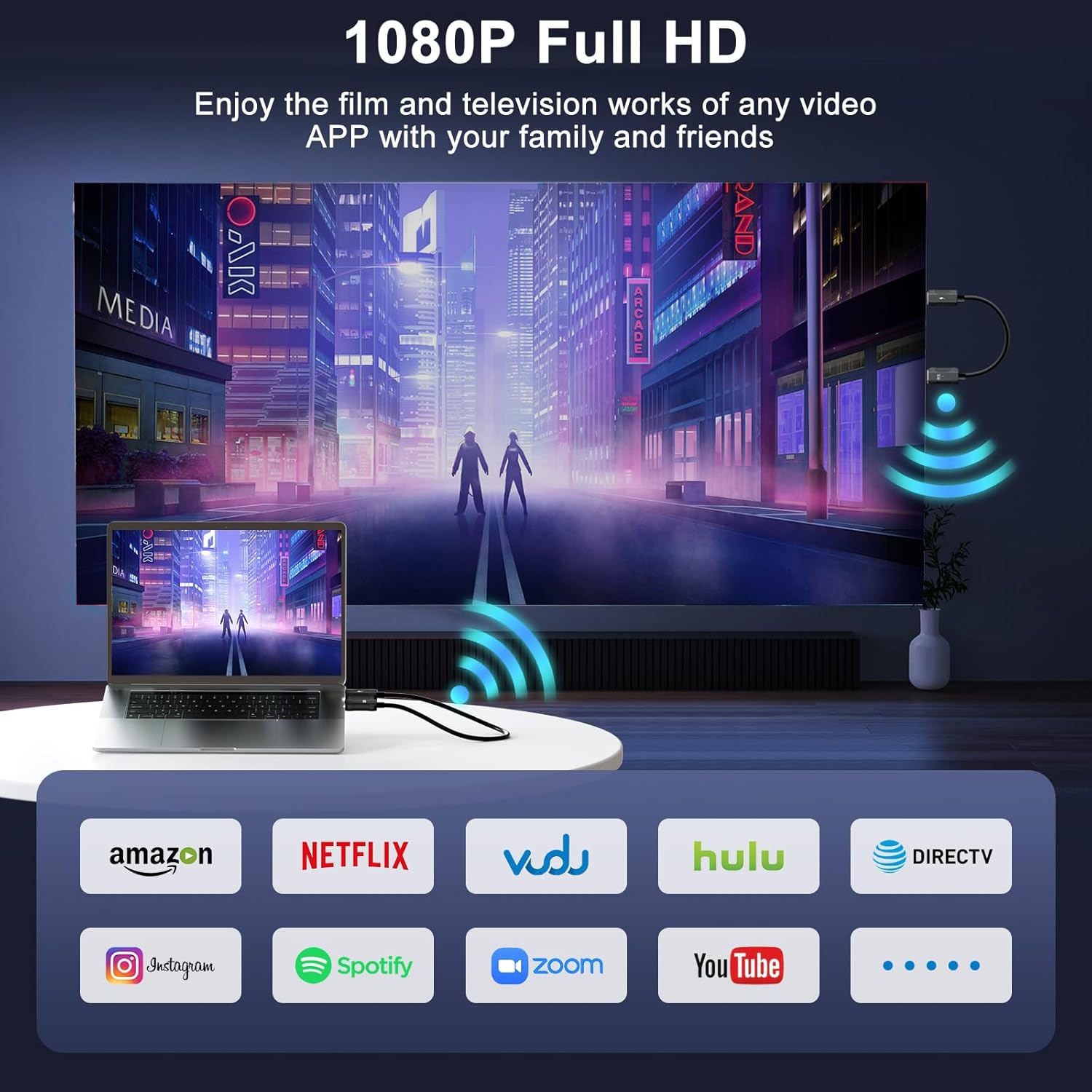
Image: Enjoying 1080p Full HD content from streaming services on a large screen.
5.2 Application Scenarios
The Anytrox Wireless HDMI system is versatile and can be used in various settings:
- Business Meetings: Share presentations or documents from your laptop to a projector or large monitor.
- Home Entertainment: Stream movies, videos, or games from your PC/laptop to your HDTV.
- Photography/Videography: Connect your camera to a laptop or TV for real-time viewing or playback.
- Education: Facilitate teaching by wirelessly displaying content from a computer to a classroom screen.

Image: Diverse applications of the wireless HDMI system, including meetings, home theater, and educational settings.
6. Troubleshooting
If you encounter issues with your Anytrox Wireless HDMI system, please refer to the following common solutions:
- No Signal/Black Screen:
- Ensure both the TX and RX units are securely connected to their respective HDMI ports.
- Verify that both units are receiving adequate power from their USB connections. Try using a different USB port or a dedicated USB power adapter.
- Confirm that your display device is set to the correct HDMI input source.
- Try disconnecting and reconnecting both units to re-initiate the pairing process.
- Audio Lag or No Audio:
- Check the audio settings on your source device and display device.
- Ensure the volume is not muted on either device.
- Reduce the distance between the TX and RX units and remove any obstructions to improve signal strength.
- Interference from other wireless devices (e.g., Wi-Fi routers, cordless phones) can sometimes affect audio synchronization. Try moving the units away from such sources.
- Intermittent Connection/Signal Drops:
- The effective transmission range is up to 50 meters (164 feet) in an open environment. Walls and other obstacles will reduce this range.
- Ensure there are no significant physical obstructions between the TX and RX units.
- Minimize interference from other 2.4GHz or 5GHz wireless devices.
- Ensure both units are receiving stable power.
- Image Quality Issues (e.g., blurry, distorted):
- Ensure your source device is outputting a stable 1080p signal.
- Check the HDMI cables connecting the units to your devices for damage.
- Reduce the distance and obstructions between the TX and RX units.
7. Specifications
| Feature | Specification |
|---|---|
| Model Number | THT-020-8 |
| Brand | Anytrox |
| Connector Type | HDMI |
| Cable Type | HDMI |
| Video Resolution | 1080p/60Hz (4K Decode) |
| Wireless Frequency | 2.4GHz / 5GHz |
| Special Feature | Built-In Wi-Fi (for internal communication) |
| Compatible Devices | Laptop, PC, Camera, DVD, Set-top box, Roku, Satellite boxes, Blu-ray player, Projector, HDTV, Monitor |
| Package Dimensions | 5.16 x 3.43 x 1.85 inches |
| Item Weight | 4.16 ounces |
8. Maintenance
To ensure the longevity and optimal performance of your Anytrox Wireless HDMI Transmitter and Receiver, follow these maintenance guidelines:
- Cleaning: Use a soft, dry cloth to clean the units. Avoid using liquid cleaners or aerosols, as they may damage the device.
- Storage: When not in use, store the units in the provided storage bag in a cool, dry place, away from direct sunlight and extreme temperatures.
- Handling: Handle the units with care. Avoid dropping them or subjecting them to strong impacts. Do not bend or twist the HDMI connectors excessively.
- Power: Always ensure the units receive stable power. Disconnect power during electrical storms or when unused for long periods.
9. Warranty and Support
Anytrox provides comprehensive support for your Wireless HDMI Transmitter and Receiver (Model THT-020-8).
- Warranty: This product comes with a 1-year warranty from the date of purchase.
- Replacement/Refund: A 6-month replacement or refund policy is offered for eligible issues.
- Customer Service: If you have any questions, concerns, or require technical assistance, please contact Anytrox customer service. We aim to provide a satisfactory response within 24 hours. Refer to your purchase documentation for specific contact details.


