
1. Introduction
This manual provides instructions for the Wuzstar 27-Eye Party DJ Light, Model YSH-532. This lighting system integrates laser technology, RGB LED, and strobe effects to produce various visual displays. It is suitable for use in various settings including clubs, events, and private gatherings.
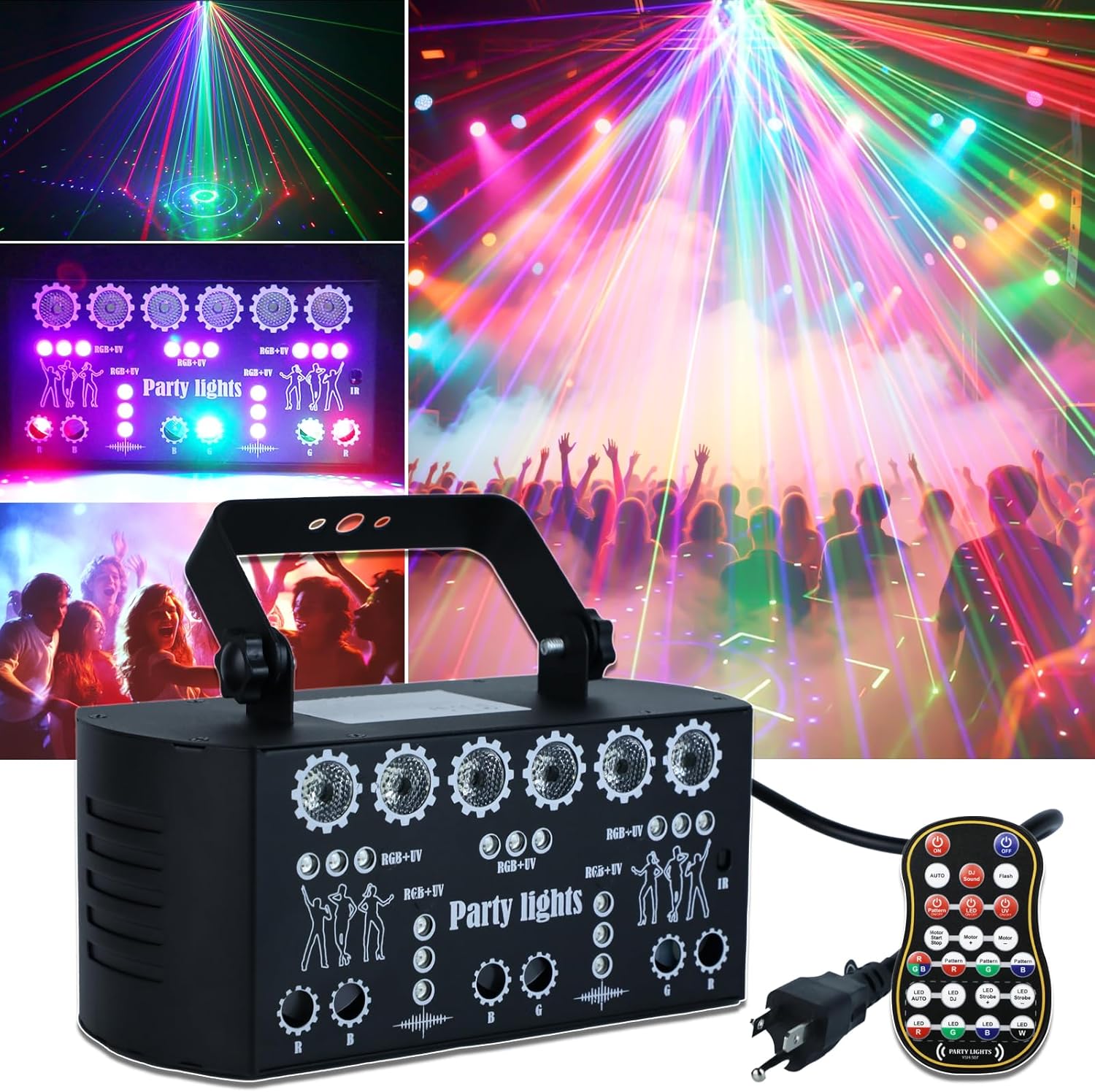
Image 1: Wuzstar 27-Eye Party DJ Light with remote control, showcasing its compact design and the vibrant light patterns it can project in a party setting.
2. Package Contents
Verify that all items listed below are included in your package:
- 1x Stage Strobe Party Light
- 1x Remote Control
- 1x 59-inch Power Cord
- 1x Stand / 2x Screws
- 1x User Manual

Image 2: All components of the Wuzstar 27-Eye Party DJ Light package, including the main unit, remote, power cord, mounting accessories, and manual.
3. Product Features
- 27-Eye Lighting System: Combines laser technology, RGB LED, and strobe effects.
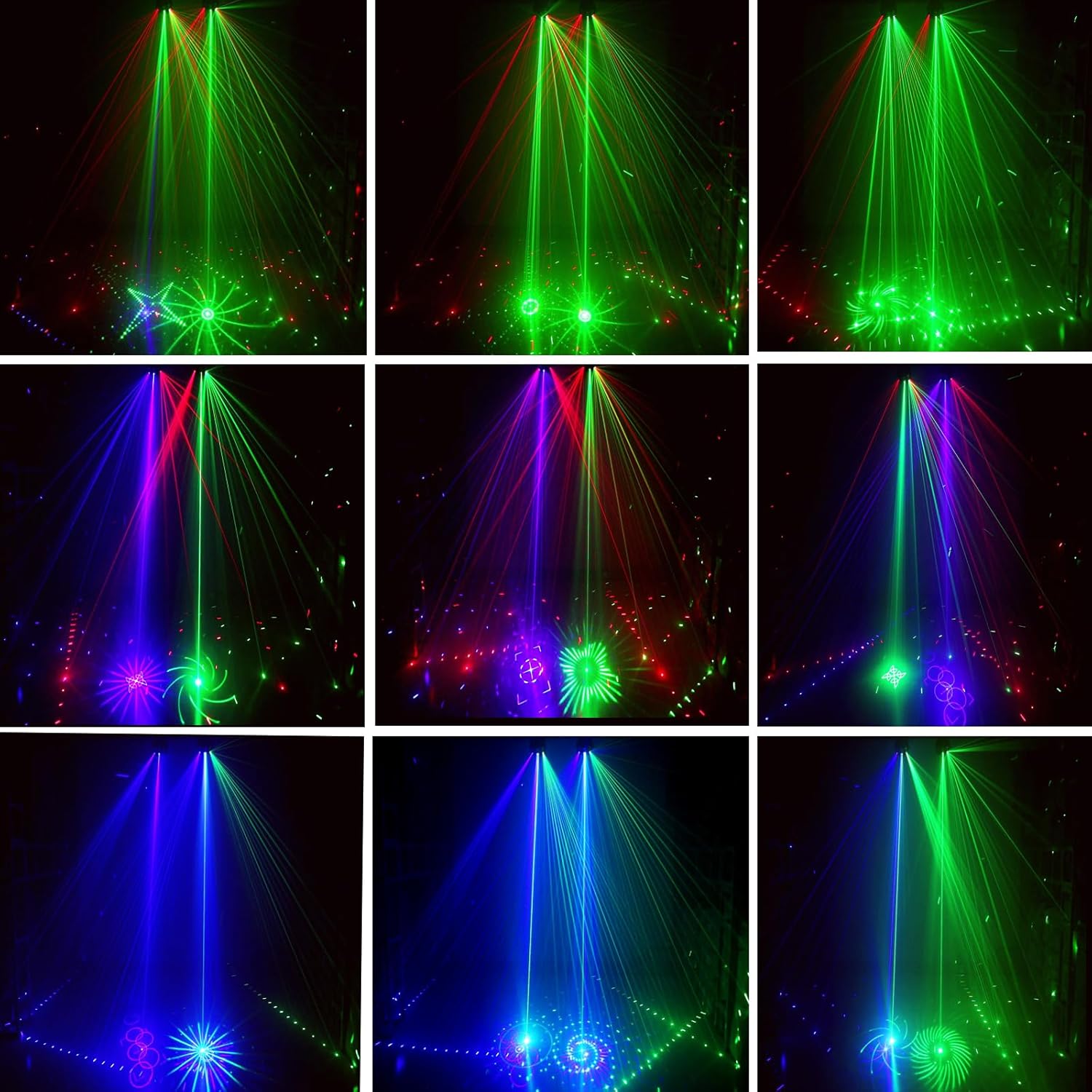
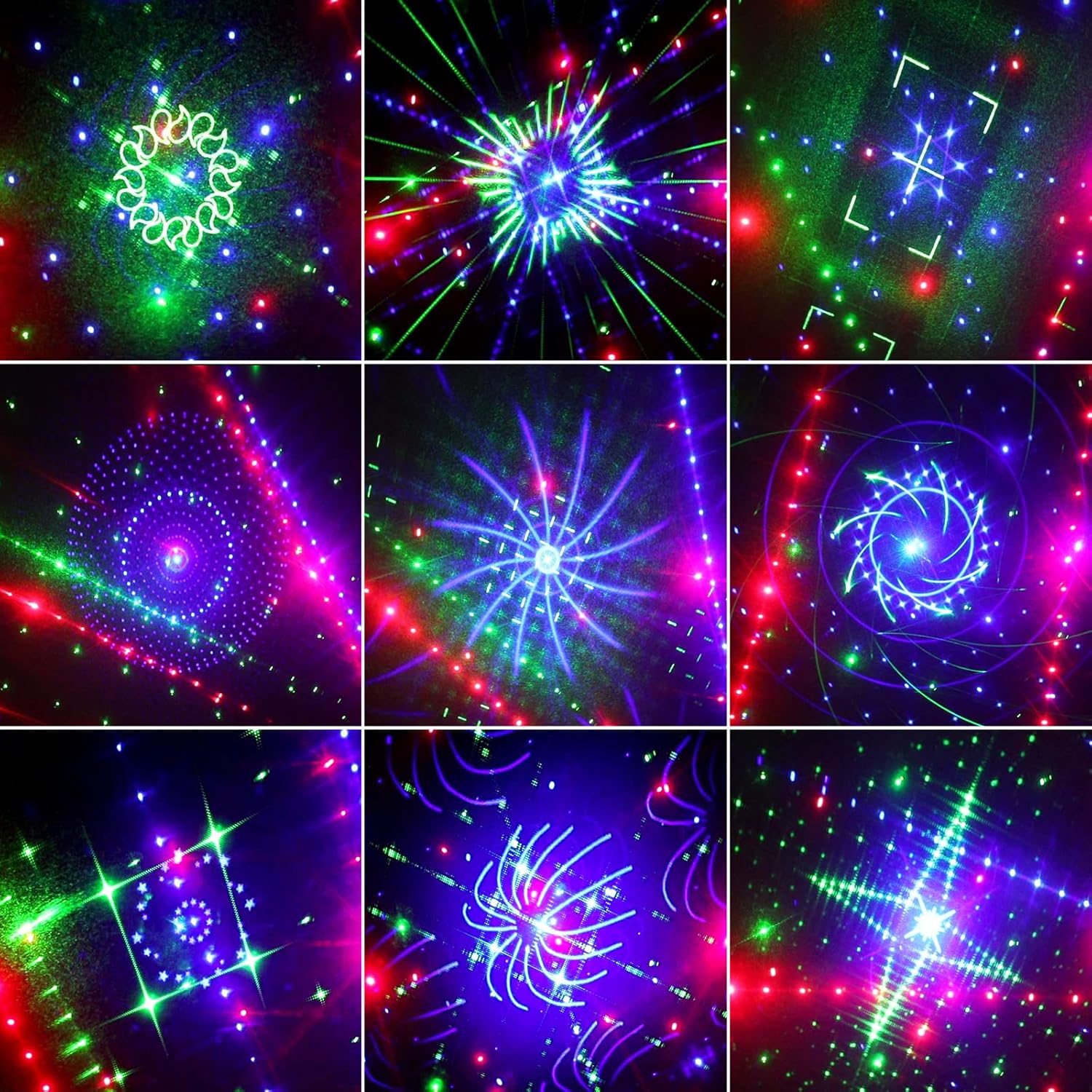
- Laser Projection: 6 high-precision light output holes project over 100 distinct patterns in red, green, and blue, covering a 160° range.
- LED Lighting: 21 LED bulbs provide RGB+white colors, offering 5 color options (red, green, blue, purple, white) with adjustable flicker and gradient effects.
- Control Options: Includes a 23-button remote control for mode selection, motor speed adjustment, and independent control of light beams, LEDs, and UV. DMX-512 compatibility allows integration with professional lighting consoles.
- Sound Activation: Lighting can synchronize with music via sound activation.
- Memory Function: Retains previous settings after power interruptions.
- Construction: Lightweight aluminum alloy housing (1.5kg/3.3 pounds) with dimensions of 22x10x9.5cm (8.6"x3.9"x3.7"). Features a heat-resistant design, 1.5-meter reinforced power cord, and a built-in fan for heat dissipation.
- Installation: Equipped with adjustable brackets and screws for mounting on T-shaped trusses, ceilings, stage bars, or direct ground placement.


4. Safety Information
Read and understand all safety instructions before operating the device. Failure to follow these instructions may result in injury or damage to the product.
- Laser Safety: This product emits laser light. Avoid direct eye exposure to the laser beam. Do not look directly into the light source during operation.
- Power Supply: Ensure the power supply voltage matches the device's requirements (110V). Use only the provided power cord.
- Ventilation: Do not block ventilation openings. Ensure adequate airflow around the unit to prevent overheating.
- Environment: Do not expose the device to rain, moisture, or extreme temperatures. Operate in a dry environment.
- Installation: Securely mount the device using the provided brackets and screws. Ensure the mounting surface can support the weight of the unit.
- Maintenance: Refer to the Maintenance section for cleaning and care instructions. Do not attempt to service the unit yourself. Contact qualified personnel for repairs.
- Smoke Environment: The full visual effects of this light are best observed in an environment with atmospheric haze or smoke. Without smoke, only patterns and animated graphics may be visible, and dynamic beams and scanning effects will be less pronounced.
5. Setup
Follow these steps to set up your Wuzstar 27-Eye Party DJ Light:
- Unpack: Carefully remove all components from the packaging.
- Placement: Choose a suitable location for the light. It can be placed on a flat surface or mounted using the adjustable bracket. Ensure the projection area is clear.
- Mounting (Optional): If mounting, attach the bracket to a secure surface (T-truss, ceiling, wall) using appropriate screws. Adjust the angle of the light as desired.
- Power Connection: Connect the provided power cord to the device and then to a standard 110V AC outlet.
- Power On: Flip the power switch on the rear panel to the 'ON' position. The display will illuminate.


6. Operating Modes
The Wuzstar 27-Eye Party DJ Light offers multiple operating modes, controllable via the included remote or the unit's control panel.
6.1 Remote Control Operation
Use the 23-button remote control (refer to Image 8) to select and adjust modes:
- ON/OFF: Power on/off the unit.
- AUTO: Activates automatic program cycling.
- DJ/Sound: Enables sound-activated mode, where lights react to music.
- Strobe: Activates strobe effects.
- LED/Laser/UV Buttons: Independently control LED, laser, and UV purple light functions.
- Motor Speed: Adjusts the speed of pattern rotation.
- Pattern Selection: Choose specific RGB patterns, red patterns, blue patterns, or green patterns.
- LED Color Control: Select individual LED colors (Red, Green, Blue, White).
6.2 DMX-512 Control
For professional setups, connect the unit to a DMX-512 controller using DMX IN/OUT ports (refer to Image 7). Consult your DMX controller's manual for specific channel assignments and programming.
6.3 Control Panel Operation
The control panel on the rear of the unit (refer to Image 7) allows for basic mode selection and settings adjustment using the MENU, UP, DOWN, and ENTER buttons.
7. Maintenance
Regular maintenance ensures optimal performance and longevity of your device.
- Cleaning: Periodically clean the exterior of the unit with a soft, dry cloth. Ensure the lens and light output holes are free of dust and debris for clear projection.
- Ventilation: Keep the ventilation fan and vents clear of obstructions.
- Storage: When not in use, store the device in a cool, dry place, away from direct sunlight and extreme temperatures.
- Power Cord: Inspect the power cord for any damage. Do not use if the cord is frayed or damaged.
8. Troubleshooting
If you encounter issues with your Wuzstar 27-Eye Party DJ Light, refer to the table below for common problems and solutions.
| Problem | Possible Cause | Solution |
|---|---|---|
| No power/Unit does not turn on | Power cord not connected; Power outlet faulty; Power switch off | Check power cord connection; Test outlet with another device; Ensure power switch is ON |
| No light output | Light mode not selected; Brightness too low; Laser/LED disabled | Select an operating mode; Increase brightness; Ensure laser/LED functions are enabled via remote/panel |
| Remote control not working | Batteries depleted; Obstruction between remote and unit; Remote sensor blocked | Replace remote batteries; Remove obstructions; Ensure remote sensor on unit is clear |
| Sound activation not responding | Microphone sensitivity too low; No sound input; Sound mode not active | Increase microphone sensitivity (if adjustable); Ensure music is playing near the unit; Activate sound mode via remote/panel |
| DMX control issues | Incorrect DMX address; Faulty DMX cable; DMX controller issue | Verify DMX address setting; Check DMX cable connections; Test with another DMX device or controller |
9. Specifications
| Feature | Detail |
|---|---|
| Brand | WUZSTAR |
| Model Number | YSH-532 |
| Item Weight | 3.09 pounds (1.4 kg) |
| Product Dimensions | 8.66"L x 3.94"W x 3.74"H (22 x 10 x 9.5 cm) |
| Material | Iron |
| Light Source Type | Light Emitting Diode (LED) |
| Number of Light Sources | 27 |
| Power Source | Corded Electric |
| Voltage | 110 Volts |
| Amperage | 2 Amps |
| Brightness | 1500 Lumen (Light Output Maximum: 900 Lumens) |
| Beam Angle | 160 Degrees |
| Bulb Features | RGB Color Changing |
| Color Temperature | 4100 Kelvin |
| Color Rendering Index | 90.0 |
| Batteries | 2 Nonstandard Battery batteries required (included for remote) |
| Mounting Type | Wall Mount or Ceiling Mount |
| Specification Met | FDA |
10. Warranty and Support
For warranty information or technical support, please refer to the contact details provided with your purchase documentation or visit the official WUZSTAR website. Keep your purchase receipt as proof of purchase for warranty claims.


