
AMERISUN AL5040C
AMERISUN Portable 4500W Gas-Powered Inverter Generator Instruction Manual
Model: AL5040C | Brand: AMERISUN
1. Introduction
This manual provides essential information for the safe and efficient operation, maintenance, and troubleshooting of your AMERISUN Portable 4500W Gas-Powered Inverter Generator. Please read this manual thoroughly before operating the generator to ensure proper use and to prevent injury or damage.
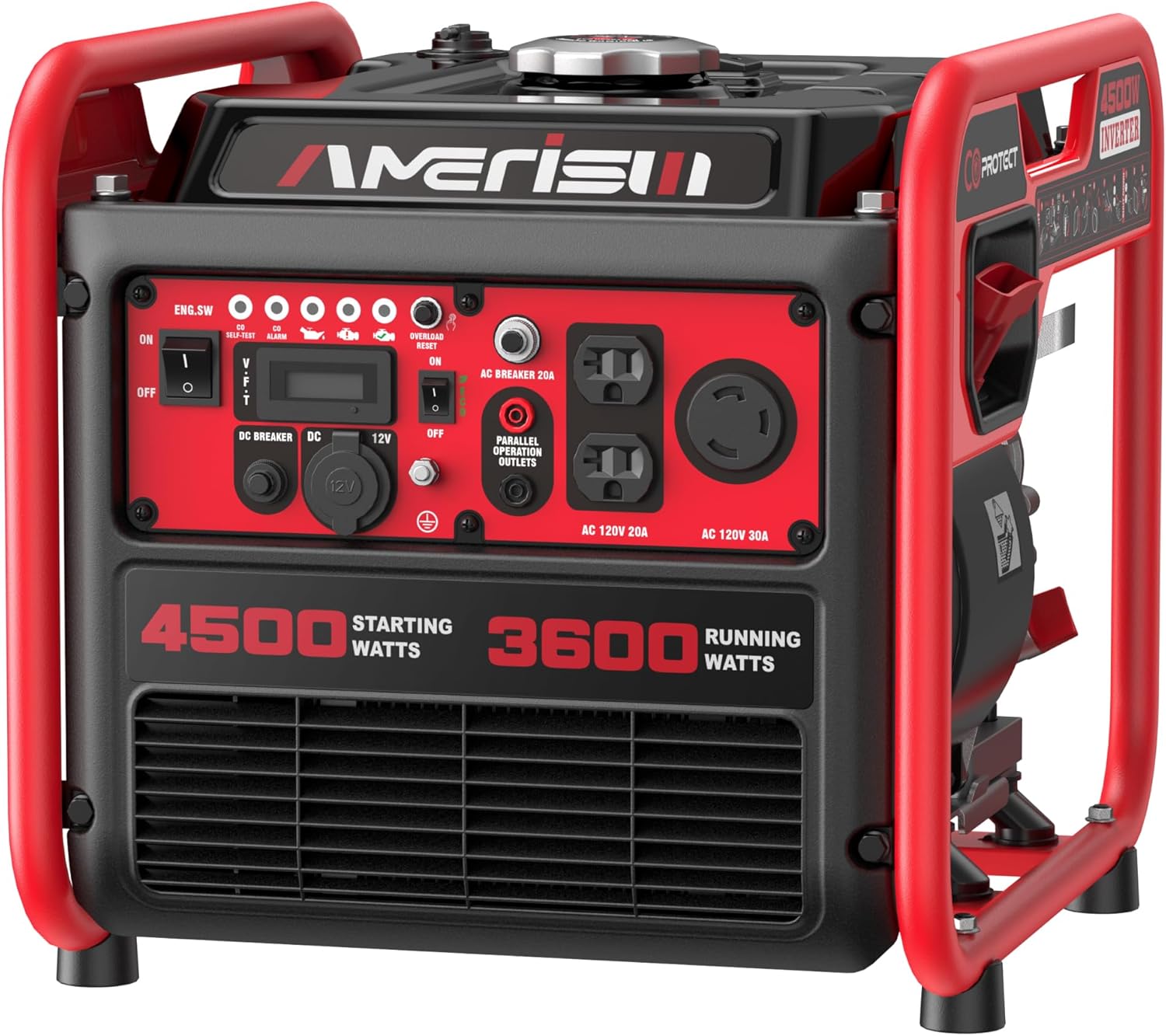
Image 1.1: Front view of the AMERISUN 4500W Inverter Generator showing its compact design and control panel.
2. Safety Information
Always observe safety precautions to reduce the risk of injury, electric shock, fire, and property damage. This generator produces carbon monoxide, a colorless, odorless, poisonous gas. Operating the generator indoors can kill you in minutes.
2.1 General Safety Rules
- DANGER: CARBON MONOXIDE HAZARD. Use the generator outdoors only, far away from windows, doors, and vents.
- Do not operate the generator in rain or wet conditions.
- Ensure proper ventilation when operating.
- Keep children and pets away from the generator.
- Do not refuel while the engine is running or hot.
- Always ground the generator before use.
2.2 CO Sensor Feature
This generator is equipped with a Carbon Monoxide (CO) sensor that automatically shuts down the engine if CO levels become dangerously high. A LED light indicates CO shutoff or fault.
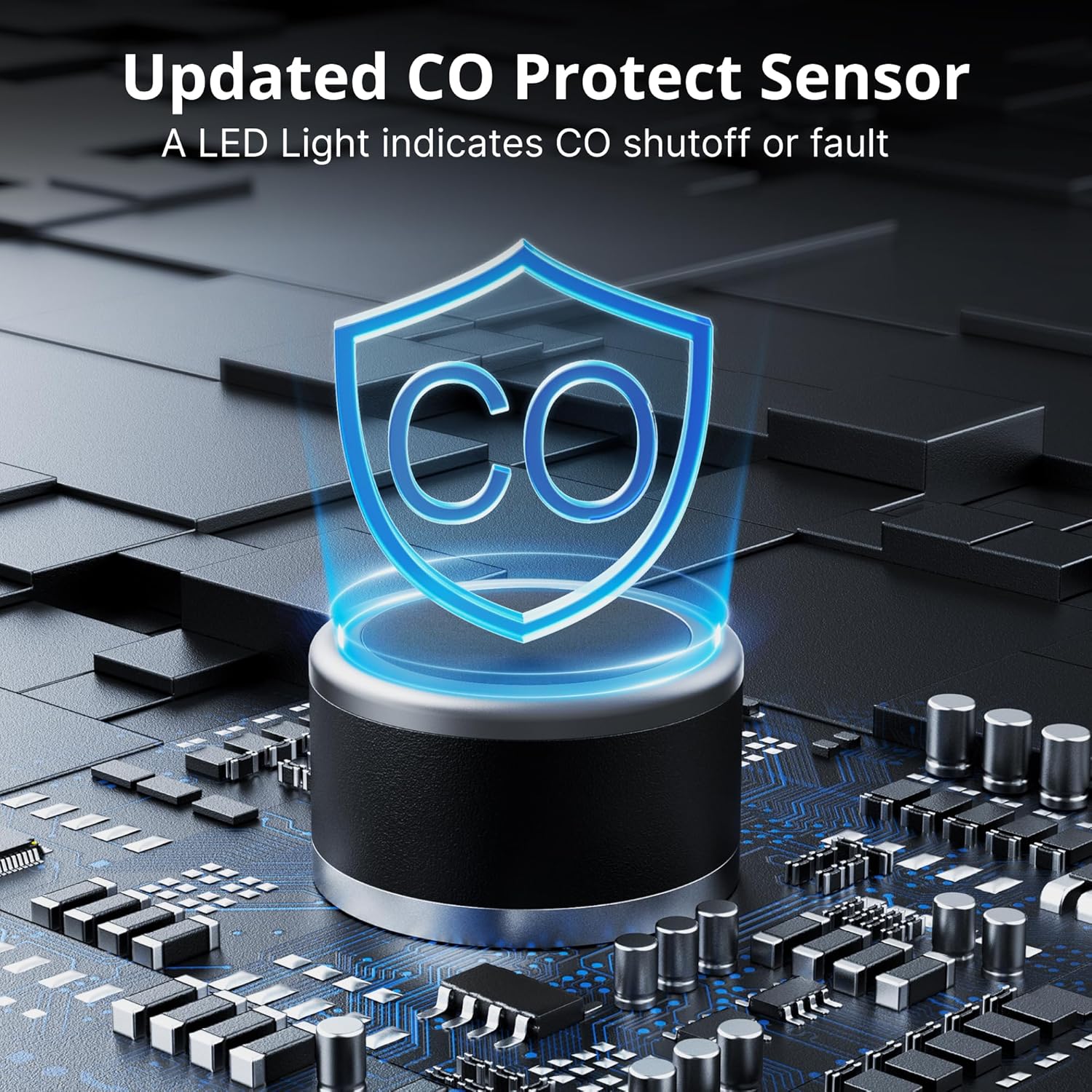
Image 2.1: Illustration of the updated CO Protect Sensor, indicating its safety function.
3. Product Components and Control Panel
Familiarize yourself with the various components and the control panel of your generator.
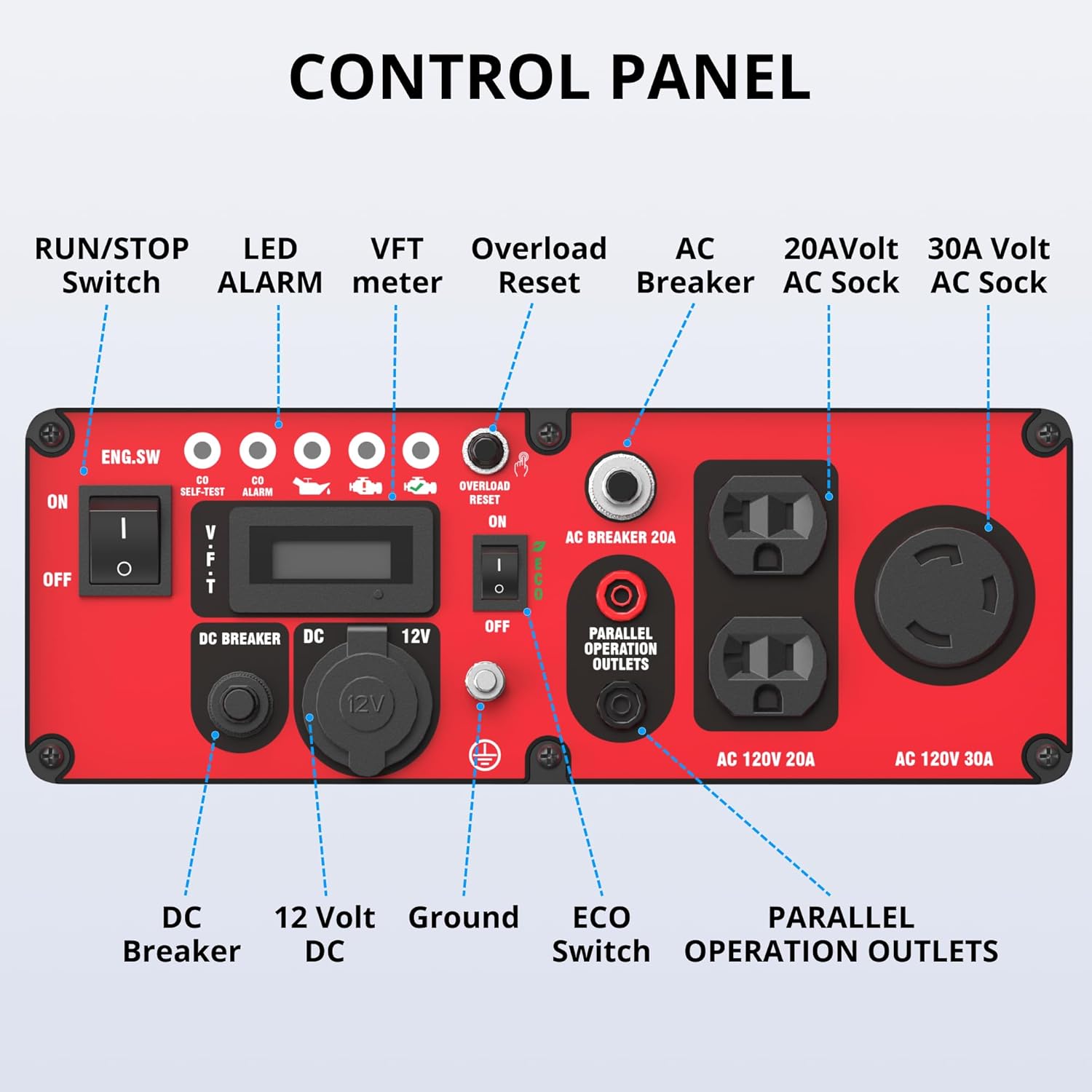
Image 3.1: Detailed view of the generator's control panel with labeled components.
3.1 Control Panel Overview
- RUN/STOP Switch (ENG.SW): Controls engine operation.
- LED ALARM: Indicates various operational statuses and warnings, including CO shutoff.
- VFT meter: Displays Voltage, Frequency, and Run Time.
- Overload Reset: Button to reset the generator after an overload shutdown.
- AC Breaker: Protects AC outlets from overload.
- 20A Volt AC Socket: Standard 120V AC outlets.
- 30A Volt AC Socket: 120V AC 30A outlet for higher power demands.
- DC Breaker: Protects DC output from overload.
- 12 Volt DC: 12V DC output for charging batteries.
- Ground: Grounding terminal for safety.
- ECO Switch: Engages Eco-mode for fuel efficiency and quieter operation under light loads.
- PARALLEL OPERATION OUTLETS: Used to connect two compatible generators for increased power output.
4. Setup and First Use
4.1 Unpacking and Inspection
Carefully remove the generator from its packaging. Inspect for any shipping damage. Ensure all components listed in the packing list are present.
4.2 Adding Engine Oil
Before first use, add the recommended engine oil. Refer to the oil fill cap for the correct type and quantity. Do not overfill.
4.3 Adding Fuel
Use only fresh, unleaded gasoline with an octane rating of 87 or higher. The fuel tank capacity is 1.6 Gallons. Do not fill above the fuel filter screen.
4.4 Grounding the Generator
For safe operation, the generator must be properly grounded. Connect a ground wire from the generator's ground terminal to an appropriate ground source.
5. Operating Instructions
5.1 Starting the Engine
- Ensure the generator is on a level surface and properly grounded.
- Turn the fuel valve to the "ON" position.
- Move the choke lever to the "CHOKE" position (if engine is cold).
- Turn the RUN/STOP switch to the "ON" position.
- Pull the recoil start handle firmly until the engine starts.
- Once the engine starts, gradually move the choke lever to the "RUN" position.
5.2 Connecting Electrical Devices
Once the generator is running stably, you can connect your electrical devices to the appropriate AC or DC outlets. Do not exceed the rated wattage of 3600W or the starting wattage of 4500W.
5.3 ECO Mode Operation
Engage the ECO switch for improved fuel efficiency and reduced noise when operating under light loads. The engine speed will automatically adjust to the load.
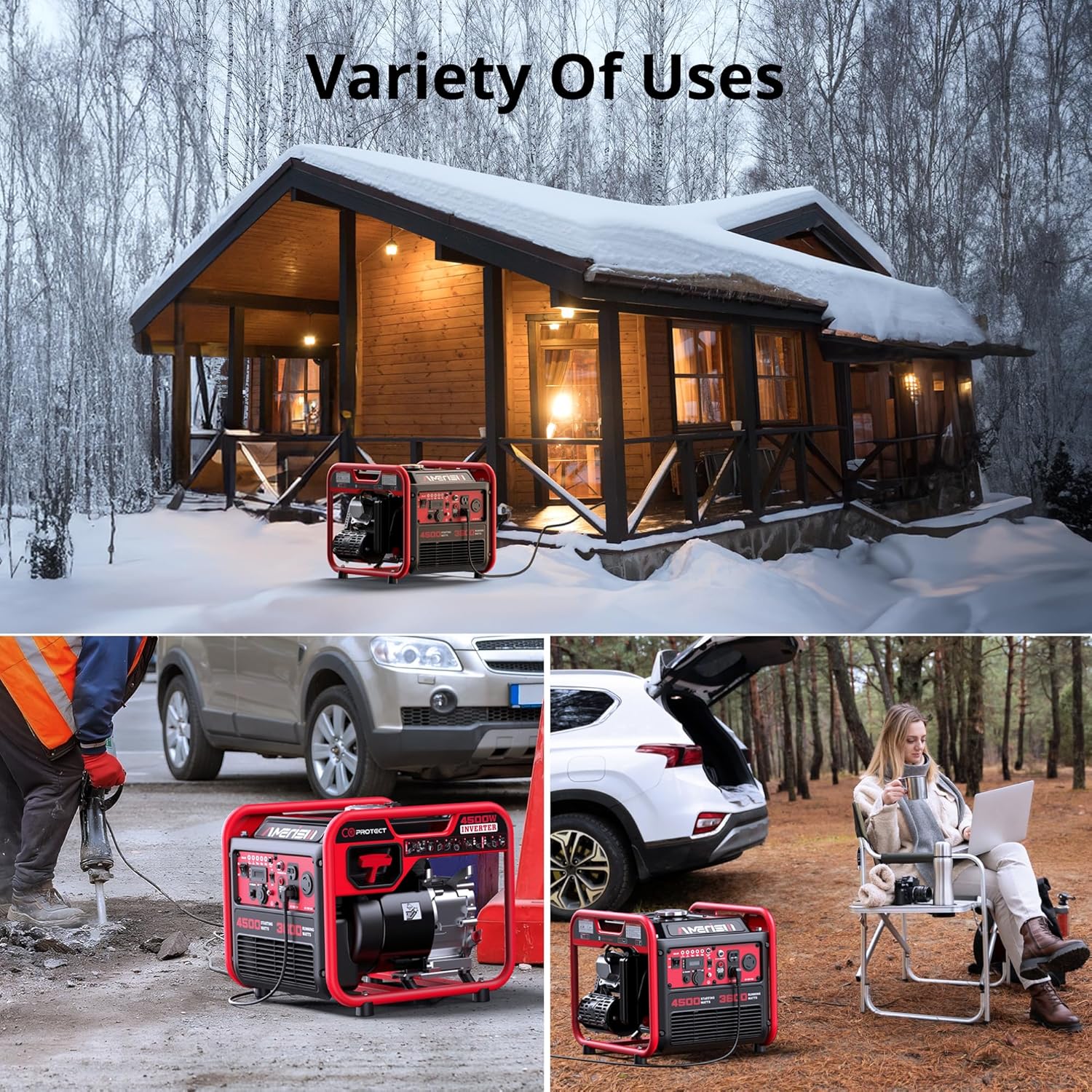
Image 5.1: The generator being used for home backup, outdoor work, and camping, demonstrating its versatility.
5.4 Stopping the Engine
- Disconnect all electrical loads.
- Turn the RUN/STOP switch to the "OFF" position.
- Turn the fuel valve to the "OFF" position.
6. Maintenance
Regular maintenance is crucial for the longevity and optimal performance of your generator.
6.1 Maintenance Schedule
| Item | Interval |
|---|---|
| Check Engine Oil Level | Before each use |
| Clean Air Filter | Every 50 hours or monthly |
| Change Engine Oil | First 20 hours, then every 100 hours or 6 months |
| Check Spark Plug | Every 100 hours or 6 months |
| Clean Fuel Filter | Annually or every 300 hours |
6.2 Storage
For long-term storage, drain the fuel tank and carburetor. Add fuel stabilizer if storing with fuel. Store in a clean, dry place.
7. Troubleshooting
This section provides solutions to common operational issues.
| Problem | Possible Cause | Solution |
|---|---|---|
| Engine will not start | No fuel; Low oil level; Spark plug issue; Choke not set correctly | Add fuel; Add oil; Check/replace spark plug; Adjust choke |
| No power output | Overload breaker tripped; ECO mode engaged with high load; Faulty connection | Reset AC breaker; Disengage ECO mode; Check connections |
| Engine stops unexpectedly | Low oil shutdown; CO sensor activated; Overload | Check oil level; Move generator to open area; Reduce load and reset |
| Excessive noise | Loose components; Exhaust issue; Not in ECO mode | Check for loose parts; Inspect exhaust; Engage ECO mode for light loads |
8. Specifications
| Feature | Detail |
|---|---|
| Model Name | AL5040C |
| Starting Wattage | 4500 Watts |
| Running Wattage | 4500 Watts |
| Fuel Type | Gasoline |
| Engine Type | 4 Stroke |
| Engine Displacement | 223 Cubic Centimeters |
| Fuel Tank Volume | 1.6 Gallons |
| Run Time (50% load) | 5.1 hours |
| Noise Level | 76dB(A) at 23 feet |
| Product Dimensions | 19.3"L x 16.89"W x 16.5"H |
| Item Weight | 61.2 pounds |
| Special Features | CO Sensor, Portable, Super Quiet |
9. Warranty and Support
For warranty information and technical support, please contact AMERISUN customer service. Keep your purchase receipt for warranty claims.
For additional resources and product information, visit the official AMERISUN store: AMERISUN Store