
1. Introduction
Thank you for choosing the Jierben SS01 50W Sound Bar. This sound bar is designed to enhance your audio experience for smart TVs, PCs, and mobile devices, delivering clear and powerful sound. Please read this manual carefully before use to ensure proper operation and to maximize the product's lifespan.

Figure 1: Jierben SS01 50W Sound Bar enhancing a home entertainment setup.
2. Package Contents
Please check the package for the following items:
- Jierben SS01 Sound Bar
- Power Cable
- Remote Control
- Quick Start Guide (this manual)
- 3.5mm AUX Cable
- Optical Cable
- Mounting Screws and Wall Anchors

Figure 2: Contents of the Jierben SS01 Sound Bar package.
3. Product Overview
3.1 Sound Bar Controls
The sound bar features intuitive controls located on the top panel for easy access:
- Power Button: Turns the sound bar on/off.
- Mode Button: Switches between input modes (Bluetooth, AUX, Optical, USB).
- Volume Up/Next Track: Increases volume; long press for next track in Bluetooth/USB mode.
- Volume Down/Previous Track: Decreases volume; long press for previous track in Bluetooth/USB mode.
- Play/Pause: Plays or pauses audio in Bluetooth/USB mode.
3.2 Rear Panel Ports
The rear panel provides various connectivity options:
- DC IN: Connect the power adapter here.
- OPTICAL: For digital audio connection using an optical cable.
- AUX: For analog audio connection using a 3.5mm AUX cable.
- USB: For playing audio files directly from a USB drive.

Figure 3: Rear panel ports of the sound bar.
3.3 Remote Control
The included remote control allows full functionality from a distance:
- Power: On/Off.
- Mode: Switch input sources.
- Volume +/-: Adjust volume.
- EQ: Cycle through equalizer modes (News, Movie, Music).
- Play/Pause, Next/Previous: Media playback controls.

Figure 4: Sound bar and remote control.
4. Setup and Connection
Before connecting, ensure the sound bar is placed on a stable surface or wall-mounted (see Section 6). Connect the power adapter to the DC IN port on the sound bar and then to a power outlet.
Video 1: Official Jierben SS01 How-to Video demonstrating various connection methods.
4.1 Bluetooth Connection
Connect your sound bar wirelessly to Bluetooth-enabled devices.
- Turn on the sound bar.
- Press the 'Mode' button on the sound bar or remote until you hear the 'Bluetooth mode' voice prompt. The LED indicator will flash blue.
- On your device (smartphone, TV, PC), enable Bluetooth and search for 'SS01'.
- Select 'SS01' to pair. Once connected, you will hear a confirmation sound, and the LED will turn solid blue.

Figure 5: Wireless Bluetooth connection to the sound bar.
4.2 AUX Connection
For devices without Bluetooth or optical output, use the AUX connection.
- Connect one end of the 3.5mm AUX cable to the AUX port on the sound bar.
- Connect the other end of the AUX cable to the audio output (headphone jack) of your TV, PC, or other audio device.
- Turn on the sound bar and press the 'Mode' button until you hear the 'Line In mode' voice prompt.
4.3 Optical Connection
For high-quality digital audio, use the optical connection.
- Remove the protective caps from both ends of the optical cable.
- Connect one end of the optical cable to the OPTICAL port on the sound bar.
- Connect the other end of the optical cable to the optical audio output port on your TV or audio device.
- Turn on the sound bar and press the 'Mode' button until you hear the 'Optical mode' voice prompt.

Figure 6: Sound bar positioned below a television, ready for connection.
4.4 USB Connection
Play audio directly from a USB flash drive.
- Insert a USB flash drive (containing MP3 files) into the USB port on the sound bar.
- Turn on the sound bar and press the 'Mode' button until you hear the 'USB Driver mode' voice prompt. The sound bar will automatically detect and begin playing music from the USB drive.
5. Operating Instructions
5.1 Power On/Off
Press the Power button on the sound bar or remote control to turn the unit on or off.
5.2 Volume Adjustment
Use the Volume +/- buttons on the sound bar or remote control to adjust the audio level.
5.3 Equalizer (EQ) Modes
The sound bar features three preset EQ modes to optimize audio for different content:
- News Mode: Enhances vocal clarity for dialogue.
- Movie Mode: Provides a dynamic soundstage with enhanced bass for cinematic experiences.
- Music Mode: Offers balanced audio for general music listening.
Press the 'EQ' button on the remote control to cycle through these modes.

Figure 7: News Mode for clear dialogue.

Figure 8: Movie Mode for enhanced cinematic sound.

Figure 9: Music Mode for optimal audio balance.
6. Wall Mounting
The Jierben SS01 Sound Bar can be wall-mounted for a sleek, space-saving setup. Use the included mounting screws and anchors.
- Determine the desired mounting location on the wall, ensuring it is level and within reach of power and audio cables.
- Mark the positions for the mounting screws using the sound bar's keyhole slots as a template. Ensure the marks are level and spaced correctly.
- Drill pilot holes at the marked positions. Insert wall anchors if necessary.
- Insert screws into the anchors/holes, leaving a small portion of the screw head exposed.
- Carefully align the sound bar's keyhole slots with the exposed screw heads and slide the sound bar down to secure it.
- Ensure the sound bar is firmly attached to the wall before releasing.
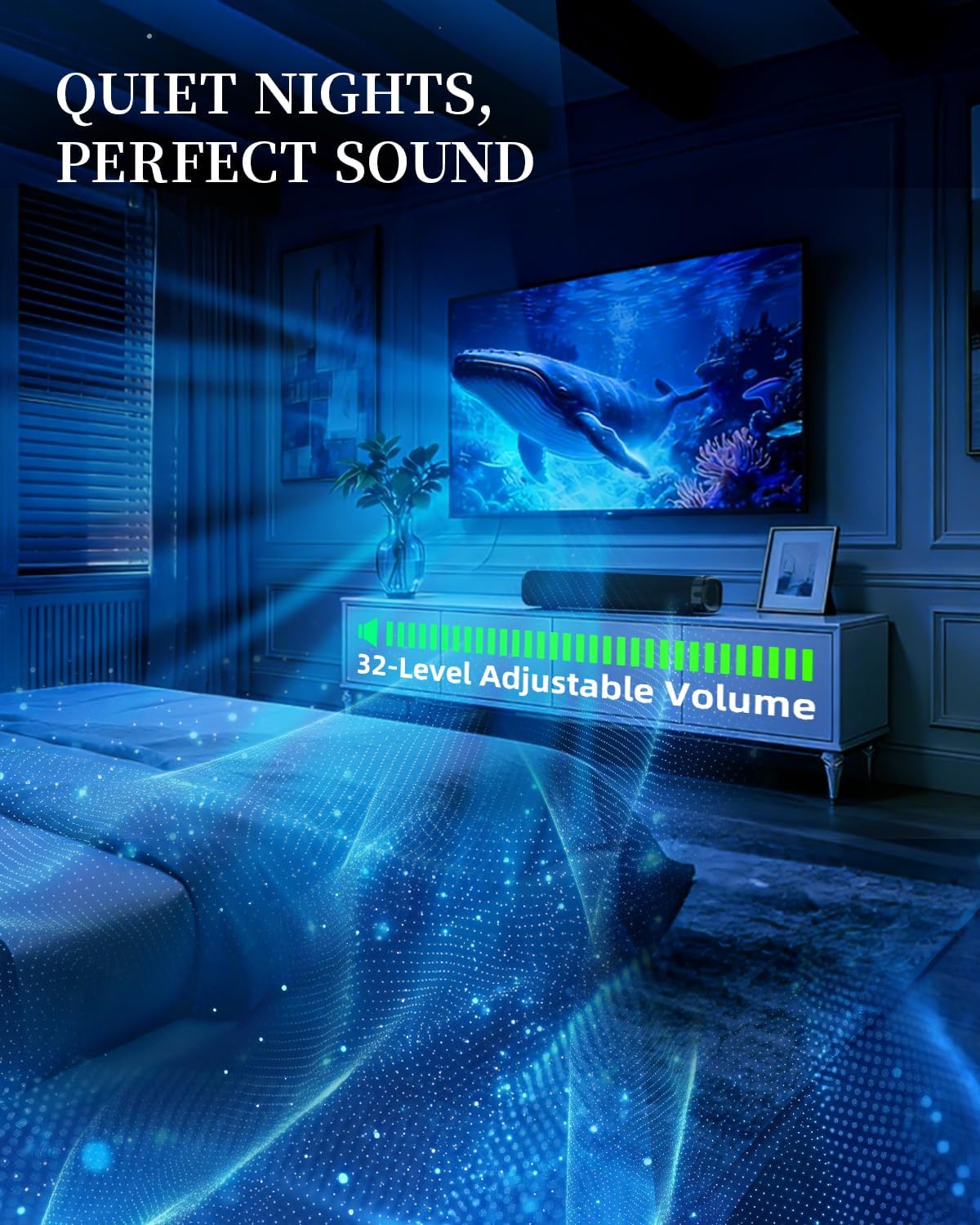
Figure 10: Wall-mounted sound bar installation.
7. Maintenance
To maintain your Jierben SS01 Sound Bar in optimal condition:
- Cleaning: Use a soft, dry cloth to wipe the surface of the sound bar. Do not use liquid cleaners or abrasive materials.
- Ventilation: Ensure the sound bar has adequate ventilation and is not covered, especially during prolonged use.
- Storage: If storing the sound bar for an extended period, disconnect it from power and store it in a cool, dry place.
- Avoid Moisture: Keep the sound bar away from water, humidity, and direct sunlight.
8. Troubleshooting
If you encounter issues with your sound bar, refer to the following common problems and solutions:
| Problem | Possible Cause | Solution |
|---|---|---|
| No sound | Power not connected; incorrect input mode; volume too low; cable not connected properly. | Check power connection; select correct input mode (Bluetooth, AUX, Optical, USB); increase volume; ensure audio cables are securely connected. |
| Bluetooth not connecting | Sound bar not in Bluetooth mode; device too far; already connected to another device. | Switch sound bar to Bluetooth mode; move device closer; disconnect from other devices and try pairing again. |
| Sound distortion | Volume too high; poor audio source quality; cable interference. | Reduce volume; try a different audio source; check audio cables for damage or interference. |
| Remote control not working | Batteries depleted; obstruction between remote and sound bar; remote not pointed correctly. | Replace remote batteries; remove obstructions; ensure remote is pointed directly at the sound bar's sensor. |
9. Specifications
Key technical specifications for the Jierben SS01 Sound Bar:
- Brand: Jierben
- Model Number: SS01
- Speaker Maximum Output Power: 50 Watts
- Frequency Response: 20 KHz
- Connectivity Technology: Auxiliary, Bluetooth, USB, Optical
- Audio Output Mode: Stereo (2.0 Channels)
- Mounting Type: Tabletop Mount, Wall-Mountable
- Enclosure Material: Metal
- Additional Features: Bass Boost, 3 EQ Modes
- Bluetooth Range: 10 Meters
- Control Method: Push Button, Remote
- Speaker Size: 2.25 Inches
- Item Dimensions (D x W x H): 3.5"D x 15.75"W x 2.75"H
- Input Voltage: 12 Volts
- Signal-to-Noise Ratio: 80 dB
- Compatible Devices: Desktop, Home Theater, Projector, Smartphone, Television

Figure 11: Sound bar dimensions.
10. Warranty and Support
The Jierben SS01 Sound Bar comes with a standard manufacturer's warranty. For detailed warranty information, product support, or technical assistance, please refer to the contact information provided on the product packaging or visit the official Jierben website. Keep your purchase receipt as proof of purchase for warranty claims.