1. Introduction
This manual provides essential information for setting up, operating, and maintaining your TCL 85T69C 85-inch QLED 4K HDR Smart TV. This television integrates advanced QLED technology for vibrant colors, 4K HDR for superior contrast, and is powered by Google TV for a smart and intuitive user experience. It also features Onkyo 2.1 sound for immersive audio and Game Master features for an optimized gaming experience.

Figure 1: Front view of the TCL 85T69C 85-inch QLED 4K HDR Smart TV.
2. Safety Information
Before operating the TV, please read all safety instructions carefully. Keep this manual for future reference. Ensure proper ventilation and avoid placing the TV near heat sources or in direct sunlight. Do not expose the TV to rain or moisture. For cleaning, use a soft, dry cloth. Always unplug the TV before cleaning or performing any maintenance.
3. What's in the Box
Verify that all components are present:
- Power Cable
- Remote Control
- Stand
4. Setup
4.1. Dimensions and Placement
The TV dimensions are approximately 37.2 x 189 x 115.2 cm (depth x width x height) and it weighs 46 kg. Ensure adequate space for placement and ventilation.

Figure 2: Diagram showing the dimensions of the TCL 85T69C 85-inch TV and its remote control.
4.2. Stand Installation
Carefully attach the provided stand to the television following the instructions in the quick start guide. Ensure all screws are securely fastened.
4.3. Wall Mounting
The TV is VESA compatible. For wall mounting, use a compatible VESA mount (not included) and consult a professional installer to ensure safe and secure installation.
4.4. Connections
Connect your external devices to the appropriate ports on the TV. The TV features multiple connectivity options:
- HDMI x 3: For connecting devices like gaming consoles, Blu-ray players, or set-top boxes.
- USB x 2: For connecting USB storage devices to play media or for service.
- LAN (Ethernet): For a wired internet connection.
- Optical (Digital Audio Out): For connecting to external audio systems.
- Cable/Satellite: For connecting antenna or satellite cables.
- CI Slot: For Conditional Access Modules (CAMs) for encrypted channels.
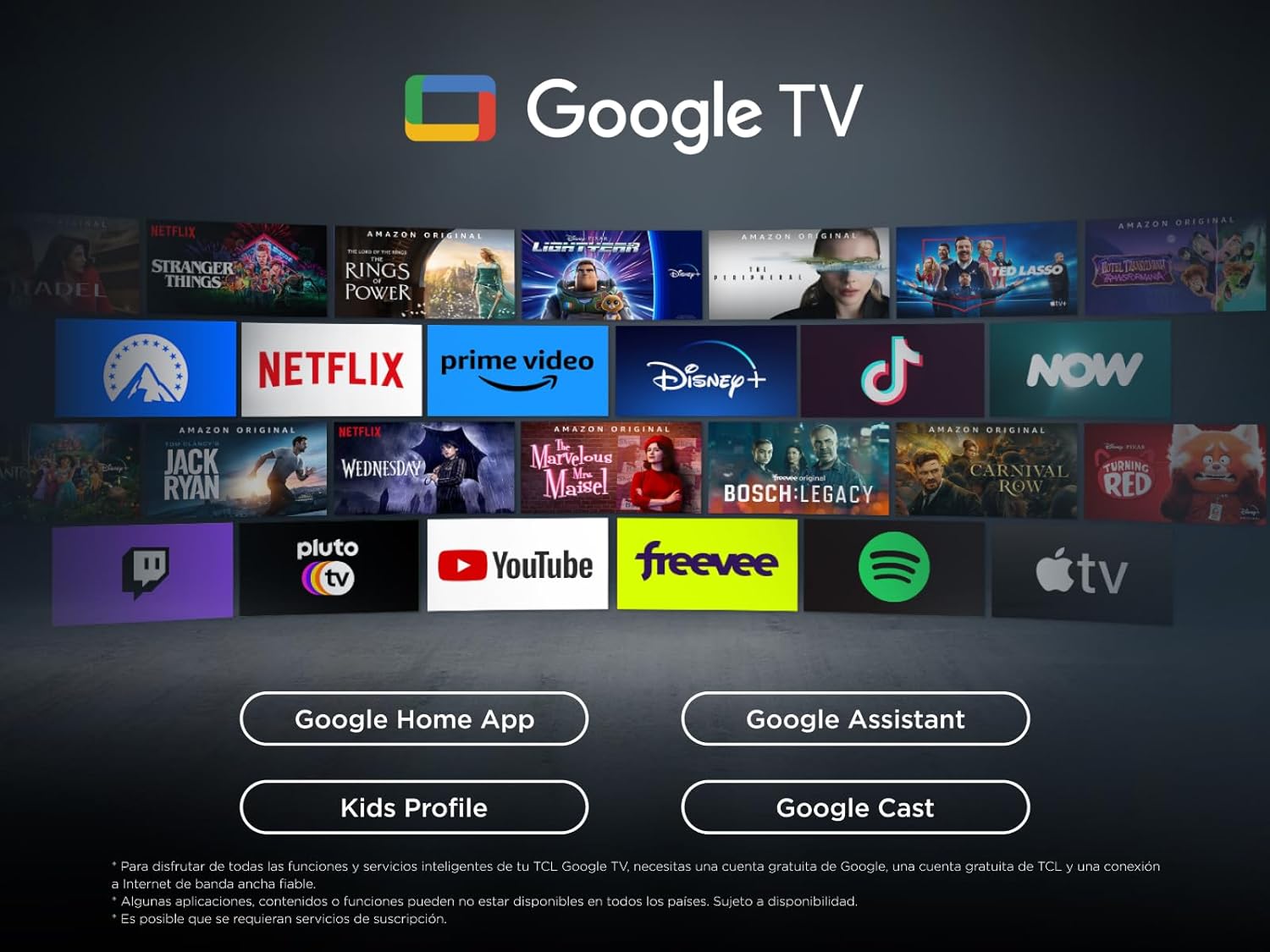
Figure 3: Overview of the TV's connectivity ports including HDMI, USB, LAN, Optical, Cable, Satellite, and CI Slot.
4.5. Initial Power On
After connecting all necessary cables, plug in the power cable and turn on the TV. Follow the on-screen instructions to complete the initial setup, including network connection and Google TV configuration.
5. Operating Your TV
5.1. Remote Control
The remote control allows you to navigate Google TV, adjust settings, and control connected devices. Refer to the remote control guide for detailed button functions.
5.2. Google TV Features
Your TCL TV is powered by Google TV, offering a personalized entertainment experience. Access a wide range of streaming apps, live TV, and content recommendations tailored to your preferences.

Figure 4: The Google TV interface displaying various streaming applications and content.
5.2.1. Google Assistant
Use the built-in Google Assistant for hands-free voice control. Press the Google Assistant button on your remote or use the far-field voice control (if available) to search for content, control smart home devices, and get information.
5.2.2. Casting
Easily cast content from your mobile device, tablet, or laptop to your TCL TV using Google Cast, Miracast, or Airplay (if supported).
5.3. Picture Settings
Optimize your viewing experience with advanced picture technologies:
- QLED Technology: Enjoy over a billion colors and shades for realistic image quality and an ultra-wide color gamut.
- Direct LED: Provides improved image quality and energy efficiency.
- HVA Panel: Offers high contrast, lower energy consumption, and a wider viewing angle.
- AiPQ Processor: TCL's algorithm processes content for high and stable 4K quality, clear motion, high contrast, and subtle details.
- Multi HDR Format: Supports HDR10, HLG, HDR10+, and Dolby Vision for stunning HDR from any source.

Figure 5: Visual representation of key features including QLED, AiPQ Processor, Dolby Atmos, Dolby Vision, HDR+, and Google TV.
5.4. Sound Settings
Experience immersive audio with the integrated sound system:
- Onkyo 2.1 Sound: Integrated Onkyo speakers with a deep bass subwoofer deliver clear and immersive Dolby Atmos sound.
- Dolby Atmos: Provides a multi-dimensional audio experience.
- DTS Virtual:X: Creates virtual 3D surround sound.
- MultiSound: Allows simultaneous audio output from TV speakers and headphones.
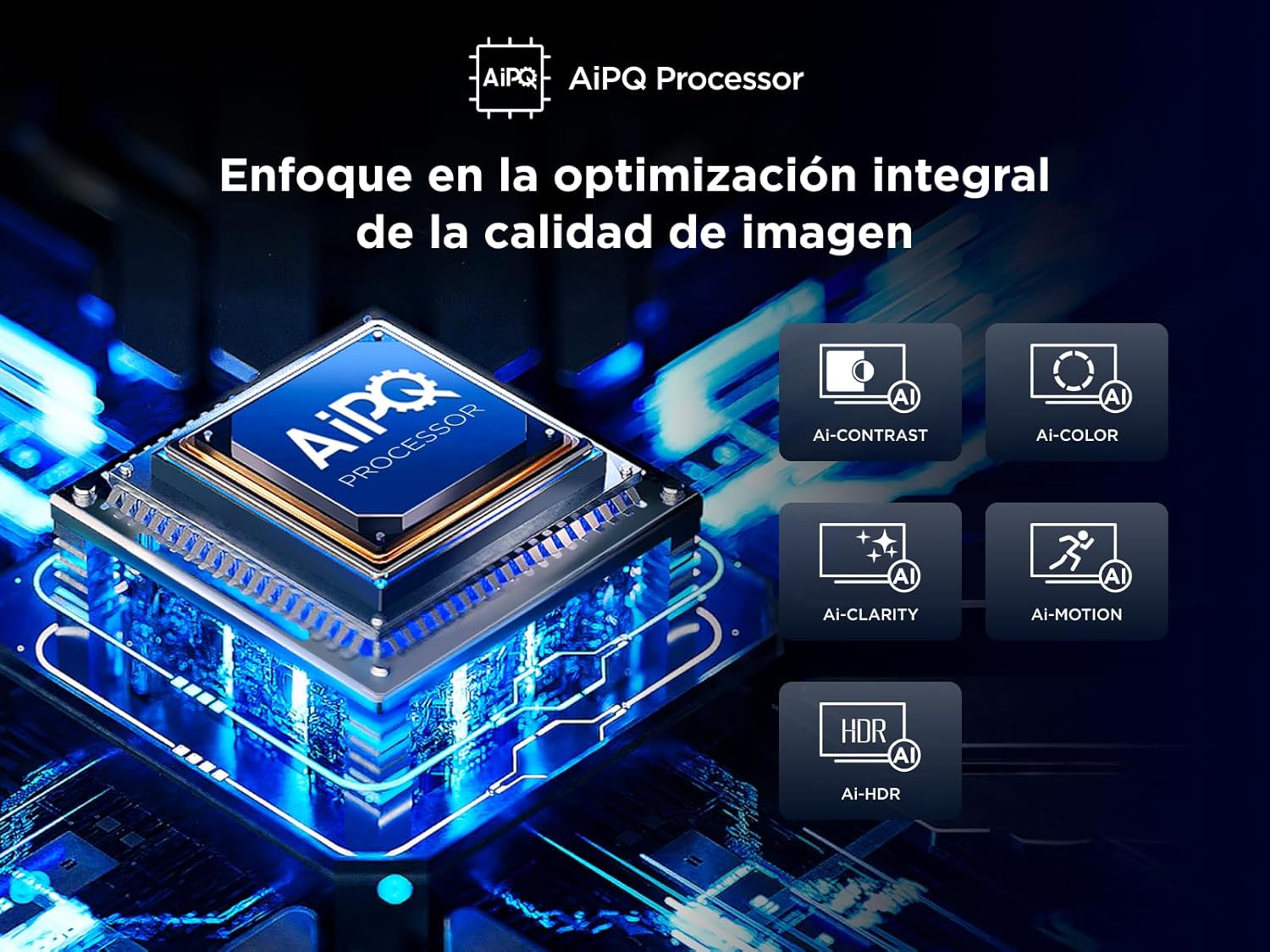
Figure 6: Illustration of the Onkyo 2.1 sound system creating a theatrical audio experience.
5.5. Gaming Features
The T69C series is designed for gamers:
- Game Master: Optimizes settings for gaming, ensuring low latency and best image quality.
- HDMI 2.1 and ALLM: Automatically provides the lowest latency for gaming.
- VRR (Variable Refresh Rate): Eliminates screen tearing for smoother gameplay.
- Game Bar: Quick access to game-related settings.
6. Maintenance
To ensure the longevity and optimal performance of your TV, follow these maintenance guidelines:
- Cleaning the Screen: Gently wipe the screen with a soft, lint-free cloth. For stubborn marks, slightly dampen the cloth with water or a screen cleaner specifically designed for TVs. Avoid harsh chemicals.
- Cleaning the Body: Use a soft, dry cloth to wipe the TV's frame and stand.
- Software Updates: The TV may receive automatic software updates. Ensure your TV is connected to the internet to receive these updates, which can improve performance and add new features.
7. Troubleshooting
If you encounter any issues with your TV, refer to the following common solutions:
- No Picture/Sound: Check power connections, input source selection, and external device connections.
- Poor Picture Quality: Adjust picture settings (brightness, contrast, sharpness), check cable connections, and ensure the content source is high quality.
- No Internet Connection: Verify Wi-Fi password, check router status, or try a wired LAN connection.
- Remote Control Not Working: Replace batteries, ensure no obstructions between remote and TV, or try pairing the remote again.
For more complex issues, consult the full electronic manual available through the Google TV interface or contact TCL customer support.
8. Specifications
| Feature | Specification |
|---|---|
| Brand | TCL |
| Model Number | 85T69C |
| Screen Size | 85 Inches |
| Display Technology | QLED |
| Resolution | 4K |
| Refresh Rate | 60 Hz |
| Connectivity Technology | Bluetooth, Ethernet, HDMI, USB, Wi-Fi |
| Internet Services Supported | Google TV, Roku Media |
| Dimensions (DxWxH) | 37.2 x 189 x 115.2 cm |
| Weight | 46 kg |
| Energy Efficiency Rating | F |
For detailed energy efficiency information, please refer to the EPREL database: https://eprel.ec.europa.eu/qr/2218566
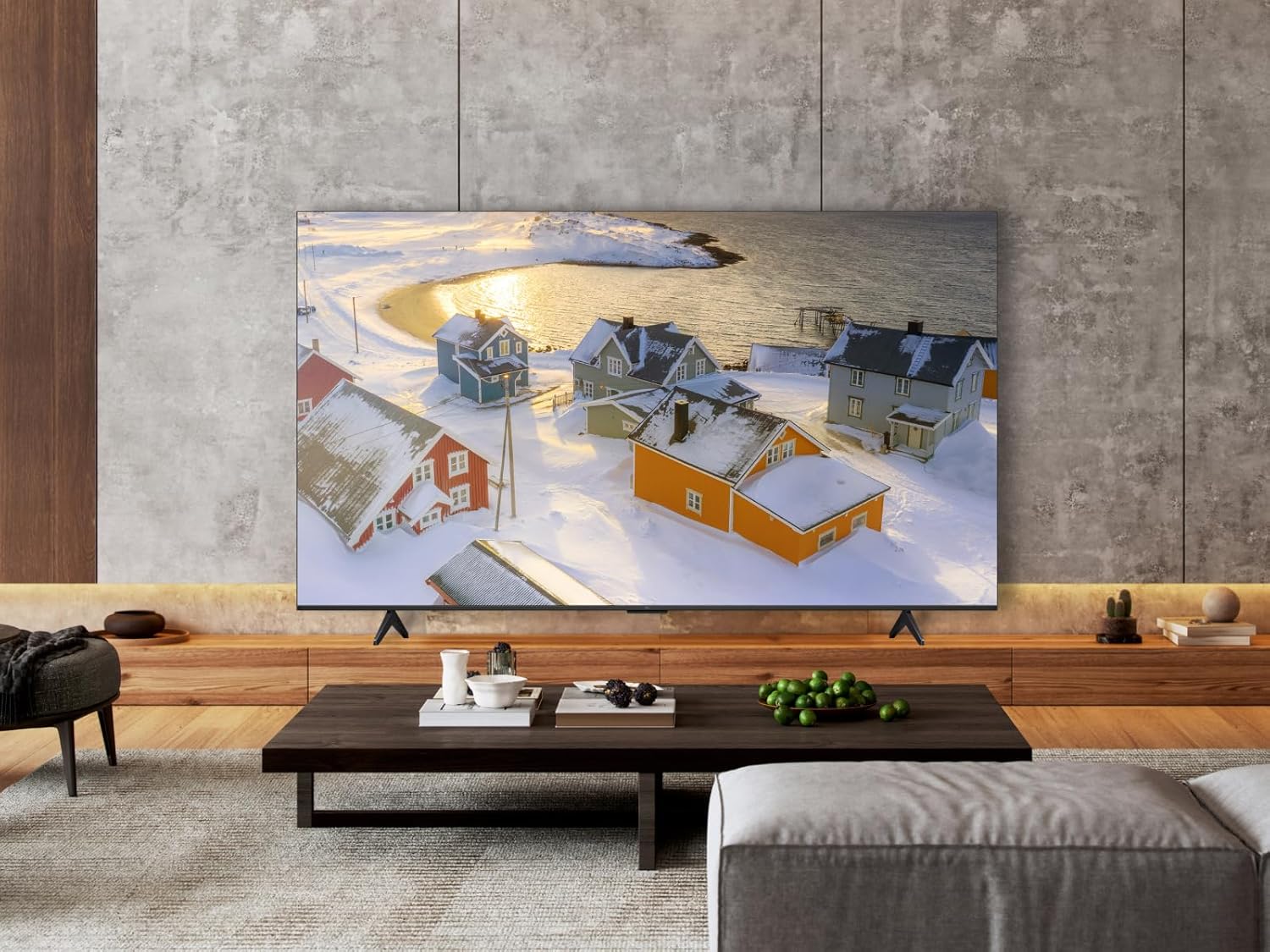
Figure 7: Energy efficiency label for the TCL 85T69C TV.
9. Warranty and Support
Your TCL 85T69C TV comes with a manufacturer's warranty. Please refer to the warranty card included in the packaging for specific terms and conditions. For technical support, service, or additional inquiries, please visit the official TCL support website or contact their customer service hotline.


