
Product Overview
The LISEN Electric Vacuum Magnetic Phone Holder Mount is designed to provide a secure and stable mounting solution for your iPhone 12-16 series devices on smooth, flat surfaces. Featuring an advanced electric vacuum suction system, it automatically monitors and adjusts adsorption strength, ensuring a firm grip without manual intervention. Its 360° adjustable design allows for versatile positioning, making it ideal for various uses including vlogging and travel.

Figure 1: LISEN Electric Vacuum Magnetic Phone Holder Mount (Space Gray variant shown).
Package Contents
Please verify that all items listed below are included in your package:
- Electric Suction Cup Phone Mount
- Instruction manual (1)
- Transparent Nano Base Pad
- 2-year worry-free warranty information
Important Safety Information & Installation Guidelines
To ensure optimal performance and prevent damage, adhere to the following guidelines:
- This car mount is specifically designed for smooth, flat surfaces such as windshields and screens.
- Do not use the mount on:
- Leather dashboards or other breathable surfaces, as a secure vacuum seal cannot form.
- Surfaces with large particles, textures, or curves.
- Granular, uneven, or textured surfaces (e.g., some dashboards).
- Soft, breathable materials such as fabric dashboards.
- The mount operates effectively in temperatures ranging from -20°F to 100°F (-28°C to 38°C).
- The vacuum suction phone holder cannot charge your phone. It is solely for mounting.
Setup and Installation
Follow these steps for proper installation of your LISEN Electric Vacuum Magnetic Phone Holder Mount:
- Prepare the Surface: Thoroughly clean the desired mounting surface to ensure it is free of dust, dirt, and oils.
- Apply Nano Base Pad (Optional but Recommended for Dashboards): If mounting on a dashboard or a surface that might not be perfectly smooth, peel off the protective film from the included Transparent Nano Base Pad. Firmly press the pad onto the desired mounting area, ensuring no air bubbles are trapped. This provides an optimal smooth surface for the suction cup.
- Attach the Mount: Place the suction cup of the phone holder onto the center of the prepared surface (or Nano Base Pad). The electric vacuum system will automatically engage to create a strong seal.
- Secure the Mount: Ensure the suction cup is firmly attached and the electric vacuum has completed its sealing process. The mount will make a normal operating sound during this process.

Figure 2: The electric smart adsorption process ensures a secure hold with a single placement.

Figure 3: The mount securely holds your device, allowing for versatile positioning.
Operating Instructions
Attaching Your Phone
The LISEN mount is compatible with all iPhone 12, 13, 14, 15, and 16 series models, including Pro Max, Pro, Mini, and Plus variants, thanks to its MagSafe compatibility. Simply align your MagSafe-compatible iPhone (or a phone with a MagSafe-compatible case/adapter) with the magnetic surface of the mount. The strong N58 Aerospace-Grade MagSafe Magnetic Module will securely hold your device.
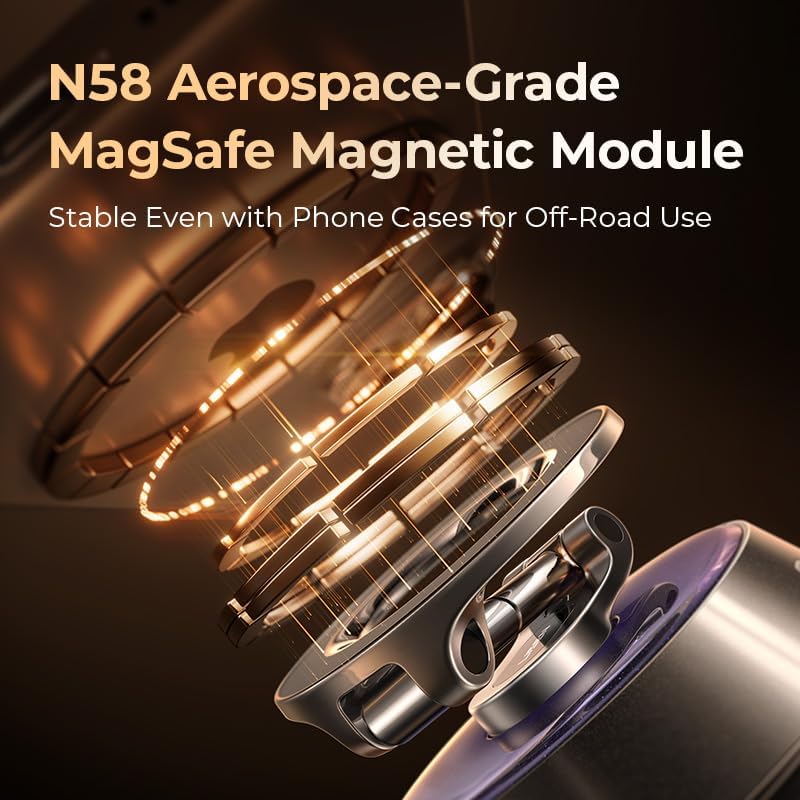
Figure 4: The N58 Aerospace-Grade MagSafe Magnetic Module ensures a stable connection.
Adjusting the Mount
The mount features a 360° adjustable design, allowing you to rotate and position your phone for optimal viewing angles. Adjust the arm and magnetic head as needed to achieve your desired orientation (portrait or landscape).

Figure 5: Enjoy full 360-degree rotation for flexible viewing.
Electric Vacuum Operation
The mount's electric suction cup automatically monitors adsorption strength, performing over 300 detections per second. It will automatically suck out 100% of the air approximately once per hour to maintain a firm grip, especially on bumpy roads. This automatic monitoring prevents loosening and eliminates the need for frequent manual adjustments.
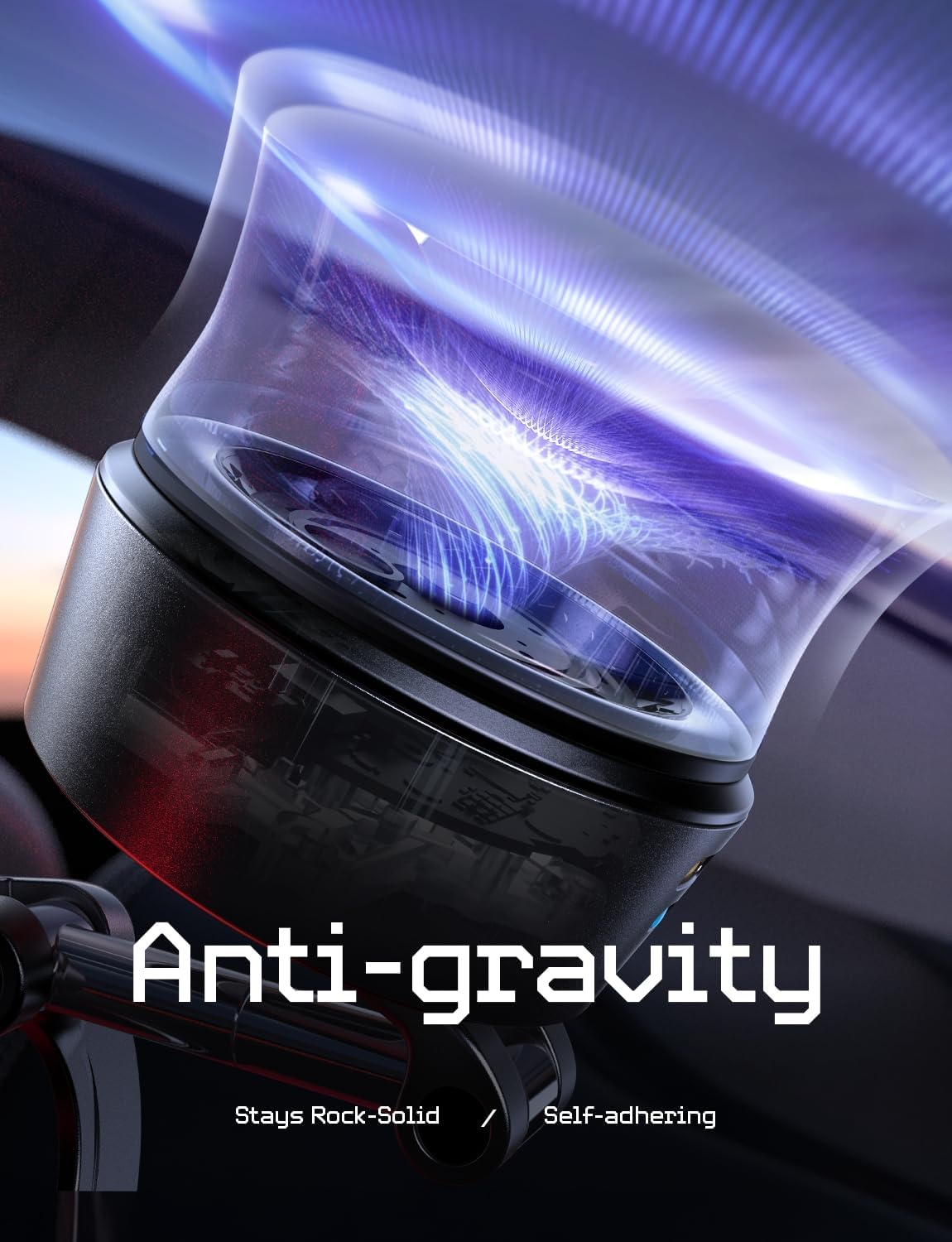
Figure 6: The "Anti-gravity" suction ensures a rock-solid, self-adhering hold.

Figure 7: The self-developed brushless motor provides quiet and efficient operation.
Detaching the Mount
To release the suction and detach the mount, press the designated release button on the side of the unit. This will release the vacuum pressure, allowing for easy removal without leaving marks or scratches.
Maintenance
Cleaning
Regularly clean the suction cup and the mounting surface with a damp cloth to ensure optimal adhesion. Avoid using abrasive cleaners or solvents that could damage the materials.
Charging the Mount
The mount is powered by an internal battery. When you observe a red light on the side of the unit, it indicates that the battery is low and requires charging. Connect the mount to a power source using a USB-C cable (not included). Once fully charged, the mount can operate for approximately one month.
Troubleshooting
| Problem | Possible Cause | Solution |
|---|---|---|
| Mount does not adhere securely. | Surface is not smooth, flat, or clean. Incompatible surface material (e.g., leather, textured). | Ensure the mounting surface is smooth, flat, and thoroughly cleaned. Use the Transparent Nano Base Pad for slightly uneven dashboards. Avoid using on leather, fabric, curved, wooden, or brick surfaces. |
| Mount makes a "normal operating sound" frequently. | The electric vacuum system is automatically re-establishing suction to maintain a strong hold. | This is normal operation. The mount is designed to automatically monitor and adjust suction strength. |
| Red light is visible on the side of the mount. | Low battery. | Connect the mount to a power source using a USB-C cable to recharge the internal battery. |
| Phone does not attach magnetically. | Phone is not MagSafe compatible or not properly aligned. | Ensure your iPhone is from the 12-16 series or that your phone case/adapter is MagSafe compatible. Align the phone correctly with the magnetic surface. |
Specifications
- Brand: LISEN
- Model Number: 2E7171
- Color: Space Gray
- Mounting Type: Windshield (also compatible with other smooth, flat surfaces)
- Compatible Devices: iPhone 16 / iPhone 16e / iPhone 16 Pro / iPhone 16 Pro Max, iPhone 15 / iPhone 15 Pro / iPhone 15 Pro Max, iPhone 14 / iPhone 14 Pro / iPhone 14 Pro Max, iPhone 13 / iPhone 13 Pro / iPhone 13 Pro Max / iPhone 13 Mini, iPhone 12 / iPhone 12 Pro / iPhone 12 Pro Max / iPhone 12 Mini
- Special Features: Adjustable, Ergonomic, Hands-Free, Motion Sensor, Electric Vacuum Suction, MagSafe Compatible
- Item Weight: 7.8 ounces
- Package Dimensions: 4.37 x 4.09 x 2.72 inches
- Operating Temperature: -20°F to 100°F (-28°C to 38°C)
Warranty and Support
LISEN stands behind the quality of its products. This Electric Vacuum Magnetic Phone Holder Mount comes with a 2-year worry-free warranty. For any inquiries, technical assistance, or warranty claims, please contact LISEN customer service. We guarantee a fast and efficient response within 24 hours to ensure your satisfaction.
For more information or to contact support, please visit the official LISEN Store: LISEN Store on Amazon.