
1. Introduction
This manual provides detailed instructions for the installation, use, and maintenance of your brotect AirGlass Hybrid-Glass Screen Protector, designed specifically for the Maoo VT.11 device. The brotect AirGlass offers advanced screen protection with its unique hybrid-glass composition, combining the flexibility of film with the hardness of glass.
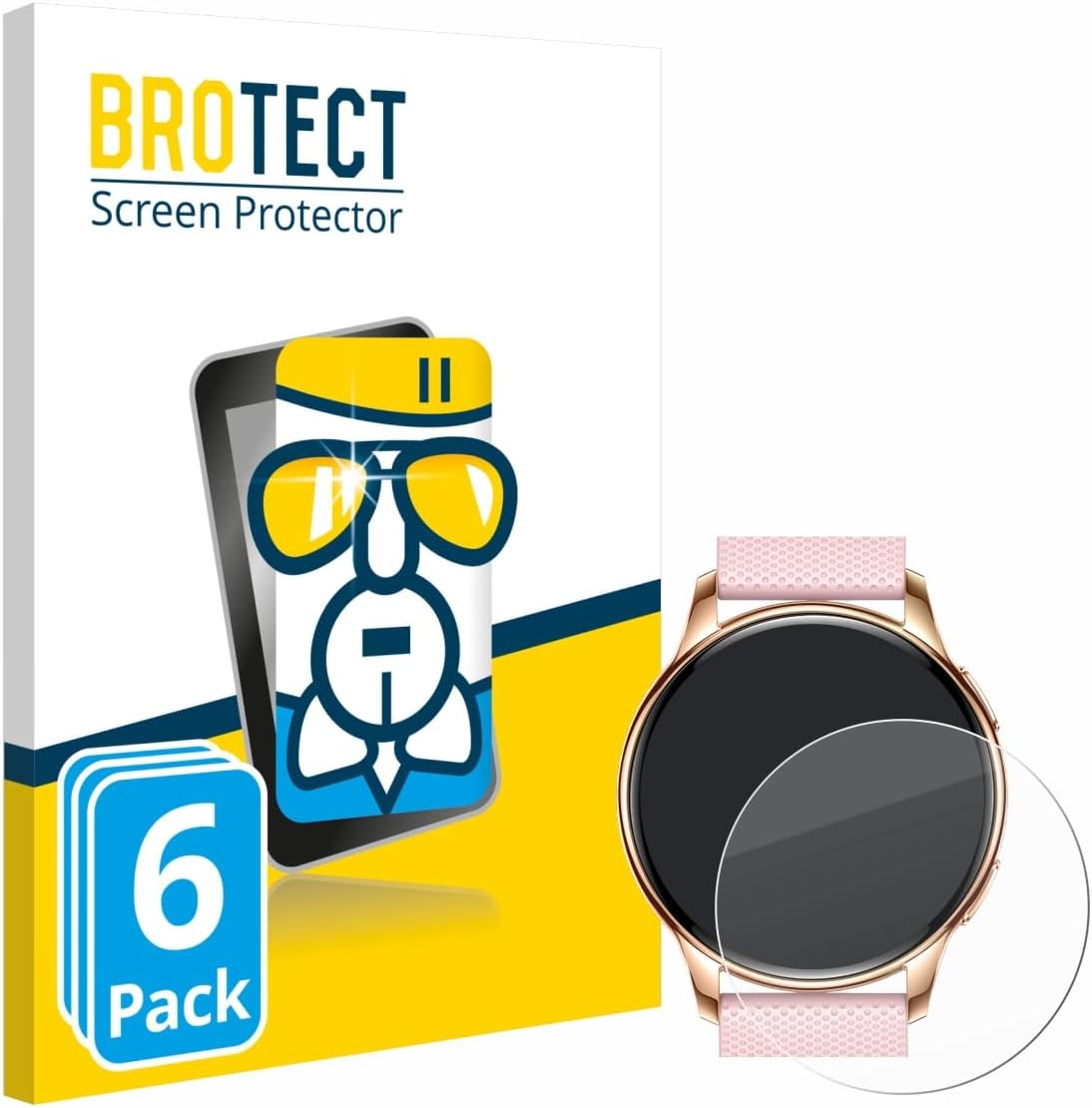
Image: brotect AirGlass Screen Protector packaging, showing a 6-pack label and a screen protector next to a smartwatch, indicating compatibility.
2. What's in the Box
Each package of the brotect AirGlass Screen Protector for Maoo VT.11 contains the following items:
- 6x BROTECT AirGlass Glass Screen Protector compatible with Maoo VT.11

Image: A close-up of a smartwatch with several transparent screen protector outlines overlaid, illustrating the multi-pack quantity.
3. Setup (Installation Guide)
Follow these steps carefully to ensure a bubble-free and secure installation of your brotect AirGlass Screen Protector.
- Preparation: Before installation, locate a dust-free area. Thoroughly clean the screen of your Maoo VT.11 device to remove any dust, dirt, or fingerprints. Use a microfiber cloth for best results.
- Initial Placement: Carefully peel back half of the protective film from the screen protector. Align the exposed adhesive side of the screen protector precisely with one edge of your device's screen. Ensure it is centered and straight.
- Application: Once aligned, slowly lower the screen protector onto the device. Use a credit card or a similar flat, soft object to gently smooth the screen protector from the aligned edge towards the opposite side, pushing out any air bubbles as you go. Simultaneously, peel off the remaining protective film from underneath.
- Final Touches: After the screen protector is fully applied, use the credit card again to gently push any remaining small air bubbles towards the edges of the screen until they disappear.

Image: A visual guide demonstrating the four steps for applying the screen protector, including cleaning, alignment, smoothing, and bubble removal.
4. Operating Characteristics
The brotect AirGlass Screen Protector is designed to enhance your Maoo VT.11 experience without compromising functionality. Its key characteristics include:
- 9H Extreme Hardness: Provides robust protection against scratches and impacts, similar to traditional tempered glass.
- Ultra-Light and Thin: At 2x thinner than standard tempered glass, it maintains the sleek profile of your device.
- High Transparency: Ensures a clear and sharp view of your screen content with no distortion.
- Anti-Fingerprint Layer: Reduces smudges and fingerprints, keeping your screen cleaner.
- Touch Sensitivity: Maintains the original touch responsiveness of your device's screen.
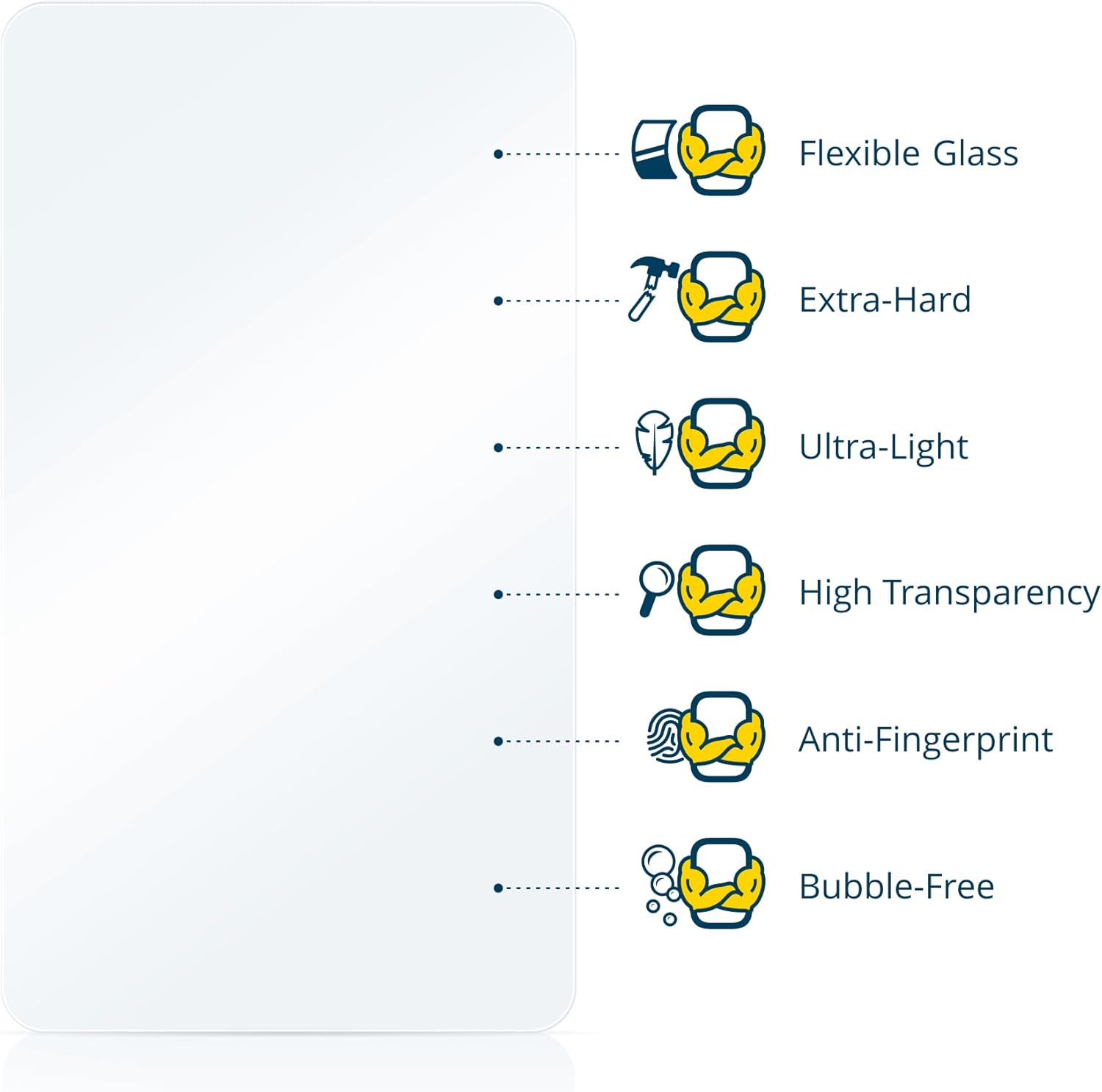
Image: An infographic detailing the key features of the AirGlass screen protector, such as flexibility, hardness, lightness, transparency, anti-fingerprint properties, and bubble-free application.

Image: A hand gently bending the brotect AirGlass screen protector, highlighting its flexible glass characteristic.
5. Maintenance
To maintain the clarity and effectiveness of your brotect AirGlass Screen Protector, follow these simple cleaning guidelines:
- Use a soft, lint-free microfiber cloth to gently wipe the screen protector.
- For stubborn smudges, lightly dampen the cloth with water or a screen-safe cleaning solution. Avoid harsh chemicals or abrasive materials.
- Do not apply excessive pressure when cleaning, as this could potentially dislodge the protector or damage the device screen.
6. Troubleshooting
If you encounter any issues during or after installation, consider the following common solutions:
- Bubbles: Most small bubbles will dissipate within 24-48 hours. For larger bubbles, gently lift the nearest edge of the screen protector and re-apply, using a credit card to push the air out.
- Dust Particles: If dust is trapped under the protector, carefully lift the nearest edge and use a dust-removal sticker or tape to lift the particle. Re-apply the protector.
- Misalignment: If the protector is significantly misaligned, it may be necessary to remove it and re-apply a new one from the pack, ensuring careful alignment from the start.
7. Specifications
| Feature | Detail |
|---|---|
| Brand | brotect |
| Compatible Devices | Maoo VT.11 |
| Material | Hybrid-Glass (AirGlass) |
| Hardness | 9H Extreme Hardness |
| Special Features | Anti-Fingerprint, High-Transparency, Ultra-Light, Flexible |
| Screen Surface Description | Glossy |
| Number of Items | 6 |
| Product Dimensions | 6.69 x 4.13 x 0.5 inches (Packaging) |
| Item Weight | 0.389 ounces |
| Manufacturer | BROTECT |
| Origin | Made in Germany |
8. Warranty and Support
brotect products are manufactured with high-quality standards in Germany. While specific warranty terms are not detailed in this manual, the brand emphasizes quality and durability. For any support inquiries or further assistance, please refer to the contact information provided on the product packaging or the official brotect website.

Image: A circular badge indicating 'brotect Warranty' with text 'Best Quality', 'Made in Germany', and '10 years Know-How', signifying product assurance.