Introduction
Welcome to the user manual for your new Generic X10 MINI Smart Watch. This guide provides essential information on setting up, operating, and maintaining your device to ensure optimal performance. Please read this manual thoroughly before using your smartwatch.
What's in the Box
Verify that all items are present in your product packaging:
- X10 MINI Smart Watch (with one pink band attached)
- Additional Pink Watch Band
- Wireless Charging Cable
- User Manual (this document)

Image: The X10 MINI Smart Watch, an additional pink band, and the wireless charging cable as typically found in the box.
Product Overview
The X10 MINI Smart Watch features a 2.19-inch display, wireless charging, and a sleek design. It is designed to help you stay connected and track your activities throughout the day.
- Display: Large 2.19-inch touchscreen for clear visibility and easy navigation.
- Design: Sleek smartwatch with a modern square face and comfortable pink band.
- Charging: Convenient wireless charging capability.
- Connectivity: Advanced wireless technology for seamless synchronization with compatible devices.
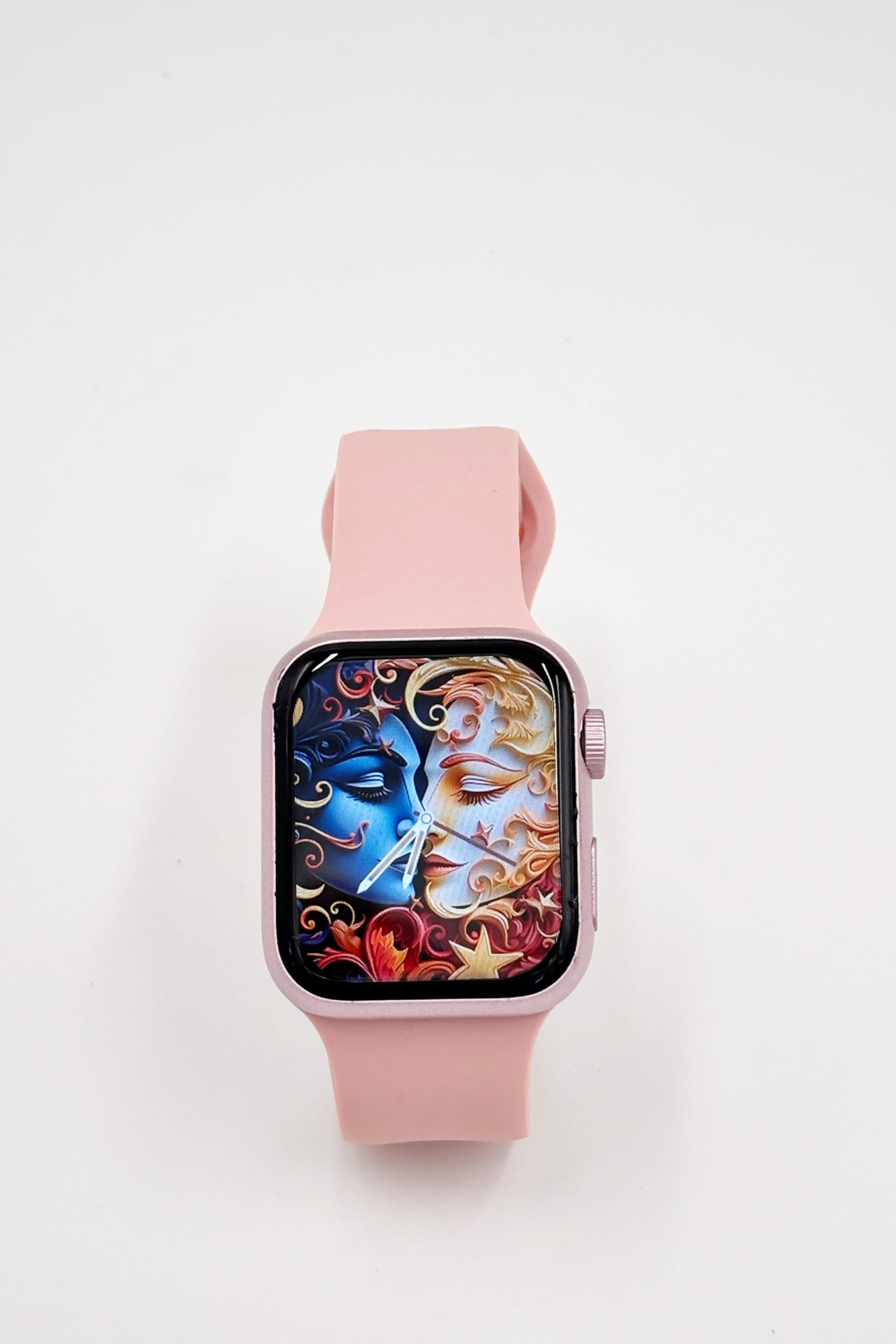
Image: A close-up of the X10 MINI Smart Watch, showcasing its 2.19-inch display and pink band.
Setup
1. Initial Charging
Before first use, fully charge your smartwatch. Connect the wireless charging cable to a USB power source and place the back of the watch onto the charging pad. The watch display will indicate charging status.
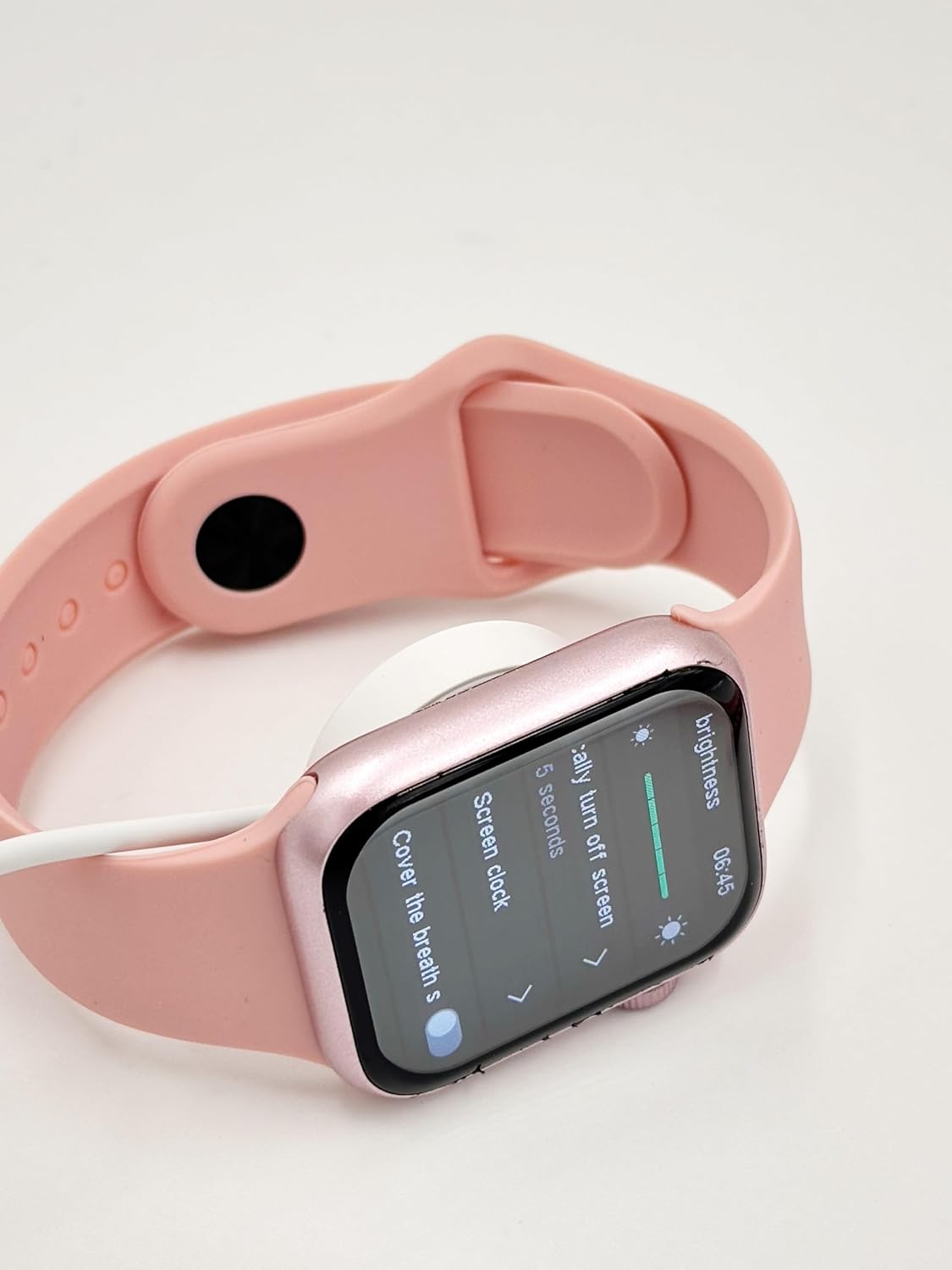
Image: The X10 MINI Smart Watch resting on its wireless charging pad, displaying the brightness settings.
2. Powering On/Off
- To Power On: Press and hold the side button until the screen lights up.
- To Power Off: Press and hold the side button, then select 'Power Off' on the screen.
3. App Installation and Pairing
To unlock full functionality, download the companion application on your smartphone. Refer to the 'Download APP' option in the watch's General settings for the correct application. Once installed, open the app and follow the on-screen instructions to pair your smartwatch via Bluetooth.

Image: The smartwatch display showing the 'General' settings menu, including options for Bluetooth, About, Language, and Download APP.
Operating Instructions
Navigation
The X10 MINI Smart Watch features a responsive touchscreen. Swipe left, right, up, or down to navigate through menus and access different features. Press the side button to return to the home screen or wake the device.
Key Features
- Notifications: Receive alerts for calls, messages, and app notifications directly on your wrist.
- Activity Tracker: Monitor your steps, distance, and calories burned throughout the day.
- Voice Call: Make and receive calls directly from your smartwatch when connected to your phone.
- Phone/Contacts: Access your call log and contacts list.

Image: The smartwatch display showing activity tracking metrics, including steps, distance, and calories burned.

Image: The smartwatch display showing the phone-related menu, with options for Phone, Call Log, and Contacts.
Charging
The X10 MINI Smart Watch supports wireless charging. Use the provided wireless charging cable. Ensure the watch is properly aligned on the charging pad for efficient charging. A full charge typically takes approximately 2-3 hours and provides up to 48 hours of average use.
Maintenance
Cleaning
Wipe the watch screen and body with a soft, dry cloth. For the bands, use a slightly damp cloth and mild soap if necessary, then rinse and dry thoroughly. Avoid using harsh chemicals or abrasive materials.
Band Replacement
The X10 MINI Smart Watch comes with dual bands, allowing for customization. To replace a band, locate the quick-release pins on the underside of the watch where the band connects. Slide the pin to detach the band, then align the new band and slide the pin back into place to secure it.
Troubleshooting
- Watch not powering on: Ensure the watch is fully charged. Connect it to the charger for at least 30 minutes.
- Unable to pair with phone: Make sure Bluetooth is enabled on your phone and the watch. Restart both devices and try pairing again. Ensure the companion app is installed and running.
- Charging issues: Check if the charging cable is properly connected to a power source and the watch is correctly placed on the wireless charging pad.
- Inaccurate activity tracking: Ensure the watch is worn snugly on your wrist. Calibrate the activity tracker through the companion app if available.
Specifications
| Brand | Generic |
| Model Name | X10 MINI |
| Display Size | 2.19 Inches |
| Display Type | LED |
| Operating System | Android (compatible) |
| Memory Storage Capacity | 40 MB |
| Battery Capacity | 1200 Milliamp Hours |
| Battery Average Life | 48 Hours |
| Wireless Type | 2.4 GHz Radio Frequency |
| Connector Type | Bluetooth |
| Special Features | Activity Tracker, Notifications, Touchscreen, Voice Call, Wireless Charging |
| Compatible Devices | Smartphone, Tablet |
| Item Weight | 200 g |
| Country of Origin | China |
Warranty and Support
This product comes with a standard manufacturer's warranty. For specific warranty details, claims, or technical support, please refer to the documentation provided with your purchase or contact the retailer. Keep your proof of purchase for warranty purposes.


