
1. Introduction
This manual provides detailed instructions for the safe installation, operation, and maintenance of your NARVI JAMAICA 8941 Ceiling Fan. Please read this manual thoroughly before installation and retain it for future reference. This ceiling fan features an efficient DC motor, adjustable LED lighting, and a convenient remote control for year-round comfort.
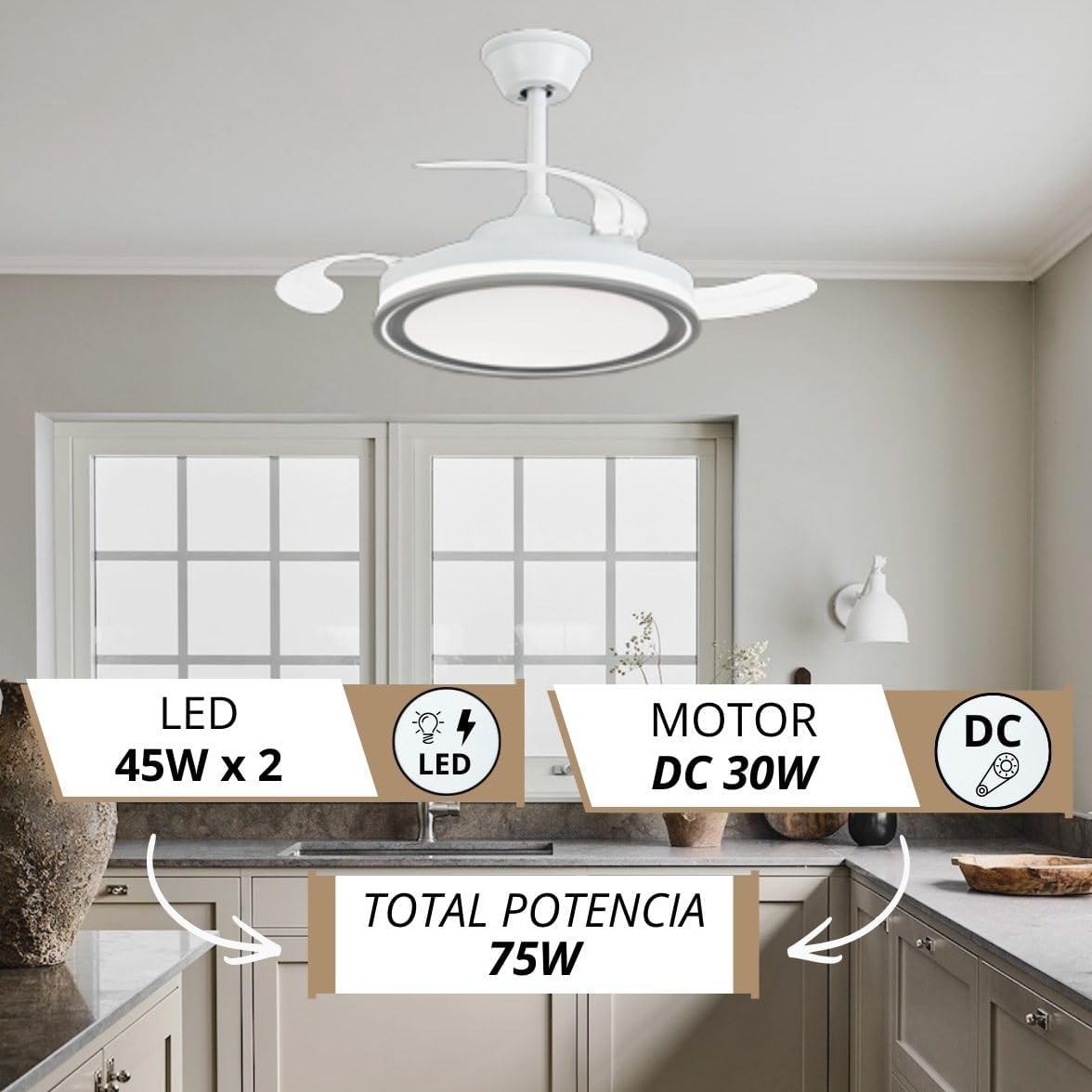
Image: The NARVI JAMAICA 8941 ceiling fan installed in a modern kitchen, highlighting its design and integrated LED light.
2. Safety Instructions
- Always disconnect power at the main circuit breaker before installation or maintenance.
- Installation must be performed by a qualified electrician in accordance with local electrical codes.
- Ensure the mounting structure can support the weight of the fan (approximately 7 kg).
- Do not connect the fan to a dimmer switch; use only the provided remote control.
- Keep hands and objects clear of the fan blades during operation.
- This fan is designed for indoor use only.
3. Package Contents
Carefully unpack all components and check against the list below. If any items are missing or damaged, contact NARVI customer support.
- Ceiling Fan Motor Assembly with Retractable Blades
- LED Light Kit
- Remote Control
- Receiver for Remote Control
- Mounting Bracket
- Downrods (10cm and 20cm)
- Canopy and Coupling Cover
- Hardware Pack (screws, washers, wire nuts)
- Instruction Manual
4. Specifications
| Feature | Detail |
|---|---|
| Brand | NARVI |
| Model Name | JAMAICA 8941 |
| Motor Type | DC Motor |
| Motor Power | 30W |
| LED Light Power | 45W x 2 (Adjustable) |
| Color Temperature | 3000K-6500K (Adjustable) |
| Number of Speeds | 6 |
| Noise Level | 45 Decibels |
| Max RPM | 253 RPM |
| Material | Acrylic, Polycarbonate, Metallic Frame |
| Dimensions (D x W x H) | 107 cm (diameter with blades extended) x 50 cm (width) x 37 cm (height) |
| Downrod Lengths | 10 cm, 20 cm |
| Protection Rating | IP20 |
| Control Method | Remote Control |
| Special Features | Memory function, Timer, Winter/Summer mode |
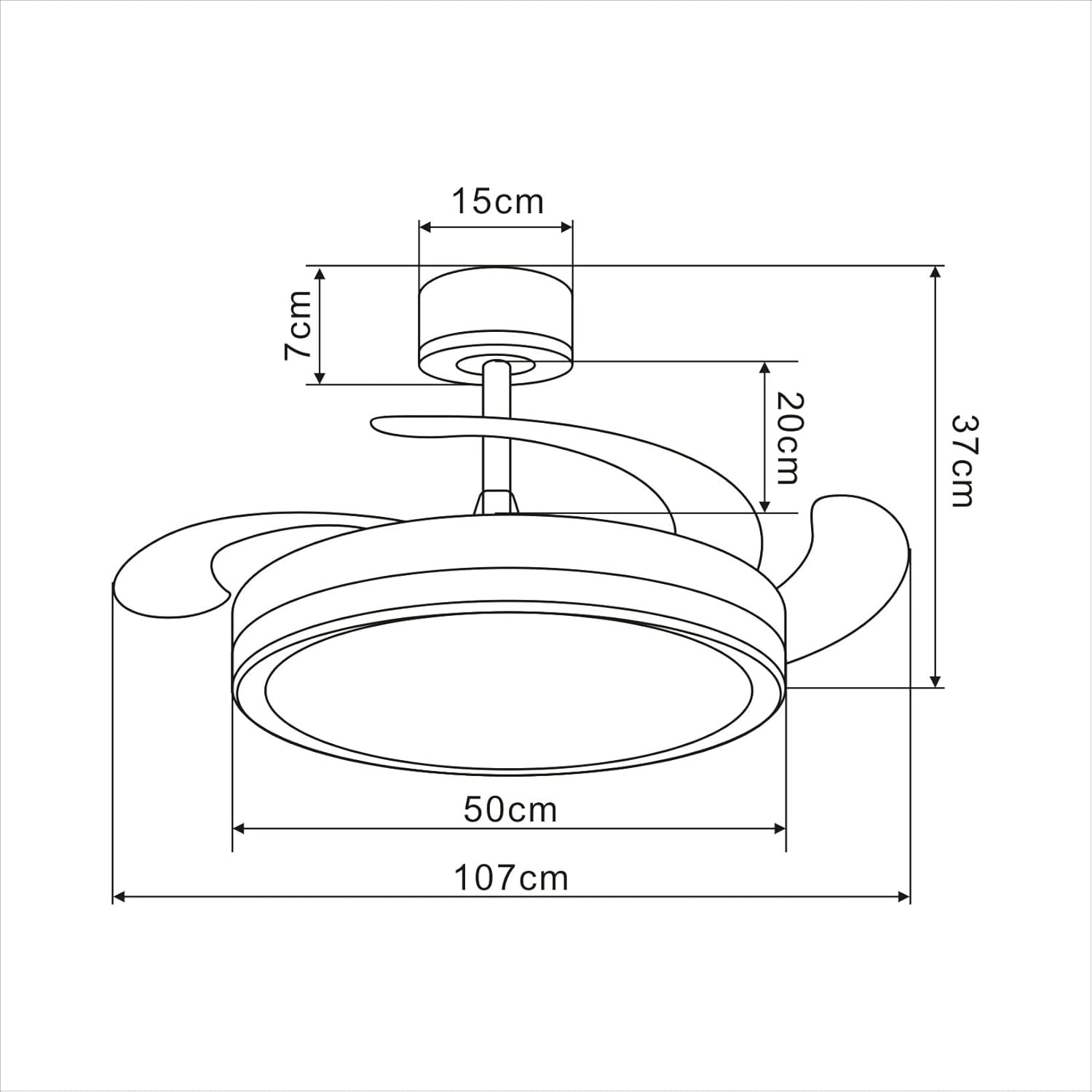
Image: Technical drawing illustrating the dimensions of the ceiling fan.
5. Installation Guide
Follow these steps for proper installation. It is recommended to watch the installation video for visual guidance.
Video: Unboxing and initial assembly steps for the NARVI JAMAICA 8941 ceiling fan.
Step-by-Step Installation:
- Unboxing and Component Identification: Carefully open the packaging and lay out all components. Identify the main fan body, downrods, mounting bracket, canopy, remote control, and hardware. Refer to the 'Package Contents' section to ensure all parts are present.
- Prepare the Downrod: Thread the electrical wires from the fan motor through the chosen downrod (10cm or 20cm). Secure the downrod to the fan motor assembly using the provided pin and screw. Ensure the pin is fully inserted and the screw is tightened to prevent movement.
- Attach the Canopy: Slide the canopy and coupling cover over the downrod. These will conceal the wiring and mounting bracket once the fan is installed on the ceiling.
- Install the Mounting Bracket: Secure the mounting bracket to a ceiling joist or a suitable electrical junction box capable of supporting the fan's weight. Use appropriate screws and anchors (not included) for your ceiling type.
- Hang the Fan: Carefully lift the fan assembly and hang it onto the mounting bracket. Ensure the ball joint of the downrod is properly seated in the bracket.
- Electrical Connections: Connect the fan's electrical wires to your household wiring. Typically, this involves connecting live (L), neutral (N), and ground (G) wires. Ensure all connections are secure using wire nuts.
- Install the Remote Receiver: Insert the remote control receiver into the canopy. Connect the receiver's wires to the fan's wires and the household wiring as per the wiring diagram in the full manual.
- Secure the Canopy: Slide the canopy up to the ceiling and secure it to the mounting bracket with the provided screws. Ensure all wires are tucked neatly inside the canopy.
- Install the LED Light Kit: Connect the LED light kit wires to the corresponding wires on the fan motor assembly. Secure the LED light panel to the bottom of the fan.
- Final Checks: Ensure all connections are tight and secure. Restore power at the circuit breaker and test the fan and light functions using the remote control.
6. Operating Instructions
Remote Control Functions:

Image: The remote control for the NARVI ceiling fan, displaying its various function buttons.
- Power Button: Turns the fan and light ON/OFF.
- Fan Speed Buttons (1-6): Adjusts the fan speed from 1 (lowest) to 6 (highest).
- Light ON/OFF Button: Toggles the LED light on or off.
- Color Temperature Adjustment: Changes the light color from warm white (3000K) to cool white (6500K). The fan remembers your last setting.
- Light Brightness Adjustment: Dims or brightens the LED light.
- Timer Function (2H/4H/8H): Sets the fan to turn off automatically after 2, 4, or 8 hours.
Winter/Summer Function:
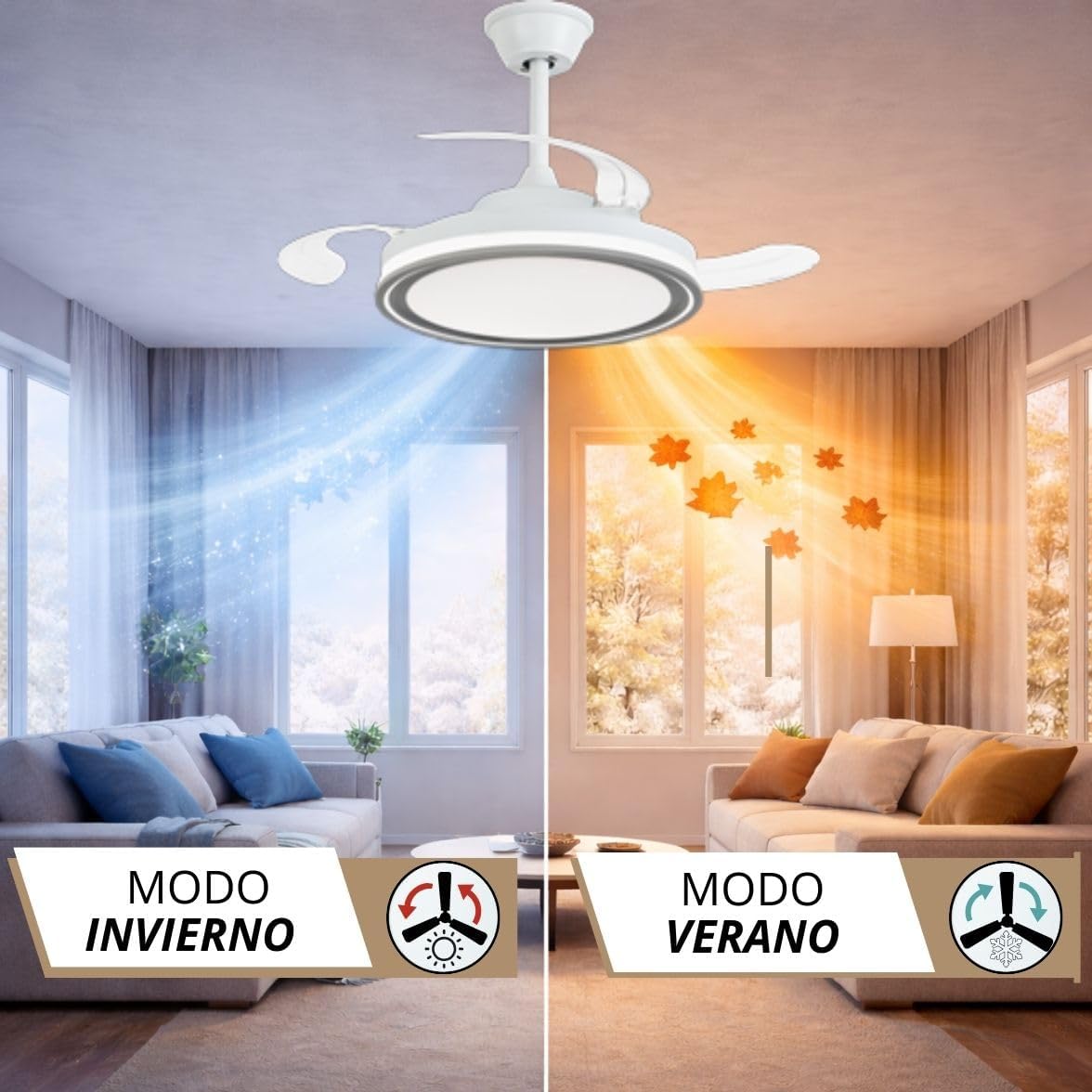
Image: Visual representation of the fan's winter and summer modes, showing air circulation patterns.
The fan features a reversible motor for year-round use. Use the dedicated button on the remote control to switch between modes:
- Summer Mode (Counter-clockwise rotation): Creates a downward airflow, producing a cooling effect.
- Winter Mode (Clockwise rotation): Creates an upward airflow, circulating warm air trapped near the ceiling, helping to distribute heat more evenly.
7. Maintenance
- Cleaning: To clean the fan, wipe with a soft, damp cloth. Do not use abrasive cleaners or solvents. Ensure power is disconnected before cleaning.
- Blade Care: The transparent blades are designed to retract. Avoid applying excessive force to them.
- Lubrication: The DC motor is permanently lubricated and does not require additional oiling.
- Tightening: Periodically check all screws and connections for tightness.
8. Troubleshooting
| Problem | Possible Cause | Solution |
|---|---|---|
| Fan does not start | No power supply; Loose wiring; Remote control battery dead. | Check circuit breaker; Verify wiring connections; Replace remote control battery. |
| Light does not work | Loose wiring; LED driver issue. | Check light kit wiring; Contact customer support if LED driver is suspected. |
| Fan wobbles | Loose mounting screws; Unbalanced blades. | Tighten all mounting screws; Ensure blades are securely attached and balanced. |
| Remote control not working | Battery dead; Receiver not paired. | Replace battery; Refer to the full manual for remote pairing instructions. |
9. Warranty and Support
Your NARVI ceiling fan comes with a manufacturer's warranty. Please refer to the warranty card included in your package for specific terms and conditions. For technical assistance, replacement parts, or any other inquiries, please contact NARVI customer support through the retailer where you purchased the product or visit the official NARVI website.


