
1. Introduction
This manual provides detailed instructions for the installation, operation, and maintenance of your SearByte M50 1080p Wireless Smart Doorbell Camera. Please read this manual thoroughly before using the product to ensure proper function and safety. Keep this manual for future reference.
2. Package Contents
Verify that all items listed below are included in your package. If any items are missing or damaged, please contact customer support.
- 1x SearByte M50 Video Doorbell Camera
- 1x Wireless Doorbell Receiver (Chime)
- 1x Mounting Bracket
- 1x USB Charging Cable
- 1x Set of Mounting Screws and Wall Anchors
- 1x User Manual (this document)
3. Product Overview
The SearByte M50 Smart Doorbell Camera offers advanced features for home security and convenience. It includes a 1080p camera, AI human detection, two-way audio, and night vision capabilities. The included wireless receiver ensures you hear the doorbell chime indoors.

Image 3.1: SearByte M50 Doorbell Camera, Wireless Chime, and a smartphone displaying the live video feed from the doorbell.

Image 3.2: Detailed dimensions of the SearByte M50 Doorbell Camera (5.4 inches / 13.7 cm tall) and its accompanying Wireless Chime (2.36 inches / 6.0 cm tall).
4. Setup Guide
4.1 Charging the Doorbell
Before initial use, fully charge the doorbell camera using the provided USB cable. Connect the USB cable to the charging port on the doorbell and a standard USB power adapter (not included). The indicator light will show charging status and turn off when fully charged.
4.2 Installing the Doorbell Camera
The SearByte M50 is designed for easy wall-mount installation. Choose a location near your front door that provides a clear view and good Wi-Fi signal. The doorbell is water-resistant and suitable for outdoor use within a temperature range of 14°F to 140°F.
- Mark Drilling Spots: Hold the mounting bracket against the wall at your desired installation height and mark the screw holes.
- Drill Holes: Use a drill bit appropriate for your wall type to drill holes at the marked spots. Insert wall anchors if necessary.
- Secure Bracket: Attach the mounting bracket to the wall using the provided screws.
- Attach Doorbell: Slide the doorbell camera onto the mounting bracket until it clicks securely into place.
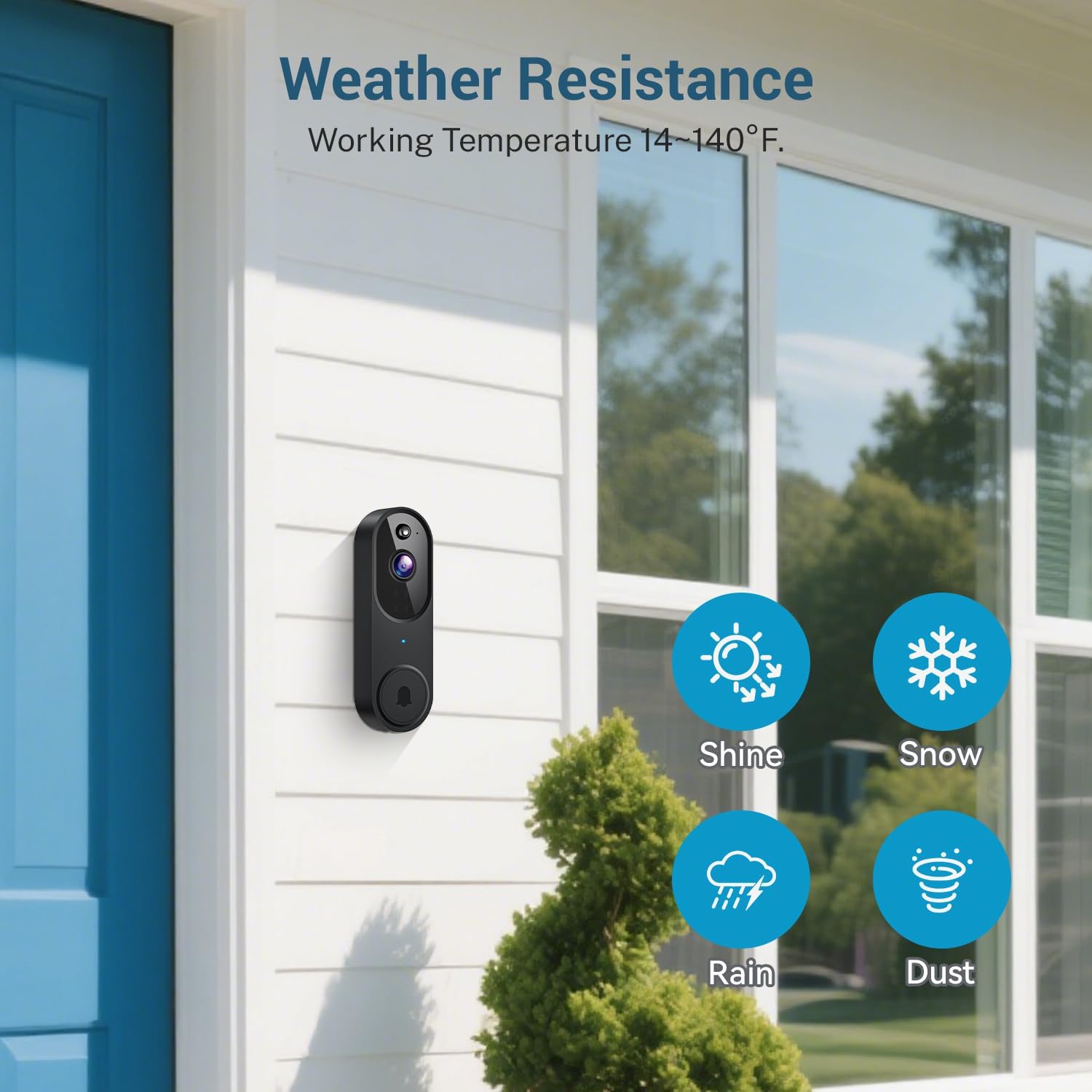
Image 4.1: The SearByte M50 Doorbell Camera mounted on a house exterior, illustrating its weather resistance against sun, snow, rain, and dust.
4.3 Pairing the Wireless Chime
The wireless chime (receiver) plugs into a standard wall outlet. To pair it with your doorbell camera:
- Plug the chime into an electrical outlet.
- Press the 'SYNC' button on the chime. The indicator light will flash.
- Press the doorbell button on the camera. The chime will ring, indicating successful pairing.
- You can select different chime melodies by pressing the melody button on the chime.
4.4 App Installation and Connection
To access the doorbell's smart features, download the companion app on your smartphone (compatible with Android devices). The app allows you to view live footage, communicate with visitors, and manage settings.
- Download App: Search for the designated app (refer to packaging or quick start guide for app name) in your smartphone's app store and install it.
- Create Account: Open the app and follow the on-screen instructions to create a new user account.
- Add Device: Select 'Add Device' or the '+' icon within the app.
- Connect to Wi-Fi: Follow the app's instructions to connect the doorbell camera to your 2.4GHz Wi-Fi network. Note: This device only supports 2.4GHz Wi-Fi.
- Scan QR Code: The app may display a QR code. Hold your doorbell camera's lens towards the QR code on your phone screen until you hear a confirmation sound.
- Complete Setup: Once connected, name your doorbell and complete the setup process in the app.
5. Operating Instructions
5.1 Live View and Two-Way Audio
Access the live video feed from your doorbell camera at any time through the mobile app. When a visitor presses the doorbell or motion is detected, you will receive a notification on your smartphone.
- Live View: Open the app and select your doorbell camera to view real-time video.
- Two-Way Audio: While in live view or responding to a notification, tap the microphone icon in the app to speak to the visitor at your door. Tap it again to listen.
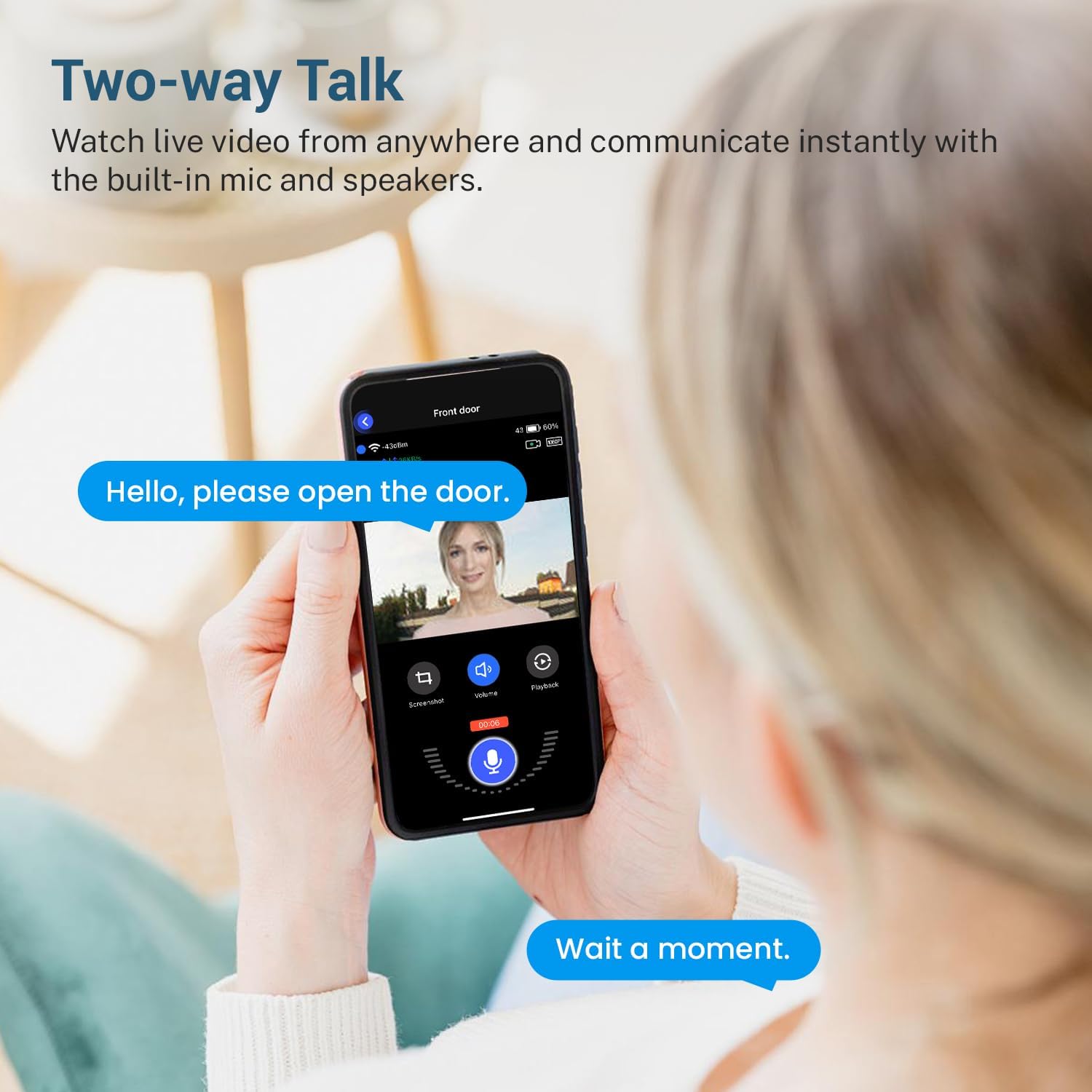
Image 5.1: A user engaging in two-way communication with a visitor via the SearByte M50 Doorbell Camera and their smartphone.
5.2 Motion Detection and Alerts
The doorbell camera features AI Human Detection, which intelligently distinguishes human movement from other objects like animals or vehicles, reducing false alarms.
- Receive Alerts: When human motion is detected, you will receive an instant notification on your smartphone.
- Adjust Sensitivity: You can customize motion detection sensitivity and detection zones within the app settings to suit your environment.

Image 5.2: The AI Human Detection feature of the SearByte M50 Doorbell Camera, showing a notification for human presence while ignoring a dog.
5.3 Night Vision
The doorbell camera is equipped with night vision technology, providing clear video footage even in low-light conditions or complete darkness.
- Automatic Activation: Night vision activates automatically when ambient light levels are low.
- Clear Footage: Ensures continuous monitoring and recording with detailed images, day or night.
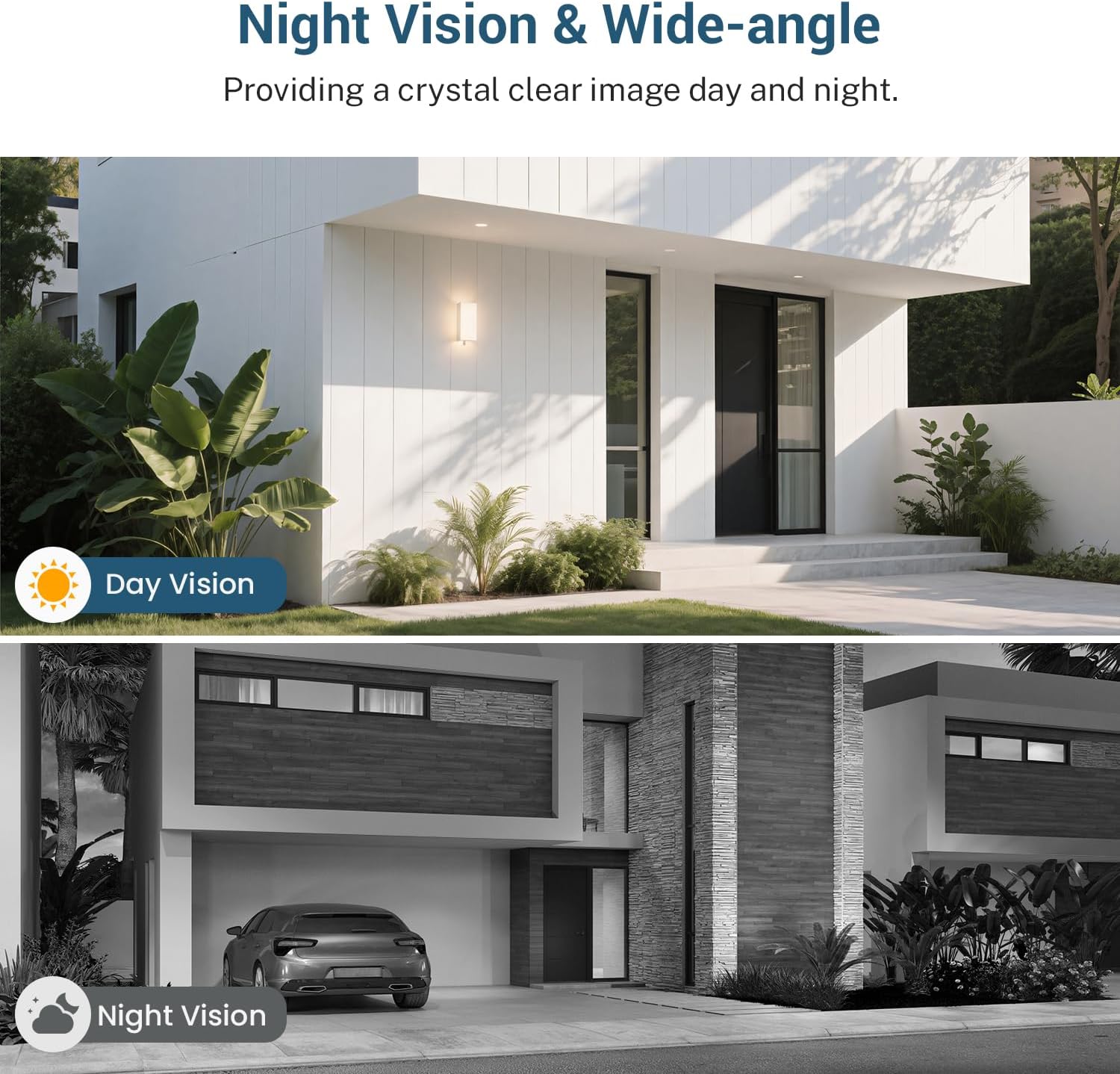
Image 5.3: A comparison demonstrating the clear image quality provided by the SearByte M50 Doorbell Camera during both day and night vision modes.
5.4 Cloud Storage (Optional)
The SearByte M50 supports optional cloud storage for securely saving your video recordings. This service typically requires a separate subscription.
- Secure Recordings: Videos are encrypted and stored in the cloud, accessible anytime from your app.
- Subscription Required: Cloud storage is a paid service. Refer to the app for subscription plans and details.

Image 5.4: The SearByte M50 Doorbell Camera illustrating its cloud storage capability, showing various scenarios of recorded events being uploaded to the cloud.
6. Maintenance
6.1 Battery Management
The doorbell camera is battery-powered. Battery life varies based on usage, motion detection frequency, and environmental factors.
- Charging: Recharge the doorbell when the battery level is low, indicated by the app or a specific LED status on the device. Use the provided USB cable.
- Battery Life: Frequent live view access and numerous motion events will consume battery faster.
6.2 Cleaning
To ensure optimal performance and clear image quality, periodically clean the doorbell camera.
- Gently wipe the camera lens and the device's exterior with a soft, damp cloth.
- Do not use harsh chemicals, abrasive cleaners, or solvents, as these can damage the device.
7. Troubleshooting
If you encounter issues with your SearByte M50 Doorbell Camera, refer to the following common problems and solutions:
| Problem | Possible Solution |
|---|---|
| Doorbell not connecting to Wi-Fi |
|
| Chime not ringing |
|
| Poor video quality |
|
| Frequent false motion alerts |
|
| Battery drains quickly |
|
If the problem persists after trying these solutions, please contact SearByte customer support for further assistance.
8. Specifications
| Feature | Detail |
|---|---|
| Model Number | M50 |
| Video Resolution | 1080p |
| Connectivity | 2.4GHz Wi-Fi (IEEE 802.11b/g/n) |
| Power Source | Battery Powered (1 Nonstandard Battery included) |
| Night Vision Range | Up to 33 feet |
| Audio | Two-Way Audio |
| Motion Detection | AI Human Detection (Motion Only Alert Type) |
| Storage | Cloud Storage (Optional, subscription sold separately) |
| Indoor/Outdoor Usage | Indoor, Outdoor (Water Resistant) |
| Operating Temperature | 14°F to 140°F (-10°C to 60°C) |
| Material | Acrylonitrile Butadiene Styrene (ABS) |
| Dimensions (Doorbell) | 6.53 x 2.59 x 1.61 inches (16.59 x 6.58 x 4.09 cm) |
| Item Weight | 9.6 ounces (272 grams) |
| Compatible Devices | Smartphone (Android controller type) |
9. Warranty and Support
Your SearByte M50 Doorbell Camera comes with a standard manufacturer's warranty. For specific warranty details, please refer to the product packaging or contact SearByte customer support.
If you require technical assistance, have questions about your product, or need to report a defect, please contact SearByte customer support through the contact information provided on the official website or product packaging. Please have your model number (M50) and purchase details ready when contacting support.