
1. Safety Information
Please read all safety instructions before using this product. Failure to follow these instructions may result in electric shock, fire, or serious injury.
- Do not immerse the fan in water or other liquids.
- Keep out of reach of children and pets.
- Do not insert fingers or foreign objects into the fan grille.
- Use only the provided charging cable or a certified USB-C cable for charging.
- Do not disassemble, repair, or modify the fan. Contact customer support if service is required.
- Avoid exposing the fan to extreme temperatures or direct sunlight for prolonged periods.
2. Product Overview
The Coolhill M319 Handheld Portable Fan is designed to provide personal cooling with advanced features including a 199-speed setting and an ice cooling function. Its compact and foldable design makes it ideal for various uses.
Key Features:
- 199-Speed Settings: Precise control over airflow intensity.
- Ice Cooling Technology: Integrated semiconductor cooling plate for an additional cooling effect.
- High-Speed Motor: 20,000 RPM Air Turbo Tech for powerful airflow.
- Long Battery Life: 5500mAh rechargeable battery provides extended usage.
- 3-in-1 Design: Functions as a handheld, desk, or neck fan.
- Foldable and Portable: Compact design for easy carrying and storage.
- Digital Display: Shows current speed and battery level.
Product Components:
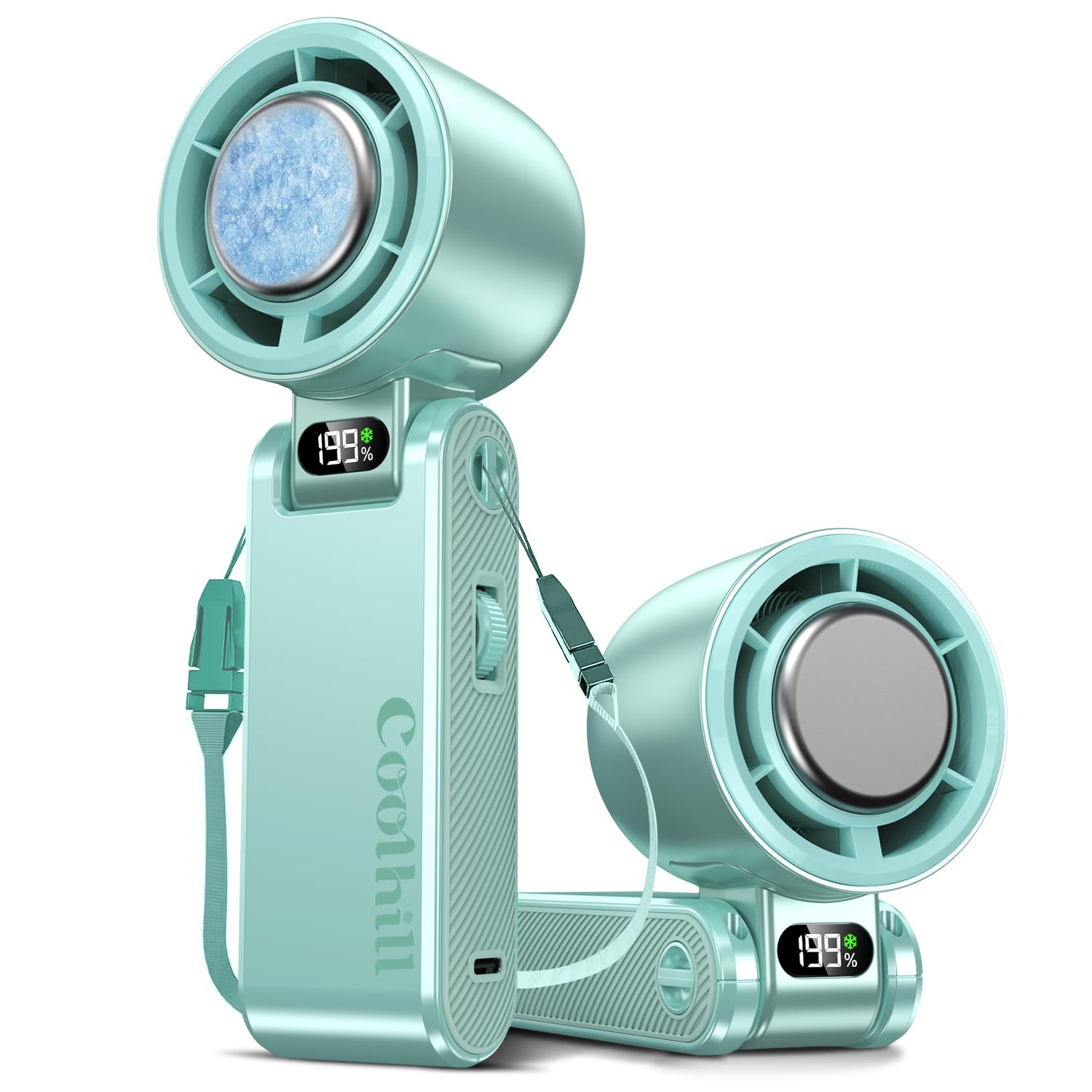
Image: Diagram illustrating the fan's internal components, including the AI cooling chip, Air Turbo motor, and aerospace-grade turbo blades, along with a table showing different wind modes and their corresponding wind speeds and battery life.

Image: Comparison of the Coolhill M319's TEC Semiconductor Cooling System with a regular handheld fan, emphasizing the digital cooling display and ultra-fast circulation.
3. Package Contents
Verify that all items are present in the package:
- Coolhill M319 Handheld Portable Fan
- USB-C Charging Cable
- Lanyard
- User Manual
4. Setup
4.1 Charging the Fan
Before first use, fully charge the fan. Connect the provided USB-C cable to the charging port on the fan and to a compatible USB power source (e.g., wall adapter, power bank, computer USB port). The digital display will show the charging status.
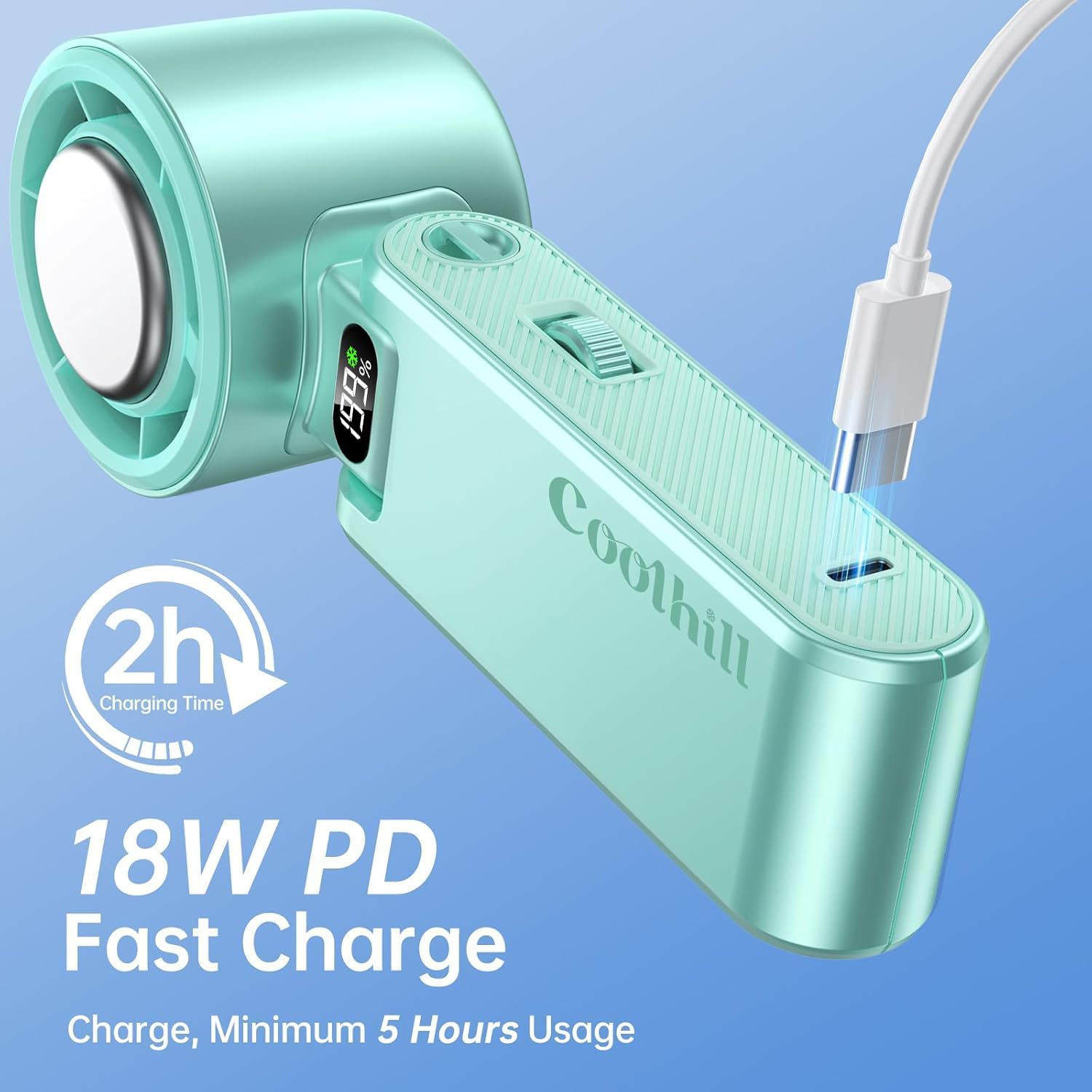
Image: The Coolhill M319 fan connected to a USB-C charging cable, illustrating the charging process.
4.2 Attaching the Lanyard
To use the fan as a neck fan, attach the lanyard to the designated loop on the fan's handle. Ensure it is securely fastened.
Video: A demonstration of the Coolhill Handheld Portable Fan's features, including its compact design, charging, and lanyard attachment.
5. Operating Instructions
5.1 Power On/Off and Speed Adjustment
To power on the fan, press and hold the multi-function roller for 2 seconds. The digital display will illuminate. To adjust the wind speed (from 1 to 199), scroll the roller up or down. To power off, press and hold the roller for 2 seconds again.
5.2 Activating Ice Cooling Mode
While the fan is on, double-click the multi-function roller to activate the ice cooling mode. A snowflake icon will appear on the digital display, indicating that the cooling plate is active. Double-click again to deactivate the ice cooling mode.
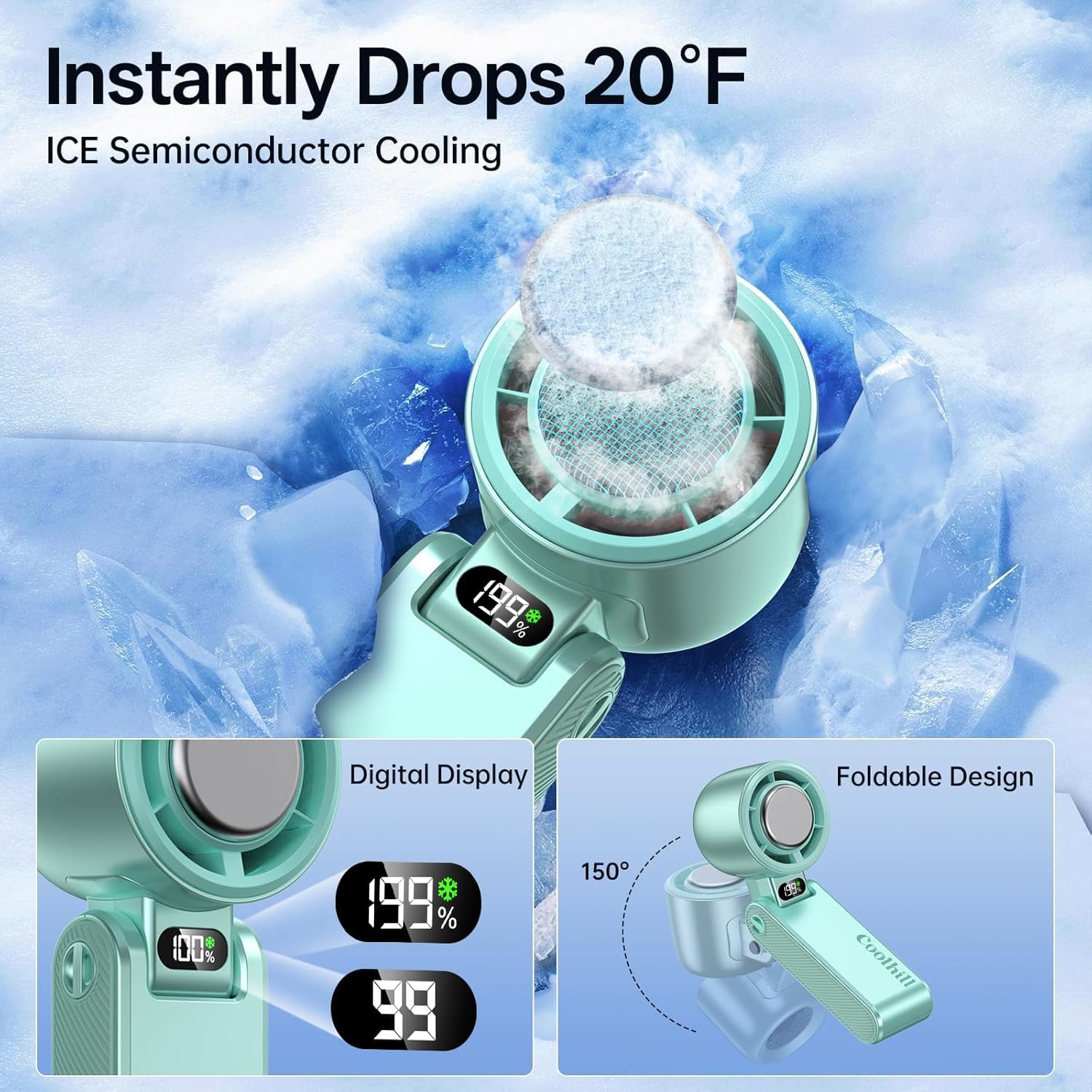
Image: The fan's digital display showing the 199% power level and a snowflake icon for the ice cooling function, alongside an illustration of its 150-degree foldable design.
5.3 Checking Battery Level
Single-click the multi-function roller to display the current battery level on the digital screen.

Image: The fan's internal battery, highlighting its 5500mAh capacity and up to 12 hours of working time.
5.4 Usage Modes
- Handheld Mode: Hold the fan by its handle for direct cooling.
- Desk Fan Mode: Fold the handle to create a stable base, allowing the fan to stand on a flat surface.
- Neck Fan Mode: Attach the lanyard and wear the fan around your neck for hands-free cooling.

Image: The fan being used for ice therapy on different body parts like the neck, face, and forehead, showing its versatility.

Image: Close-up of the fan's non-slip silicone side grips and the multi-function roller for adjusting wind speed and power display.
Video: A vertical video showcasing the Coolhill Handheld Fan, demonstrating its turbo cooling capabilities and various uses.
6. Maintenance
6.1 Cleaning
To clean the fan, ensure it is powered off and unplugged. Use a soft, dry cloth to wipe the exterior. For the fan grille, use a soft brush or cotton swab to gently remove dust. Do not use abrasive cleaners or immerse the fan in water.
6.2 Storage
When not in use for an extended period, store the fan in a cool, dry place. It is recommended to fully charge the battery every three months to maintain battery health.
7. Troubleshooting
- Fan not turning on:
- Ensure the battery is charged. Connect the fan to a power source using the USB-C cable.
- Press and hold the multi-function roller for 2 seconds to power on. - Weak airflow:
- Adjust the speed setting using the multi-function roller. Increase to a higher speed.
- Check if the fan grille is obstructed by dust or debris. Clean as per maintenance instructions. - Ice cooling not working:
- Ensure the ice cooling mode is activated by double-clicking the multi-function roller (snowflake icon should be visible).
- The cooling effect may be less noticeable in extremely hot and humid environments. - Fan not charging:
- Ensure the USB-C cable is securely connected to both the fan and the power source.
- Try a different USB-C cable or power adapter.
If the issue persists, please contact Coolhill customer support for assistance.
8. Specifications
| Brand | Coolhill |
| Model Number | M319 |
| Power Source | Battery Powered |
| Battery Capacity | 5500mAh |
| Number of Speeds | 199 |
| Speed | 20000 RPM |
| Wattage | 18 watts |
| Charging Type | USB-C (18W PD Fast Charge) |
| Control Method | Touch (Multi-function roller) |
| Product Dimensions | 6.97"D x 2.36"W x 1.97"H |
| Item Weight | 8.96 ounces |
| Material | Plastic, Silicone, Stainless Steel |
| Special Features | Adjustable Tilt, Lightweight, Portable, Ice Cooling |
9. Warranty and Support
Coolhill products are manufactured to high-quality standards. For warranty information or technical support, please refer to the warranty card included in your package or visit the official Coolhill website. Please have your model number (M319) and purchase details ready when contacting support.