Introduction
This manual provides comprehensive instructions for the AOC 2025 AMD Laptop (Model: RX16). It covers setup, operation, maintenance, and troubleshooting to ensure optimal performance and longevity of your device. The AOC RX16 is a high-performance laptop designed for both productivity and entertainment, featuring an AMD Ryzen 7 7735HS processor, 16GB DDR5 RAM, a 512GB NVMe SSD, and a 16-inch FHD display.

Figure 1: Front view of the AOC 2025 AMD Laptop, showcasing its sleek design and vibrant display.
1. Setup
1.1 Unboxing and Initial Inspection
Carefully remove all components from the packaging. Verify that the following items are included:
- 1 × AOC 2025 AMD Laptop (16GB RAM + 512GB SSD)
- 1 × Power Adapter
- 1 × User Manual (this document)
Inspect the laptop for any physical damage. If any components are missing or damaged, contact customer support immediately.
1.2 Connecting to Power
Before first use, ensure the laptop is fully charged. Connect the power adapter to the laptop's DC-in port and then to a power outlet. The charging indicator light will illuminate.
1.3 Initial Power On and Operating System Setup
Press the power button located on the keyboard. The laptop will boot up and guide you through the Windows 11 setup process. Follow the on-screen prompts to configure language, region, network, and user accounts.
1.4 Connecting Peripherals and External Devices
The AOC RX16 laptop offers a variety of ports for connecting external devices:
- USB 2.0 Port: For connecting older USB devices.
- USB 3.2 Ports: For high-speed data transfer with compatible USB devices.
- HDMI Port: Connect to external monitors or projectors for extended display.
- Type-C Port (Full Function): Supports data transfer, video output, and power delivery.
- 3.5mm Headphone Jack: For audio output to headphones or external speakers.
- TF Card Socket: For reading and writing to TF (microSD) cards.

Figure 2: Comprehensive interface compatibility of the AOC RX16 laptop, detailing available ports.
1.5 Network Connection (Wi-Fi 6)
To connect to a wireless network:
- Click the Wi-Fi icon in the system tray.
- Select your desired Wi-Fi network from the list.
- Enter the network password if prompted.
- Click "Connect".
The laptop supports Wi-Fi 6 for faster and more stable wireless connectivity.
2. Operating Your Laptop
2.1 Keyboard and Touchpad
The AOC RX16 features a backlit keyboard for comfortable typing in various lighting conditions and a responsive touchpad with anti-mistouch design for precise cursor control.

Figure 3: Detailed view of the individual digital backlit keyboard and responsive touchpad.
Function Keys: Utilize the dedicated shortcut keys (Fn + F-keys) for quick access to functions like brightness control, volume adjustment, and microphone on/off.
2.2 Display Features
Experience captivating visuals on the 16.0-inch Full HD (1920x1200p) IPS display. The IPS technology provides wide viewing angles and accurate color reproduction, while eye protection features help reduce strain during prolonged use.

Figure 4: The 16.0-inch FHD display delivers captivating visuals with vivid clarity.
2.3 Performance and Multitasking
The AOC RX16 is powered by an AMD Ryzen 7 7735HS processor, offering high-level performance for demanding tasks. Coupled with 16GB of DDR5 RAM and a 512GB NVMe SSD, the laptop ensures rapid multitasking, quick boot times, and fast file transfers.
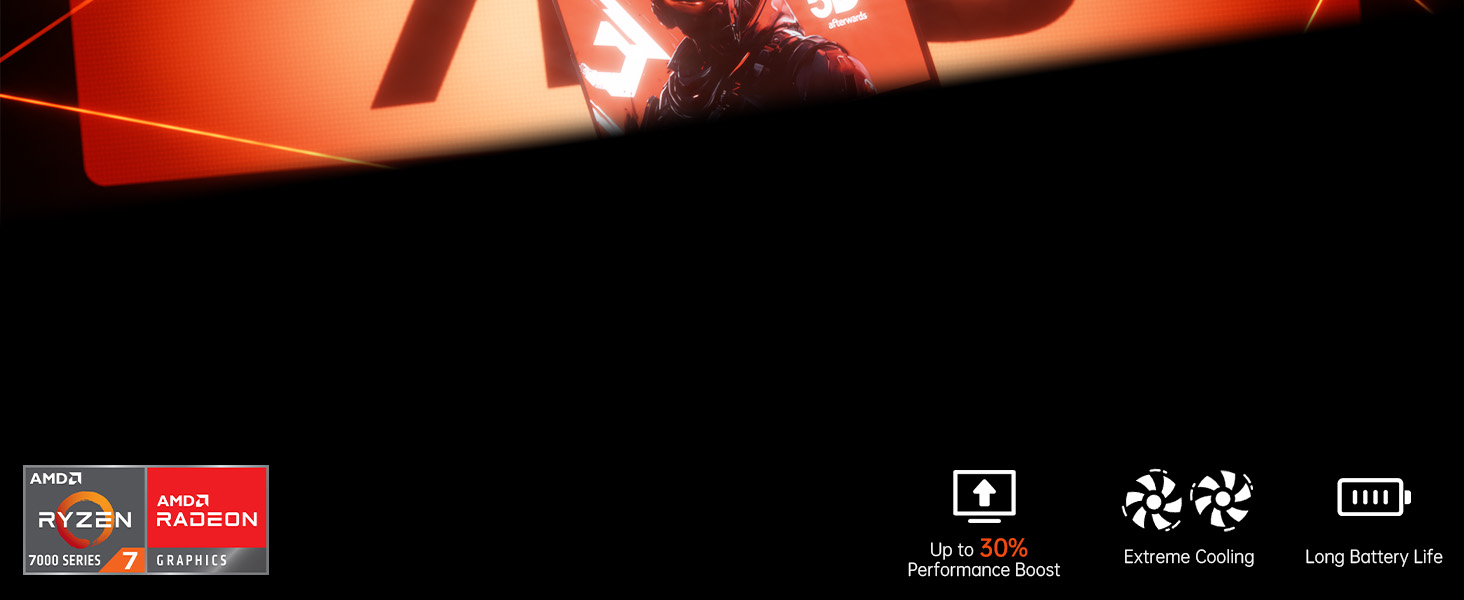
Figure 5: High-level performance delivered by the AMD Ryzen 7 7735HS processor.

Figure 6: Rapid multitasking capabilities with DDR5 RAM and PCIe 3.0 SSD.
2.4 Cooling System
The laptop incorporates a super cooling system with dual fans and dual heat dissipation copper tubes. This advanced design ensures efficient heat dissipation, maintaining optimal performance even during intensive use and extended work sessions.

Figure 7: Super cooling system with dual fans and copper pipes for efficient heat dissipation.
2.5 Battery Management
The AOC RX16 is equipped with a 4400mAh (51Wh) battery, providing ultra-long battery life for extended use. To maximize battery life:
- Adjust screen brightness.
- Close unused applications.
- Enable power-saving modes in Windows settings.
- Disconnect unnecessary peripherals.

Figure 8: The 4400mAh battery ensures uninterrupted power and extended usage.
2.6 Triple-Screen Display Support
Expand your workspace by connecting up to two external monitors using the HDMI and Type-C (Full Function) ports. This allows for a comprehensive triple-screen setup, enhancing productivity and immersive experiences.

Figure 9: The laptop supports triple-screen display for an expanded visual experience.
2.7 Audio Features
Enjoy exceptional surround-sound quality with the integrated stereo speakers and digital microphone, providing an immersive audio experience for multimedia and communication.

Figure 10: Exceptional surround-sound quality for an immersive experience.
2.8 180° Flat Laying Design
The laptop features a full flat design, allowing the screen to lay completely flat (180 degrees). This design provides versatile viewing angles, making it ideal for collaborative work and sharing content with others.

Figure 11: The 180° flat laying design offers versatile viewing angles for collaboration.
3. Maintenance
3.1 Cleaning Your Laptop
Regular cleaning helps maintain the laptop's appearance and functionality:
- Use a soft, lint-free cloth dampened with water or a specialized screen cleaner for the display.
- For the keyboard and chassis, use a soft cloth. Avoid harsh chemicals.
- Use compressed air to clear dust from vents and ports.
3.2 Software Updates
Keep your Windows 11 operating system and drivers updated to ensure optimal performance, security, and compatibility. Windows Update typically handles this automatically, but you can manually check for updates in Settings.
3.3 Storage and Memory Upgrades
The laptop's 512GB M.2 NVMe SSD can be upgraded to 4TB, and the dual-channel DDR5 memory (16GB installed) supports upgrades up to 64GB (2x32GB). Consult a qualified technician for hardware upgrades to avoid voiding your warranty or damaging components.
4. Troubleshooting
This section addresses common issues you might encounter. For more complex problems, refer to the support section.
| Problem | Possible Cause | Solution |
|---|---|---|
| Laptop does not power on. | Low battery or power adapter issue. | Ensure power adapter is securely connected and plugged into a working outlet. Allow battery to charge for a few minutes before attempting to power on again. |
| No display on screen. | Screen brightness too low, external monitor issue, or system crash. | Increase brightness using function keys. Disconnect external monitors. Perform a hard reset by holding the power button for 10-15 seconds. |
| Wi-Fi connection issues. | Incorrect password, router issue, or Wi-Fi adapter disabled. | Verify Wi-Fi password. Restart your router. Check Wi-Fi settings in Windows to ensure the adapter is enabled. |
| Slow performance. | Too many applications running, low storage space, or outdated drivers. | Close unnecessary programs. Free up disk space. Update Windows and device drivers. |
5. Specifications
Detailed technical specifications for the AOC 2025 AMD Laptop (Model: RX16).

Figure 12: Key specifications of the AOC RX16 laptop.
| Feature | Specification |
|---|---|
| Model Name | RX16 |
| Operating System | Windows 11 |
| Processor | AMD Ryzen 7 7735HS (8C/16T, up to 4.75GHz) |
| Graphics Coprocessor | AMD Radeon™ 680M |
| RAM | 16GB DDR5 (Expandable to 64GB) |
| Storage | 512GB NVMe SSD (Expandable to 4TB) |
| Screen Size | 16 Inches |
| Max Screen Resolution | 1920x1080 Pixels |
| Wireless Connectivity | WiFi 6, Bluetooth 5.0 |
| Ports | 1x USB 2.0, 2x USB 3.0, 1x HDMI, 1x Type-C (Full Function), 1x 3.5mm Headphone Jack, 1x TF Card Socket |
| Battery | 4400mAh (51Wh) |
| Item Weight | 6.05 pounds |
| Product Dimensions | 14.06 x 9.75 x 0.78 inches |
6. Warranty and Support
AOC provides comprehensive support for your laptop. Enjoy peace of mind with unlimited technical support and a 12-month repair service for all customers.
6.1 Warranty Information
We provide customers with a one-year effective warranty period, including free return or exchange service. Offline maintenance services are also available for products beyond the initial warranty period.
6.2 Technical Support
If you have any questions or concerns regarding your AOC laptop, our professional service team is ready to assist you. You can consult us by telephone or email. We are committed to your satisfaction.
For contact details, please refer to the information provided with your product or visit the official AOC support website.


