
1. Introduction
Thank you for choosing the Znoyaf NS8 Portable Karaoke Machine. This device combines a powerful Bluetooth speaker with two wireless microphones, offering a versatile audio experience for various occasions. Featuring bass and treble adjustment, LED lighting, and multiple connectivity options, the NS8 is designed for ease of use and high-quality sound reproduction. Please read this manual thoroughly to understand the product's functions and ensure proper operation.

Image 1.1: Znoyaf NS8 Portable Karaoke Machine and included accessories.
2. Package Contents
Please check the box for the following items:
- 1 x Znoyaf NS8 Speaker Machine
- 2 x Wireless Microphones
- 1 x Shoulder Strap
- 1 x AUX Cable
- 1 x Charging Cable
- 1 x Remote Control (Note: 2 AAA batteries not included due to transportation restrictions)
- 1 x User Manual (this document)
3. Product Features
- Advanced Audio System: Equipped with two 2.0-inch tweeters and one 6.5-inch subwoofer, utilizing high-bass separation technology for clear and powerful sound across various music styles.
- Versatile Connectivity: Supports wireless connection via Bluetooth 5.3 for stable and extended range. Also includes Micro TF card, USB flash drive, and AUX input options. Compatible with Android phones, iPhones, iPads, TVs, and PCs.
- Dynamic LED Lighting: Features 8 color modes of colorful disco lights that can synchronize with music, enhancing the atmosphere for any event.
- Long-Lasting Battery: Integrated 6500mAh high-capacity battery provides 8-10 hours of continuous music playback on a full charge, suitable for extended use.
- Wireless Microphones with Voice Enhancement: Includes two wireless microphones with professional-grade DSP chips for dynamic voice beautification and improved sound quality. Features magic sound modes for entertainment.
- Portable Design: Compact size (9 x 5.9 x 13 inches including handle) and lightweight (4.5 lbs) aluminum body, making it easy to transport with the included shoulder strap.
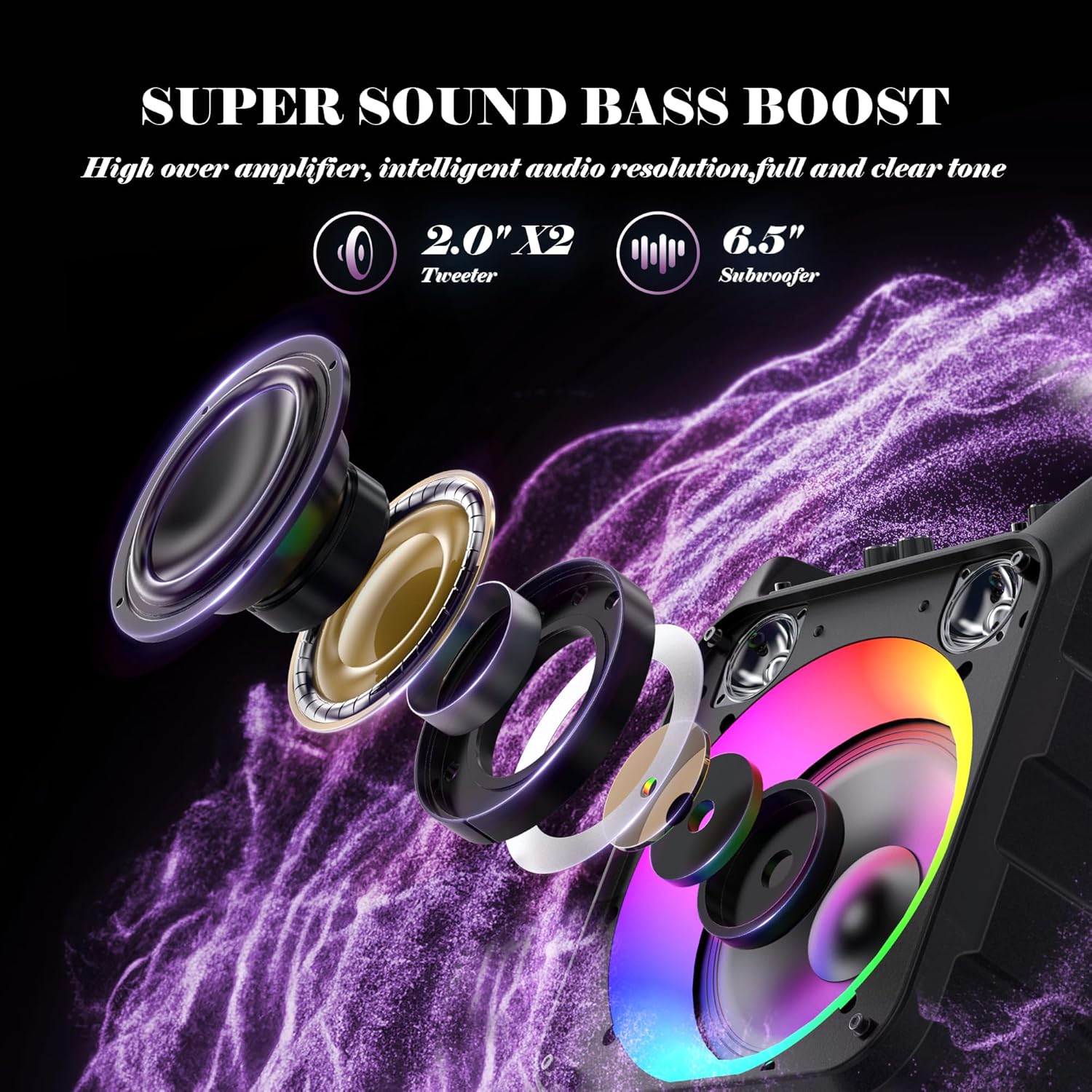
Image 3.1: Internal speaker configuration with tweeters and subwoofer.

Image 3.2: Bluetooth 5.3 connectivity and compatible devices.

Image 3.3: Dynamic LED light show in action.
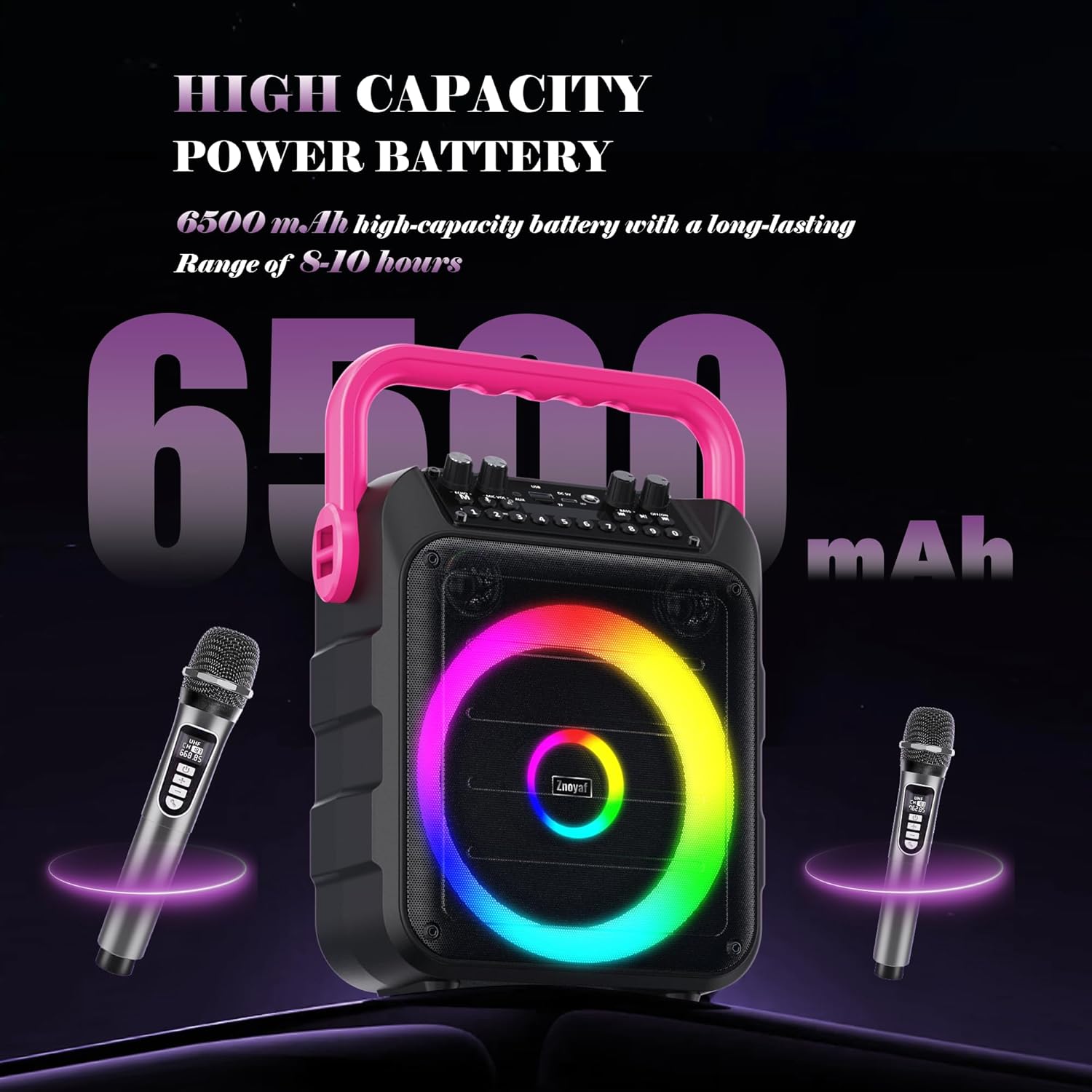
Image 3.4: High-capacity 6500mAh battery for extended playtime.
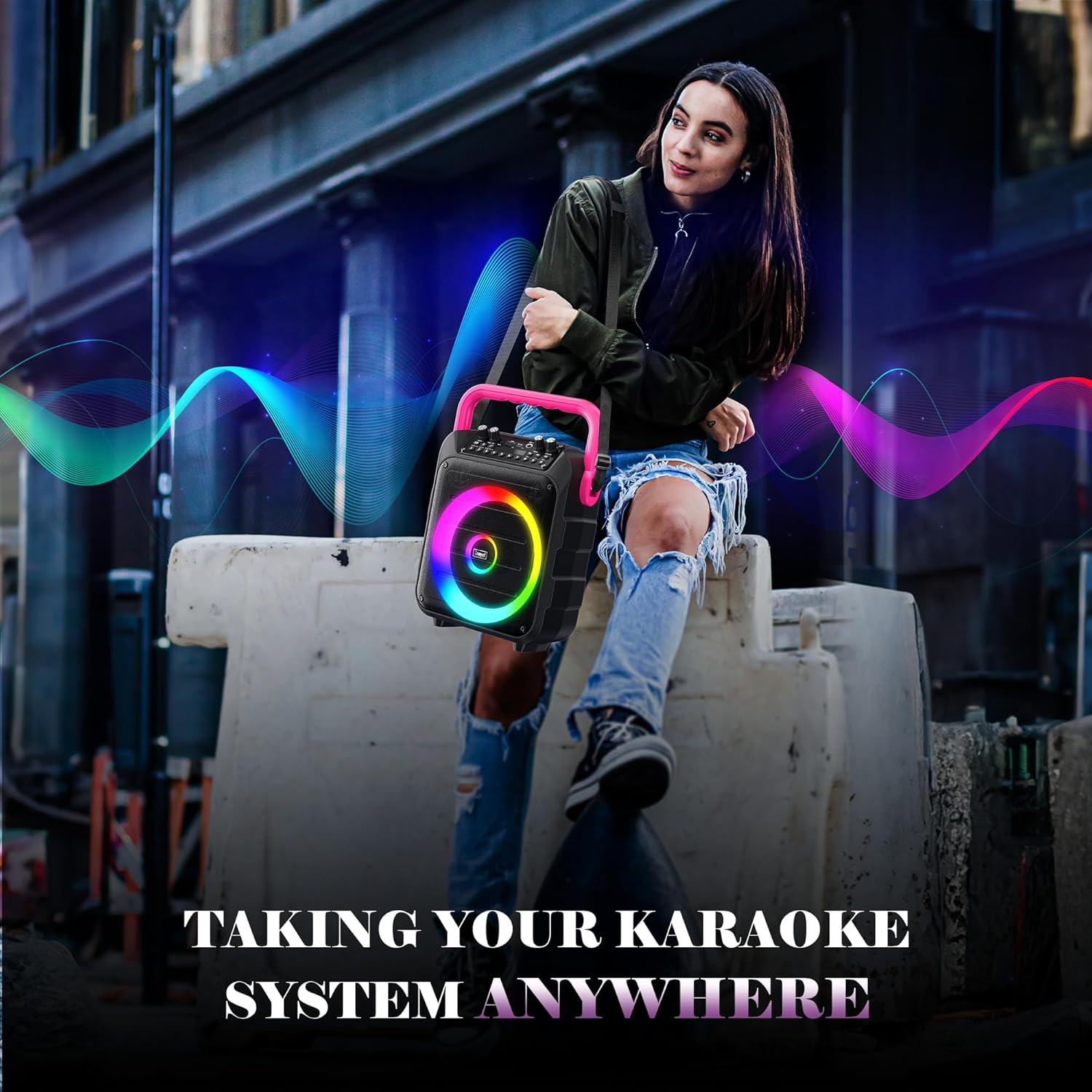
Image 3.5: The portable design allows for easy transport and use anywhere.
4. Setup
4.1 Unpacking and Inspection
Carefully remove all components from the packaging. Inspect for any signs of damage. Retain the packaging for future storage or transport.
4.2 Charging the Unit
Before first use, fully charge the karaoke machine. Connect the provided charging cable to the DC 5V input port on the speaker and the other end to a suitable USB power adapter (not included). The LED indicator will show charging status and turn off when fully charged.
4.3 Remote Control Battery Installation
Open the battery compartment on the back of the remote control. Insert two AAA batteries, ensuring correct polarity (+/-). Close the compartment securely.
4.4 Microphone Pairing
The wireless microphones are typically pre-paired with the speaker. Simply power on both the speaker and the microphones. If pairing is required, refer to the microphone's individual instructions or press the pairing button on the microphone and speaker simultaneously (if available).
5. Operating Instructions

Image 5.1: Main control panel of the Znoyaf NS8 Karaoke Machine.
5.1 Power On/Off
Locate the ON/OFF switch on the control panel. Toggle it to the 'ON' position to power on the device. Toggle to 'OFF' to power off.
5.2 Mode Selection
Press the 'MODE/LED' button to cycle through available input modes: Bluetooth, USB, TF Card, AUX, and FM Radio.
5.3 Bluetooth Connection
- Power on the karaoke machine and select Bluetooth mode. The display will indicate 'BT' and a pairing sound may be heard.
- Enable Bluetooth on your mobile device (smartphone, tablet, etc.).
- Search for 'NS8' in the list of available Bluetooth devices and select it to pair.
- A confirmation sound will indicate successful pairing. You can now play audio from your device through the speaker.
5.4 USB/TF Card Playback
Insert a USB flash drive or a TF (Micro SD) card into the respective port. The system will automatically switch to USB/TF mode and begin playing supported audio files. Use the 'PREV', 'NEXT', and 'P/P' (Play/Pause) buttons to control playback.
5.5 AUX Input
Connect an external audio device (e.g., MP3 player, TV) to the 'AUX' port using the provided 3.5mm AUX cable. Select AUX mode on the speaker. Audio will be played from the connected device.
5.6 FM Radio Operation
In FM mode, press the 'P/P' button to auto-scan and save available radio stations. Use the 'PREV' and 'NEXT' buttons to navigate between saved stations.
5.7 Microphone Usage
- Microphone Volume: Adjust the 'MIC VOL+' knob on the speaker or the volume controls on the microphone itself.
- Echo Effect: Rotate the 'ECHO+' knob to increase or decrease the echo effect on the microphone audio.
- Voice Changer: Press the 'MODE/LED' button on the microphone to cycle through different voice effects (magic sounds).
5.8 Sound Adjustment
- Bass: Use the 'BASS+' knob to adjust the low-frequency output.
- Treble: Use the 'TREBLE+' knob to adjust the high-frequency output.
5.9 LED Light Modes
Press the 'MODE/LED' button (short press) on the speaker to cycle through the 8 available LED light modes. The lights can react to the music and microphone sound.
5.10 Recording Function
The system supports recording. Insert a USB drive or TF card. While in microphone mode, press the 'REC' button to start recording. Press again to stop. Recordings will be saved to the inserted storage device.
6. Maintenance
6.1 Cleaning
Wipe the exterior of the unit with a soft, dry cloth. Do not use abrasive cleaners, waxes, or solvents. Avoid getting moisture into any openings.
6.2 Battery Care
To prolong battery life, fully charge the unit before long periods of inactivity. If storing for an extended time, charge the battery every 3-6 months to prevent deep discharge.
6.3 Storage
Store the karaoke machine in a cool, dry place away from direct sunlight and extreme temperatures. Keep it away from dust and moisture.
7. Troubleshooting
| Problem | Possible Cause | Solution |
|---|---|---|
| Unit does not power on | Low battery; Power switch off | Charge the unit; Ensure power switch is in 'ON' position |
| No sound output | Volume too low; Incorrect input mode; Device not connected properly | Increase master volume; Select correct input mode (Bluetooth, AUX, USB/TF); Reconnect device |
| Microphone not working | Microphone off; Low microphone battery; Microphone not paired | Ensure microphone is on; Replace microphone batteries; Re-pair microphone if necessary |
| Bluetooth connection fails | Device too far; Bluetooth not enabled; Incorrect device selected | Move device closer; Ensure Bluetooth is enabled on both devices; Select 'NS8' from device list |
| Sound distortion | Volume too high; Source audio quality poor | Reduce volume; Use higher quality audio source |
8. Specifications
| Feature | Detail |
|---|---|
| Model Number | NS8 |
| Brand | Znoyaf |
| Item Weight | 4 pounds |
| Product Dimensions | 9 x 7 x 11 inches (excluding handle) |
| Speaker Configuration | 2 x 2.0" Tweeters, 1 x 6.5" Subwoofer |
| Output Wattage | 20 Watts |
| Connectivity | Bluetooth 5.3, USB Type A, Micro TF Card, AUX Input |
| Compatible Devices | DVD Player, Laptop, MP3 Player, Smartphone, Television |
| Material Type | Aluminum |
| Power Source | Battery Powered (6500mAh) |
| Battery Playtime | 8-10 hours (approx.) |
| FM Response Frequency | 100Hz-18KHz |
| Special Features | Lightweight, Portable, Voice Changer, 8-Mode LED Lights |
9. Warranty and Support
The Znoyaf NS8 Portable Karaoke Machine comes with 2 years of extended services. If you encounter any issues with the speaker or microphones, please contact us via Amazon's messaging system or through the brand's official email address for assistance.