
1. Introduction
This manual provides essential instructions for the safe and efficient operation of your outohome 1500W Pure Sine Wave Inverter. This device converts 24V DC power to 110V AC power, suitable for various applications including vehicles, solar systems, and backup power needs. Please read this manual thoroughly before installation and use.
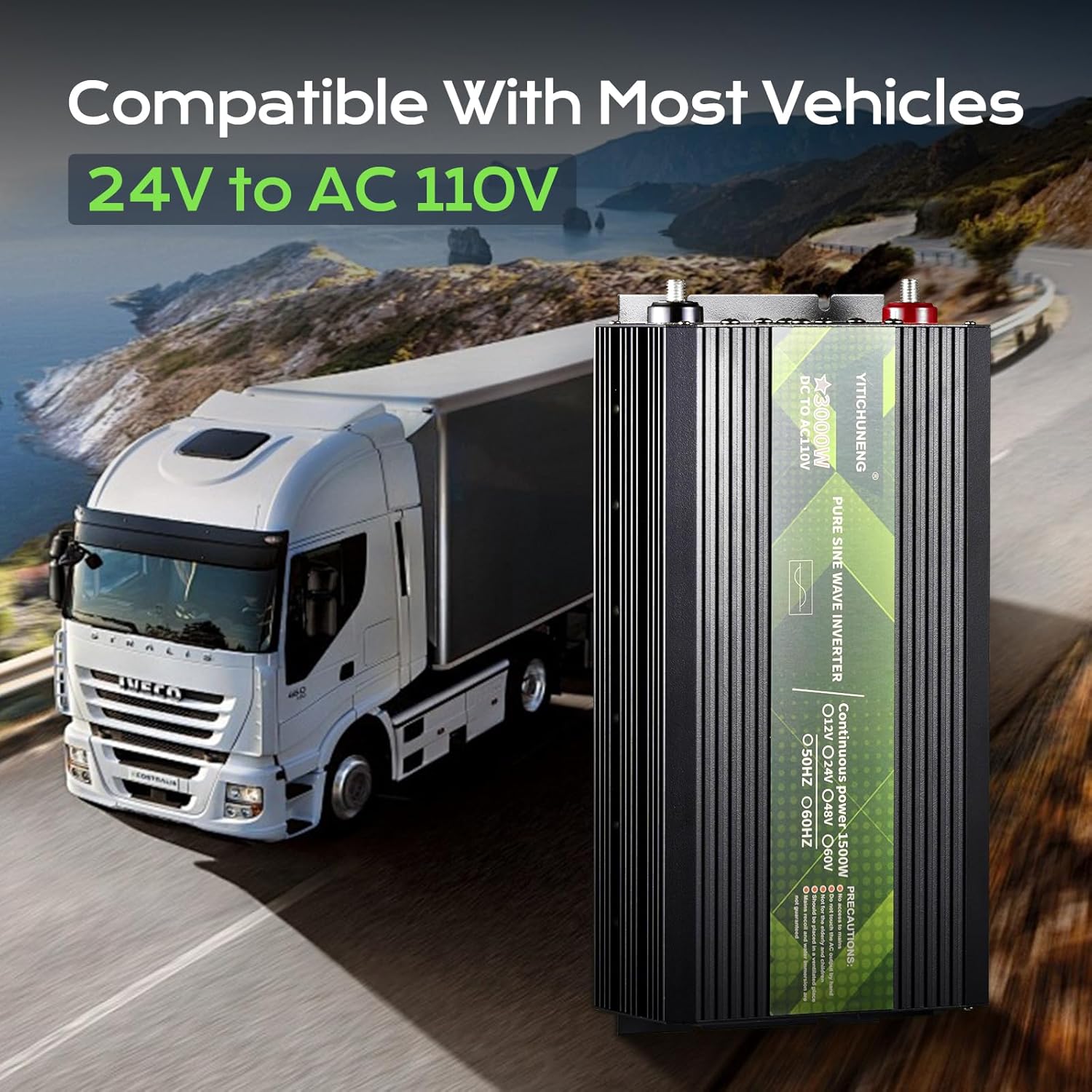
Image 1.1: The outohome 1500W Pure Sine Wave Inverter, designed for compatibility with various vehicles.
2. Safety Information
Always observe the following safety precautions to prevent injury or damage to the inverter and connected devices:
- Spark-Free Protection: The inverter features a professional spark-free protection circuit. It automatically halts output if power is improperly connected or a short circuit occurs.
- Advanced Safety Protections: The unit is UL2743 compliant and includes automatic shutdown for overload, short-circuit, and over-temperature conditions.
- Ventilation: Ensure adequate ventilation around the inverter. Do not block cooling fans or vents.
- Environment: Avoid exposing the inverter to water, rain, snow, or spray. Do not operate in environments with flammable fumes or gases.
- Connection: Connect the inverter only to a 24V DC power source. Incorrect voltage can damage the unit.
- Load Capacity: Do not exceed the continuous power rating of 1500W. The inverter supports a peak surge of 3000W during startup.
- Maintenance: Refer to the Maintenance section for proper care. Do not attempt to disassemble or modify the inverter.

Image 2.1: Overview of the inverter's advanced chip protection features.
3. Product Overview
Familiarize yourself with the components of your outohome Pure Sine Wave Inverter:

Image 3.1: Front and rear panel features of the inverter.
- Positive Power Input Terminal: Connects to the positive terminal of the 24V DC battery.
- Negative Power Input Terminal: Connects to the negative terminal of the 24V DC battery.
- High-Speed Cooling Fans: Two integrated fans for optimal heat dissipation.
- AC Outlets: Standard 110V AC outlets for connecting appliances.
- Power Switch: Controls the ON/OFF state of the inverter.
- Input Voltage Display (DC): Shows the current DC input voltage from the battery.
- Output Voltage Display (AC): Shows the current AC output voltage provided by the inverter.
- Power Fault Indicator: Illuminates to indicate a fault condition.
4. Setup and Installation
Follow these steps for proper setup:
- Placement: Choose a dry, well-ventilated location for the inverter, away from direct sunlight, heat sources, and moisture. Ensure sufficient space around the unit for airflow.
- Power Source: Connect the inverter to a 24V DC battery system. The inverter is compatible with various 24V battery types including LI (Lithium), FLD (Flooded), GEL, SLD (Sealed Lead Acid), and AGM batteries.
- DC Connection:
- Ensure the inverter's power switch is in the "OFF" position.
- Connect the positive (+) cable (red) from the 24V battery to the positive (+) input terminal on the inverter.
- Connect the negative (-) cable (black) from the 24V battery to the negative (-) input terminal on the inverter.
- Ensure all connections are tight and secure to prevent sparks and ensure efficient power transfer.
- Grounding: For safety, ensure the inverter is properly grounded. Consult a qualified electrician if unsure.

Image 4.1: Proper DC connection of the inverter to a 24V battery.
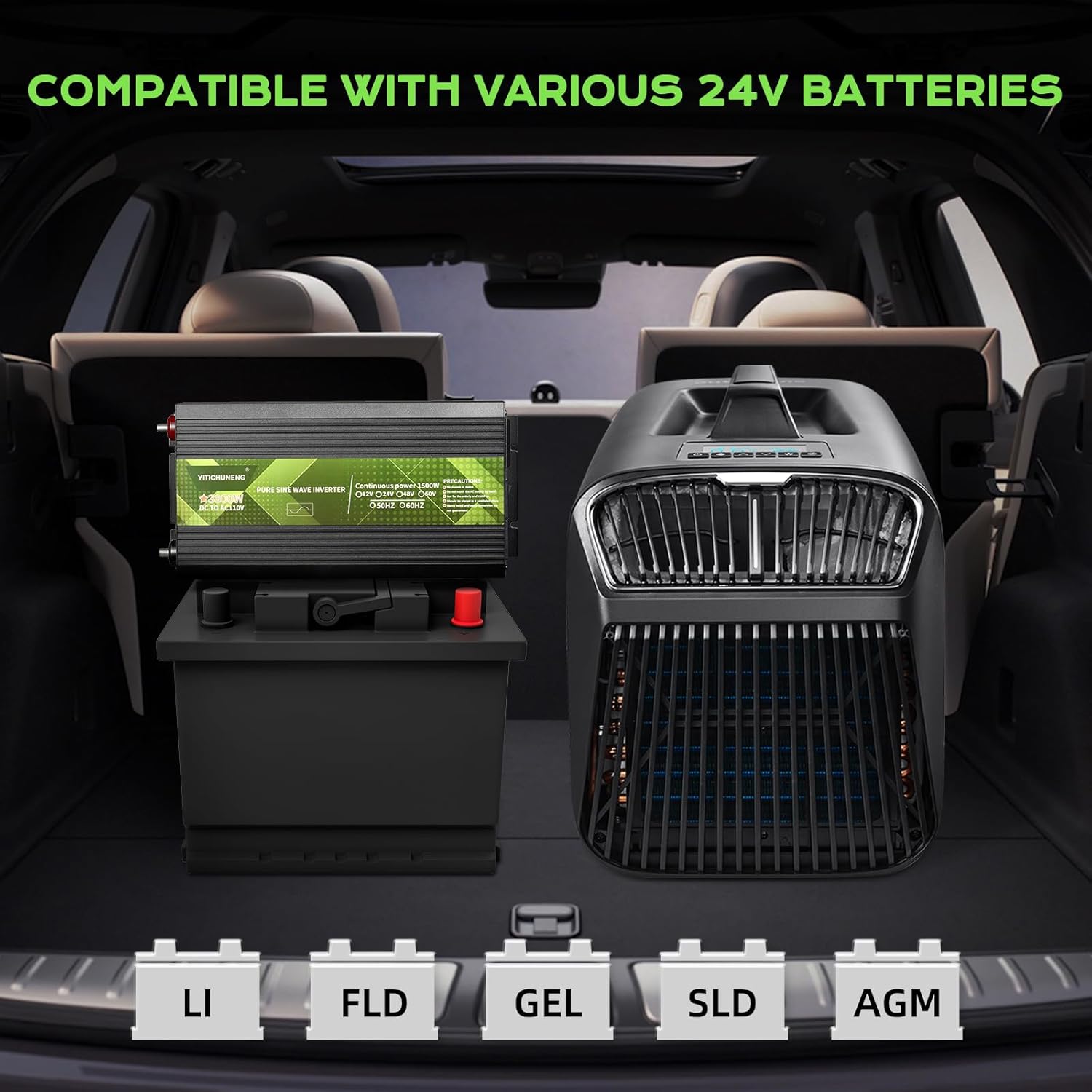
Image 4.2: The inverter's compatibility with various 24V battery types.
5. Operating Instructions
- Powering On: After ensuring all connections are secure, switch the inverter's power button to the "ON" position. The digital displays will illuminate, showing the DC input voltage and AC output voltage.
- Connecting Appliances: Plug your 110V AC appliances into the AC outlets on the inverter. Ensure the total wattage of connected appliances does not exceed 1500W.
- Monitoring: Regularly check the input and output voltage displays. If the "POWER FAULT" indicator illuminates, refer to the Troubleshooting section.
- Powering Off: Before disconnecting any appliances or the inverter from the battery, switch the inverter's power button to the "OFF" position.
5.1. Compatible Appliances
This 1500W pure sine wave inverter is suitable for powering various sensitive electronics and appliances under 1500W, such as:
- Portable air conditioners
- Coffee machines
- Ovens (small, under 1500W)
- Electronics (laptops, chargers)
- Car refrigerators
- Electric drills
- Hairdryers (low setting)
- Cameras
Note: May not work for some inductive load appliances with high startup current requirements.

Image 5.1: Examples of appliances compatible with the inverter.
6. Maintenance
Regular maintenance ensures optimal performance and longevity of your inverter:
- Cleaning: Keep the inverter clean and free from dust and debris. Use a dry cloth to wipe the exterior. Do not use liquid cleaners.
- Ventilation: Periodically check that the cooling fans and vents are clear and unobstructed. Blocked vents can lead to overheating.
- Connections: Regularly inspect all DC and AC connections to ensure they are tight and free from corrosion. Loose connections can cause power loss or overheating.
- Storage: When not in use for extended periods, store the inverter in a cool, dry place. Disconnect it from the battery.
7. Troubleshooting
If you encounter issues with your inverter, refer to the following common problems and solutions:
| Problem | Possible Cause | Solution |
|---|---|---|
| No power output / Inverter not turning on |
|
|
| "POWER FAULT" indicator illuminated |
|
|
| Low or unstable AC output |
|
|
8. Specifications
| Model Name | INVERTER3000W-24V |
| Continuous Power | 1500W |
| Peak Surge Power | 3000W |
| Input Voltage | 24V DC |
| Output Voltage | 110V AC |
| Waveform | Pure Sine Wave |
| Conversion Efficiency | >90% (up to 96% mentioned in feature bullets) |
| Dimensions (L x W x H) | Approximately 12.2 x 5.91 x 2.95 inches (based on Image PT06) |
| Item Weight | 7 pounds |
| Operating Temperature Range | -30°C to 75°C (from feature bullets) |
| Protection Features | Overload, Short Circuit, Over-temperature, Low Voltage, Over-Voltage, Reverse Connection, Over Current, Spark-Free |
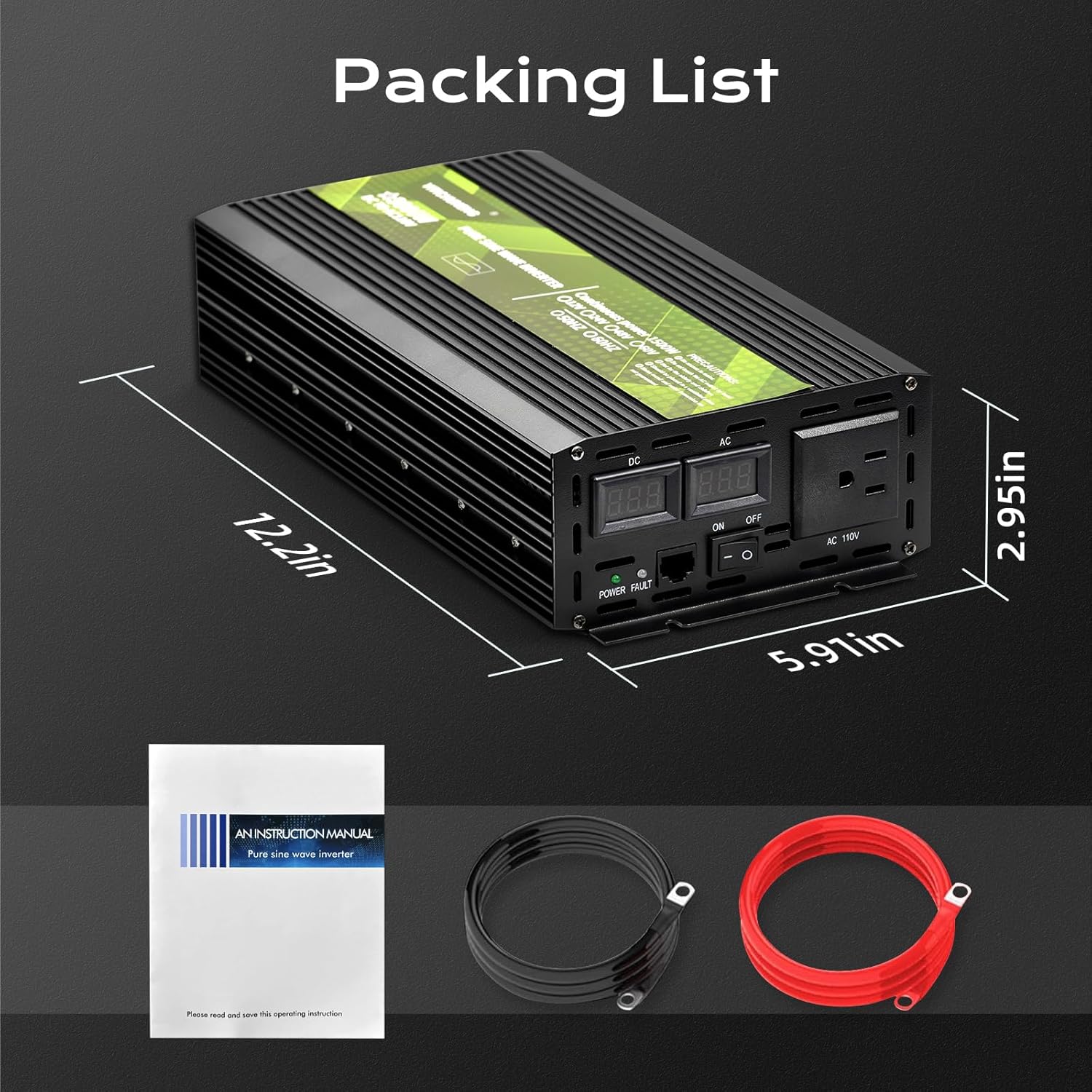
Image 8.1: Inverter dimensions and included accessories.
9. Warranty and Support
The outohome 1500W Pure Sine Wave Inverter comes with a 5-year warranty, as stated in the product features. For technical support, warranty claims, or any questions regarding your inverter, please contact outohome customer service through the retailer's platform or the contact information provided with your purchase.
Please have your model number (INVERTER3000W-24V) and purchase date ready when contacting support.