
1. Introduction and Overview
This manual provides essential information for the safe and efficient use of your YIHAYO Adjustable Electric Overbed Bedside Table, Model BZSD-001. This electric height-adjustable table, measuring 24 x 16 inches, is designed for versatile use in various settings, including beside a bed, sofa, or as a study desk. It features one-button electric lifting for effortless height adjustment and a desktop that can tilt from 0 to 50 degrees.
Key features include:
- Electric height adjustment for ease of use.
- Desktop tilt functionality (0-50 degrees) for ergonomic positioning.
- Hidden swivel casters for smooth mobility.
- Integrated cup holder and hook design for convenience.
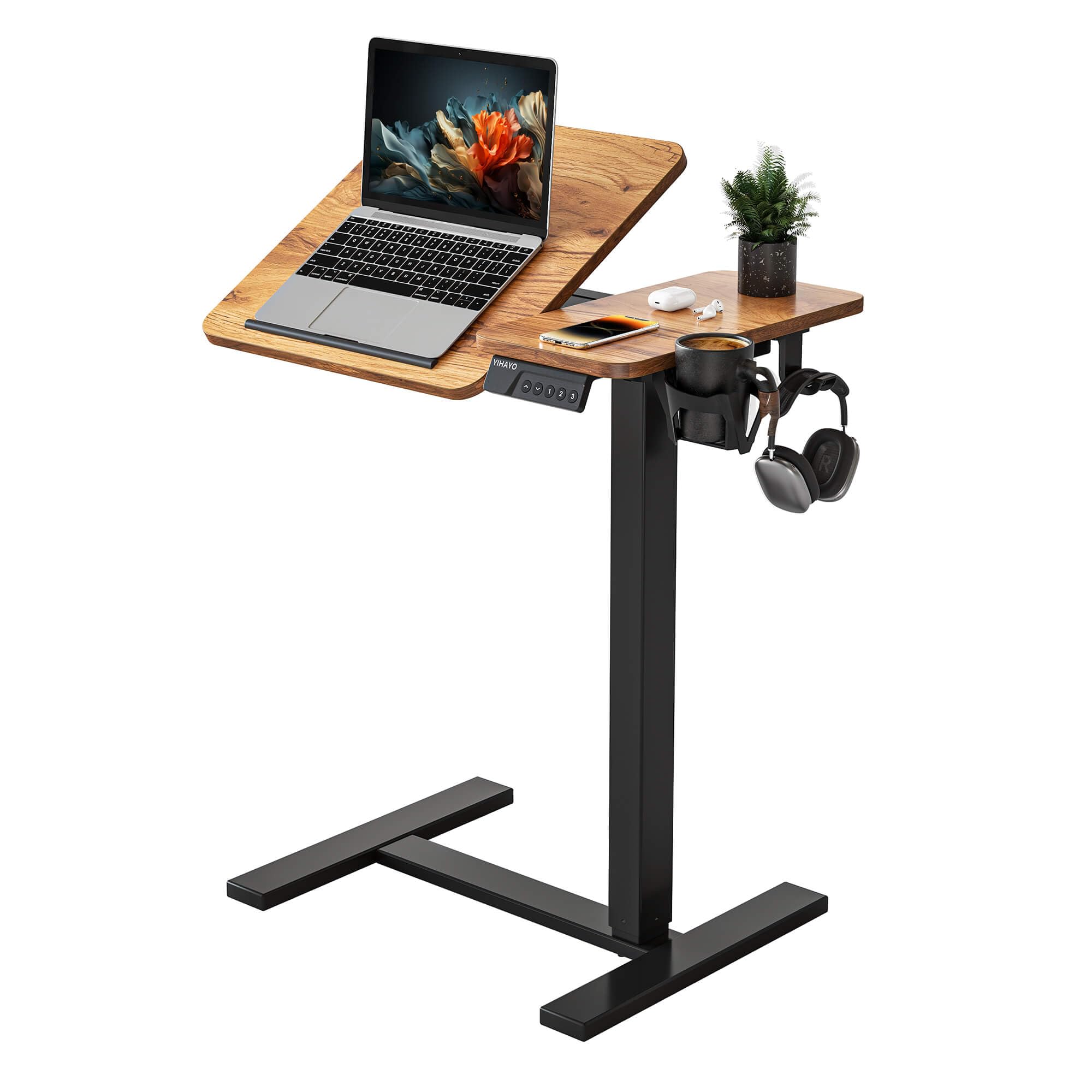
Image 1.1: YIHAYO Adjustable Electric Overbed Bedside Table in a living room setting.
2. Setup and Assembly
The YIHAYO Adjustable Electric Overbed Bedside Table is designed for straightforward assembly. Please follow these general steps. Refer to the manufacturer's official assembly video or detailed instructions if provided in the product packaging for specific guidance.
2.1. Unpacking and Component Check
- Carefully unpack all components from the box.
- Verify that all parts listed in the packing list are present and undamaged.
- Keep all packaging materials until assembly is complete in case of returns or missing parts.
2.2. Assembly Steps
- Attach the base supports to the main column using the provided screws and tools.
- Secure the tabletop to the lifting mechanism on the main column.
- Connect the power cable to the motor and ensure all electrical connections are secure.
- Install any accessories such as the cup holder and hooks as desired.
- Ensure all screws are tightened securely before use.
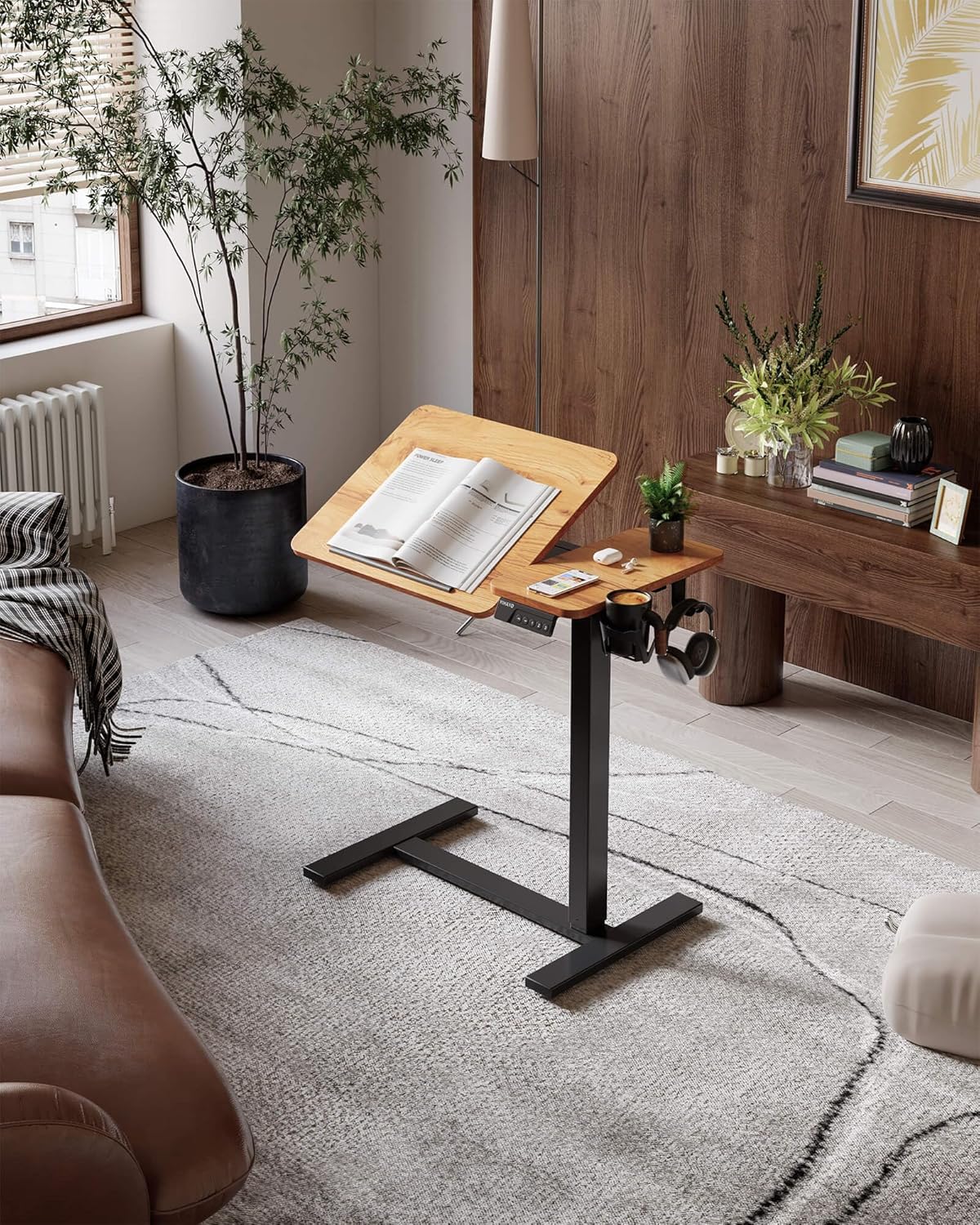
Image 2.1: Exploded view of table components for assembly.
3. Operating Instructions
This section details how to operate the various functions of your YIHAYO Adjustable Electric Overbed Bedside Table.
3.1. Electric Height Adjustment
The table features a one-button electric lifting mechanism for easy height adjustment. Simply press the designated up or down button on the control panel to raise or lower the tabletop to your desired height. The height adjustment range is approximately 27.6 inches to 45.3 inches.

Image 3.1: Demonstrating wide height adjustment.
3.2. Desktop Tilt Function
The tabletop supports infinite adjustment from 0 to 50 degrees. To tilt the desktop, locate the tilt adjustment lever or knob, loosen it, adjust the tabletop to your preferred angle for reading, drawing, or laptop use, and then secure the lever/knob to lock the position.

Image 3.2: Desktop angle flip in use.
3.3. Mobility and Casters
The table is equipped with four hidden swivel casters, allowing for smooth and easy movement. To move the table, simply push or pull it to your desired location. The C-shaped base design allows it to fit under beds and sofas. Ensure the casters are unlocked if they have a locking mechanism before moving, and lock them once the table is in position to prevent accidental movement.

Image 3.3: C-Shape base and hidden casters for mobility.
3.4. Integrated Accessories
The table includes a cup holder and hooks for convenient storage of small items like cups, phones, keys, and headphones. These accessories are designed to keep your workspace tidy and organized.

Image 3.4: Various accessories and dimensions.
4. Maintenance
Proper maintenance ensures the longevity and optimal performance of your adjustable table.
- Cleaning: Wipe the tabletop and frame with a soft, damp cloth. Avoid abrasive cleaners or harsh chemicals that could damage the finish.
- Motor and Electrical Components: Keep the motor and electrical connections free from dust and moisture. Do not attempt to open the motor housing.
- Casters: Periodically check the casters for any debris or hair that might impede smooth movement. Clean as necessary.
- Fasteners: Occasionally check all screws and fasteners to ensure they remain tight. Retighten if any looseness is detected.
5. Troubleshooting
If you encounter any issues with your YIHAYO Adjustable Electric Overbed Bedside Table, refer to the following common troubleshooting steps:
- Table Not Adjusting Height:
- Ensure the power cable is securely plugged into both the table and a working electrical outlet.
- Check if there are any obstructions preventing the table from moving up or down.
- If the motor sounds strained or displays an error code, unplug the table for 10 minutes, then plug it back in and try again.
- Table Wobbles:
- Verify that all assembly screws, especially those connecting the column to the base and tabletop, are securely tightened.
- Ensure the table is placed on a flat, even surface.
- Desktop Tilt Not Holding Position:
- Ensure the tilt adjustment lever or knob is fully tightened after setting the desired angle.
- Casters Not Rolling Smoothly:
- Check for and remove any debris (e.g., hair, lint) caught in the caster wheels.
- Ensure the casters are unlocked if they have a locking mechanism.
If these steps do not resolve the issue, please contact YIHAYO customer support for further assistance.
6. Specifications
| Brand | YIHAYO |
| Model Number | BZSD-001 |
| Product Dimensions | 40D x 60W x 115.1H Centimetres (approx. 15.7D x 23.6W x 45.3H inches) |
| Tabletop Size | 24 x 16 inches |
| Height Adjustment Range | Approx. 27.6 inches to 45.3 inches |
| Desktop Tilt Angle | 0° to 50° |
| Material | Alloy Steel, Engineered Wood |
| Item Weight | 11.25 kg (approx. 24.8 lbs) |
| Special Features | Adjustable Height, Tilting Desktop, Mobile Casters, Cup Holder, Hooks |
7. Warranty and Customer Support
YIHAYO provides comprehensive after-sales support for your adjustable standing desk.
- Warranty: This product comes with up to 3 years of after-sales support.
- Customer Service: If you have any questions, concerns, or require assistance with your product, please contact YIHAYO customer support. We are committed to providing a satisfactory solution within 24 hours.
For support, please refer to the contact information provided in your product packaging or visit the official YIHAYO website.