
1. Introduction
This manual provides essential instructions for the safe and effective use of your Pxdiiry Global AC/DC Adapter. This adapter is designed to provide reliable power to compatible devices, specifically the SENCORE SLM 1476 CM 1476CM RF Signal & Cable Modem Analyzer. Please read this manual thoroughly before use and retain it for future reference.

Figure 1: Pxdiiry Global AC/DC Adapter. This image displays the compact black power adapter, featuring a standard two-prong US wall plug on one end and a DC barrel connector on the other, connected by a flexible black cable.
2. Important Safety Information
To prevent injury or damage to your device, always observe the following safety precautions:
- Use only with compatible devices as specified.
- Do not expose the adapter to water, moisture, or extreme temperatures.
- Avoid dropping or subjecting the adapter to severe impact.
- Do not attempt to disassemble or modify the adapter. This will void the warranty and may cause electrical hazard.
- Ensure the power outlet voltage matches the adapter's input voltage (120 Volts for US outlets).
- Unplug the adapter from the power outlet when not in use for extended periods.
- Keep out of reach of children.
3. Setup Instructions
Follow these steps to properly set up your AC/DC adapter:
- Verify Compatibility: Ensure your device, such as the SENCORE SLM 1476 CM 1476CM RF Signal & Cable Modem Analyzer, requires the power specifications provided by this adapter. Refer to your device's manual for its power requirements.
- Connect to Device: Carefully insert the DC barrel connector of the adapter into the power input port of your compatible device. Ensure a snug fit.
- Connect to Power Outlet: Plug the two-prong wall plug of the adapter into a standard 120V AC wall outlet. Ensure the outlet is easily accessible.
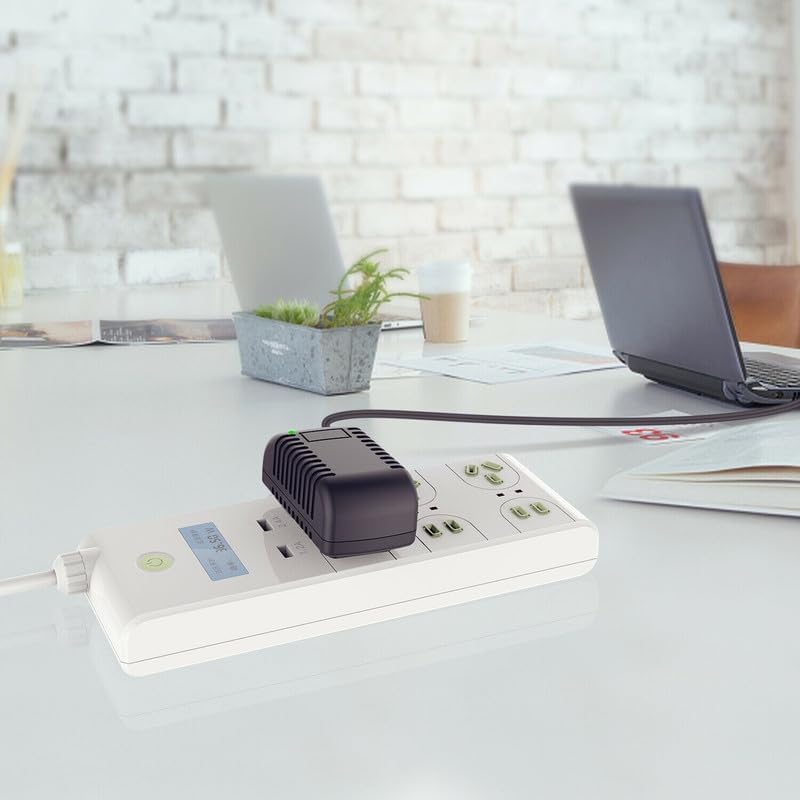
Figure 2: Adapter in use. The image shows the black Pxdiiry AC/DC adapter plugged into a white power strip on a clean desk, with a laptop nearby, illustrating a typical usage scenario.
4. Operating Instructions
Once properly connected, the adapter will begin supplying power to your device. No further action is typically required for operation.
- The adapter is designed for continuous power supply.
- Monitor your device's charging or power indicator to confirm it is receiving power.
- If your device has a battery, the adapter will charge it while simultaneously powering the device.
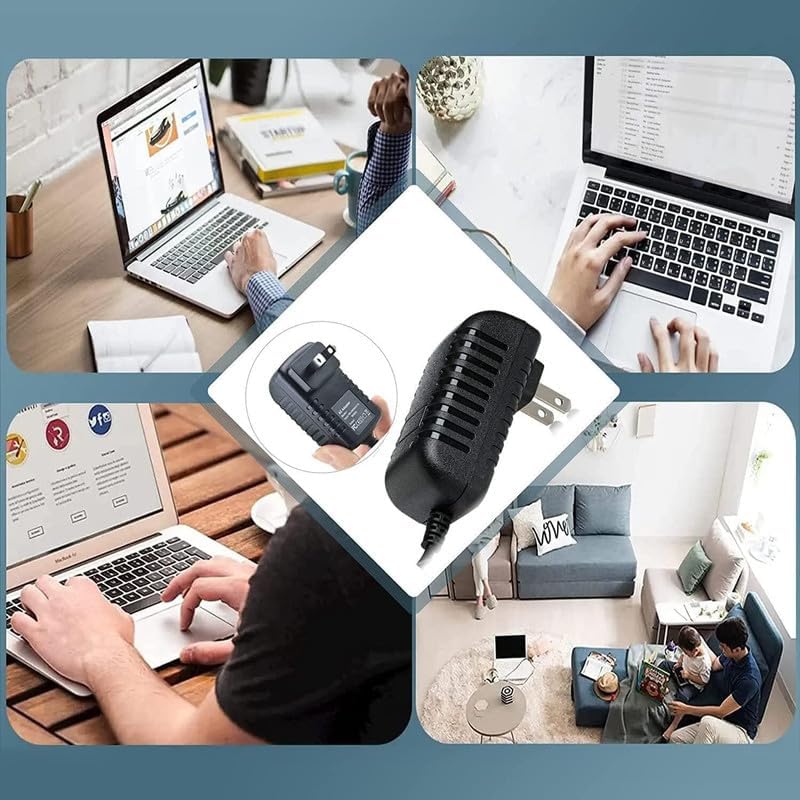
Figure 3: Versatile usage. This collage illustrates the adapter being used in multiple settings, primarily with laptops, demonstrating its broad applicability for powering various electronic devices.
5. Maintenance
Proper maintenance ensures the longevity and optimal performance of your adapter.
- Cleaning: Disconnect the adapter from both the power outlet and your device before cleaning. Use a soft, dry cloth to wipe the exterior. Do not use liquid cleaners or abrasive materials.
- Storage: When not in use, store the adapter in a cool, dry place, away from direct sunlight and extreme temperatures. Avoid tightly coiling the cable to prevent damage.
- Inspection: Periodically inspect the cable and connectors for any signs of wear, fraying, or damage. If damage is observed, discontinue use immediately.
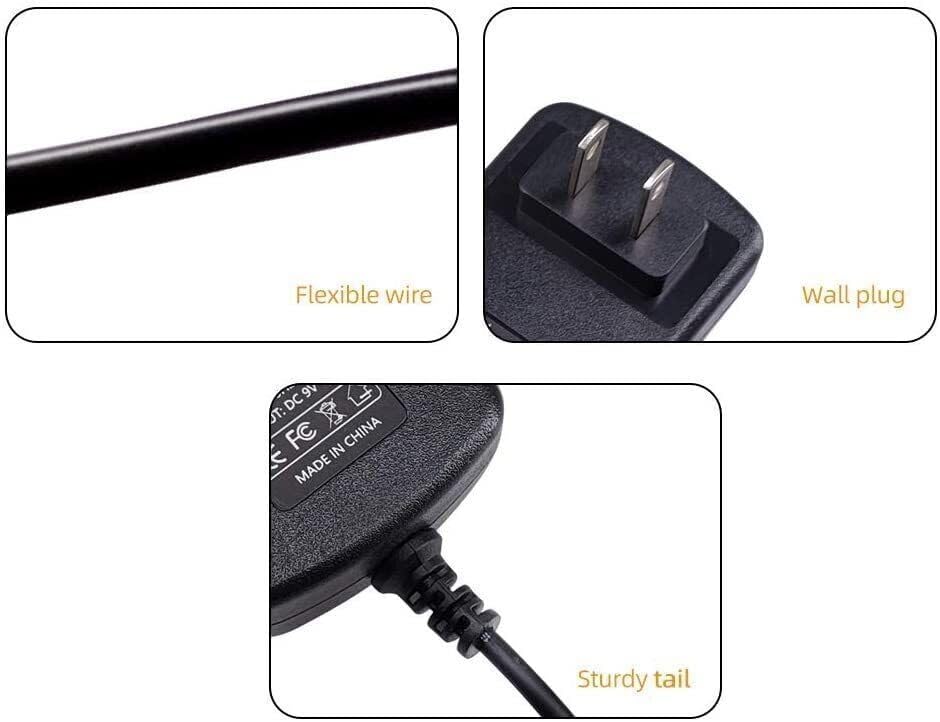
Figure 4: Adapter features. This image provides close-up views of the adapter's components, highlighting the flexible wire for durability, the standard wall plug, and the sturdy strain relief at the cable's connection point to the adapter body.
6. Troubleshooting
If you encounter issues with your adapter, refer to the following common problems and solutions:
| Problem | Possible Cause | Solution |
|---|---|---|
| Device not receiving power. | Adapter not fully plugged in; faulty outlet; incompatible device; damaged adapter. | Ensure all connections are secure. Test the outlet with another device. Verify device compatibility. Inspect adapter for damage; discontinue use if damaged. |
| Adapter feels hot. | Normal operation under load; excessive load; poor ventilation. | A slight warmth is normal. Ensure the adapter is not covered and has adequate ventilation. If excessively hot, unplug immediately and contact support. |
| Intermittent power supply. | Loose connection; damaged cable/connector. | Check all connections for tightness. Inspect the cable and connectors for damage. |
If the problem persists after attempting these solutions, please contact customer support.
7. Specifications
| Feature | Detail |
|---|---|
| Brand | Pxdiiry |
| Model (ASIN) | B0F8H76TBD |
| Compatible Devices | SENCORE SLM 1476 CM 1476CM RF Signal & Cable Modem Analyzer, PC (as per general compatibility) |
| Connector Type | PC (DC Barrel Connector) |
| Input Voltage | 120 Volts |
| Power Source | Corded Electric |
| Special Feature | Powered |
| Color | Black |
| Certifications | CCC, CE |
| Manufacturer | Pxdiiry |
8. Warranty and Support
For warranty information or technical support, please refer to the product packaging or contact Pxdiiry customer service directly. Keep your purchase receipt as proof of purchase.
Contact Information: Please visit the official Pxdiiry website or refer to your product's packaging for the most current customer support contact details.