
1. Introduction
Welcome to the OUKITEL C61 Pro user manual. This guide provides detailed instructions on how to set up, operate, and maintain your new Android smartphone. Please read this manual carefully to ensure proper use and to maximize the performance and longevity of your device.
The OUKITEL C61 Pro is a feature-rich smartphone running on Android 15, designed for a seamless user experience with its large display, powerful battery, and ample storage capacity.
2. What's in the Box
Upon unboxing your OUKITEL C61 Pro, please verify that all the following items are included:
- OUKITEL C61 Pro Smartphone
- Phone Case
- Screen Protector (pre-applied or separate)
- SIM Tray Ejector
- USB Cable
- Power Adapter
- User Manual (this document)

Image: Contents of the OUKITEL C61 Pro retail box.
3. Product Overview
The OUKITEL C61 Pro is engineered for performance and user convenience. Key features include a large HD+ display, extensive memory, and a long-lasting battery.
3.1. Device Layout

Image: Front and back view of the OUKITEL C61 Pro.
3.2. Key Features
- Display: 6.88-inch HD+ In-cell display with 90Hz refresh rate for smooth visuals.
- Performance: 24GB RAM (8GB physical + 16GB virtual expansion) and 256GB ROM, expandable up to 1TB via TF card.
- Operating System: Latest Android 15 for enhanced privacy, security, and user experience.
- Battery: 5150mAh high-density battery with OTG reverse charging capability.
- Cameras: 13MP main rear camera and 5MP front camera for clear photos and video calls.
- Connectivity: Dual SIM support, NFC for convenient payments, and multi-mode global satellite positioning (GPS+GLONASS+Beidou+Galileo).
- Security: Side fingerprint recognition and facial recognition for secure unlocking.
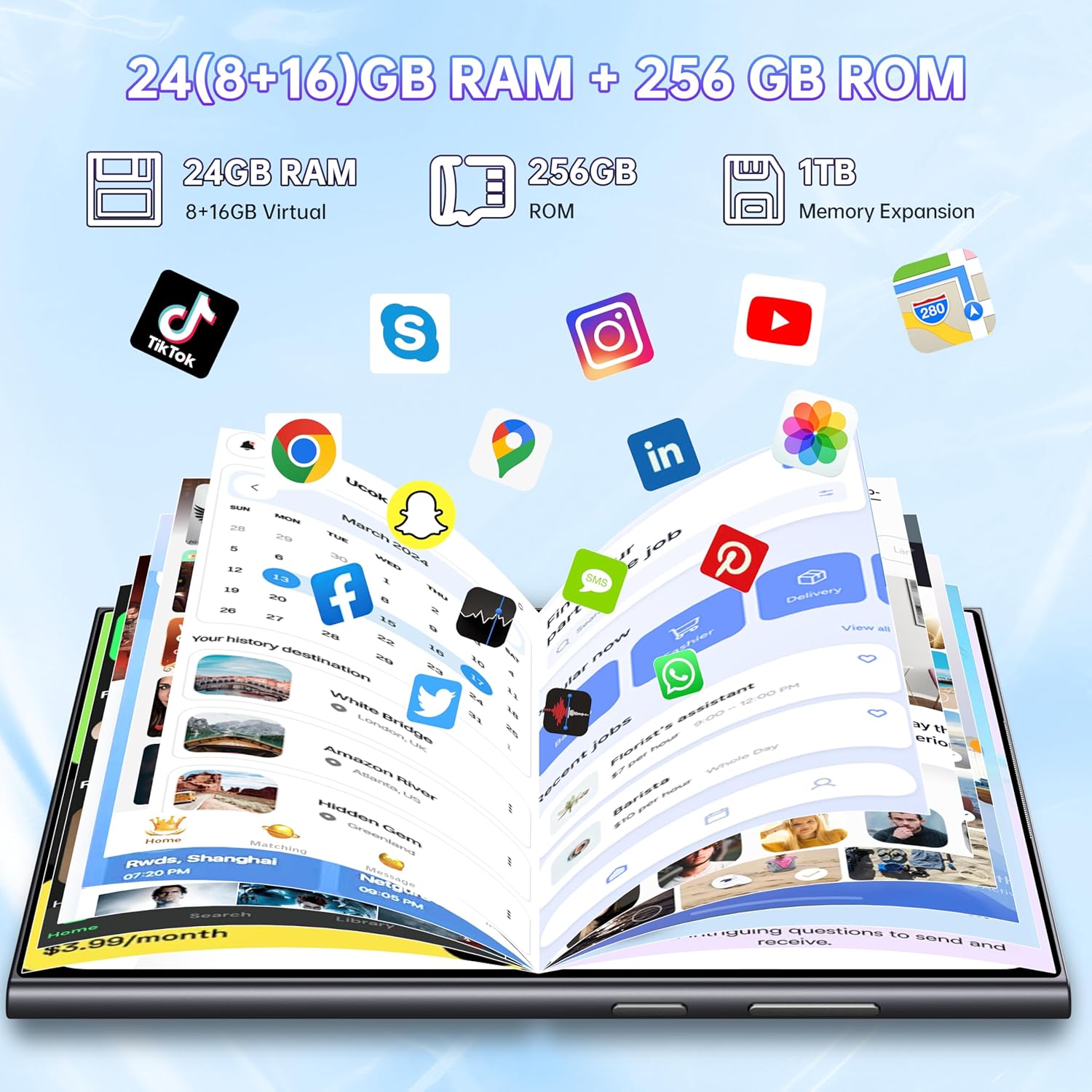
Image: Overview of key features of the OUKITEL C61 Pro.
4. Setup
4.1. Inserting SIM Cards and TF Card
The OUKITEL C61 Pro supports dual Nano-SIM cards and one TF (microSD) card for expanded storage.
- Locate the SIM card tray on the side of your phone.
- Insert the SIM tray ejector tool into the small hole next to the tray and press gently until the tray pops out.
- Carefully place your Nano-SIM card(s) and/or TF card into the designated slots on the tray. Ensure the gold contacts are facing down and the cut corner aligns with the tray.
- Gently push the tray back into the phone until it is flush with the device body.

Image: SIM and TF card installation diagram.
4.2. Initial Power On and Setup
- Press and hold the Power button (located on the side) until the OUKITEL logo appears.
- Follow the on-screen prompts to complete the initial setup process. This includes selecting your language, connecting to Wi-Fi, setting up your Google account, and configuring security features like fingerprint and face unlock.
5. Operating Instructions
5.1. Navigation and User Interface
The OUKITEL C61 Pro runs on Android 15, offering an intuitive and customizable user interface. Navigate using touch gestures: tap to select, swipe to scroll, pinch to zoom, and long-press for additional options.

Image: Android 15 user interface examples.
5.2. Security Features
- Fingerprint Recognition: Register your fingerprints via Settings > Security > Fingerprint. The sensor is conveniently located on the side of the device.
- Face ID: Set up facial recognition for quick unlocking via Settings > Security > Face Unlock.
5.3. NFC Functionality
The OUKITEL C61 Pro supports NFC (Near Field Communication) for contactless payments and quick data exchange. To use NFC, ensure it is enabled in Settings > Connected devices > NFC. Tap your phone to compatible NFC readers or other NFC-enabled devices to initiate transactions or transfers.
5.4. OTG Reverse Charging
Your device supports OTG (On-The-Go) reverse charging, allowing you to use your phone's battery to charge other small electronic devices like headphones or smartwatches. Connect the devices using a compatible OTG cable.
6. Camera Usage
Capture your moments with the OUKITEL C61 Pro's dual camera system.
6.1. Rear Camera (13MP)
The 13MP main camera, enhanced with AI imaging algorithms, helps you take clear and natural photos. Open the Camera app and select various shooting modes such as Panorama, Portrait, Beauty, HDR, and Professional mode to suit different scenarios.

Image: 13MP Main Camera capabilities.
6.2. Front Camera (5MP)
The 5MP front-facing camera is ideal for selfies and video calls, ensuring you look your best.

Image: 5MP Front Camera capabilities.
7. Battery Management
The OUKITEL C61 Pro is equipped with a 5150mAh high-density battery, providing extended usage times.
7.1. Charging Your Device
Use the provided USB cable and power adapter to charge your phone. Connect the USB cable to the phone's charging port and the adapter to a power outlet. A full charge provides approximately 35 hours of calls or music playback, 25 hours of web browsing, and 10 hours of HD video playback.

Image: 5150mAh Battery and usage estimates.
7.2. Optimizing Battery Life
- Reduce screen brightness or enable adaptive brightness.
- Close unused apps running in the background.
- Disable Wi-Fi, Bluetooth, or GPS when not in use.
- Enable Battery Saver mode in Settings.
8. Storage and Performance
The OUKITEL C61 Pro offers robust performance and ample storage for all your needs.
8.1. RAM and ROM
The phone features 24GB of large running memory (8GB physical RAM + 16GB virtual expansion) and 256GB of internal storage (ROM). This allows for smooth multitasking and ample space for apps, photos, and videos.

Image: RAM expansion technology.
8.2. Storage Expansion
If the 256GB internal storage is insufficient, you can expand it by up to 1TB using a TF (microSD) card. Refer to Section 4.1 for installation instructions.

Image: Storage and RAM capabilities.
8.3. Android 15 Operating System
The OUKITEL C61 Pro runs on the latest Android 15, providing a smoother interface, enhanced privacy protection, and improved system security. Regular software updates will be available to ensure optimal performance and the latest features.
9. Maintenance
9.1. Cleaning Your Device
To clean your phone, use a soft, lint-free cloth. For stubborn smudges, slightly dampen the cloth with water or a screen cleaner. Avoid using harsh chemicals or abrasive materials.
9.2. Software Updates
Periodically check for software updates to ensure your device has the latest features, security patches, and performance improvements. Go to Settings > System > System update to check for and install available updates.
9.3. General Care
- Avoid exposing your phone to extreme temperatures, direct sunlight, or excessive moisture.
- Use the provided protective case and screen protector to guard against scratches and drops.
- Do not attempt to disassemble the phone yourself, as this will void the warranty.
10. Troubleshooting
This section addresses common issues you might encounter with your OUKITEL C61 Pro.
10.1. Device Not Turning On
- Ensure the battery is charged. Connect the charger and wait a few minutes before attempting to power on.
- Press and hold the Power button for at least 10-15 seconds to force a restart.
10.2. Apps Crashing or Freezing
- Close the problematic app and reopen it.
- Clear the app's cache and data via Settings > Apps > [App Name] > Storage > Clear cache/Clear data.
- Ensure the app is updated to its latest version.
- Restart your phone.
10.3. Poor Network Signal
- Check if your SIM card is properly inserted.
- Move to an area with better network coverage.
- Restart your phone.
- Verify your network settings in Settings > Network & internet > Mobile network.
10.4. Factory Reset
If persistent issues occur, a factory reset can resolve them. Warning: This will erase all data on your phone. Back up important data before proceeding. Go to Settings > System > Reset options > Erase all data (factory reset).
11. Specifications
Detailed technical specifications for the OUKITEL C61 Pro:
| Feature | Specification |
|---|---|
| Brand | OUKITEL |
| Model Name | OUKITEL C61 PRO |
| Operating System | Android 15 |
| RAM Memory Installed Size | 8 GB (expandable to 24GB virtual) |
| Memory Storage Capacity | 256 GB (expandable up to 1TB with TF card) |
| Screen Size | 6.88 Inches |
| Resolution | 720x1640 |
| Refresh Rate | 90 Hz |
| CPU Model | Core i5-12400 (Note: This is likely a generic placeholder, actual SoC is typically MediaTek or Unisoc for this class of phone) |
| CPU Speed | 1.6 GHz |
| Batteries | 1 Lithium Polymer battery (included) |
| Package Dimensions | 19 x 10 x 5 cm; 314 g |
| Language Support | English, French, Spanish, Italian |
12. Warranty and Support
OUKITEL provides comprehensive support for your C61 Pro smartphone:
- Return Service: 30-day no-reason return service.
- Warranty: 2-year warranty from the date of purchase.
- Technical Support: Long-term technical support is available.
- Customer Service: 24-hour online customer service for timely assistance.
For any inquiries or support needs, please refer to the contact information provided on the official OUKITEL website or your purchase platform.
13. Official Product Video
While a video thumbnail is available, an embeddable video URL (e.g., .m3u8 format) was not provided in the product data. Therefore, an official product video cannot be embedded here. Please check the product listing on the retailer's website for any available video content.

Image: Placeholder for product video (actual video URL not provided).