
1. Important Safety Information
Please read all instructions carefully before beginning installation. If you are unfamiliar with electrical wiring, consult a qualified electrician. Always turn off power at the circuit breaker before installation or maintenance.
- Ensure all electrical connections comply with local codes and ordinances.
- Mounting structure must be capable of supporting the fan's weight (refer to specifications).
- Do not operate the fan with damaged blades or housing.
- Keep hands clear of fan blades during operation.
- This fan is designed for indoor use only.
2. Package Contents
Verify that all components are present before beginning installation. If any parts are missing or damaged, contact customer support.
- Motor Assembly
- Fan Blades (6)
- Light Kit
- Remote Control
- Mounting Hardware
- Instruction Manual
NOTE: The screws for the blades are pre-installed on the motor. Do not remove them unless instructed.
3. Setup and Installation
This section provides step-by-step instructions for installing your Kviflon ceiling fan. A hook and safety rope are included to assist with installation.
3.1 Prepare for Installation
- Turn off power at the main circuit breaker.
- Ensure the mounting location is suitable for a flush mount ceiling fan. This fan is designed for flat ceilings and is not suitable for sloped ceilings.

Image: Kviflon 52-inch ceiling fan dimensions (10" height, 52" width, 8.5" light diameter) and flush mount suitability for flat ceilings. Not suitable for sloped ceilings.
3.2 Blade Assembly
The fan features double-sided blades, allowing you to choose between a white or wood grain finish. Attach the blades to the motor assembly using the pre-installed screws.

Image: Double-sided fan blades (White/Maple) for customizable aesthetic.
3.3 Wiring and Mounting
Follow the detailed instructions in the installation video for wiring and mounting the fan to the ceiling. Ensure all connections are secure.
Video: Installation guide for Kviflon 52-inch ceiling fan (Model 8949, similar to 8249). This video demonstrates the assembly and mounting process.
For wall control, use a conventional on/off switch. Do not connect to a dimmer switch or a fan's gear switch, as this can damage the fan's electronics.

Image: Compatible wall control types. Use standard on/off switches only; dimmer or gear switches are not compatible.
4. Operating Instructions
Your Kviflon ceiling fan can be controlled via the included remote or a smartphone application.
4.1 Remote Control Functions
The remote control allows you to adjust fan speed, light settings, and activate the timer function.
- Power On/Off: Turns the fan and light on or off.
- Fan Speed: Select from 6 fan speeds (1-6).
- Light On/Off: Controls the light independently.
- Color Temperature: Adjusts light color from warm (3000K) to natural (4500K) to white (6000K).
- Brightness: Dims the light from 20% to 100%.
- Forward/Reverse: Changes fan blade rotation direction for summer (downward airflow) or winter (upward airflow) modes.
- Timer: Sets a 2-hour timer for automatic shutdown.

Image: Remote control layout and functions for the Kviflon ceiling fan.

Image: Adjustable 3 color temperature settings (3000K, 4500K, 6000K) and stepless dimming for the integrated LED light.

Image: Six adjustable wind speeds for various comfort levels.
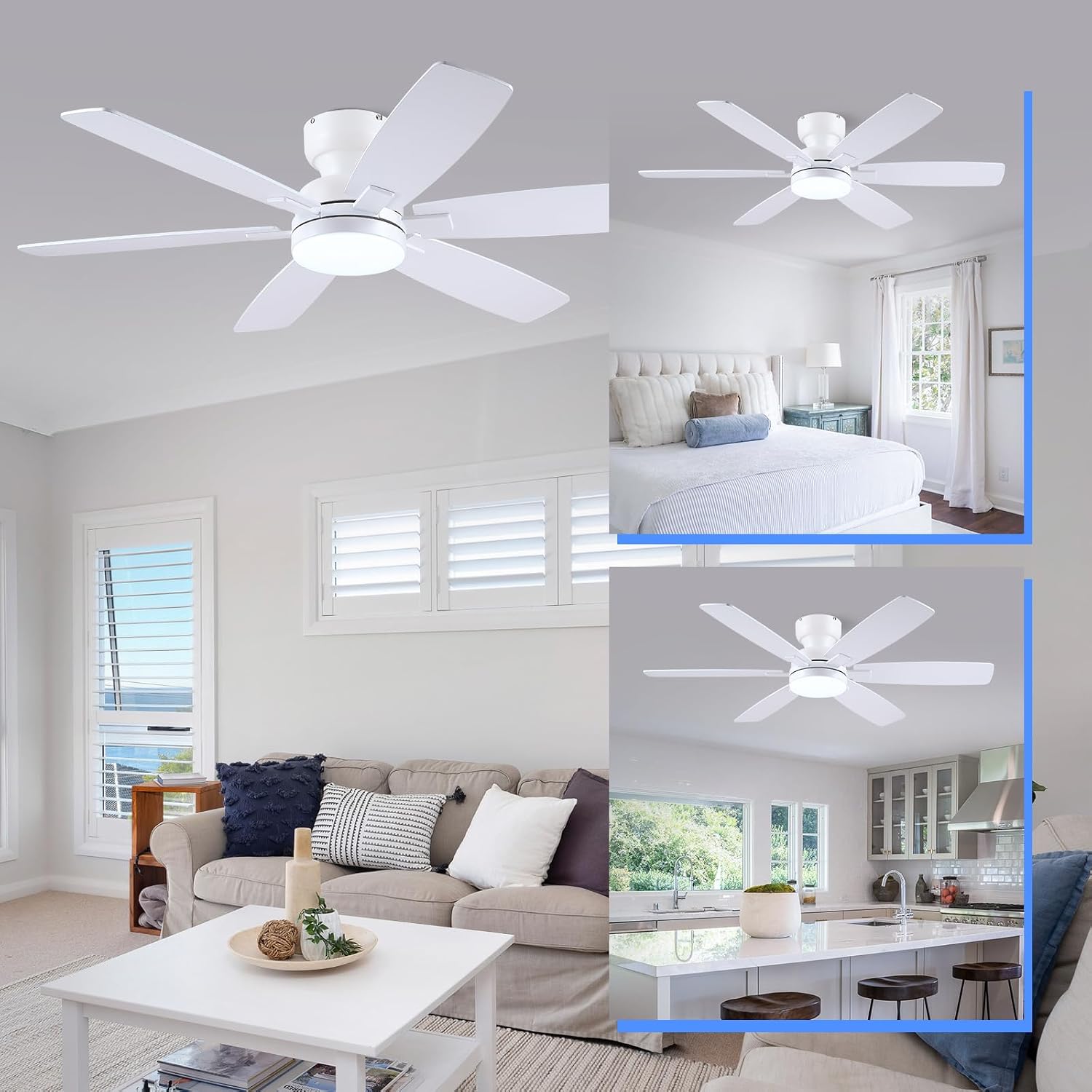
Image: Reversible rotation for year-round air circulation (summer cooling, winter heat distribution).
4.2 APP Control
Control your fan using the dedicated smartphone application. Scan the QR code below to download the "FanLamp Pro" app.

Image: Steps for connecting and controlling the fan via the "FanLamp Pro" mobile application. Scan the QR code to download the app: http://www.jasonghost.com/fanlamppro/
Video: Demonstration of the APP control method for Kviflon ceiling fans (46-inch model shown, but functionality is similar).
5. Maintenance
Regular maintenance ensures optimal performance and longevity of your ceiling fan.
- Cleaning: Dust the fan blades and motor housing periodically with a soft, damp cloth. Do not use abrasive cleaners or solvents.
- Blade Inspection: Check fan blades for any cracks or damage. Replace damaged blades immediately.
- Tighten Screws: Periodically check and tighten all screws on the fan assembly to prevent wobbling or noise.
- Light Kit: The integrated LED light source is designed for long life and typically does not require replacement. If issues arise, contact customer support.
6. Troubleshooting
If you encounter issues with your fan, refer to the following common problems and solutions:
| Problem | Possible Cause | Solution |
|---|---|---|
| Fan does not start | No power supply; Loose wiring; Remote control battery low/not paired. | Check circuit breaker; Verify wiring connections; Replace remote battery or re-pair remote. |
| Light does not work | Loose wiring; LED driver issue; Remote control issue. | Check light kit wiring; Ensure remote is paired and battery is good. |
| Fan wobbles | Loose blades or mounting hardware; Unbalanced blades. | Tighten all screws; Ensure blades are securely attached; Use a balancing kit if necessary. |
| Excessive noise | Loose screws; Motor issue; Blades hitting an obstruction. | Check and tighten all screws; Ensure no obstructions; If noise persists, contact support. |
| Remote/APP not responding | Battery low; Not paired; Interference. | Replace remote battery; Re-pair remote/APP; Reduce interference sources. |
7. Specifications
| Feature | Detail |
|---|---|
| Brand | Kviflon |
| Model Number | 8249 |
| Product Dimensions | 132D x 132W x 26H Centimetres (52-inch diameter) |
| Colour | White-6 Blades (Reversible: White/Wood Grain) |
| Power Source | Corded Electric |
| Voltage | 110 Volts |
| Wattage | 30 watts |
| Number of Blades | 6 |
| Number of Speeds | 6 |
| Noise Level | 30 Decibels |
| Light Type | Integrated LED (3000K-6000K, Dimmable) |
| Control Method | Remote Control, APP Control |
| Mounting Type | Flush Mount |
| Material | Metal, Wood |
| Indoor/Outdoor Usage | Indoor |
8. Warranty and Support
For warranty information, please refer to the documentation provided with your purchase or contact the retailer. For technical support or inquiries, please contact Kviflon customer service through the platform where the product was purchased.


