
T POWER TP- Buzzaround LiteRider GB101 GB104
T POWER 24V Battery Charger User Manual
Model: TP- Buzzaround LiteRider GB101 GB104
Introduction
This manual provides essential information for the safe and effective use of your T POWER 24V Battery Charger. This charger is specifically designed for 24V sealed lead-acid (SLA) battery systems used in various mobility scooters, including Golden Technologies Buzzaround and LiteRider series, and Merits Mini Coupe models. Please read this manual thoroughly before operation to ensure proper usage and to prevent damage to the charger or your device.

Image: The T POWER 24V Battery Charger, showing its main unit with a green indicator light and the two types of output connectors: a 3-pin XLR connector and a barrel connector.
Safety Information
Adhering to these safety guidelines is crucial for preventing injury and damage.
- Compatibility: This charger is intended for sealed lead-acid (SLA) battery systems only. It is not compatible with lithium-ion batteries. Confirm your scooter's model and battery type before purchasing and using.
- Voltage and Plug Type: Ensure your device requires a 24V 2A (2000mA) charge and uses a 3-pin XLR connector or barrel connector. Incorrect voltage or plug type can cause severe damage.
- Indoor Use Only: This charger is designed for indoor use only. Do not expose it to rain, moisture, or extreme temperatures.
- Risk of Electric Shock: Do not open the charger casing. Refer all servicing to qualified personnel.
- Ventilation: Ensure adequate ventilation around the charger during operation to prevent overheating.
- Protection Features: The charger includes built-in protections for over-current, over-voltage, over-temperature, and short-circuit. However, always use the charger as directed.

Image: Diagram illustrating the safety features of the T POWER adapter, including over-current, over-temp, over-voltage, and short-circuit protection, along with quality certification and reinforced power cord design.
Setup
Follow these steps to set up your T POWER battery charger:
- Inspect the Charger: Before each use, visually inspect the charger, its cables, and connectors for any signs of damage, fraying, or corrosion. Do not use if damaged.
- Connect to Battery: Locate the charging port on your mobility scooter. This charger is equipped with a standard 3-pin XLR male plug. Carefully insert the charger's XLR plug into the scooter's charging port. Ensure a secure connection.
- Connect to Power Outlet: Plug the AC power cord of the charger into a standard AC 100V-240V wall outlet.
- Verify Connection: Once connected, the charger's indicator light should illuminate, indicating the charging status.
Operating Instructions
The T POWER charger features a simple LED indicator system to show the charging status:
- Red Light: A red indicator light signifies that the battery is currently charging.
- Green Light: A green indicator light signifies that the battery is fully charged. At this point, you should disconnect the charger from the battery and the power outlet.
Charging times may vary depending on the battery's capacity and discharge level. It is recommended to charge your scooter's battery overnight for a full charge.
Maintenance
Proper maintenance ensures the longevity and performance of your charger:
- Cleaning: Disconnect the charger from all power sources before cleaning. Use a soft, dry cloth to wipe the exterior. Do not use liquid cleaners or solvents.
- Storage: Store the charger in a cool, dry place away from direct sunlight, moisture, and extreme temperatures. Keep it away from children and pets.
- Cable Care: Avoid bending or crimping the power cord excessively. Do not place heavy objects on the cord.
- Regular Inspection: Periodically check the charger and its cables for any signs of wear or damage.
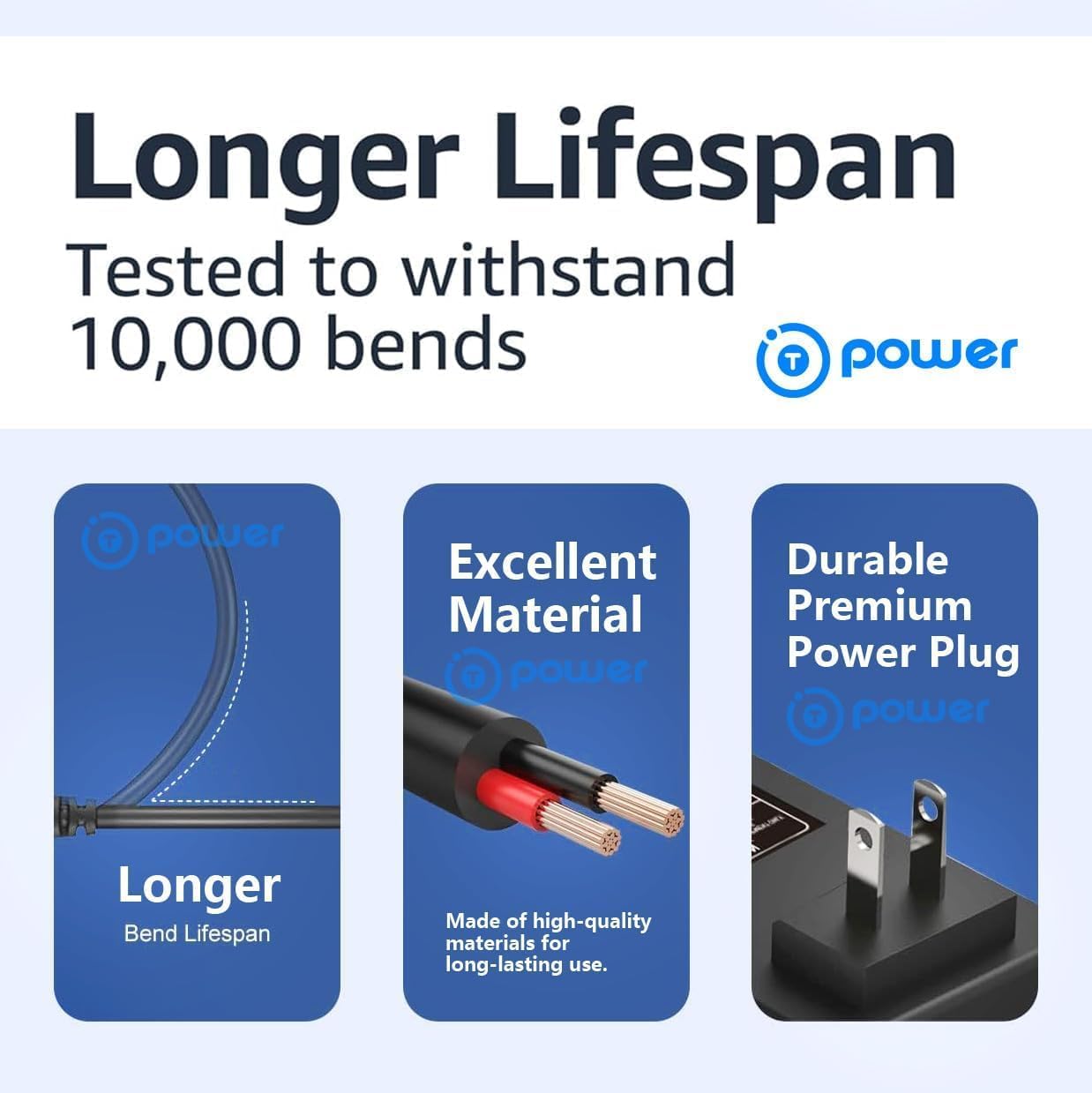
Image: Visual representation of the charger's durable design, highlighting a longer bend lifespan, excellent material quality, and a durable premium power plug, tested to withstand 10,000 bends.
Troubleshooting
If you encounter issues with your T POWER charger, refer to the following common problems and solutions:
| Problem | Possible Cause | Solution |
|---|---|---|
| Charger light not on. | No power from outlet; loose connection; damaged charger. | Check wall outlet with another device. Ensure all connections are secure. If still no light, the charger may be faulty. |
| Charger light stays red (not turning green). | Battery not fully charged; battery issue; charger issue. | Allow more time for charging. Test the battery's health. If the issue persists, contact support. |
| Charger gets excessively hot. | Poor ventilation; faulty charger or battery. | Ensure charger is in a well-ventilated area. Discontinue use if overheating is severe and contact support. |
| Charger does not fit the scooter port. | Incorrect connector type. | Verify your scooter's charging port type. This charger uses a 3-pin XLR connector. |
If these solutions do not resolve the issue, please contact T POWER customer support for further assistance.
Specifications
Detailed technical specifications for the T POWER 24V Battery Charger:
| Feature | Detail |
|---|---|
| Input Voltage Range | AC 100V–240V |
| Output Voltage | DC 24V |
| Output Current | 2 Amps (2000mA) |
| Wattage | 50 Watts |
| Connector Type | 3-pin XLR male plug, Barrel Connector |
| Compatible Battery Type | Sealed Lead-Acid (SLA) batteries 24V 7Ah or larger |
| Product Dimensions | 4.5 x 2 x 1.25 inches |
| Item Weight | 8 ounces |
| Certifications | UL Certified, CE/RoHS certified |
| Special Feature | Fast Charging |
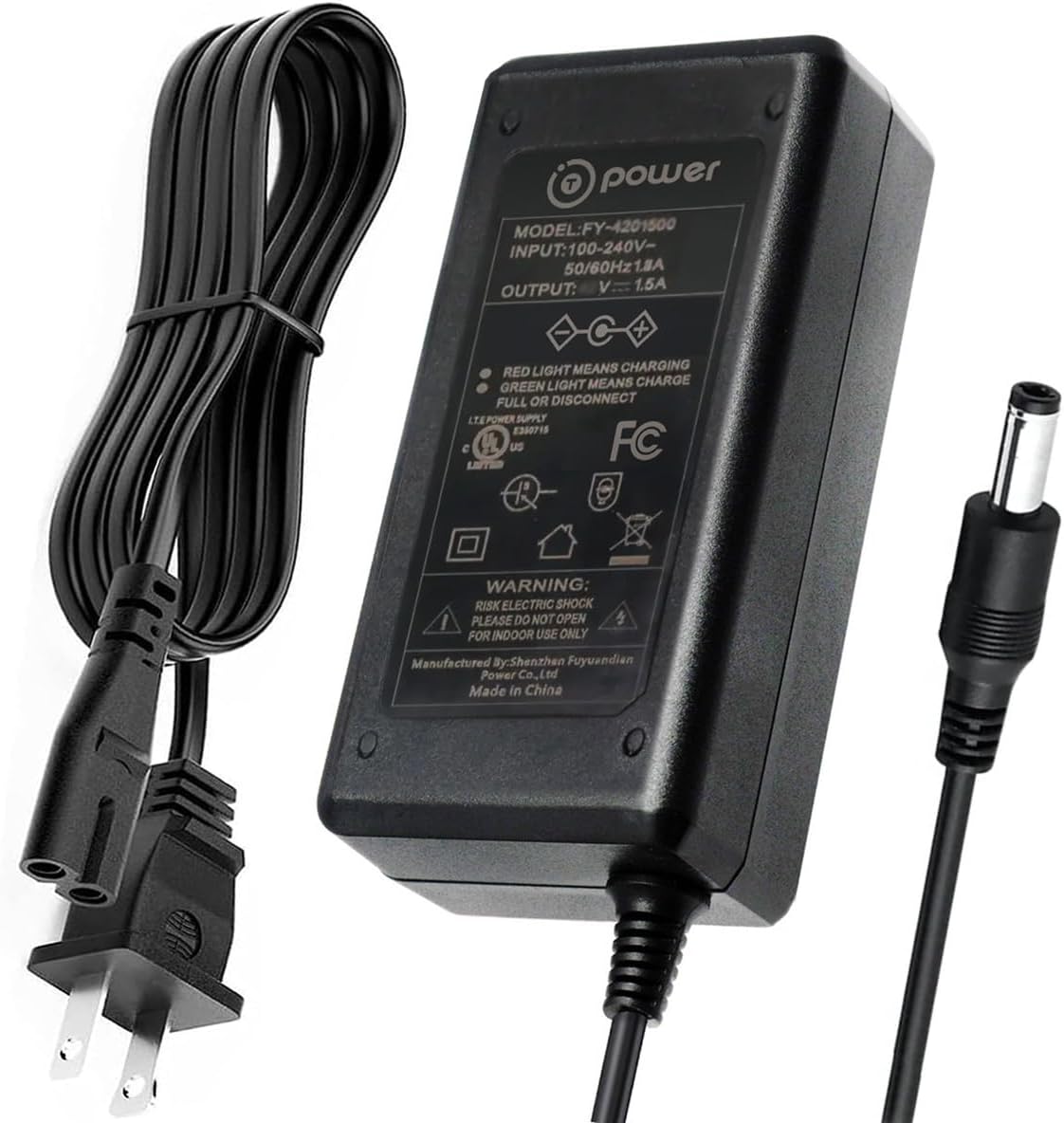
Image: The T POWER charger unit, displaying its model number (FY-4201900), input/output specifications, and safety warnings on its label, along with its power cord and barrel connector.
Compatible Models
This T POWER 24V Battery Charger is compatible with the following mobility scooter models:
- Golden Buzzaround Series: GB101, GB104, GB105, XP3, GB106, GB106XR, GB107, Buzzaround XL GB116, GB146, Buzzaround XL HD GB117H, GB147H, Buzzaround XLS GB117S, GB147S, Buzzaround XLS HD GB117Z, GB147Z.
- Golden LiteRider Series: GL110, GL140, LiteRider PTC.
- Merits Mini Coupe: S539, S549.

Image: A Golden Buzzaround Lite XLS HD mobility scooter, a compatible model for this charger.
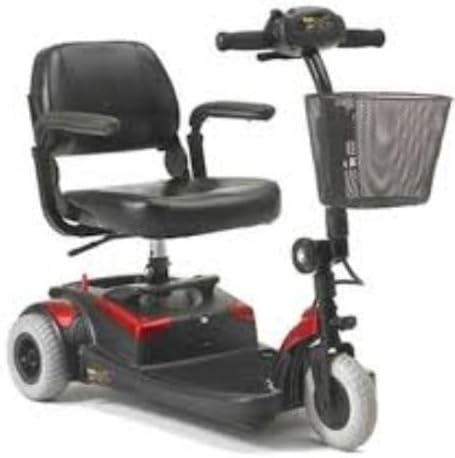
Image: Another view of a Golden Buzzaround mobility scooter, demonstrating the type of device this charger supports.
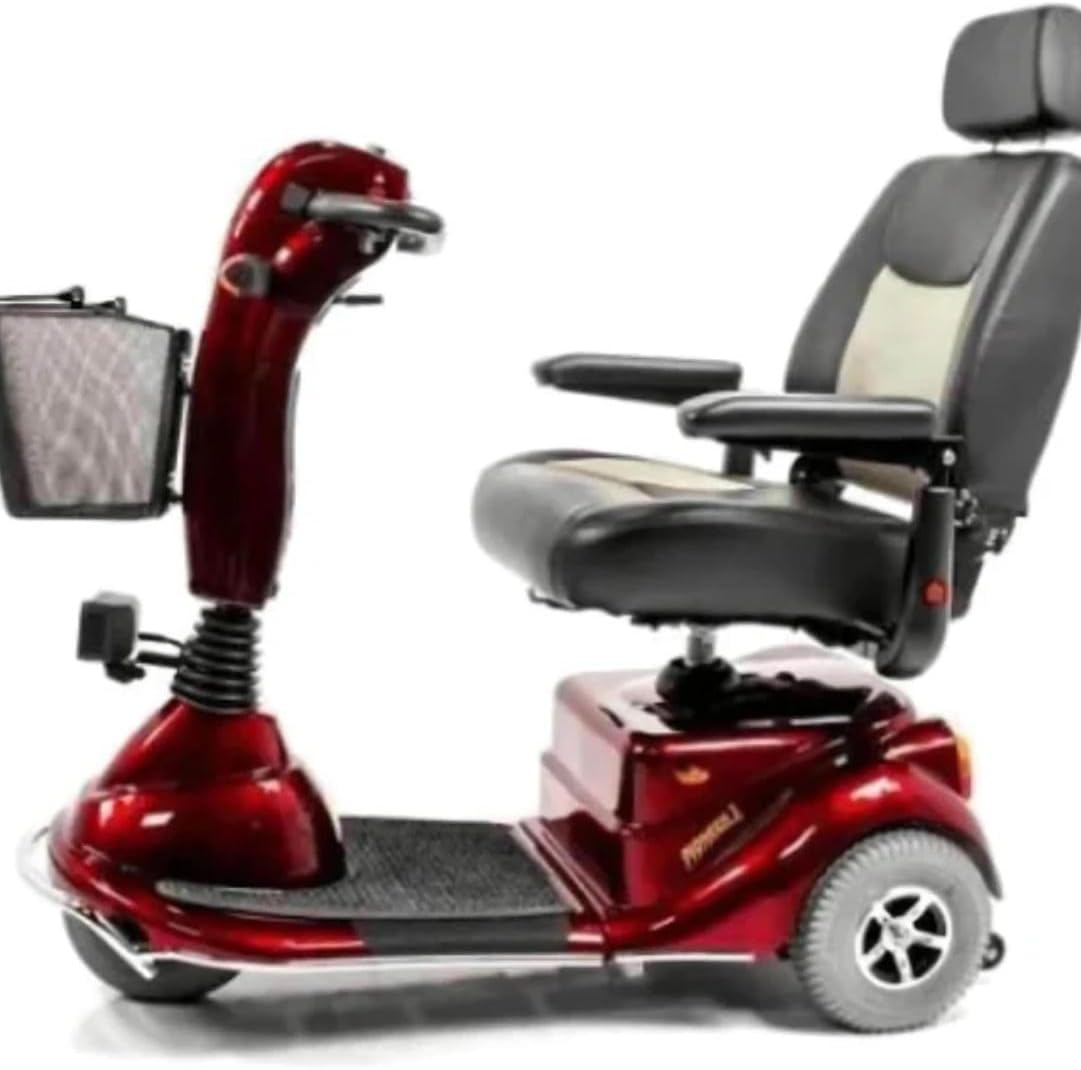
Image: A Golden LiteRider mobility scooter, one of the compatible models for the T POWER charger.

Image: A Golden Buzzaround XL HD mobility scooter, another compatible model that can be charged with this device.
Warranty and Support
T POWER is committed to providing quality products and customer satisfaction.
- 1-Year Limited Manufacturer Warranty: This product comes with a 1-year limited manufacturer warranty covering quality-related issues. For warranty claims, please contact T POWER customer service.
- 30-Day Return Policy: You may return your undamaged product within 30 days of purchase to receive a full refund.
- Technical Support: If you have questions about compatibility, usage, or encounter any issues, please reach out to T POWER technical support. They can assist with troubleshooting and product inquiries.
For support, please refer to the contact information provided with your product packaging or visit the official T POWER website.
Ask a question about this manual
Ask about setup, troubleshooting, compatibility, parts, safety, or missing instructions. Manuals+ will review the question and use this page’s manual context to help answer it.