
Introduction
This manual provides essential information for setting up, operating, maintaining, and troubleshooting your AVGPC Max Series Gaming PC. This high-performance system is equipped with an AMD Ryzen 7 5700X processor, NVIDIA GeForce RTX 5060 Ti graphics card, 32GB DDR4 RAM, and a 1TB M.2 NVMe SSD, running on Windows 11. Please read this manual thoroughly before using your new computer.
Safety Information
- Ensure the power supply voltage matches your local electrical standards.
- Do not open the computer case unless you are a qualified technician. Internal components can be sensitive to electrostatic discharge.
- Keep the computer away from water, excessive humidity, and extreme temperatures.
- Place the computer on a stable, flat surface with adequate ventilation to prevent overheating.
- Disconnect the power cable before cleaning or moving the computer.
Package Contents
Verify that all items are present in the package:
- AVGPC Max Series Gaming PC Tower
- Gaming Keyboard
- Gaming Mouse
- Power Cable
- Documentation (including this manual)
Setup
Follow these steps to set up your AVGPC Max Series Gaming PC:
- Unpacking: Carefully remove the PC and all accessories from the packaging.
- Placement: Position the PC tower on a flat, stable surface, ensuring proper airflow around the vents.
- Connect Peripherals:
- Connect your monitor(s) to the graphics card's HDMI or DisplayPort outputs.
- Connect the included gaming keyboard and mouse to available USB ports.
- Connect any other peripherals such as speakers, headphones, or external drives.
- Network Connection: Connect an Ethernet cable to the LAN port for a wired internet connection, or prepare for Wi-Fi setup during initial Windows configuration.
- Power Connection: Connect the power cable to the PC's power supply unit (PSU) and then to a grounded electrical outlet.
- First Boot: Press the power button on the front of the PC. The system will boot into Windows 11. Follow the on-screen instructions to complete the initial setup, including user account creation and network configuration.
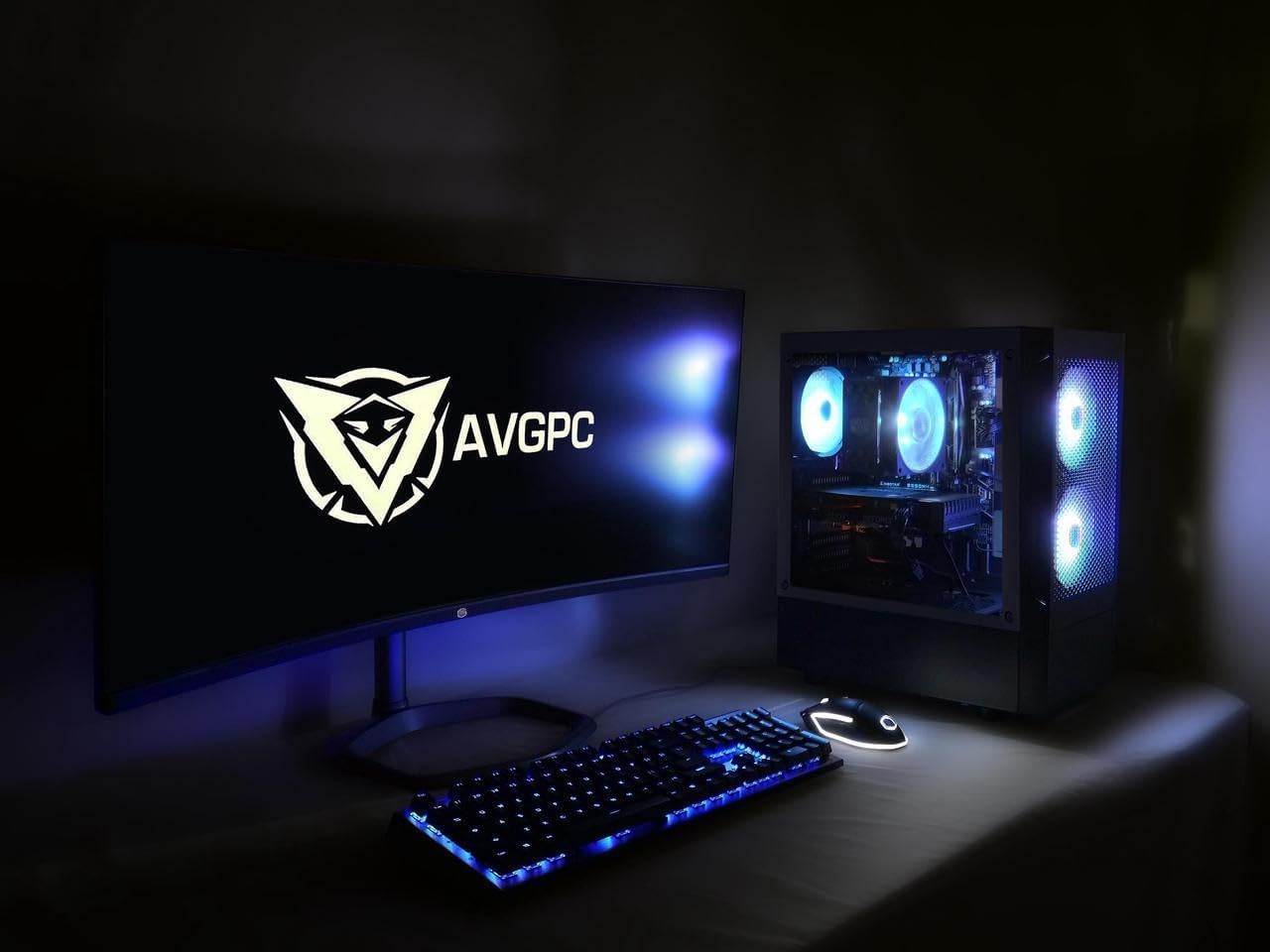
Image: A complete AVGPC Max Series Gaming PC setup, showing the tower, monitor, keyboard, and mouse connected and illuminated.
Operating Instructions
Power On/Off
- To Power On: Press the power button located on the front of the PC.
- To Power Off: Use the Windows 11 Shut Down option from the Start Menu. Avoid direct power-off unless necessary to prevent data loss.
Windows 11 Operating System
Your AVGPC Max Series Gaming PC comes with Windows 11 pre-installed. Familiarize yourself with the Windows 11 interface for optimal use. Regular updates are recommended for security and performance.
Connectivity
- Wi-Fi: Connect to wireless networks through the Windows 11 network settings.
- Bluetooth: Pair Bluetooth devices such as headphones or game controllers via Windows 11 Bluetooth settings.
- VR Ready: This system is designed to support Virtual Reality (VR) applications. Ensure your VR headset meets the system requirements and connect it to the appropriate ports.
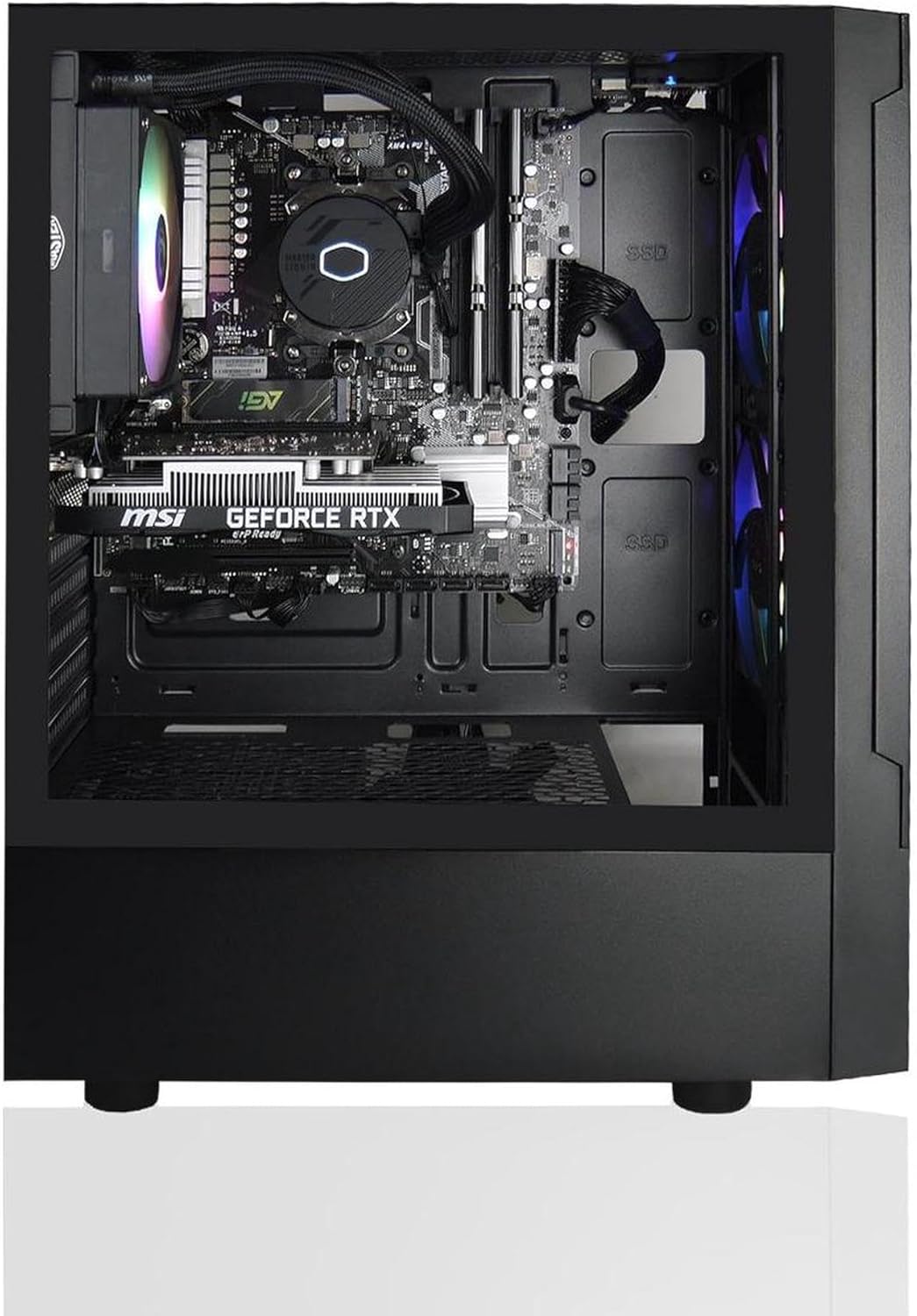
Image: Internal view of the AVGPC Max Series Gaming PC, highlighting the motherboard, CPU cooler, GPU, and SSDs.

Image: Front view of the AVGPC Max Series Gaming PC tower, showcasing the mesh front panel and illuminated ARGB fans.

Image: Rear view of the AVGPC Max Series Gaming PC, displaying the various input/output ports including USB, HDMI, DisplayPort, and Ethernet.
Maintenance
Regular maintenance helps ensure the longevity and optimal performance of your PC.
- Dust Cleaning: Periodically clean dust from the exterior vents and fan filters using compressed air or a soft brush. The Heat-Pipe Cooler and ARGB Fans are designed for efficient cooling, but dust accumulation can impede performance.
- Software Updates: Keep your Windows operating system, drivers (especially graphics drivers), and applications updated to the latest versions.
- Antivirus Protection: Install and regularly update antivirus software to protect against malware and viruses.
- Cable Management: Ensure internal and external cables are neatly organized to improve airflow and prevent accidental disconnections.
Troubleshooting
If you encounter issues with your PC, refer to the following common troubleshooting steps:
- No Power:
- Check if the power cable is securely connected to both the PC and the wall outlet.
- Ensure the power switch on the PSU (at the back of the PC) is in the 'ON' position.
- Test the outlet with another device to confirm it has power.
- No Display:
- Verify that the monitor is powered on and the video cable is securely connected to the graphics card (not the motherboard's integrated video ports, if present).
- Ensure the correct input source is selected on your monitor.
- Try a different video cable or monitor if possible.
- System Freezes or Crashes:
- Ensure all drivers, especially graphics drivers, are up to date.
- Monitor system temperatures using software to check for overheating.
- Run a memory diagnostic tool to check for RAM issues.
- Peripheral Not Working:
- Try connecting the peripheral to a different USB port.
- Ensure the peripheral's drivers are installed and up to date.
- Test the peripheral on another computer if possible.
For persistent issues, please refer to the Warranty and Support section for assistance.
Specifications
| Component | Specification |
|---|---|
| Brand | AVGPC |
| Model Number | AV-MAX-57X-5060TI-32-B |
| Operating System | Windows 11 Home |
| CPU Model | AMD Ryzen 7 5700X (8 Cores, 12 Threads, Max Boost 4.6GHz) |
| CPU Speed | 3.4 GHz (Base) |
| Graphics Coprocessor | Nvidia GeForce RTX 5060 Ti (8GB GDDR6) |
| RAM Memory Installed Size | 32 GB DDR4 (2 x 16GB) |
| Memory Speed | 3200 MHz |
| Memory Storage Capacity | 1 TB M.2 NVMe SSD |
| CPU Cooler | Heat-Pipe Cooler |
| PSU | 650W Gold Rated; CEC Compliance |
| Case | AVGPC Max Air Flow M-ATX Case - Black |
| Connectivity Technology | Bluetooth, Wi-Fi |
| Video Output Interface | HDMI, DisplayPort |
| Total USB Ports | 4 (minimum, varies by motherboard) |
| Human-Interface Input | Keyboard, Mouse |
| UPC | 795488352740 |
Warranty and Support
AVGPC is committed to providing quality products and support.
- Warranty: Your AVGPC Max Series Gaming PC comes with a 1 Year warranty covering manufacturing defects.
- Lifetime Support: AVGPC offers lifetime support in the USA for your product. For technical assistance, troubleshooting, or warranty claims, please contact AVGPC customer service.
For support inquiries, please visit the official AVGPC website or refer to the contact information provided with your purchase documentation.

Image: Icons representing AVGPC's commitment: Bloatware Free, Quality Parts, Lifetime Support in USA, 1 Year Warranty, Made in USA.