
Introduction
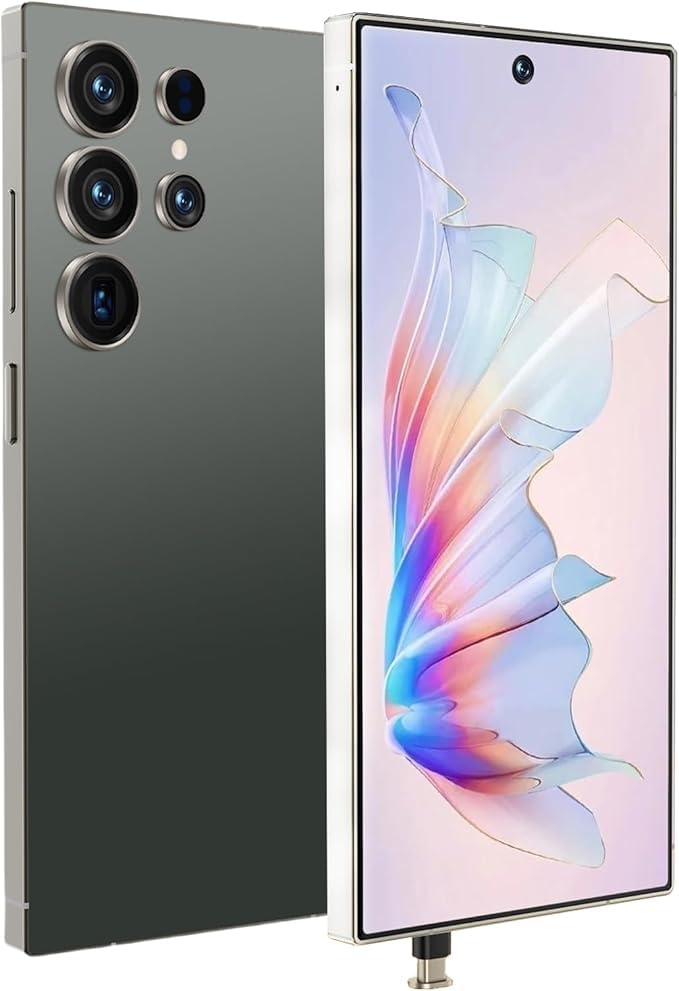
This manual provides detailed instructions for the SANSHREUNI C25 Ultra smartphone. It covers device setup, operation, maintenance, and troubleshooting to ensure optimal performance and user experience. Please read this manual thoroughly before using your device.
What's in the Box
Verify that all items are present in the package:
- SANSHREUNI C25 Ultra Smartphone
- Charger
- USB Cable
- Phone Case
- Protective Screen
- Headphones
- SIM Card Pin
- User Manual
Setup Guide
1. SIM Card and TF Card Installation
The C25 Ultra supports dual Nano SIM cards and a TF (microSD) card for expanded storage. Use the provided SIM card pin to open the SIM tray.
- Locate the SIM tray on the side of the phone.
- Insert the SIM card pin into the small hole on the SIM tray and press gently until the tray ejects.
- Place your Nano SIM cards and/or TF card into the designated slots on the tray. Ensure the gold contacts face downwards.
- Carefully reinsert the tray into the phone until it clicks into place.

2. Initial Power On and Charging
- Press and hold the Power button (usually on the right side) until the SANSHREUNI logo appears.
- Follow the on-screen prompts to complete the initial setup, including language selection, Wi-Fi connection, and Google account setup.
- Before first use, it is recommended to fully charge the device using the provided USB cable and charger. Connect the USB Type-C cable to the phone's charging port and the charger to a power outlet.

Operating Instructions
1. Android 14 Operating System
Your SANSHREUNI C25 Ultra runs on Android 14, offering an intuitive and customizable user experience. Navigate through the interface using gestures or on-screen buttons. Access notifications by swiping down from the top of the screen and quick settings by swiping down again.
2. Display and Interaction
The device features a 6.9-inch HD display with a 120Hz refresh rate for smooth visuals. The 1440x3040 resolution provides clear and vibrant images.

3. Performance and Storage
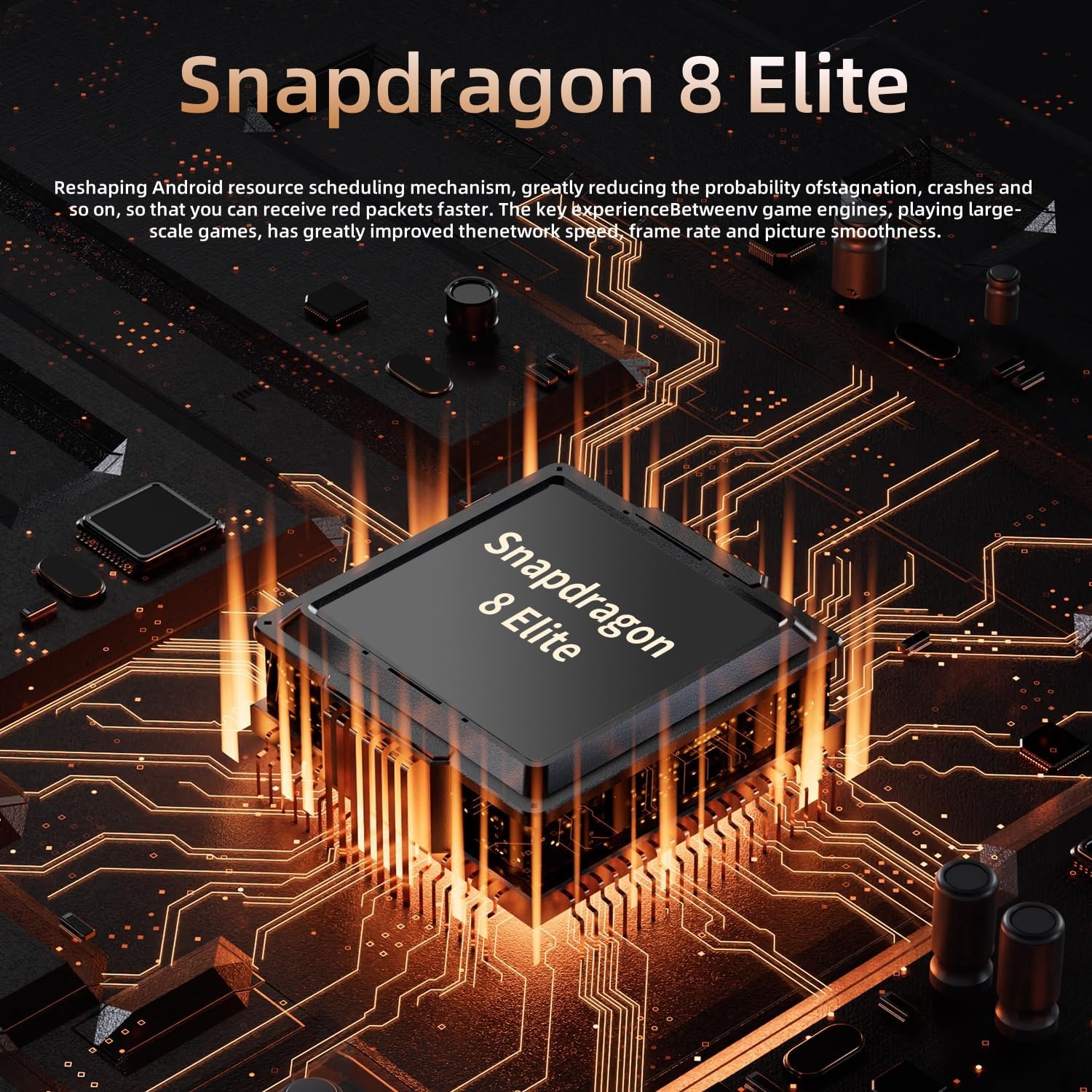
Equipped with a Snapdragon 8 Gen2 processor and 8GB of RAM, the C25 Ultra delivers efficient performance for multitasking and demanding applications. The 256GB internal storage provides ample space for apps, photos, and videos.


4. Camera Usage
The C25 Ultra features a dual camera system. Open the Camera app to capture photos and videos. Explore various modes such as Portrait, Night, and Pro for enhanced photography.
5. Connectivity
The phone supports 5G cellular networks for fast data speeds and Wi-Fi for local network connectivity. To connect to Wi-Fi, go to Settings > Network & internet > Wi-Fi and select your desired network.
6. Face Recognition
Unlock your device securely using face recognition. To set up, go to Settings > Security & privacy > Face unlock and follow the on-screen instructions. This feature works even in low-light conditions.
7. GPS Navigation
Utilize the built-in GPS for accurate navigation. Open a mapping application (e.g., Google Maps) to get directions, explore locations, and track your route.

8. Stylus Functionality (if applicable)
If your model includes a stylus, it can be used for precise input, drawing, and note-taking. The stylus can be stored within the phone body for convenience.

Maintenance
1. Battery Care
The C25 Ultra is equipped with a 6800mAh battery. To prolong battery life:
- Avoid extreme temperatures.
- Do not let the battery drain completely before recharging frequently.
- Use only the provided charger and USB cable.
- Unplug the charger once the battery is full to prevent overcharging.
2. Cleaning Your Device
Use a soft, lint-free cloth to clean the screen and body of your phone. Avoid using harsh chemicals or abrasive materials that could damage the device.
3. Software Updates
Regularly check for and install software updates to ensure your device has the latest features, security patches, and performance improvements. Go to Settings > System > System update to check for updates.
Troubleshooting
| Problem | Possible Cause | Solution |
|---|---|---|
| Slow Performance / Unresponsive | Too many apps running in the background, low storage, software glitch. |
|
| No Cellular Service | Out of network coverage, SIM card issue, network settings. |
|
| Low Volume | Volume settings, speaker obstruction, software issue. |
|
| Blank Screen / Screen Freezes | Software crash, low battery, hardware malfunction. |
|
Specifications
| Feature | Detail |
|---|---|
| Model Name | C25 Ultra |
| Brand | SANSHREUNI |
| Operating System | Android 14 |
| Processor | Snapdragon 8 Gen2, 2.6 GHz |
| RAM | 8 GB |
| Internal Storage | 256 GB |
| Expandable Storage | Up to 256 GB (TF card) |
| Screen Size | 6.9 Inches |
| Display Type | AMOLED |
| Resolution | 1440 x 3040 |
| Refresh Rate | 120 Hz |
| Battery Capacity | 6800 mAh |
| Cellular Technology | 3G/4G/5G |
| SIM Card Slot | Dual SIM (Nano) |
| Connectivity | Wi-Fi, USB Type C |
| Biometric Security | Face Recognition |
| GPS | True |
| Water Resistance | Not Water Resistant |
Warranty and Support
Warranty Information
The SANSHREUNI C25 Ultra comes with a 1-year limited warranty. This warranty covers manufacturing defects and workmanship under normal use. It does not cover damage caused by misuse, accidents, unauthorized modifications, or normal wear and tear. Please retain your proof of purchase for warranty claims.
Customer Support
If you encounter any issues or have questions regarding your SANSHREUNI C25 Ultra, please contact our customer support team. We are committed to resolving any problems within 24 hours.
For support, please visit our official website or refer to the contact information provided in your product packaging.