
Introduction
This user manual provides detailed instructions for the setup, operation, maintenance, and troubleshooting of your LG 55-inch UHD AI UA8050 4K Smart TV 2025. Please read this manual thoroughly before using your television to ensure proper and safe operation. Keep this manual for future reference.

Front view of the LG 55-inch UHD AI UA8050 4K Smart TV 2025, showcasing its sleek design and vibrant display.
Setup
Physical Setup and Dimensions
Before setting up your TV, ensure you have adequate space and a stable surface for placement. The LG 55-inch UHD AI UA8050 can be placed on a table stand or mounted on a wall.

Diagram showing the dimensions of the LG 55-inch UHD AI UA8050 4K Smart TV 2025. The TV measures approximately 123.6 cm (width) x 78 cm (height with stand) x 23 cm (depth with stand), with a screen diagonal of 55 inches.
Connecting Peripherals
Your LG Smart TV offers various connectivity options including HDMI, USB, Bluetooth, and Ethernet. Refer to the back panel image for port locations.

Rear view of the LG 55-inch UHD AI UA8050 4K Smart TV 2025, illustrating the various input and output ports for connecting external devices.
Initial Power On and Network Setup
After connecting the power cable, press the power button on the remote control. Follow the on-screen prompts to complete the initial setup, including language selection, network connection (Wi-Fi or Ethernet), and channel tuning.
Operating Your TV
Basic Operation
Use the included AI Magic Remote to navigate the webOS interface. The remote features dedicated buttons for common functions and AI voice control.
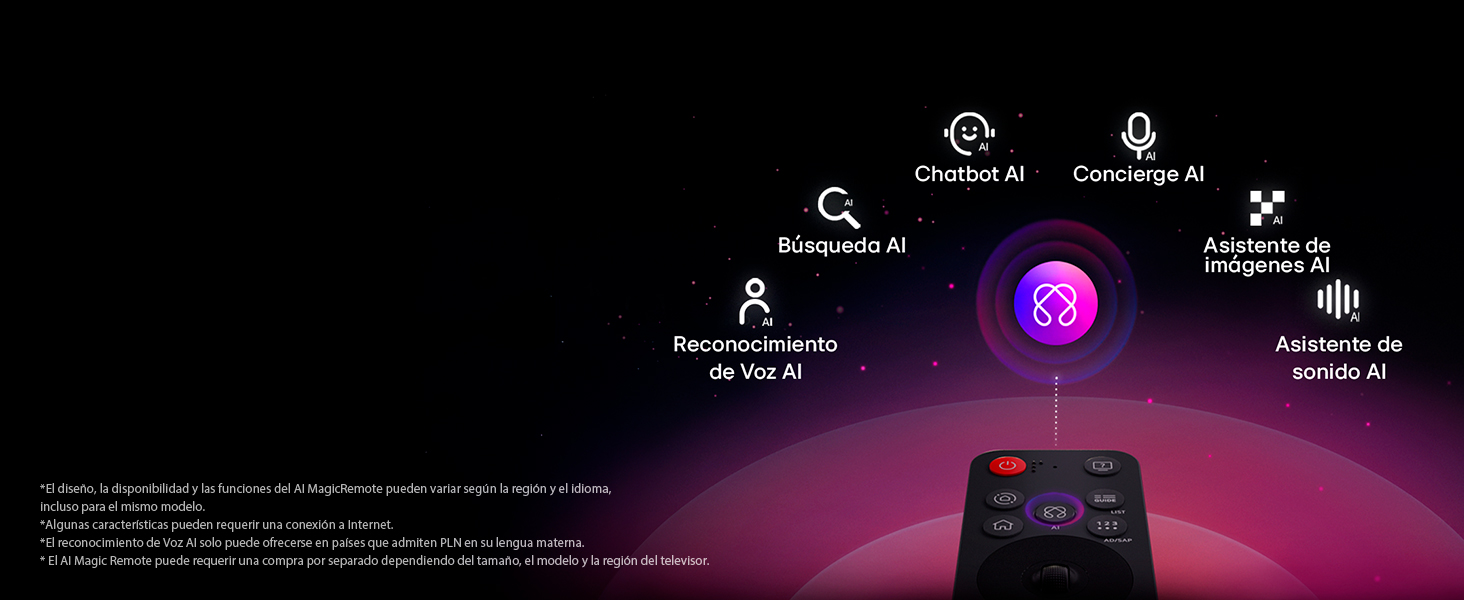
An illustration of the LG AI Magic Remote, highlighting its various AI-powered features such as AI Search, AI Concierge, AI Chatbot, AI Image Assistant, AI Voice Recognition, and AI Sound Assistant.
Smart TV Features (webOS 25 & AI)
Your LG Smart TV runs on webOS 25, offering a user-friendly interface and advanced AI capabilities.
- AI Voice Identification: The TV can recognize individual voice signatures and provide personalized recommendations.
- AI Search: Get personalized recommendations based on your queries, with additional solutions from Microsoft Copilot.
- AI Concierge: Receive keyword-based and personalized recommendations based on your search and viewing history.
- AI Chatbot: Understands your intent and provides immediate solutions for settings and troubleshooting.

A visual representation of LG's AI Voice Identification feature, showing how the TV recognizes a user's voice signature to offer personalized recommendations.
Picture Settings
Experience stunning visuals with advanced picture technologies.
- 4K Super Upscaling: The powerful LG processor optimizes resolution to near-original quality, enhancing resolution, brightness, and clarity.
- HDR10 Pro: Enjoy vibrant colors and elevated brightness for superior image quality with sharper contrast.
- Filmmaker Mode: Preserves the original vision of the director by disabling motion smoothing and other post-processing effects.
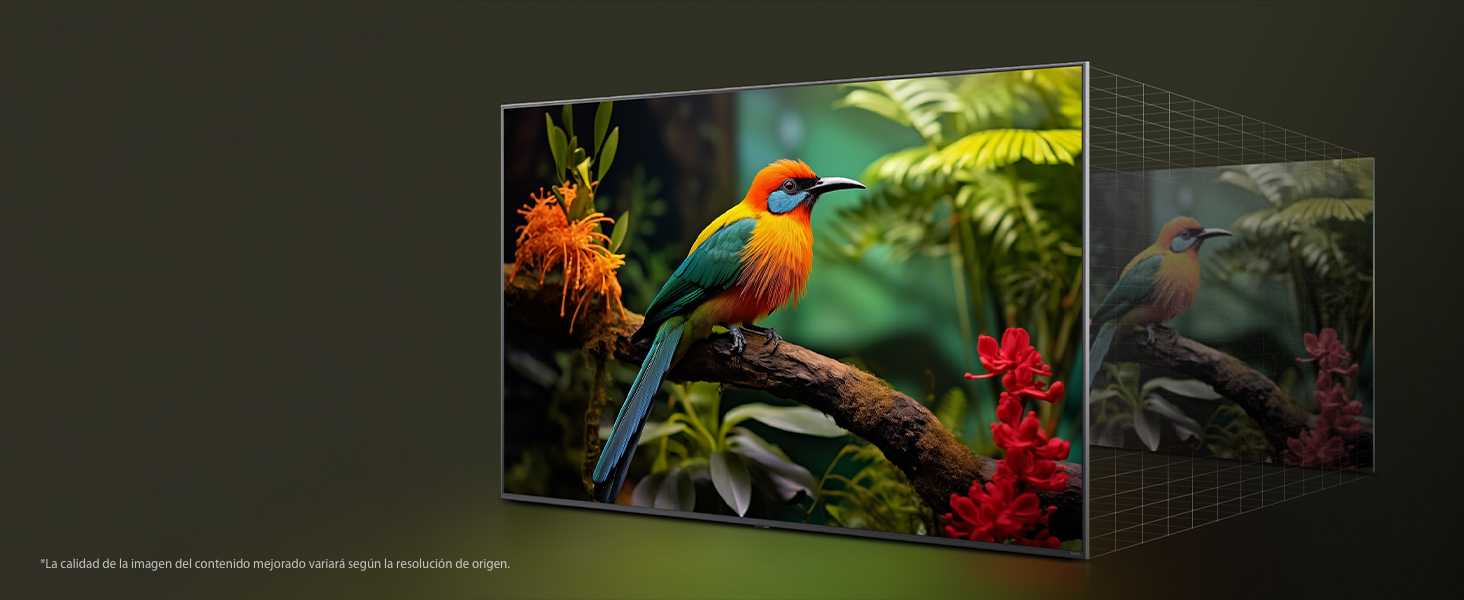
An image demonstrating the LG 4K Super Upscaler, showing how it enhances lower resolution content to near 4K quality with improved clarity and brightness.
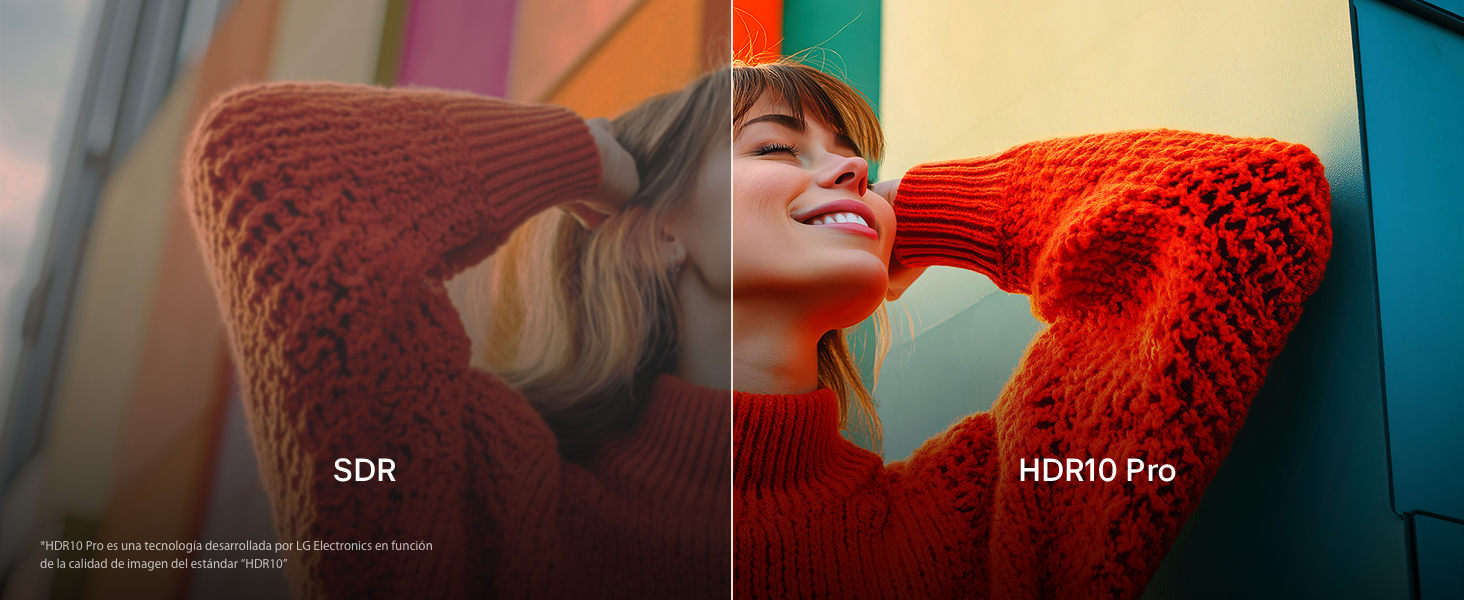
A split image comparing Standard Dynamic Range (SDR) with HDR10 Pro, illustrating the enhanced colors, brightness, and contrast provided by HDR10 Pro.
Sound Settings
Optimize your audio experience with AI-powered sound features.
- AI Sound Pro: Refines your sound for impactful audio, creating a virtual 9.1.2 surround sound experience.
- WOW Orchestra: Seamlessly integrates your LG Soundbar with the TV's speakers for a unified audio experience.
- Bluetooth Surround: Connect compatible Bluetooth speakers for an immersive surround sound setup.

An image depicting the LG AI Sound Pro feature, showing sound waves emanating from the TV during a music performance, indicating enhanced audio.
Gaming Features
Enhance your gaming experience with dedicated features.
- HGIG Mode: Optimizes HDR gaming performance.
- Game Optimizer: Provides quick access to game-related settings.
- ALLM / VRR: Auto Low Latency Mode and Variable Refresh Rate ensure smooth, responsive gameplay.
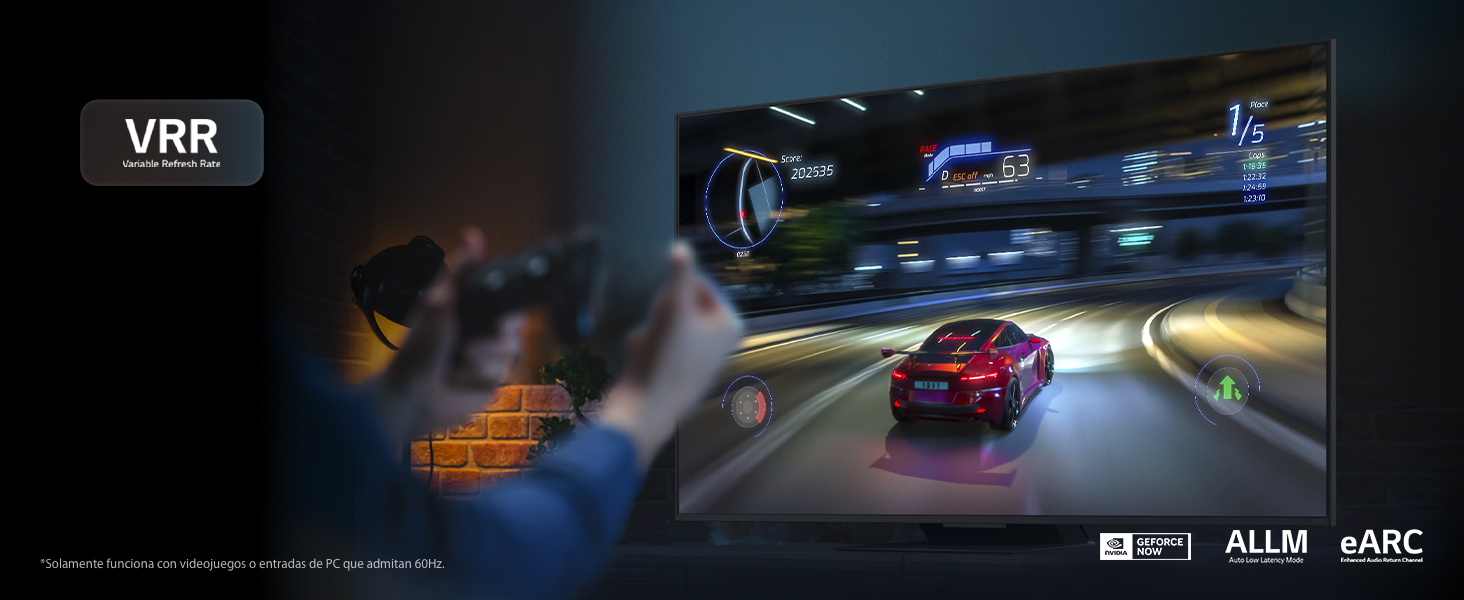
A visual demonstrating the Variable Refresh Rate (VRR) feature during a racing game, showing smooth motion and reduced screen tearing for an optimized gaming experience.
Maintenance
Cleaning Your TV
To clean the screen, gently wipe with a soft, dry microfiber cloth. For stubborn marks, slightly dampen the cloth with water. Avoid using harsh chemicals or abrasive materials. For the TV body, use a soft, dry cloth.
Software Updates
Your LG Smart TV supports the webOS Re:New Program, which provides software updates for up to five years from the product's launch. Ensure your TV is connected to the internet to receive these updates. Updates can improve performance, add new features, and enhance security.
An image highlighting the LG webOS Re:New Program, indicating its commitment to providing software updates and cybersecurity enhancements for the TV.
Troubleshooting
If you encounter issues with your LG Smart TV, refer to the common problems and solutions below:
- No Power: Ensure the power cable is securely plugged into both the TV and a working electrical outlet. Try a different outlet.
- No Picture/Sound: Check all cable connections (HDMI, antenna, etc.). Ensure the correct input source is selected on the TV.
- Slow System Performance: While webOS is generally responsive, occasional slowdowns can occur. Try restarting the TV by unplugging it for a few minutes. Ensure you have a stable internet connection for optimal smart features.
- Image Distortion: Check the source device and cable. If the issue persists, perform a picture test in the TV settings. If the problem continues, contact LG support.
- Bluetooth Connectivity Issues: Ensure the Bluetooth device is in pairing mode and within range. Remove previous pairings from the TV's Bluetooth settings and try reconnecting.
- Remote Control Not Working: Check the batteries in the AI Magic Remote. Ensure there are no obstructions between the remote and the TV.
For more complex issues, consult the LG support website or contact customer service.
Specifications
| Feature | Specification |
|---|---|
| Brand | LG |
| Model Year | 2025 |
| Screen Size | 55 Inches (140 cm) |
| Display Technology | UHD |
| Resolution | 3,840 x 2,160 Pixels (4K) |
| Refresh Rate | 60 Hz |
| Processor | α7 AI 4K Gen8 |
| Operating System | webOS 25 |
| Sound Output | 20W, 2.0 Channels (α7 AI Sound Pro) |
| Connectivity | USB, Bluetooth (V5.0), Ethernet, HDMI |
| Special Features | Intelligent Voice Recognition, HGIG Mode, Game Optimizer, ALLM / VRR, FILMMAKER MODE, HDR10 / HLG, WOW Orchestra |
| Dimensions (with stand) | 23 x 123.6 x 78 cm |
| Weight | 11.6 kg |
Warranty and Support
Your LG TV comes with a manufacturer's warranty. For details regarding the warranty period and coverage, please refer to the documentation included with your purchase or visit the official LG support website. Extended warranty plans may also be available for purchase.
For customer support, technical assistance, or service requests, please visit the LG Brand Store on Amazon or the official LG website.
Return Policy: This product is eligible for a 30-day free return policy, fulfilled by Amazon.