
1. Introduction
Thank you for choosing the Mivi SuperPods Immersio Wireless Earbuds. These earbuds are designed to provide a premium audio experience with features like Dolby Audio, 3D Soundstage, and AI Environmental Noise Cancellation. This manual will guide you through the setup, operation, and maintenance of your new earbuds.
2. Box Contents
Please check the package for the following items:
- Mivi SuperPods Immersio Earbuds (Left and Right)
- Charging Case
- USB Charging Cable
- User Manual
3. Product Overview
The Mivi SuperPods Immersio feature a sleek design and advanced audio technology for an immersive listening experience.

Figure 3.1: Mivi SuperPods Immersio Earbuds and Charging Case.

Figure 3.2: Mivi SuperPods Immersio Earbuds and Charging Case, highlighting the seamless curve design and metallic finish.

Figure 3.3: Key features of the Mivi SuperPods Immersio, illustrating Dolby Audio, Quad Mic AI-ENC, 3D Sound Stage, Bluetooth V5.4, and multi-device connectivity.
Earbud Components:
- Touch Control Area: For managing playback, calls, and voice assistant.
- Microphones: Quad-mic setup for AI ENC.
- Eartips: Replaceable silicone eartips for comfortable fit and sound isolation.
Charging Case Components:
- Charging Port: USB Type-C for charging the case.
- LED Indicator: Displays charging status and battery level.
- Earbud Charging Slots: Securely holds and charges the earbuds.
4. Setup
4.1 Charging the Earbuds and Case
Before first use, fully charge the Mivi SuperPods Immersio. The charging case also charges the earbuds when they are placed inside.
- Connect the USB Type-C charging cable to the charging port on the case.
- Connect the other end of the cable to a USB power adapter (not included) or a computer's USB port.
- The LED indicator on the case will show the charging status.
- A full charge provides approximately 60 hours of combined playtime with the charging case, and 8.5 hours of playtime on a single earbud charge.
- For quick power, a 10-minute charge can provide up to 500 minutes of playtime.

Figure 4.1: Battery life and fast charging details for Mivi SuperPods Immersio, showing 60 hours total playtime and 8.5 hours per bud, with 10 minutes of charge yielding 500 minutes of playtime.
4.2 Pairing with a Device
The Mivi SuperPods Immersio use Bluetooth v5.4 for stable and efficient wireless connection.
- Open the charging case. The earbuds will automatically enter pairing mode (indicated by flashing LED lights on the earbuds).
- On your device (smartphone, tablet, laptop), enable Bluetooth.
- Search for "Mivi SuperPods Immersio" in the list of available Bluetooth devices.
- Select "Mivi SuperPods Immersio" to connect. Once connected, the LED indicators on the earbuds will stop flashing.
- The earbuds support multi-device connectivity, allowing seamless switching between paired devices.
5. Operating Your Earbuds
5.1 Touch Controls
The Mivi SuperPods Immersio feature intuitive touch controls on each earbud.
| Action | Function |
|---|---|
| Single Tap (Left/Right) | Play/Pause Music, Answer/End Call |
| Double Tap (Right) | Next Track |
| Double Tap (Left) | Previous Track |
| Triple Tap (Right) | Volume Up |
| Triple Tap (Left) | Volume Down |
| Long Press (Left/Right) | Activate Voice Assistant, Reject Call |
Note: Specific touch controls may vary slightly based on device and app.
5.2 Audio Features
Experience superior sound quality with advanced audio technologies.
- Dolby Audio: Elevates your listening experience, bringing action to life with cinematic sound.
- 3D Soundstage: Provides a deeper, richer audio dimension, enhancing the orchestration of instruments and overall sound.
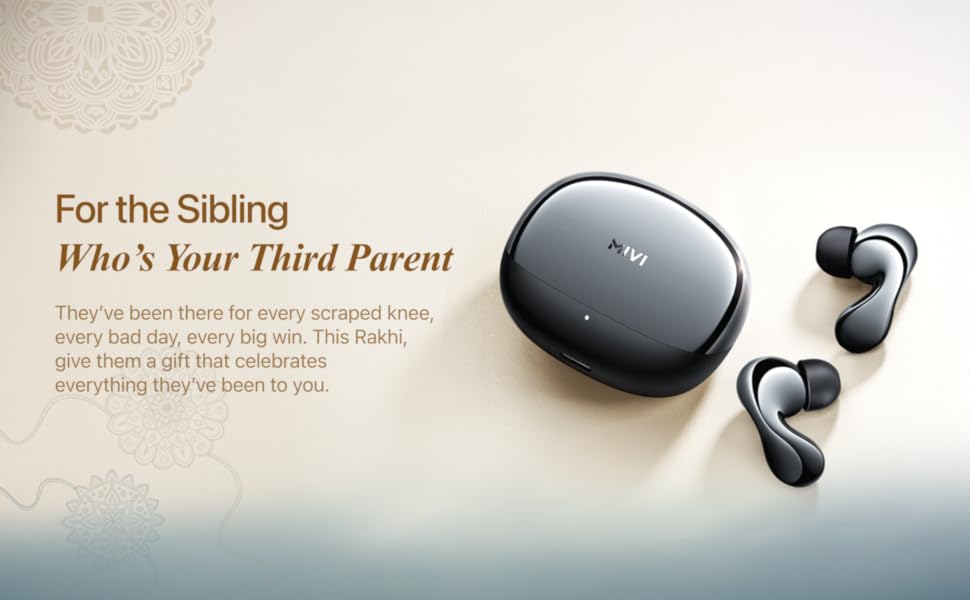
Figure 5.1: Enjoying cinematic sound with Dolby Audio through Mivi SuperPods Immersio.

Figure 5.2: The 3D Soundstage feature provides an immersive audio experience.
5.3 Call Clarity (AI ENC)
The Quad-mic AI ENC (Environmental Noise Cancellation) ensures clear call quality by filtering out ambient noise.
- During calls, the AI ENC technology actively reduces background noise, allowing your voice to be heard clearly.
5.4 Mivi Audio App
Personalize your listening experience with the Mivi Audio App. The app allows you to adjust equalizer settings and customize other features of your earbuds.