
HYS TK11-8
HYS Quansheng TK-11(8) VHF/UHF Walkie Talkie User Manual
Model: TK11-8 | Brand: HYS
1. Introduction
Thank you for choosing the HYS Quansheng TK-11(8) 10W VHF/UHF Walkie Talkie. This professional two-way radio is designed for reliable communication with advanced features such as multi-band receiving and transmitting, a 3000mAh high-performance battery, a spectrum analyzer, and NOAA weather alert support. This manual provides detailed instructions for setup, operation, and maintenance to ensure optimal performance and longevity of your device.

Image: The HYS Quansheng TK-11(8) walkie talkie displayed with its full set of accessories, including the main unit, battery, charger, antennas, belt clip, lanyard, and earpiece.
2. What's in the Box
Please check the contents of your package to ensure all items are present:
- 1 x TK-11(8) Radio Body
- 1 x 3000mAh Battery
- 2 x Antennas (VHF/UHF and Wideband)
- 1 x Belt Clip
- 1 x Lanyard
- 1 x Desktop Charger
- 1 x Radio Headphone (Earpiece)

Image: A visual representation of the included accessories alongside a table detailing key specifications of the HYS Quansheng TK-11(8) radio.
3. Specifications
Detailed technical specifications for the HYS Quansheng TK-11(8) walkie talkie:
| Feature | Description |
|---|---|
| Model Number | TK11-8 |
| Frequency Range | VHF: 144-146 MHz, UHF: 430-440 MHz (PMR446 Frequencies) |
| Receiving Band | 0.153-1160 MHz |
| Output Power | 10W |
| Battery Capacity | 3000mAh (High-performance Lithium Battery) |
| Number of Channels | 999 |
| Charging Method | Type-C / Base Charging |
| Special Features | Spectrum Analyzer, Universal/Smart Code Breaking, NOAA (SAME Decoding), Magic Voice, Frequency Meter |
| Water Resistance | Not waterproof |
| Dimensions | 126mm x 58mm x 34.5mm |
| Weight | Approx. 600 grams (with battery) |
| Operating Temperature | -20°C to 60°C |
| Screen | 1.44-inch Ice Blue Display |

Image: A visual summary highlighting key features such as dual receiving, wide receiving and transmitting bands, AM/SSB/FM support, large battery, NOAA, spectrum analyzer, frequency meter, and magic voice.

Image: A visual overview of the radio's physical attributes, including its 3000mAh lithium battery, IP54 rating, dual antenna design, Type-C/base charging, clear voice output, and integrated jacklight.
4. Setup
4.1. Battery Installation
- Ensure the radio is powered off.
- Align the battery with the battery compartment on the back of the radio.
- Gently push the battery into place until it clicks securely.
- To remove, slide the battery release latch (if present) and pull the battery away from the radio.
4.2. Antenna Attachment
- Locate the antenna connector on the top of the radio.
- Screw the desired antenna (VHF/UHF or wideband) clockwise onto the connector until it is finger-tight. Do not overtighten.
4.3. Charging the Battery
The TK-11(8) supports both Type-C direct charging and desktop charger base charging.
- Using the Desktop Charger: Place the radio (with battery installed) into the charging slot of the desktop charger. Ensure the charging contacts align. The indicator light will show charging status (e.g., red for charging, green for fully charged).
- Using Type-C Cable: Connect a standard Type-C USB cable to the Type-C port on the side of the radio and to a compatible USB power source.
It is recommended to fully charge the battery before first use.
5. Operating Instructions
5.1. Basic Operation
- Power On/Off: Rotate the power/volume knob clockwise to turn on the radio. Rotate counter-clockwise until it clicks to turn off.
- Volume Adjustment: Rotate the power/volume knob to adjust the listening volume.
- Channel/Frequency Selection: Use the keypad to directly input frequencies or channel numbers. Use the up/down arrow keys to navigate through channels or frequencies.
- Transmit (PTT): Press and hold the Push-To-Talk (PTT) button on the side of the radio to transmit. Release to receive.
5.2. Multi-band Receiving & Transmitting
The TK-11(8) supports a wide range of frequencies for both receiving and transmitting.
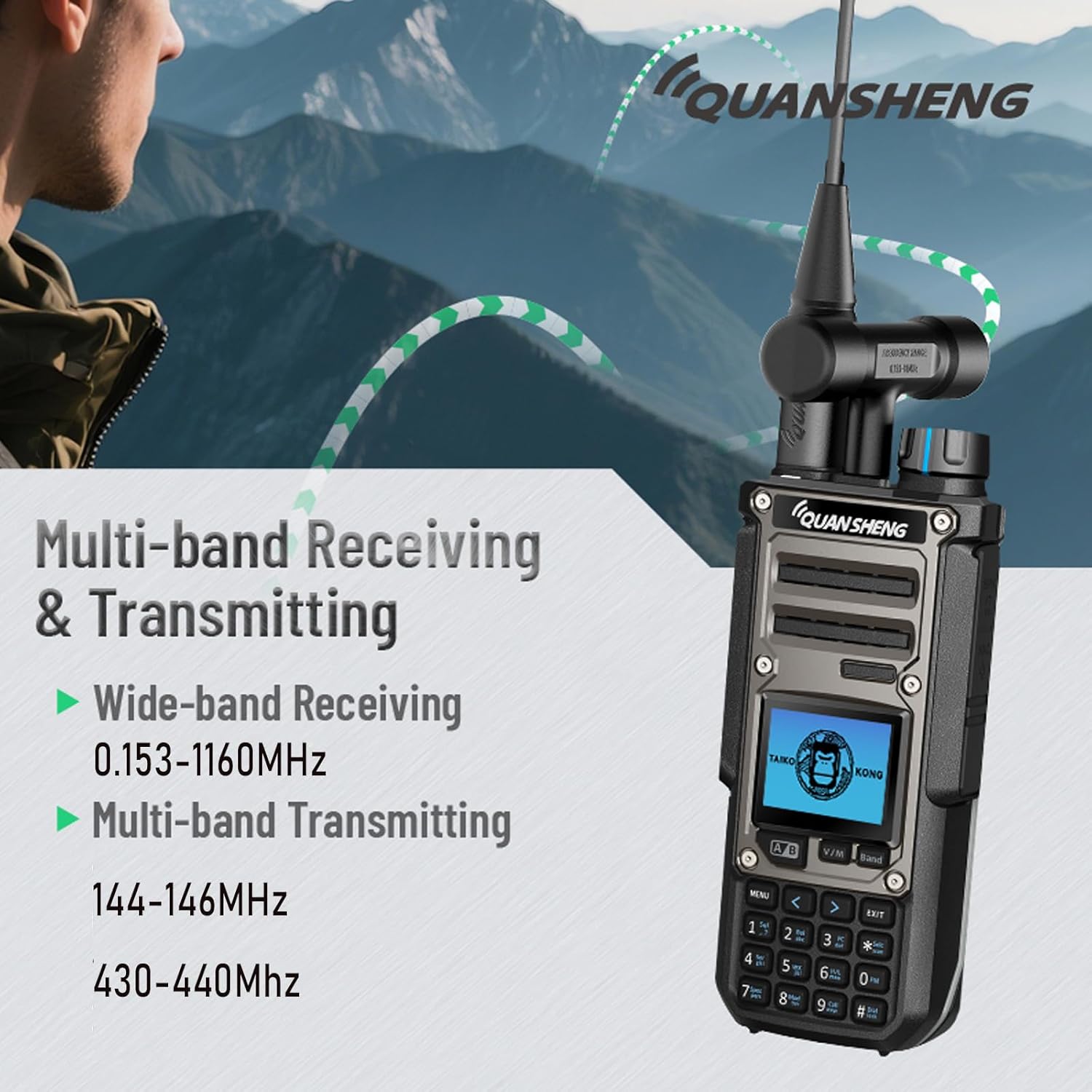
Image: The radio's display showing its wide-band receiving capabilities (0.153-1160MHz) and multi-band transmitting capabilities (144-146MHz, 430-440MHz).
5.3. Dual Receiving
The radio can receive audio from two different frequencies simultaneously, enhancing monitoring capabilities.

Image: A visual representation of the radio's dual receiving feature, showing it can monitor two separate frequencies at the same time.
5.4. Special Features
- 10W High Power: The TK-11(8) delivers 10 watts of output power, providing strong signal penetration for extended communication range.

Image: The radio with a graphic emphasizing its 10W high power output for strong signal penetration.
- Spectrum Analyzer: This feature allows you to visualize signal activity across a frequency range, similar to a dedicated spectrum analyzer.
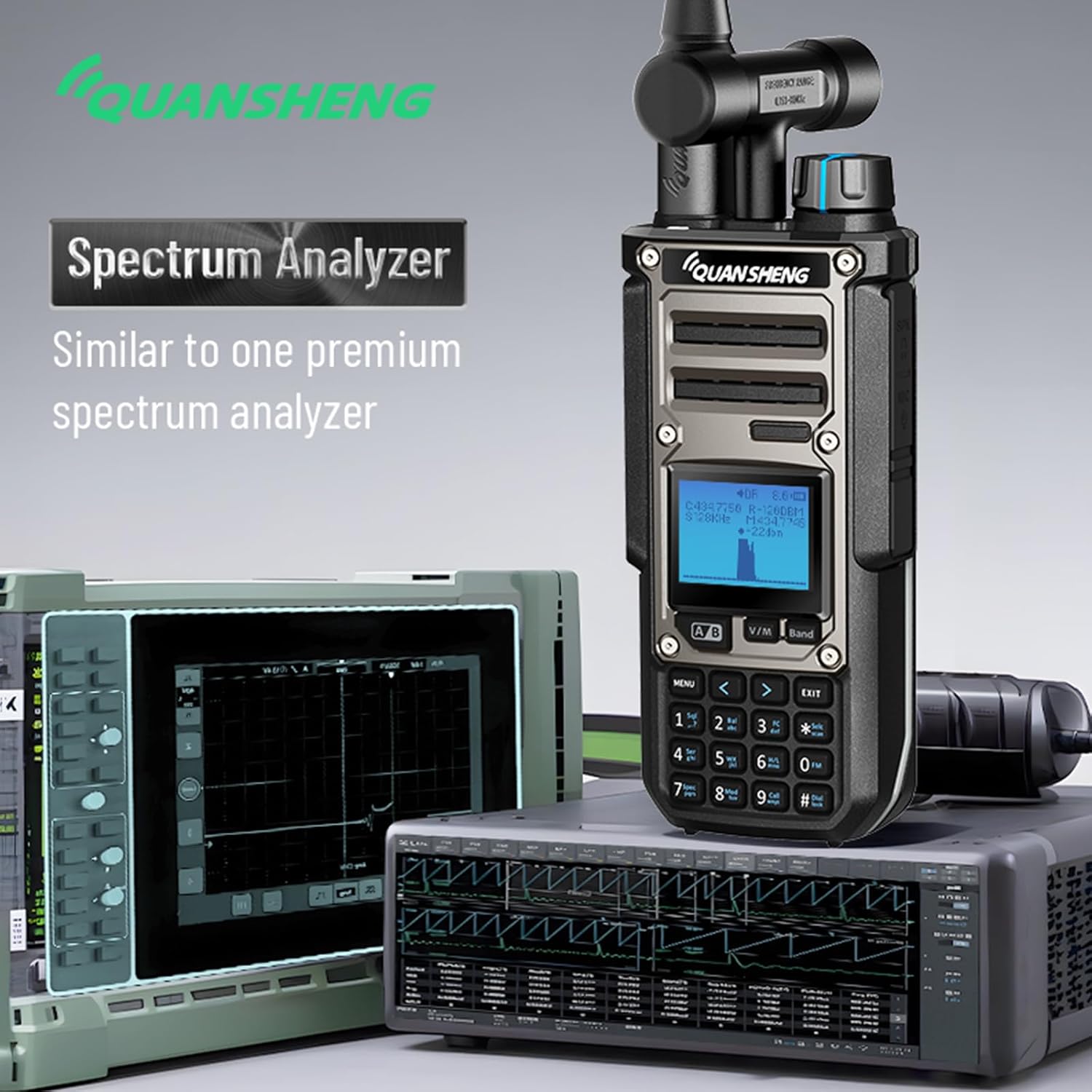
Image: The radio's screen showing the spectrum analyzer interface, positioned next to professional spectrum analysis equipment for comparison.
- Universal/Smart Code Breaking: Supports three modes for decoding CTCSS/DCS tones:
- Normal Mode: Detects standard CTCSS/DCS.
- Master Mode: Cracks non-standard CTCSS/DCS.
- Self-learning Mode: Cracks non-standard variable-frequency DCS.

Image: The radio's display illustrating the three modes of Universal/Smart Code Breaking: Normal, Master, and Self-learning.
- NOAA Weather Alert (SAME Decoding): Receive National Oceanic and Atmospheric Administration weather alerts with Specific Area Message Encoding (SAME) support.

Image: The radio held by a user, with a graphic indicating NOAA weather alert support and SAME decoding, similar to a dedicated weather device.
- Magic Voice: Enjoy fun voice modulation features, including childlike and alien voice effects.
Image: Part of a feature summary image, showing the 'Magic Voice' icon and indicating support for childlike and alien voice variations.
- Customized Call End Tone: Personalize your radio's call end tone with WAV or MP3 audio files.

Image: The radio's display with graphics indicating support for WAV and MP3 formats for customized call end tones.
- DIY Power On Photo: Customize the image displayed when the radio powers on using JPG, PNG, or BMP files.
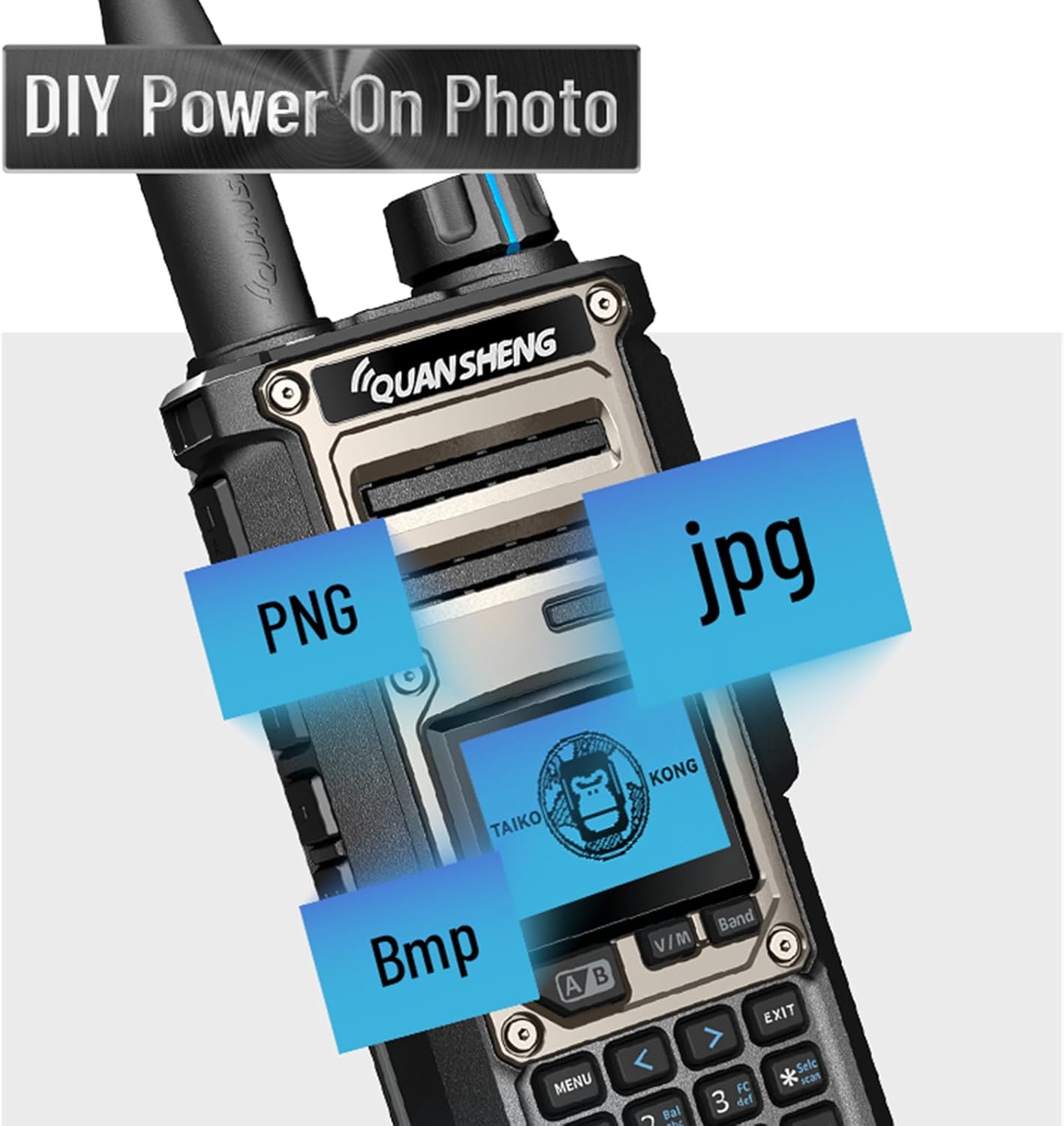
Image: The radio's screen with icons representing JPG, PNG, and BMP file formats, indicating the ability to set a custom power-on photo.
- Frequency Meter: The radio can function as a frequency meter to measure the frequency of other radio signals.
6. Maintenance
- Cleaning: Use a soft, damp cloth to clean the radio's surface. Do not use harsh chemicals or abrasive cleaners.
- Battery Care: To prolong battery life, avoid overcharging or completely draining the battery. Store the battery in a cool, dry place when not in use for extended periods.
- Storage: Store the radio in a dry, dust-free environment away from direct sunlight and extreme temperatures.
- Antenna Care: Handle antennas carefully. Do not bend or force them, as this can damage the connector or the antenna itself.
7. Troubleshooting
If you encounter issues with your TK-11(8), please refer to the following common problems and solutions:
| Problem | Possible Cause | Solution |
|---|---|---|
| Radio does not power on | Battery is low or not installed correctly. | Charge the battery or re-install it securely. |
| No sound or weak reception | Volume too low, antenna loose, or out of range. | Increase volume, check antenna connection, move closer to other radios or repeaters. |
| Cannot transmit | Incorrect frequency/channel, battery low, or PTT button not pressed fully. | Verify frequency/channel, charge battery, ensure PTT is fully depressed. |
| Static or unclear audio | Interference, weak signal, or incorrect CTCSS/DCS settings. | Move to a clearer area, check signal strength, verify CTCSS/DCS settings. |
Ask a question about this manual
Ask about setup, troubleshooting, compatibility, parts, safety, or missing instructions. Manuals+ will review the question and use this page’s manual context to help answer it.