1. Introduction
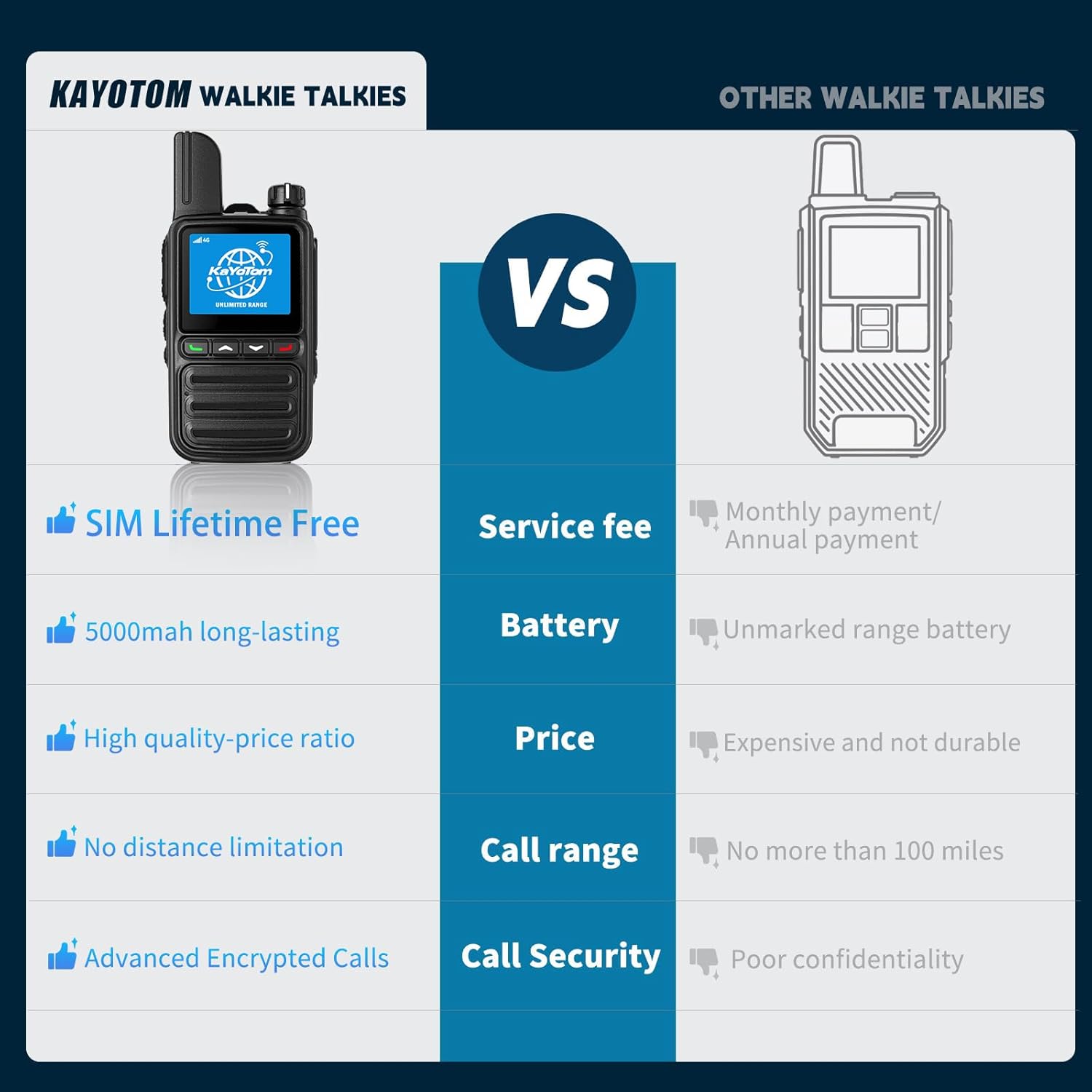
This manual provides essential instructions for the safe and efficient operation of your KAYOTOM AT-600 Global Walkie Talkie. Please read this guide thoroughly before using the device to ensure optimal performance and longevity. The AT-600 is a 4G LTE Push-to-Talk (PTT) over Cellular (PoC) two-way radio designed for nationwide and global communication without traditional range limitations.
2. What's in the Box
Upon unboxing your KAYOTOM AT-600, you should find the following components:
- KAYOTOM AT-600 Walkie Talkie Unit(s)
- Belt Clip
- Battery
- Charger (USB-C cable and power adapter)
- User Manual
- Lanyard
- Pre-installed SIM card (for lifetime free global service)

3. Setup
3.1 Battery and SIM Card Installation
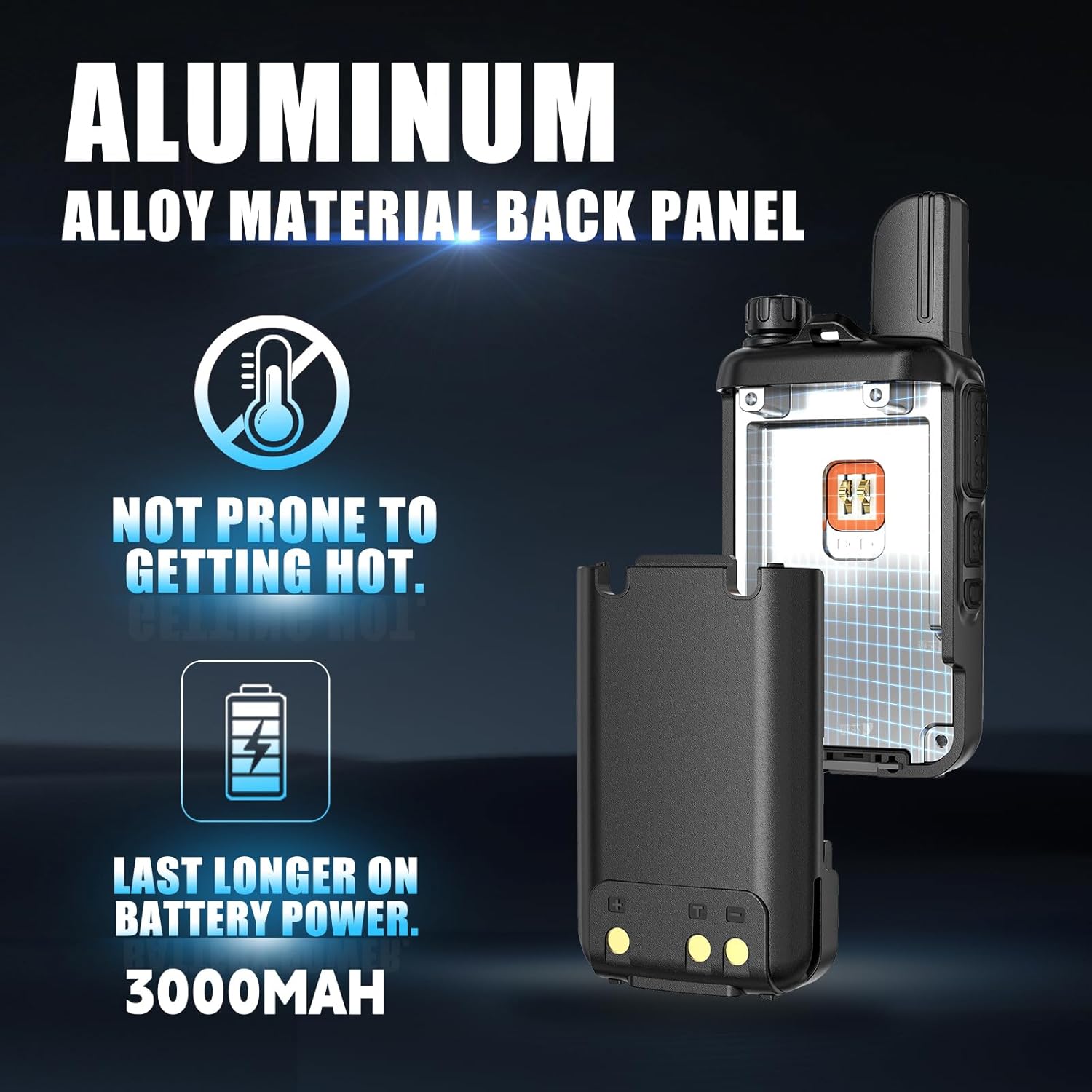
The SIM card is pre-installed for your convenience. To install the battery:
- Remove the battery cover from the back of the walkie talkie.
- Align the battery with the battery compartment, ensuring the contacts match.
- Gently press the battery into place until it clicks securely.
- Replace the battery cover and secure it with the provided screws if applicable.
For a visual guide on battery and SIM card installation, please refer to the video below:
3.2 Powering On
To power on your device, rotate the top-mounted knob switch clockwise. The device will display a QR code and automatically search for network signals. After approximately one minute, it will enter the encrypted channel, indicating it is ready for use.
4. Operating Instructions
4.1 Basic Controls
The KAYOTOM AT-600 features intuitive controls for ease of use:
- Knob Switch: Located at the top, this switch controls power on/off and volume adjustment.
- PTT Button: The large button on the side is for Push-to-Talk communication. Press and hold to speak, release to listen.
- Navigation Buttons: Use the up/down arrows and menu/confirm buttons on the front to navigate the display and settings.

4.2 Making Calls
The AT-600 supports both individual and group calls:
- Individual Call: Select a specific user from your member list for a private conversation.
- Group Call: Broadcast your voice to all members within a selected group channel. The device supports up to 200 groups, each accommodating up to 500 people.
To access call options, hold down the 'A' key (typically the green button) to enter the menu, then select 'GroupList' or 'MemberList'.

4.3 Flashlight Function
To activate the built-in flashlight, press and hold the 'B' key (typically the orange button) on the side of the device.
4.4 Volume Control
Adjust the volume by rotating the top-mounted knob switch. Rotate clockwise to increase volume and counter-clockwise to decrease it.
5. Advanced Features
5.1 Global Intercom & Unlimited Range
The KAYOTOM AT-600 utilizes 4G LTE SIM support, enabling Push-to-Talk over Cellular (PoC) technology for communication across vast distances, potentially exceeding 5000 miles. This provides nationwide and global connectivity without traditional range limitations, relying on cellular networks.

Learn more about the global communication capabilities:
5.2 Advanced Noise Cancellation
Equipped with high-performance microphones and AI algorithms, the AT-600 filters out up to 95% of background noise. This ensures clear, crisp audio transmission, even in noisy environments.

5.3 GPS Tracking
The AT-600 includes GPS functionality, allowing for real-time tracking of device locations through a computer dispatch system. This feature is crucial for efficient team coordination and management.
6. Battery and Charging
The device is equipped with a 3000mAh battery, providing over 24 hours of usage on a single charge. It supports Type-C fast charging, allowing the battery to reach 50% charge in approximately 40 minutes.

7. Specifications
| Feature | Specification |
|---|---|
| Model Number | AT-600 |
| FCC ID | 2AN96PO25601-AT-600 |
| Item Weight | 13 ounces (0.37 Kilograms) |
| Product Dimensions | 1.18 x 1.97 x 3.35 inches |
| Number of Channels | 200 |
| Frequency Range | 700 MHz - 2.6 GHz |
| Talking Range Maximum | 100,000 Miles (Network Dependent) |
| Voltage | 3.7 Volts (DC) |
| Water Resistance Level | Not Water Resistant |
| Special Features | Battery Saver Mode, Digital Display, Lightweight, Noise Reduction, Unlimited Range |
8. Troubleshooting
If you encounter any issues with your KAYOTOM AT-600, please consider the following general troubleshooting steps:
- No Power: Ensure the battery is correctly installed and fully charged. Check the charging cable and adapter.
- No Signal: Verify that the device is in an area with 4G LTE cellular coverage. The device relies on cellular networks for its extended range.
- Poor Audio Quality: Check for obstructions around the microphone and speaker. Ensure you are within a stable network area. The advanced noise cancellation should handle most background noise.
- Communication Issues: Confirm that you are on the correct group or have selected the intended member for individual calls. Ensure the PTT button is pressed firmly when speaking and released when listening.
- Device Unresponsive: Try turning the device off and on again. If the issue persists, contact customer support.
9. Warranty and Support
The KAYOTOM AT-600 comes with a 1-year manufacturer's warranty. For any technical assistance, warranty claims, or further inquiries, please contact KAYOTOM customer service. Our dedicated support team is available to ensure your experience is worry-free and fully satisfying.
For group management or specific group name requests after purchasing multiple walkie-talkies, please send your account number on the card to customer service to facilitate group creation.


