
WMSNUH IM C320F
WMSNUH IM C320F Toner Cartridge User Manual
Model: IM C320F
Product Overview
This manual provides essential information for the installation, operation, and maintenance of your WMSNUH IM C320F High-Capacity Toner Cartridge. These cartridges are designed to deliver high-quality printing results for compatible Ricoh printers.
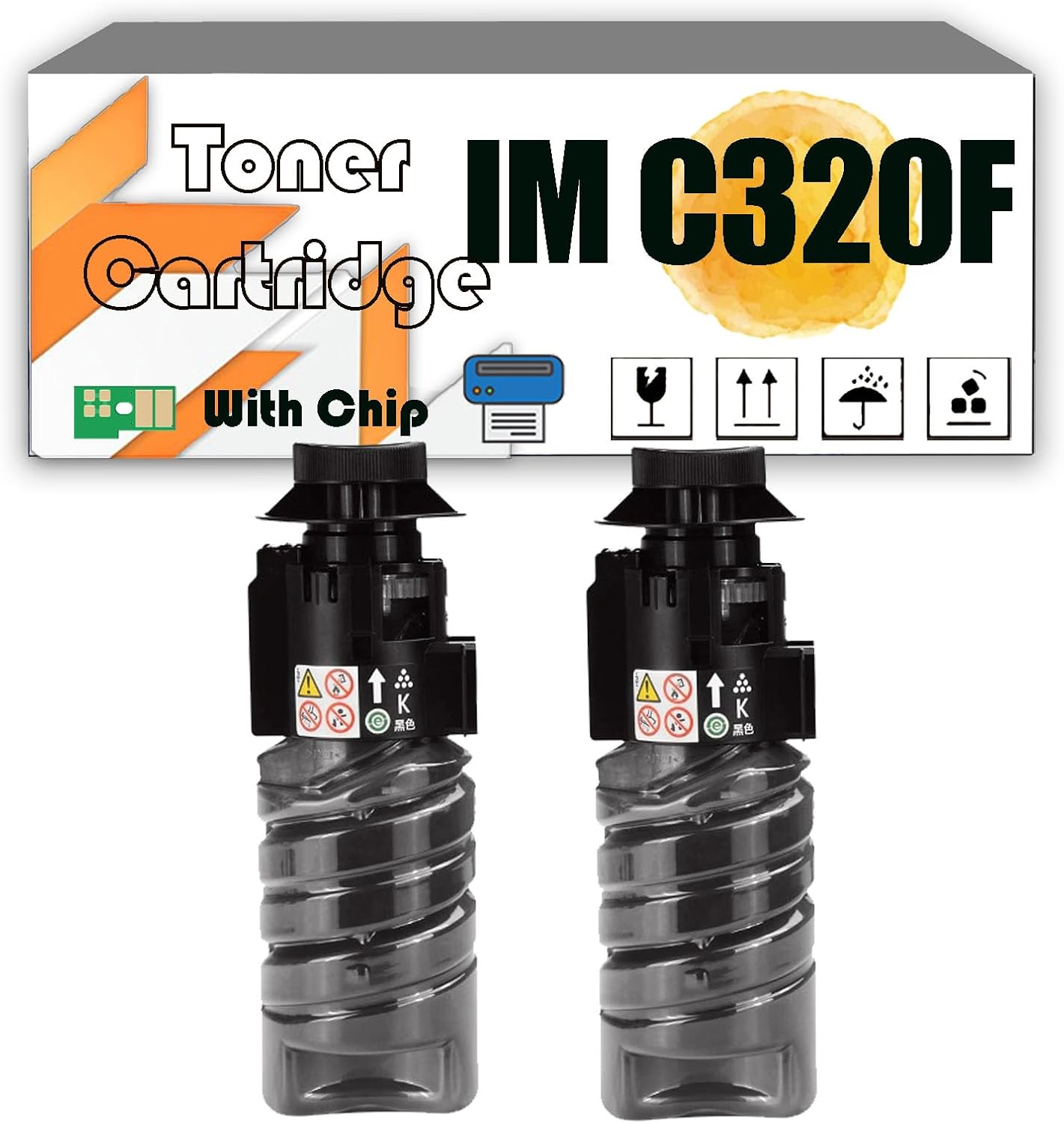
Image: Two WMSNUH IM C320F black toner cartridges. The image highlights the "Toner Cartridge IM C320F" branding and indicates compatibility with a chip. Various handling symbols are also visible on the packaging.
Compatibility
The WMSNUH IM C320F toner cartridges are specifically designed for use with the following Ricoh printer models:
- Ricoh IM C320F
- Ricoh MC320FW
- Ricoh PC375
Please verify your printer model against this list to ensure proper compatibility and optimal performance.

Image: A graphic titled "Compatible Devices" listing the printer models IM C320F, MC320FW, and PC375, superimposed over an office environment with a printer.
Key Features and Benefits
- High Capacity: Black cartridges yield up to 13,500 pages. Color (Cyan, Magenta, Yellow) cartridges yield up to 10,000 pages. (Based on 5% coverage on A4 paper).
- Superior Print Quality: Engineered to produce crisp text, vibrant images, and consistent color output without fading, leakage, or streaks.
- Reliable Performance: Manufactured with premium imported components and rigorously tested to ensure consistent and dependable operation.
- Advanced Chip Technology: Features an upgraded smart chip for fast recognition and seamless integration with your printer.
- High Definition Toner: Utilizes fine and visible toner for firm fixing, minimal powder loss, low waste rate, and clear small letters.
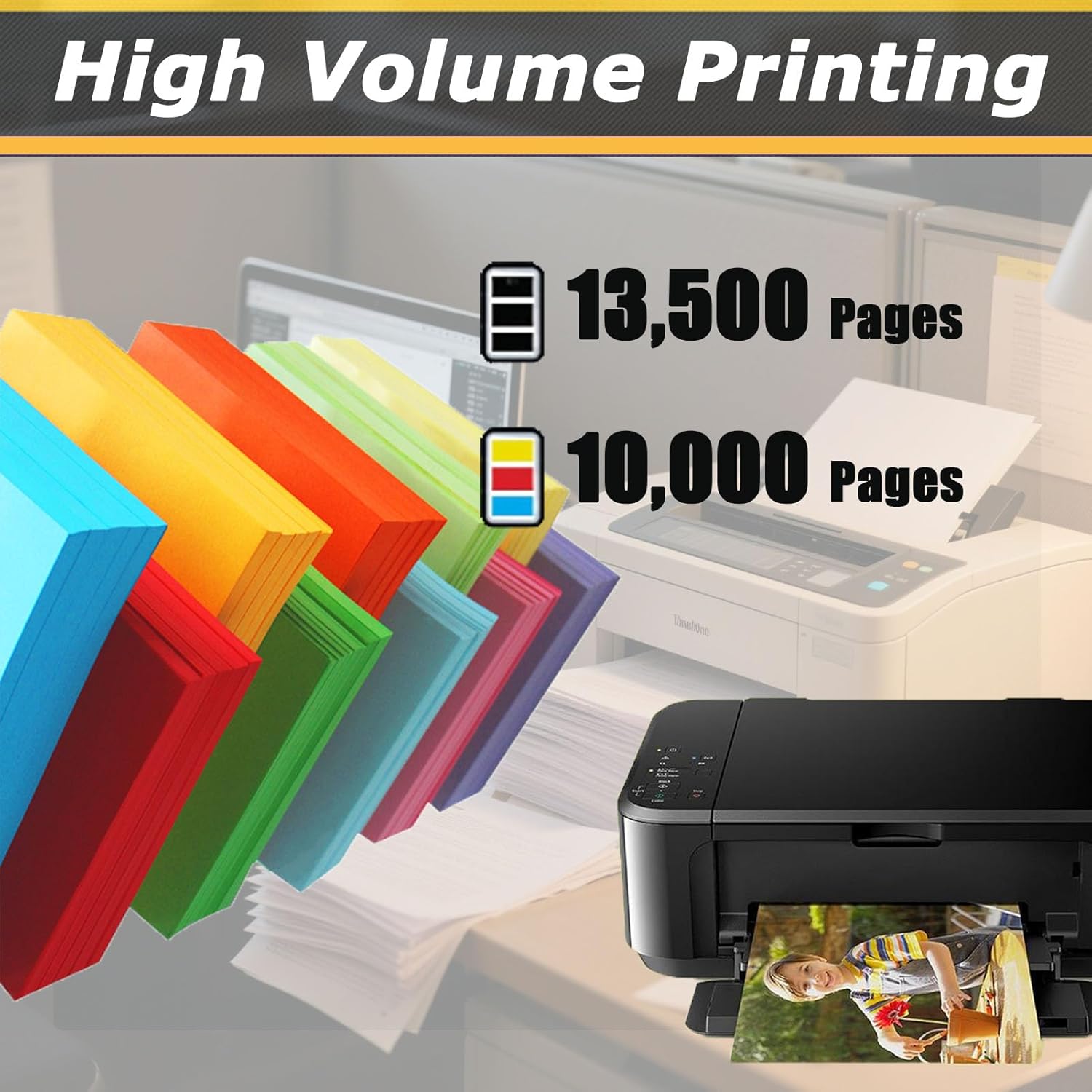
Image: A graphic titled "High Volume Printing" showing stacks of colorful paper and a printer. It indicates a yield of 13,500 pages for black and 10,000 pages for color.

Image: A graphic titled "Premium Performance" displaying several high-quality printed photographs, suggesting excellent color reproduction and clarity.
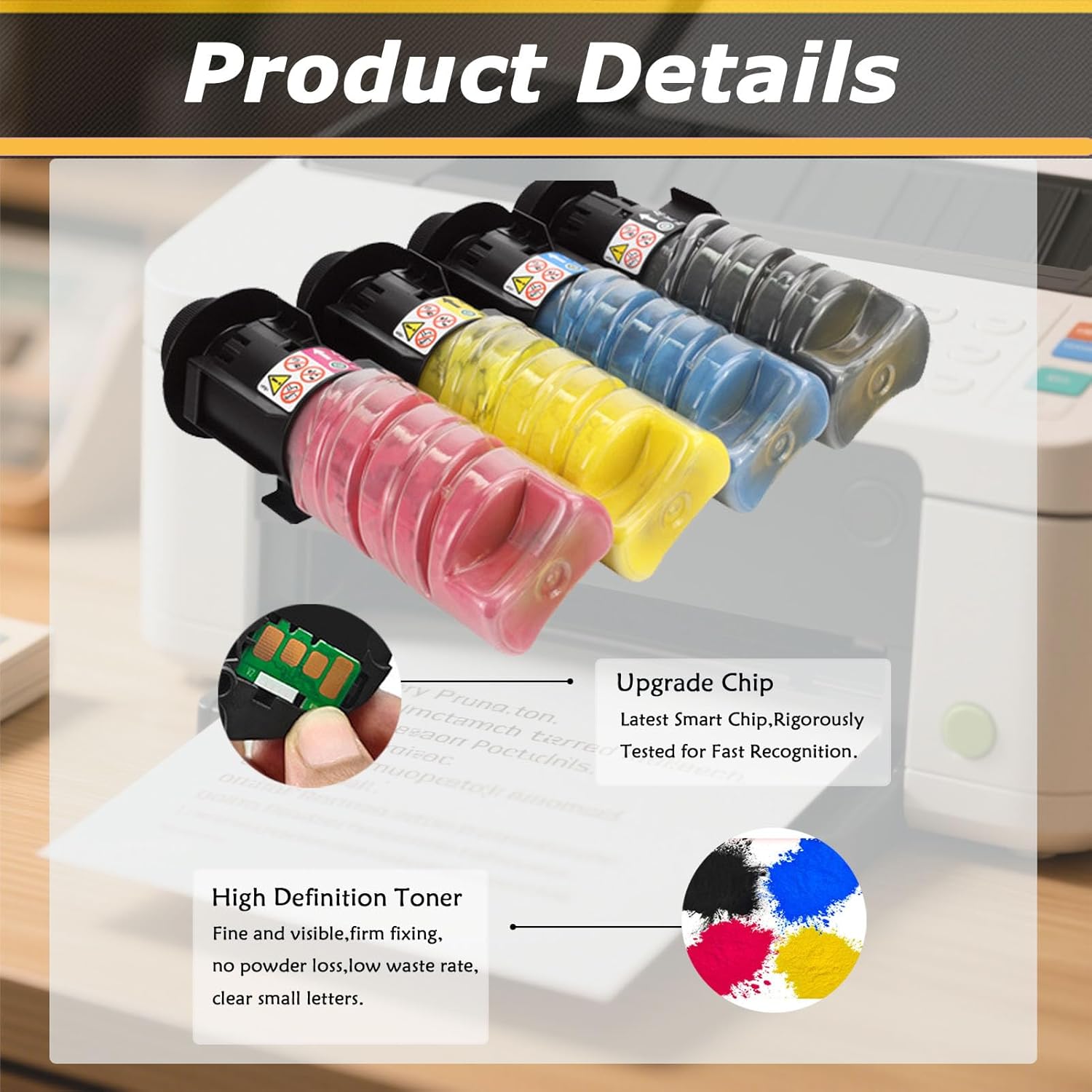
Image: A graphic titled "Product Details" showing four toner cartridges (black, cyan, yellow, magenta) and close-ups of an "Upgrade Chip" and "High Definition Toner" powder samples.
Setup and Installation
Follow these general steps to install your new toner cartridge. Refer to your printer's specific user manual for detailed instructions on opening the printer and accessing the toner compartment.
- Power Off Printer: Ensure your printer is turned off and unplugged before beginning the installation process.
- Open Printer Access Door: Locate and open the toner cartridge access door on your Ricoh printer.
- Remove Old Cartridge: Carefully remove the empty or old toner cartridge from its slot.
- Unpack New Cartridge: Remove the new WMSNUH toner cartridge from its packaging. Gently shake the cartridge horizontally 5-6 times to distribute the toner evenly.
- Remove Protective Seals: Remove any protective tapes, covers, or seals from the new cartridge as indicated by the packaging or cartridge itself. Do not touch the chip or the optical drum.
- Insert New Cartridge: Align the new cartridge with the slot and slide it firmly into place until it clicks.
- Close Printer Door: Close the toner cartridge access door securely.
- Power On Printer: Plug in and power on your printer. The printer should recognize the new cartridge.
- Print Test Page: Print a test page to confirm proper installation and print quality.
Operating Instructions
Once installed, the WMSNUH IM C320F toner cartridge operates seamlessly with your compatible Ricoh printer. No special operating procedures are required beyond your printer's standard functions.
- Ensure your printer drivers are up-to-date for optimal performance.
- Monitor toner levels through your printer's software utility.
- For best results, use high-quality paper suitable for laser printing.

Image: A graphic titled "Instant Printout" showing a person smiling while holding a freshly printed photograph, with a printer and laptop visible in the background.
Maintenance
Proper maintenance of your printer and toner cartridges can extend their lifespan and ensure consistent print quality.
- Storage: Store unused toner cartridges in their original, sealed packaging in a cool, dry place away from direct sunlight and extreme temperatures.
- Handling: Handle cartridges carefully to avoid dropping them or touching the optical drum.
- Printer Cleaning: Regularly clean your printer according to its manufacturer's guidelines, especially areas prone to toner dust accumulation.
- Disposal: Dispose of empty toner cartridges responsibly. Many manufacturers and retailers offer recycling programs.
Troubleshooting
If you encounter issues with your WMSNUH IM C320F toner cartridge, consider the following common solutions:
| Problem | Possible Cause | Solution |
|---|---|---|
| Poor Print Quality (streaks, faded prints) |
|
|
| "Cartridge Not Recognized" Error |
|
|
| Toner Leakage |
|
|
If these solutions do not resolve the issue, please contact WMSNUH customer support for further assistance.
Specifications
| Attribute | Detail |
|---|---|
| Brand | WMSNUH |
| Model Number | IM C320F |
| Compatible Devices | Ricoh IM C320F, MC320FW, PC375 Printers |
| Color | Black (also available in Cyan, Magenta, Yellow) |
| Page Yield (Black) | Up to 13,500 pages (at 5% coverage) |
| Page Yield (Color) | Up to 10,000 pages (at 5% coverage) |
| Product Dimensions | Approximately 5 x 5 x 5 inches |
| ASIN | B0F6KDFTD5 |
Warranty and Support
WMSNUH is committed to providing high-quality printing solutions. For any questions, concerns, or technical support regarding your IM C320F toner cartridge, please contact our customer service team.
Please refer to the retailer's website or your purchase documentation for specific warranty terms and contact information.

Image: A graphic titled "Reliable Packaging" depicting a package being delivered to a customer and a truck loaded with packages, emphasizing secure delivery.
Ask a question about this manual
Ask about setup, troubleshooting, compatibility, parts, safety, or missing instructions. Manuals+ will review the question and use this page’s manual context to help answer it.