
1. Introduction
This manual provides essential instructions for the proper installation, operation, and maintenance of your WMSNUH PC375 toner cartridges. Adhering to these guidelines will help ensure optimal performance and longevity of the product. Please read this manual thoroughly before using the toner cartridge.
2. Product Overview
The WMSNUH PC375 toner cartridge is a high-capacity printing solution designed for specific Ricoh printer models. It is engineered to deliver consistent, high-quality print output.

Figure 1: Two WMSNUH PC375 black toner cartridges. This image displays two WMSNUH PC375 black toner cartridges, highlighting their design and packaging.
Key Features:
- High Capacity: Black cartridges yield up to 13,500 pages, while Cyan, Magenta, and Yellow cartridges yield up to 10,000 pages (based on 5% coverage on A4 paper).
- Print Quality: Designed to produce crisp text and vibrant images, ensuring reliable performance without fading, leakage, or streaks.
- Integrated Chip: Features an integrated chip for proper communication and compatibility with your printer.
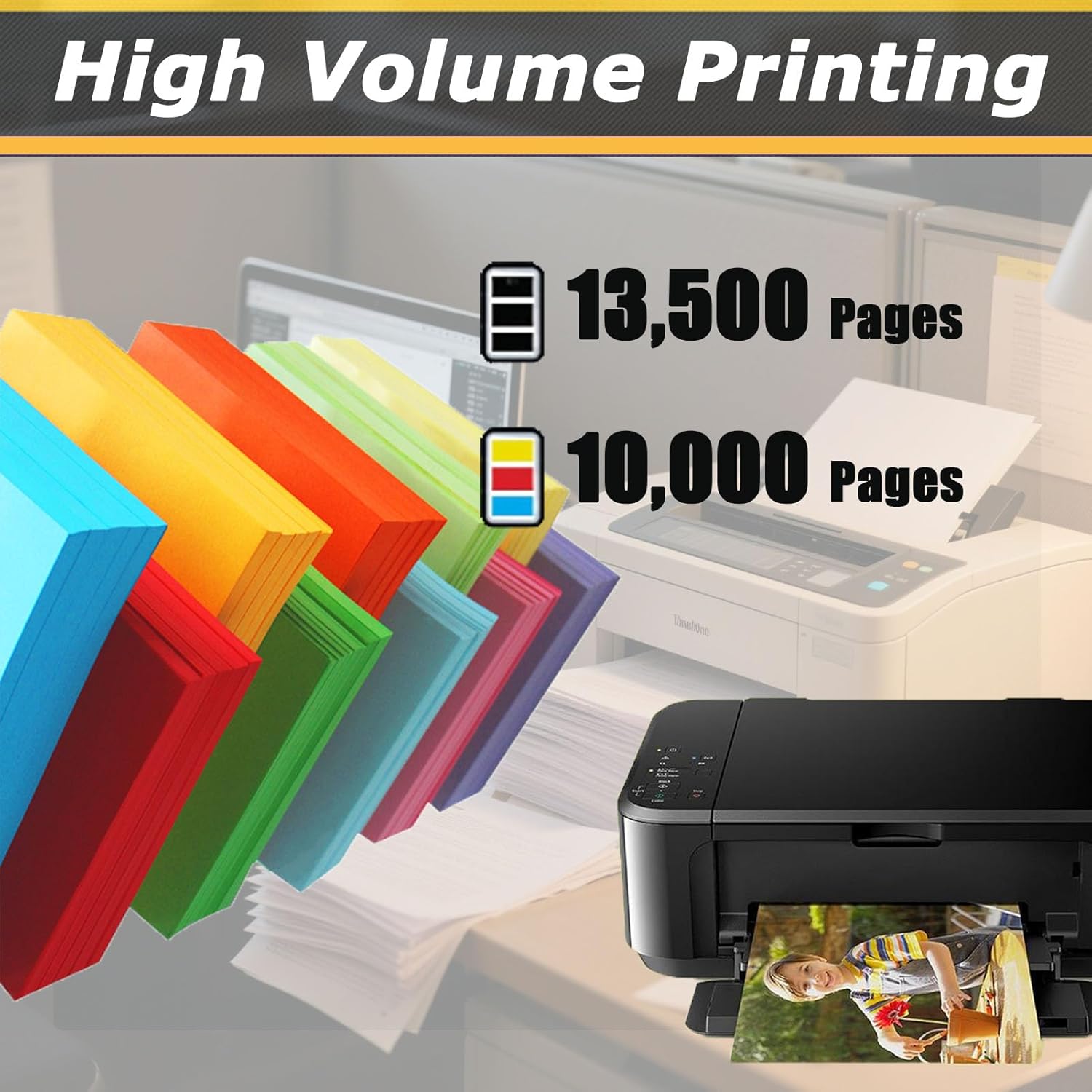
Figure 2: Page Yield Information. This graphic demonstrates the high page yield of the WMSNUH PC375 toner cartridges, indicating up to 13,500 pages for black and 10,000 pages for color cartridges.
3. Compatible Printers
The WMSNUH PC375 toner cartridges are specifically designed for use with the following Ricoh printer models:
- Ricoh IM C320F
- Ricoh MC320FW
- Ricoh PC375

Figure 3: Compatible Devices. This image lists the printer models compatible with the WMSNUH PC375 toner cartridge, including Ricoh IM C320F, MC320FW, and PC375.
4. Setup and Installation
Follow these steps to install the WMSNUH PC375 toner cartridge into your compatible Ricoh printer:
- Power Off Printer: Ensure your printer is turned off and unplugged from the power source before beginning the installation.
- Open Printer Access Door: Locate and open the toner cartridge access door on your printer. Refer to your printer's specific manual for exact location.
- Remove Old Cartridge (if applicable): Carefully remove the used toner cartridge by pulling it straight out. Place it in a protective bag for recycling.
- Unpack New Cartridge: Remove the new WMSNUH PC375 toner cartridge from its packaging. Avoid touching the drum or electrical contacts.
- Gently Shake Cartridge: Hold the cartridge horizontally and gently shake it 5-6 times to distribute the toner evenly inside.
- Remove Protective Seals: Carefully remove all orange protective clips, tapes, or seals from the cartridge. Do not force or tear them.
- Insert New Cartridge: Align the new toner cartridge with the corresponding slot in the printer and push it firmly until it clicks into place.
- Close Printer Door: Close the toner cartridge access door.
- Power On Printer: Plug in and power on your printer. The printer should recognize the new cartridge.
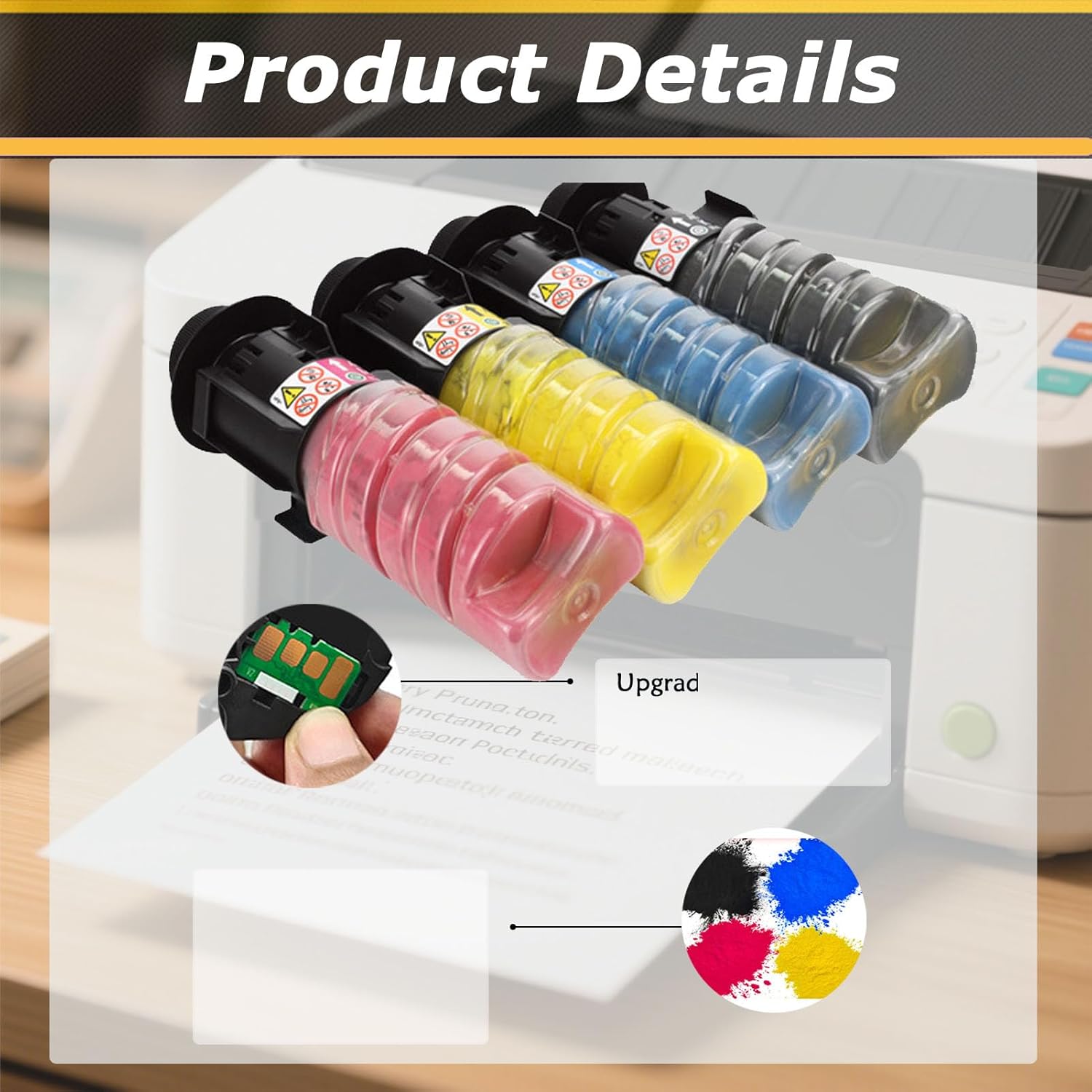
Figure 4: Toner Cartridge Details. This image provides a detailed view of the toner cartridges, highlighting internal components and the integrated chip, which ensures proper communication with the printer.
5. Operating Instructions
Once the toner cartridge is installed, your printer is ready for operation. For optimal print results:
- Print Settings: Adjust print quality settings in your printer driver software as needed for different document types (e.g., draft, normal, best).
- Paper Type: Use appropriate paper types for your printing tasks to achieve the best output quality.
- Monitor Toner Levels: Regularly check toner levels through your printer's utility software to anticipate cartridge replacement.

Figure 5: Example Printout. This image shows a user holding a freshly printed photograph, demonstrating the immediate availability of printouts using the toner cartridge.
6. Maintenance
Proper maintenance helps extend the life of your toner cartridge and maintain print quality:
- Storage: Store unused toner cartridges in their original, sealed packaging in a cool, dry place away from direct sunlight and extreme temperatures.
- Handling: Handle cartridges carefully to avoid damage to the drum or other components.
- Printer Cleaning: Periodically clean your printer according to its manufacturer's instructions to prevent dust and toner buildup.
7. Troubleshooting
If you encounter issues with your WMSNUH PC375 toner cartridge, consider the following common solutions:
- Poor Print Quality (Streaks, Fading, Spots):
- Gently shake the cartridge to redistribute toner.
- Ensure all protective seals and tapes were completely removed during installation.
- Check printer settings for print quality and paper type.
- Perform a printer cleaning cycle as per your printer's manual.
- Cartridge Not Recognized:
- Remove and reinsert the cartridge to ensure it is seated correctly.
- Check for any obstructions or damage to the cartridge's chip or printer's contacts.
- Restart the printer.
- Error Messages:
- Refer to your printer's manual for specific error code interpretations.
- Ensure the cartridge is compatible with your printer model.

Figure 6: Print Performance Example. This image features several printed photographs, illustrating the premium performance and high-quality output, including vibrant colors and sharp details, achievable with the toner cartridges.
8. Specifications
| Feature | Detail |
|---|---|
| Model Number | PC375 |
| Brand | WMSNUH |
| Compatible Devices | Ricoh IM C320F, MC320FW, PC375 |
| Black Page Yield | Up to 13,500 pages (at 5% coverage) |
| Color Page Yield | Up to 10,000 pages (at 5% coverage) |
| Product Dimensions | Approximately 5 x 5 x 5 inches |
9. Support and Warranty
For further assistance or inquiries regarding your WMSNUH PC375 toner cartridge, please refer to the retailer or manufacturer's support channels. Specific warranty details may vary by region and purchase point; please consult your purchase documentation for applicable warranty terms.

Figure 7: Packaging and Delivery. This image illustrates the secure packaging and reliable delivery process for the toner cartridges, ensuring they arrive safely.