
1. Introduction and Overview
Thank you for choosing the OPNICE Dual Monitor Stand Riser with Drawer. This product is designed to enhance your workspace by elevating your monitors to an ergonomic height and providing convenient storage. Crafted from high-strength metal with a powder-coated finish, it offers stability and durability for your office setup.
This monitor stand helps reduce neck and eye strain, improves posture, and contributes to a more organized and productive work environment. It arrives fully assembled, ready for immediate use.
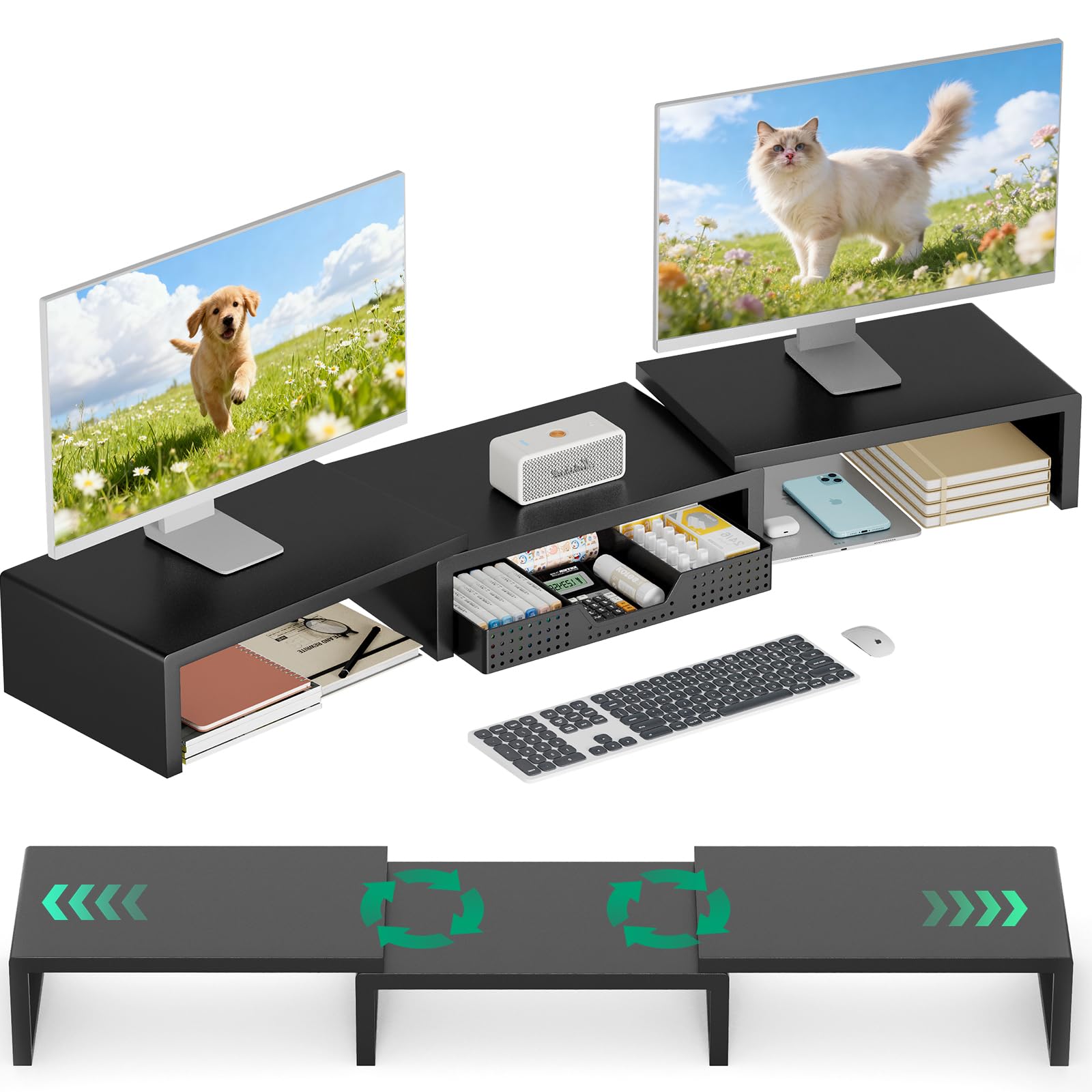
Image 1.1: The OPNICE Dual Monitor Stand Riser in a typical office setup, supporting two monitors and organizing desk items.
2. Setup
The OPNICE Dual Monitor Stand Riser is designed for ease of use and comes fully assembled. Follow these simple steps to set up your new monitor stand:
- Unpack: Carefully remove the monitor stand from its packaging.
- Placement: Choose a stable, flat surface on your desk for the monitor stand. Ensure there is adequate space for your monitors and other accessories.
- Position Monitors: Place your monitors or laptop on the elevated surface of the stand. Arrange them for optimal viewing comfort.
- Organize Drawer: Utilize the smooth-sliding drawer and any included organizers to store office supplies, documents, or personal items.
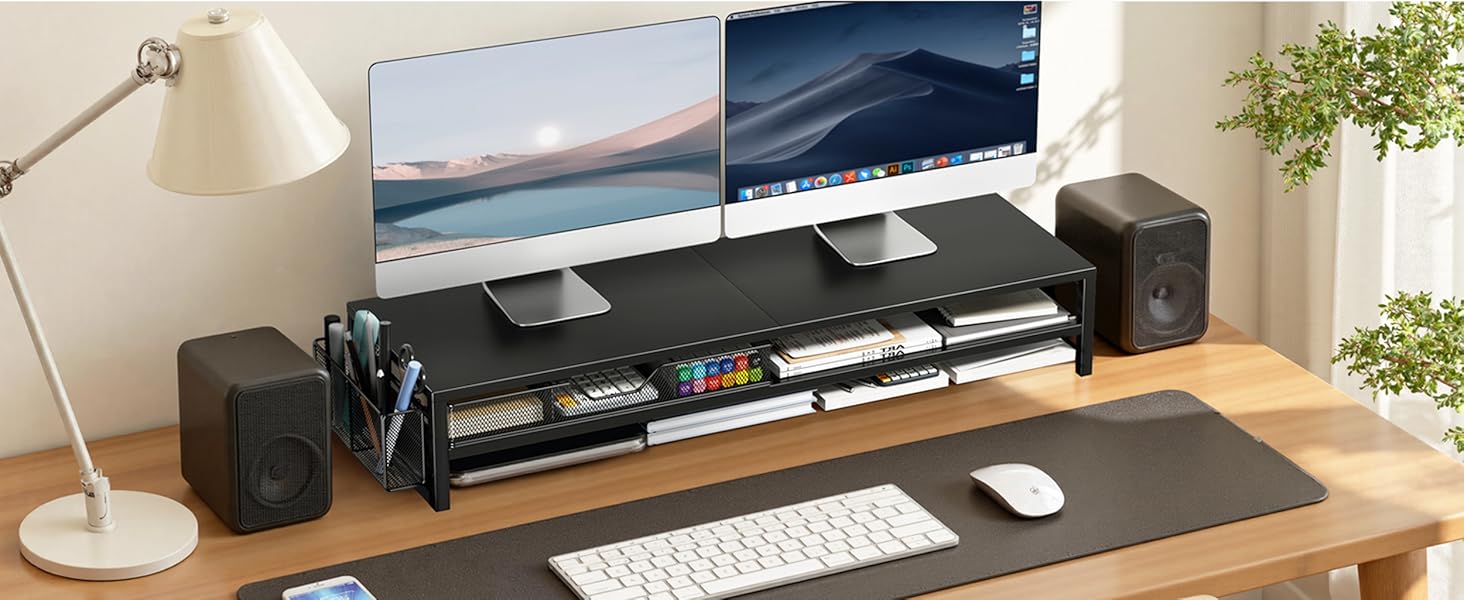
Image 2.1: A close-up view of the monitor stand supporting two monitors, with the integrated drawer and additional storage space clearly visible.
3. Operating (Usage)
The monitor stand is designed to be intuitive and functional. Here are guidelines for its optimal use:
- Ergonomic Viewing: Position your monitors so that the top of the screen is at or slightly below eye level. This helps maintain a neutral neck posture and reduces strain during long work sessions.
- Storage Management: The integrated drawer provides discreet storage for items such as pens, notebooks, calculators, and other small office supplies. Keep your desk clutter-free by utilizing this space.
- Cable Management: While not explicitly designed for cable management, the elevated design allows for easier routing of cables underneath the stand, contributing to a tidier workspace.
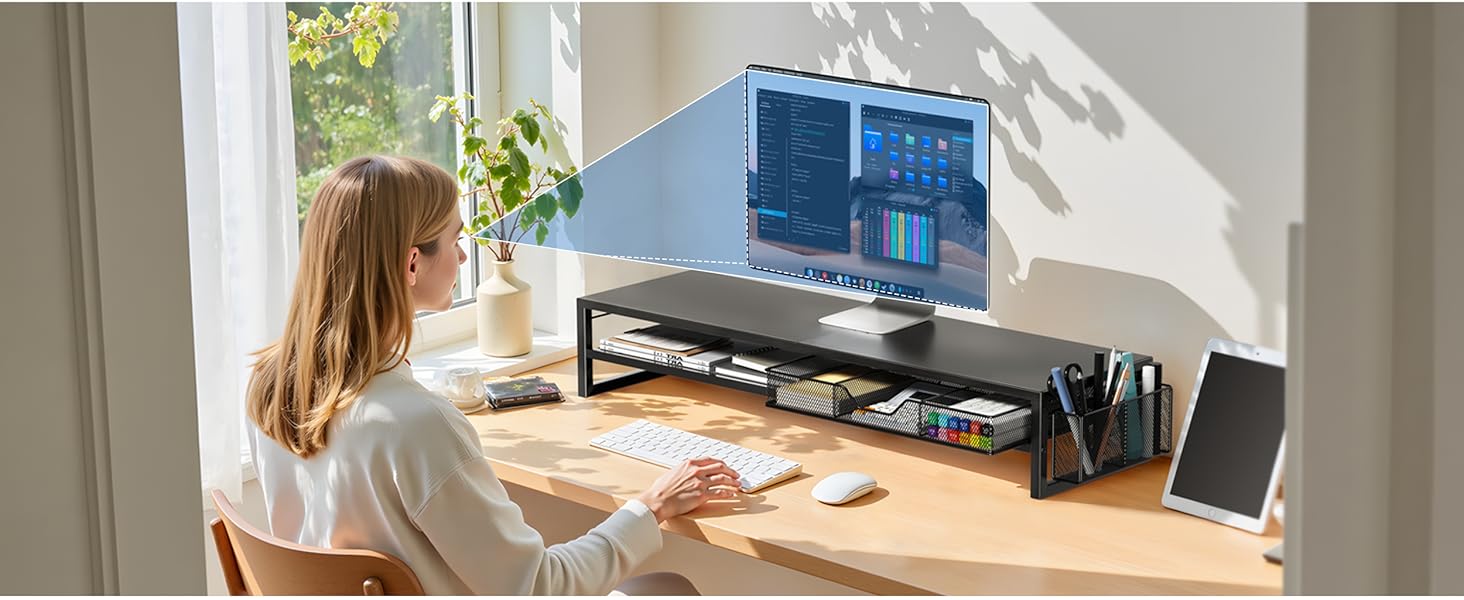
Image 3.1: A user demonstrating the ergonomic benefits of the monitor stand, with the screen elevated to eye level for improved posture.
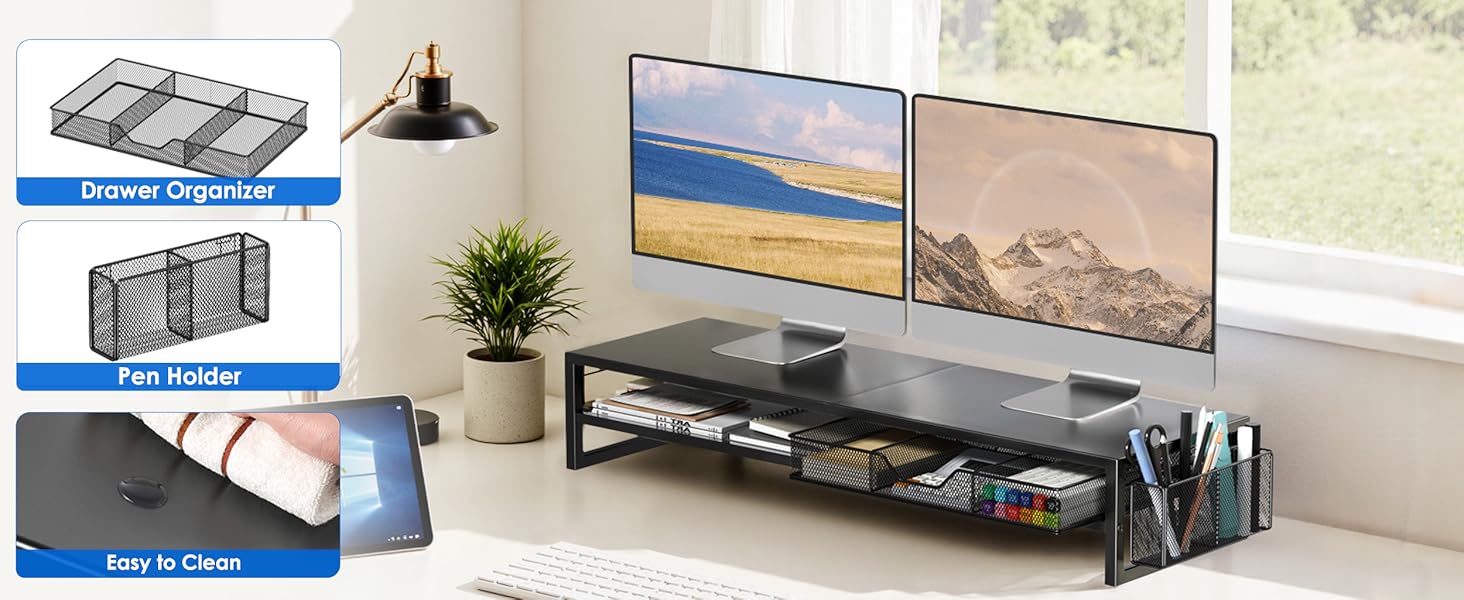
Image 3.2: Detailed view highlighting the drawer organizer, a separate pen holder, and the easy-to-clean surface of the stand.
4. Maintenance
To ensure the longevity and appearance of your OPNICE Dual Monitor Stand Riser, follow these simple maintenance guidelines:
- Cleaning: The stand features a powder-coated metal finish, which is easy to clean. Use a soft, damp cloth to wipe down surfaces. Avoid abrasive cleaners or harsh chemicals that could damage the finish.
- Drawer Care: Periodically check the drawer for any debris that might hinder its smooth operation. Wipe the interior with a dry or slightly damp cloth as needed.
- Stability Check: Ensure the stand remains on a flat, stable surface. If moving the stand, lift it carefully to avoid dragging or potential damage.
5. Troubleshooting
If you encounter any issues with your monitor stand, please refer to the following common troubleshooting tips:
- Stand Feels Wobbly:
- Ensure the stand is placed on a completely flat and even surface.
- Verify that the weight placed on the stand (monitors, etc.) is evenly distributed and within the product's capacity.
- Drawer Not Sliding Smoothly:
- Check for any obstructions or items caught in the drawer slides.
- Ensure the drawer is properly aligned within its runners.
- Missing Parts Upon Arrival:
- Although the product arrives fully assembled, if any components (like internal drawer organizers) are missing or damaged, please contact OPNICE customer support immediately.
6. Specifications
| Brand | OPNICE |
| Model | Monitor Stand |
| Material | Metal |
| Color | Black Metal |
| Finish Type | Powder Coated |
| Product Dimensions | 9.53"D x 31.22"W x 5.31"H |
| Item Weight | 7.28 pounds |
| Special Feature | Drawer |
| Specific Uses For Product | Monitor Stand |
7. Warranty and Support
OPNICE is committed to providing high-quality products and excellent customer service.
- Return Policy: This product is backed by a 100-day unconditional return policy. If you are not satisfied with your purchase, please contact OPNICE customer support within this period for assistance.
- Customer Support: For any questions, concerns, or support needs regarding your OPNICE Dual Monitor Stand Riser, please visit the official OPNICE store on Amazon or contact their customer service directly.
For more information and to explore other OPNICE products, please visit the OPNICE Store.