
Introduction
This manual provides instructions for the safe and effective use of your Delighkidz Unicorn Mini Karaoke Machine. Please read this manual thoroughly before operation and retain it for future reference.
Product Overview
Package Contents
- 1 x Karaoke Speaker Unit
- 2 x Wireless Microphones
- 1 x Type-C USB Charging Cable
- 1 x User Manual
Key Features
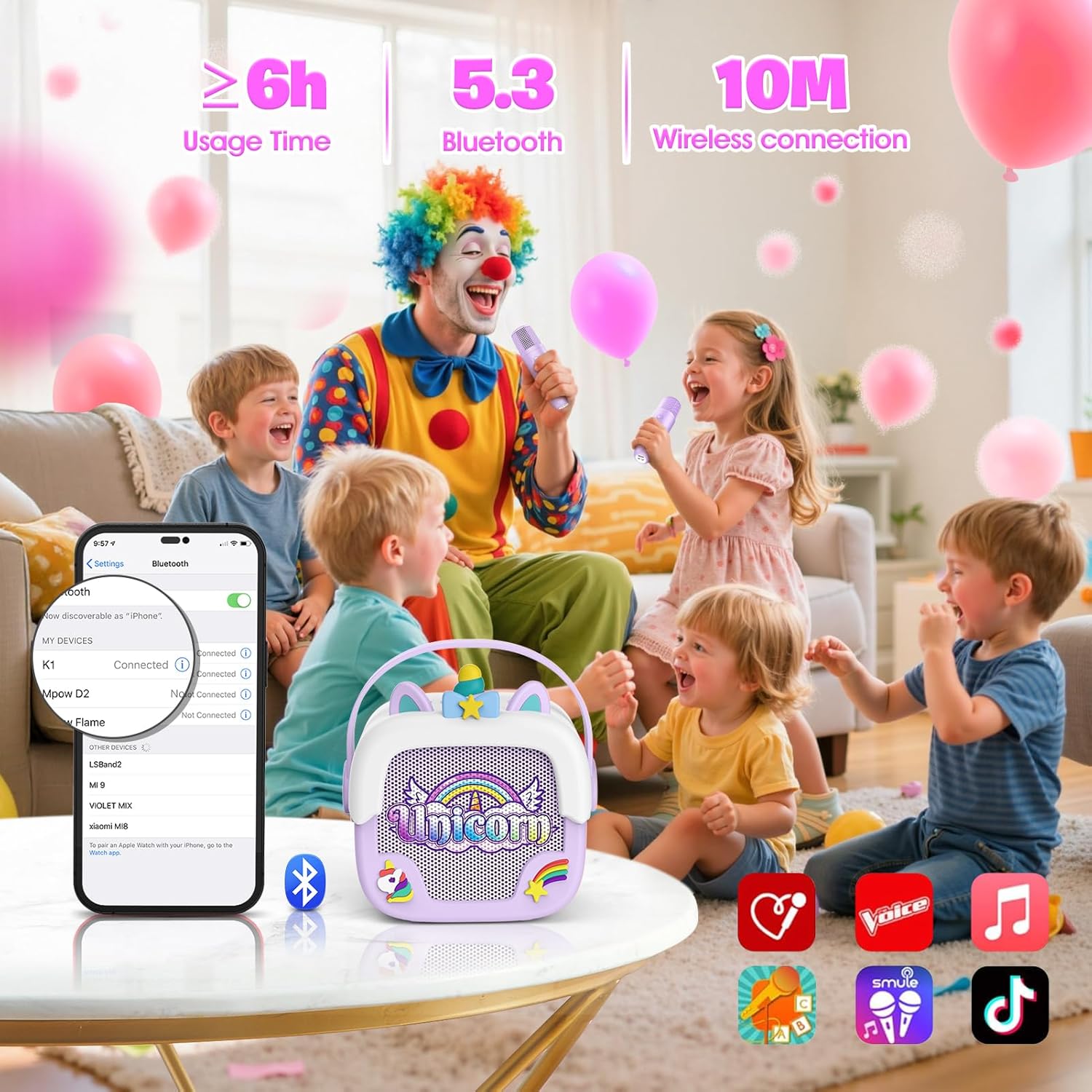
- Bluetooth 5.3 Connectivity: Ensures fast and stable wireless connection.
- Portable Design: Lightweight (540g) with a built-in handle for easy transport.
- Long Battery Life: Provides up to 6 hours of continuous usage on a single charge.
- HiFi Sound Quality: Delivers clear and crisp audio output.
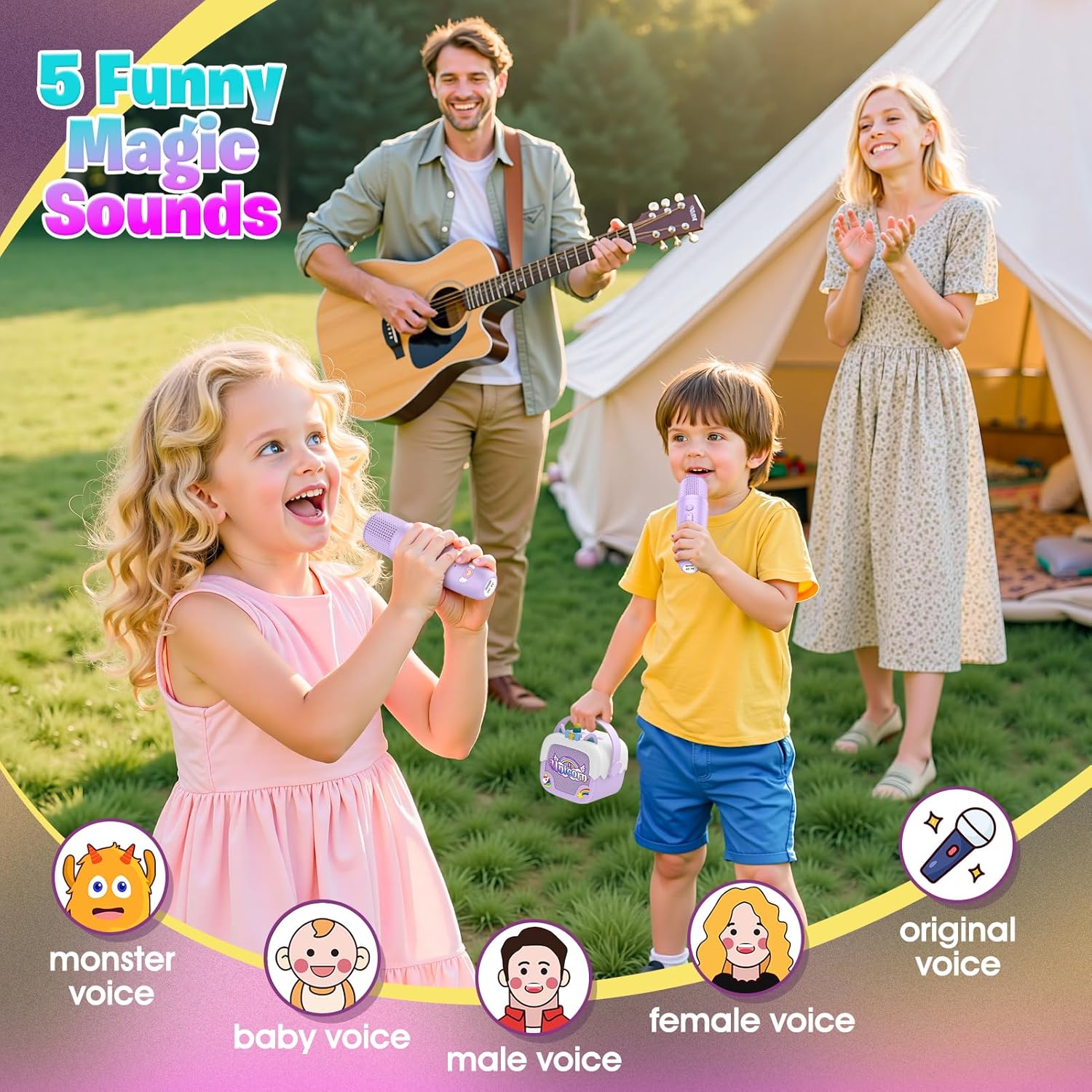
- Voice Changer: Includes 4 fun voice effects (Monster, Baby, Male, Female) plus original voice mode.
- Dual Wireless Microphones: Allows for interactive singing and duets.
- Durable Unicorn Design: Features a soft silicone case for enhanced protection against bumps and drops.
- Compatible Devices: Connects seamlessly with computers, tablets, smartphones, and televisions.
- Additional Features: Built-in microphone, rechargeable batteries, and an SD card slot for versatile playback options.

Setup
Charging the Device
Before first use, fully charge the karaoke machine and both microphones using the provided Type-C USB cable. Connect the cable to the charging port on each device and a compatible USB power source. The charging indicator will illuminate during charging and typically turn off or change color when fully charged.
Powering On/Off
To turn on or off the karaoke speaker unit, press and hold the power button located on the unit. For each microphone, press and hold its respective power button. A sound prompt will indicate power status.

Operating Instructions
Bluetooth Connection
- Ensure the karaoke machine is powered on. It will enter Bluetooth pairing mode automatically.
- Activate Bluetooth on your smartphone, tablet, or other compatible device.
- Search for "Unicorn Karaoke" or a similar device name in your device's Bluetooth settings.
- Select the device to pair. A confirmation sound will indicate a successful connection.
Playing Music
Once connected via Bluetooth, play music from your paired device. The audio will output through the karaoke machine's speaker. You can also insert an SD card into the designated slot to play music directly from the card.
Using the Microphones
- Ensure both microphones are powered on. They will automatically connect to the karaoke speaker unit.
- Volume Control: Use the '+' and '-' buttons on each microphone to adjust its individual microphone volume.
- Voice Changer: Short press the voice effect button (often indicated by a microphone icon) on the microphone to cycle through the 4 voice effects (Monster, Baby, Male, Female) and the original voice.
- Original Voice Removal (Karaoke Mode): Double-click the voice effect button on the microphone to attempt to remove the original vocal track from a song, converting it into an instrumental version for karaoke.
Maintenance
- Clean the device with a soft, dry cloth. Do not use abrasive cleaners, solvents, or harsh chemicals, as these can damage the surface.
- Keep the device away from water, excessive moisture, and extreme temperatures to prevent damage to electronic components.
- Store the karaoke machine and microphones in a cool, dry place when not in use.
- Recharge the internal batteries periodically if the device is stored for extended periods to maintain battery health and longevity.
Troubleshooting
| Problem | Possible Cause | Solution |
|---|---|---|
| No Power | Battery is depleted. | Charge the device and microphones fully using the provided Type-C USB cable. |
| No Sound from Speaker | Speaker volume too low; Device not connected via Bluetooth; Music paused. | Increase the speaker's master volume; Ensure Bluetooth is successfully connected and music is actively playing on the paired device. |
| Microphone Not Working | Microphone not powered on; Microphone not paired with speaker. | Ensure the microphone is powered on. Microphones should automatically pair with the speaker. If not, power cycle both the speaker and the microphone. |
| Bluetooth Connection Fails | Device too far from speaker; Wireless interference; Incorrect pairing procedure. | Ensure devices are within the 10-meter wireless range; Reduce potential interference from other electronic devices; Forget the device on your phone's Bluetooth settings and attempt to re-pair. |
Specifications
- Brand: Delighkidz
- Model Number: WJ121742
- Product Dimensions: 14.99 x 8.89 x 14.48 cm
- Item Weight: 540 g
- Batteries: 3 Nonstandard Battery (included), Lithium Polymer composition
- Power Source: Battery Powered
- Voltage: 5 Volts (DC)
- Connectivity: Bluetooth 5.3
- Wireless Range: Up to 10 meters (approx. 33 feet)
- Usage Time: Up to 6 hours
- Special Features: Built-In Handle, Built-In Microphone, Rechargeable, SD Card Slot, Voice Changer
- Compatible Devices: Computer, Pad, Smartphone, Television
- Country of Origin: China

Warranty and Support
For warranty information or technical support regarding your Delighkidz Unicorn Mini Karaoke Machine, please refer to the contact details provided with your purchase documentation or visit the official Delighkidz website for assistance.