
Gemini Sound SOSP-600
Gemini Sound SoundSplash SOSP-600 Floating Pool Party Bluetooth Speaker User Manual
Model: SOSP-600 | Brand: Gemini Sound
Introduction
Thank you for choosing the Gemini Sound SoundSplash SOSP-600 Floating Pool Party Bluetooth Speaker. This manual provides essential information for setting up, operating, and maintaining your speaker to ensure optimal performance and longevity. The SOSP-600 is designed for outdoor use, featuring a waterproof and dustproof construction, immersive sound, and extended battery life, making it perfect for pool parties, beach days, and outdoor gatherings.
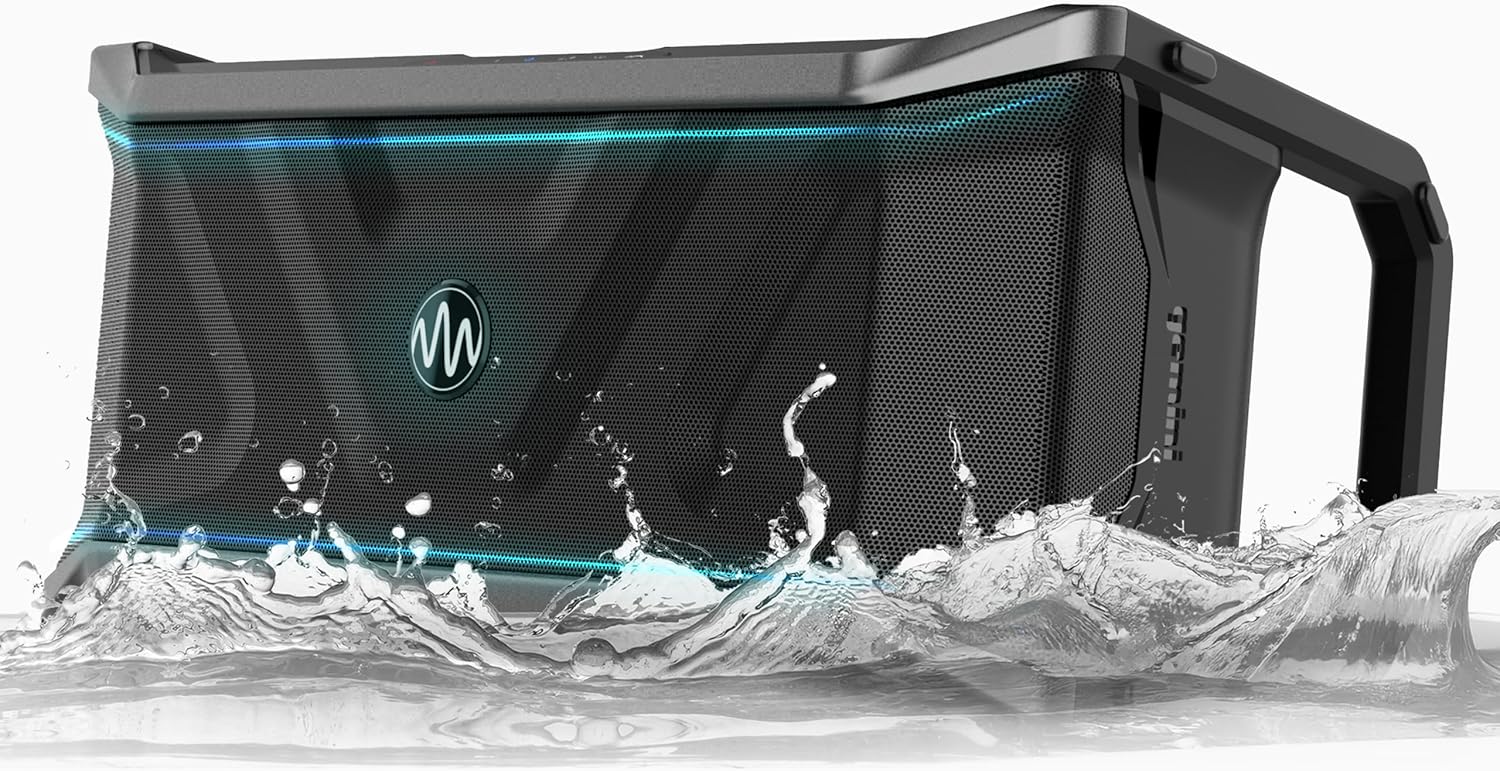
Image: The SoundSplash SOSP-600 speaker demonstrating its waterproof capability, with water splashing around its base.
Safety Information
- Do not attempt to disassemble or modify the speaker. This may void the warranty and pose a safety risk.
- Ensure all port covers are securely closed before exposing the speaker to water.
- Avoid extreme temperatures. Do not expose the speaker to direct sunlight for prolonged periods or place it near heat sources.
- Use only the specified charging adapter.
- Keep the speaker away from children and pets.
- Clean the speaker with a soft, damp cloth. Do not use abrasive cleaners or solvents.
Package Contents
Please check the box for the following items:
- Gemini Sound SoundSplash SOSP-600 Speaker
- Charging Cable (AC adapter)
- User Manual (this document)
Product Overview
Familiarize yourself with the various parts and controls of your SoundSplash SOSP-600 speaker.
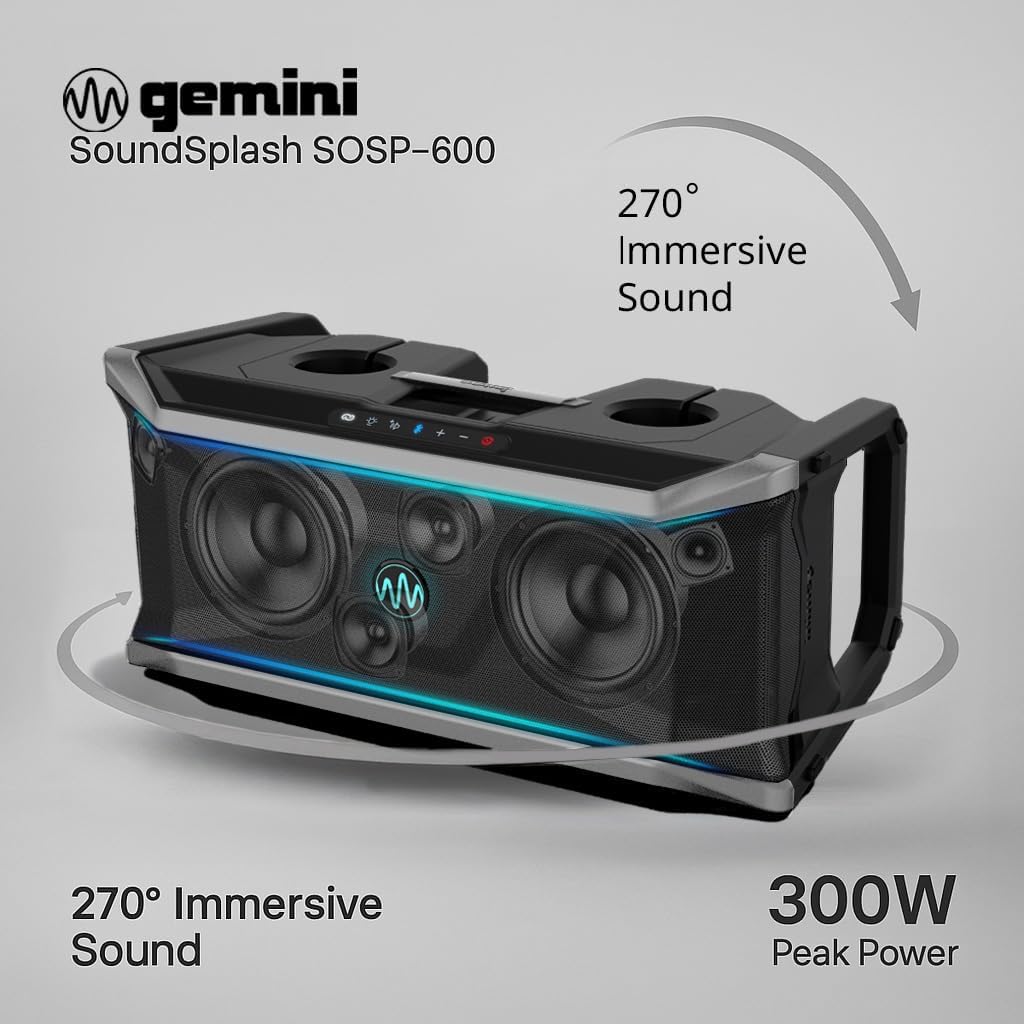
Image: A visual representation of the SOSP-600 speaker, illustrating its 270-degree immersive sound projection and 300W peak power capability.
Controls and Ports:
- Power Button: Turns the speaker on or off.
- Bluetooth Button: Initiates Bluetooth pairing mode.
- Volume Up/Down: Adjusts the audio volume.
- Play/Pause Button: Controls media playback.
- Light Mode Button: Cycles through LED light modes.
- Multi-Link Button: Connects multiple SOSP-600 speakers.
- USB Port: For USB playback and charging external devices.
- AUX In: 3.5mm audio input for wired connections.
- Mic/Guitar Inputs: 1/4-inch inputs for microphone or guitar.
- AC Power Input: For charging the speaker.

Image: The rear panel of the SOSP-600, detailing the various input ports including USB for charging external devices, AUX, and inputs for microphone and guitar.
Setup
1. Charging the Speaker
Before first use, fully charge the speaker. Connect the provided AC adapter to the speaker's AC power input and plug it into a wall outlet. The charging indicator light will show the charging status. A full charge provides up to 24 hours of playtime.

Image: The SOSP-600 speaker positioned on the tailgate of a truck, with an overlay indicating its impressive 24-hour battery life, ready for extended outdoor use.
2. Powering On/Off
Press and hold the Power Button for 2-3 seconds to turn the speaker ON or OFF.
3. Bluetooth Pairing
- Turn on the SOSP-600 speaker. It will automatically enter Bluetooth pairing mode.
- On your mobile device, enable Bluetooth and search for "SOSP-600" in the list of available devices.
- Select "SOSP-600" to connect. A confirmation sound will indicate successful pairing.
4. Multi-Link Pairing (TWS)
You can link up to 50 SOSP-600 speakers for an expansive audio experience.
- Ensure both speakers are powered on and not connected to any Bluetooth device.
- On one speaker (this will be the primary), press and hold the Multi-Link button until you hear a tone.
- On the second speaker (this will be the secondary), press and hold the Multi-Link button until you hear a tone.
- The speakers will automatically connect to each other. Once connected, the primary speaker's Bluetooth indicator will flash, and the secondary speaker's indicator will be solid.
- Now, connect your mobile device to the primary speaker via Bluetooth as described in step 3.
- To add more speakers, repeat steps 2-5 for each additional speaker, connecting them to the primary speaker.
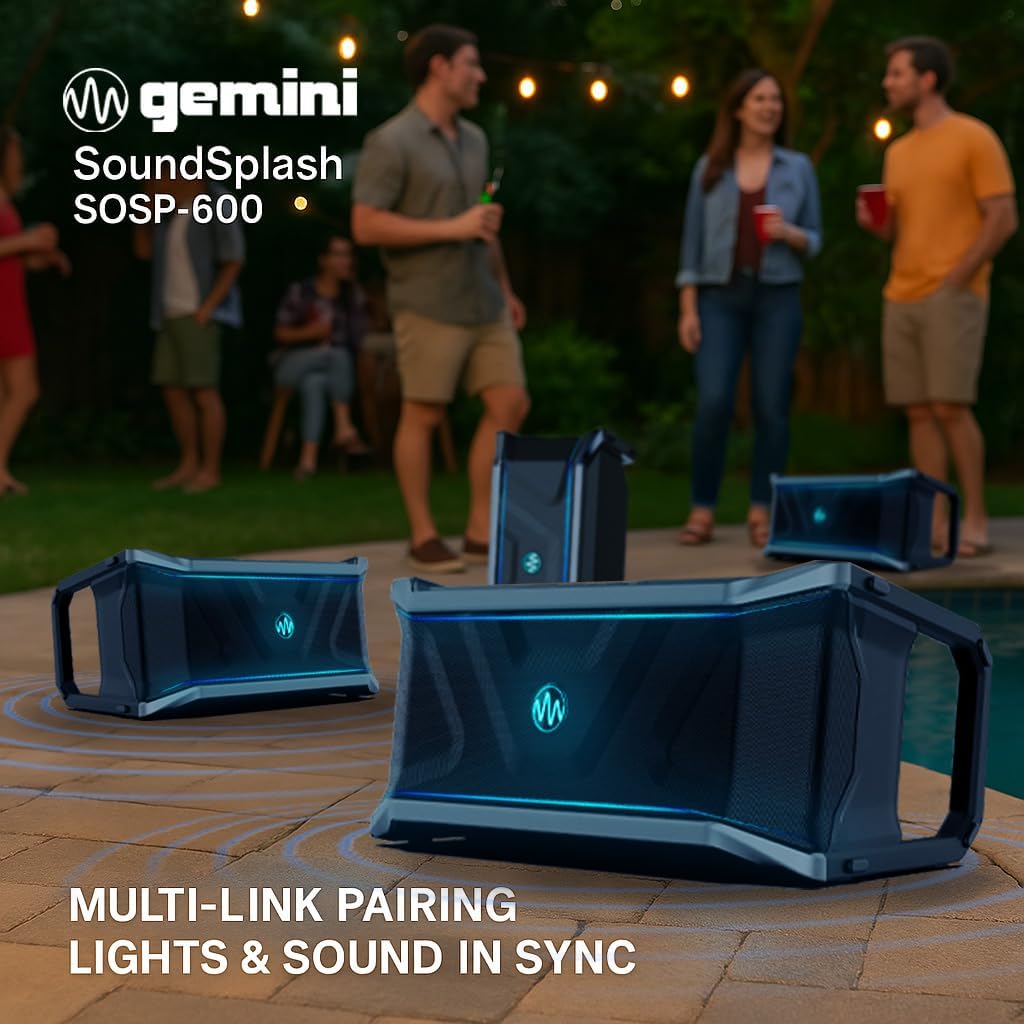
Image: Several SOSP-600 speakers set up outdoors, demonstrating their ability to link together for synchronized sound and light, creating an immersive party atmosphere.
Operating Instructions
1. Audio Playback
- Bluetooth: Once paired, play audio from your connected device. Use the speaker's Play/Pause and Volume buttons, or control directly from your device.
- USB Playback: Insert a USB flash drive containing MP3 audio files into the USB port. The speaker will automatically begin playback.
- AUX Input: Connect an external audio device (e.g., MP3 player, TV) to the AUX In port using a 3.5mm audio cable. The speaker will automatically switch to AUX mode.
2. Microphone/Guitar Input
Connect a microphone or guitar to the respective 1/4-inch input jacks. Adjust the volume of the connected instrument/microphone using its own controls or the speaker's main volume.
3. LED Party Lights
Press the Light Mode Button to cycle through various beat-driven LED light patterns. Press and hold to turn the lights off.

Image: The SOSP-600 speaker displayed at night, showcasing its vibrant, beat-driven LED party lights that enhance the ambiance of any gathering.
4. Using Cup Holders and Bottle Opener
The SOSP-600 features integrated cup holders and a bottle opener for convenience during your outdoor activities. The cup holders are located on the top panel, and the bottle opener is recessed near the center.
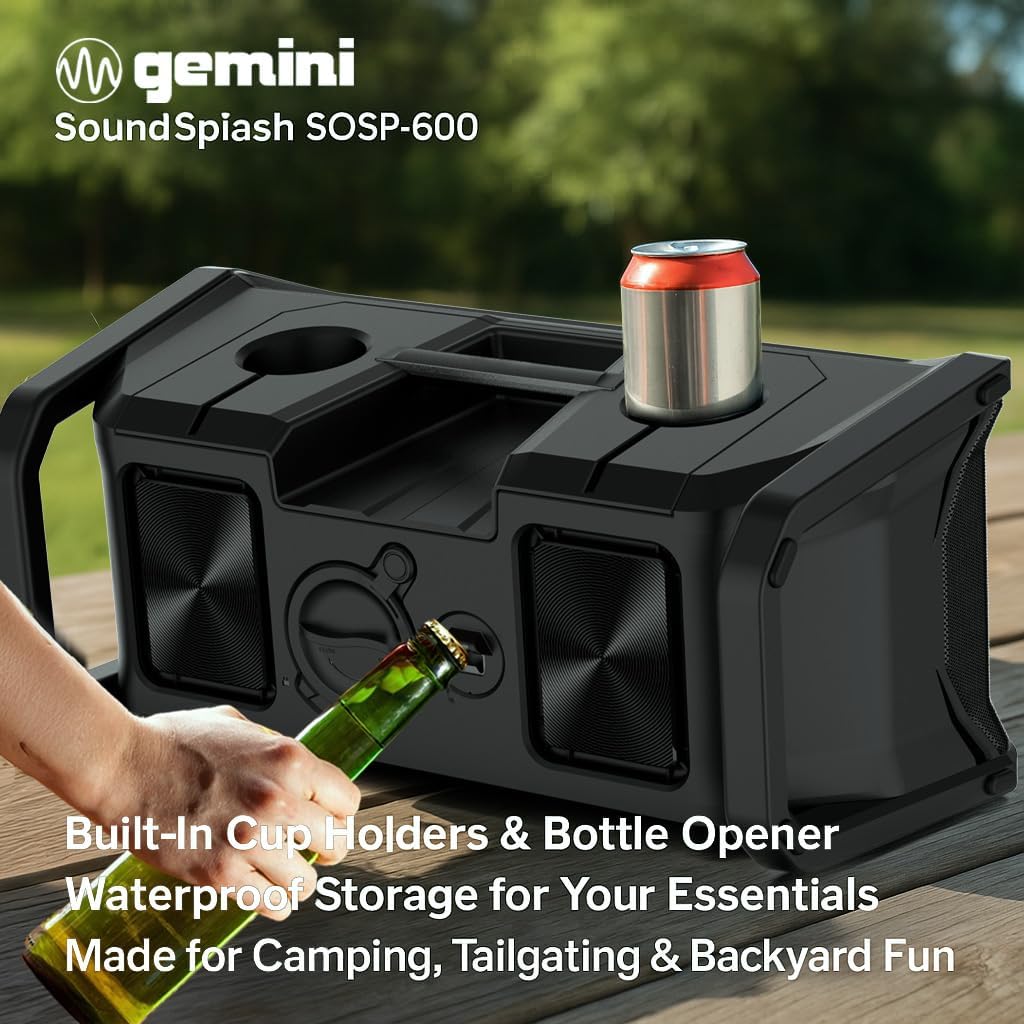
Image: A close-up of the SOSP-600 speaker's top panel, showing a hand utilizing the integrated bottle opener and a beverage can placed in one of the cup holders, highlighting its party-friendly features.
Maintenance
Cleaning
Wipe the speaker with a soft, damp cloth. For stubborn dirt, use a mild soap solution and rinse thoroughly. Ensure all port covers are sealed before cleaning with water. Do not use harsh chemicals or abrasive materials.
Storage
Store the speaker in a cool, dry place away from direct sunlight and extreme temperatures. If storing for an extended period, charge the battery to approximately 50% every few months to maintain battery health.
Waterproof Care (IP67)
The SOSP-600 is IP67 rated, meaning it is protected from dust and can withstand immersion in water up to 1 meter for 30 minutes. Always ensure all port covers are firmly sealed before exposing the speaker to water. After exposure to chlorinated or saltwater, rinse the speaker with fresh water and allow it to dry completely before charging or opening any ports.
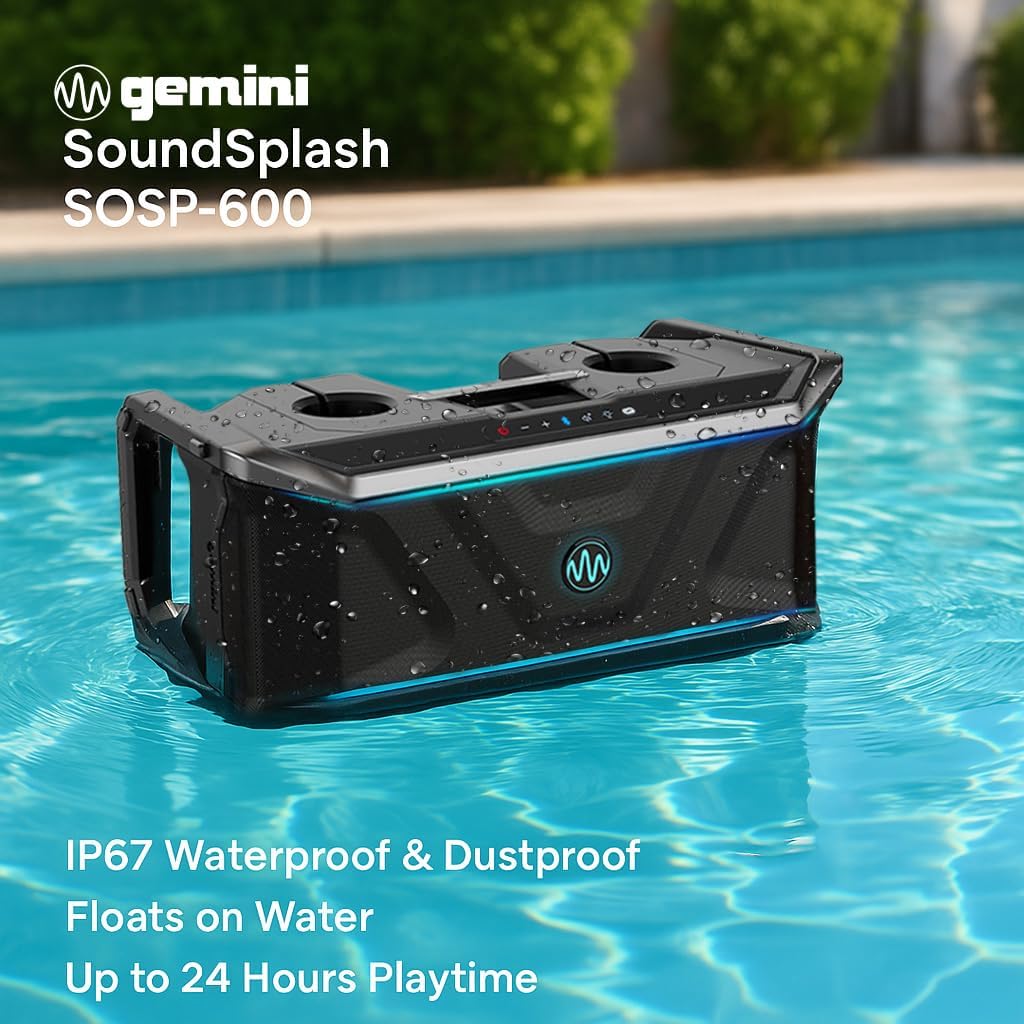
Image: The SOSP-600 speaker floating effortlessly in a pool, highlighting its IP67 waterproof and dustproof rating, and its ability to float while providing up to 24 hours of playtime.
Troubleshooting
| Problem | Possible Cause | Solution |
|---|---|---|
| Speaker does not turn on. | Battery is depleted. | Charge the speaker fully. |
| No Bluetooth connection. | Speaker not in pairing mode; device Bluetooth off; too far from speaker. | Ensure speaker is in pairing mode, Bluetooth is enabled on device, and device is within 30 feet of speaker. Forget and re-pair. |
| No sound. | Volume too low; incorrect input mode; muted. | Increase volume on speaker and device. Check input mode (Bluetooth, USB, AUX). Ensure speaker is not muted. |
| Sound fluctuates or cuts out. | Interference; low battery; device too far. | Move closer to the speaker. Charge the speaker. Avoid obstacles between device and speaker. |
| Multi-Link pairing fails. | Speakers already paired to a device; incorrect pairing sequence. | Ensure all speakers are disconnected from other devices. Follow Multi-Link pairing instructions carefully. |
Specifications
- Model Name: SoundSplash (SOSP-600)
- Speaker Type: Portable Bluetooth Speaker
- Peak Power Output: 300 Watts
- Audio Driver Size: 6.5 Inches (Woofer)
- Connectivity: Bluetooth 5.4, USB, AUX In, Mic/Guitar Inputs
- Waterproof Rating: IP67 (Protected from dust and immersion up to 1m for 30 min)
- Battery Life: Up to 24 Hours
- Special Features: Bass Boost, LED Party Lights, Stereo Pairing (Multi-Link), Built-In Powerbank (USB charging out), Cup Holders, Bottle Opener
- Dimensions: Approximately 28 x 15.38 x 13.13 inches
- Weight: Approximately 31.1 pounds
- UPC: 747705008824
Warranty and Support
Gemini Sound products are designed for reliability and performance. For warranty information, technical support, or service inquiries, please visit the official Gemini Sound website or contact their customer service department. Keep your purchase receipt as proof of purchase for warranty claims.
Website: www.geminisound.com
Product Video
Video: An official product video from Gemini Sound, showcasing the features and capabilities of the SoundSplash SOSP-600 speaker in various outdoor settings, including its waterproof design, multi-link pairing, and party lights.
Ask a question about this manual
Ask about setup, troubleshooting, compatibility, parts, safety, or missing instructions. Manuals+ will review the question and use this page’s manual context to help answer it.