
1. Introduction
This manual provides essential information for the proper installation, usage, and maintenance of your Guyker CKB035 Dome Potentiometer Control Knobs. Please read these instructions carefully before installation to ensure optimal performance and longevity of the product.
2. Product Overview
The Guyker CKB035 Dome Potentiometer Control Knobs are designed as a replacement or upgrade for electric guitar and bass instruments. Crafted from durable zinc alloy, these knobs feature a distinctive ship anchor surface design and are suitable for 6.3mm diameter shaft potentiometers.
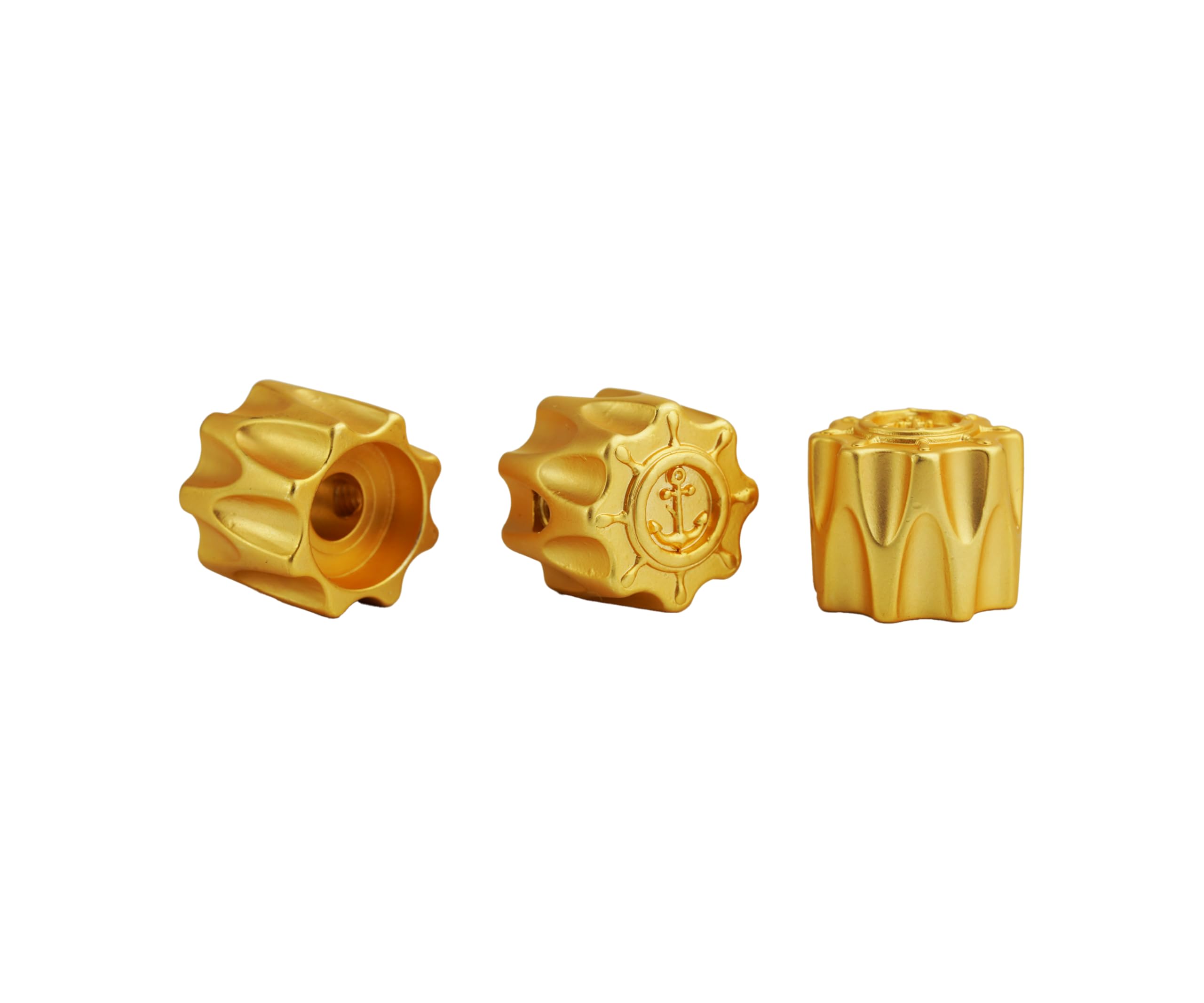
Figure 2.1: Three gold Guyker CKB035 dome potentiometer control knobs, showcasing the ship anchor design.

Figure 2.2: Detailed view of three gold Guyker CKB035 knobs, highlighting the textured sides and top design.
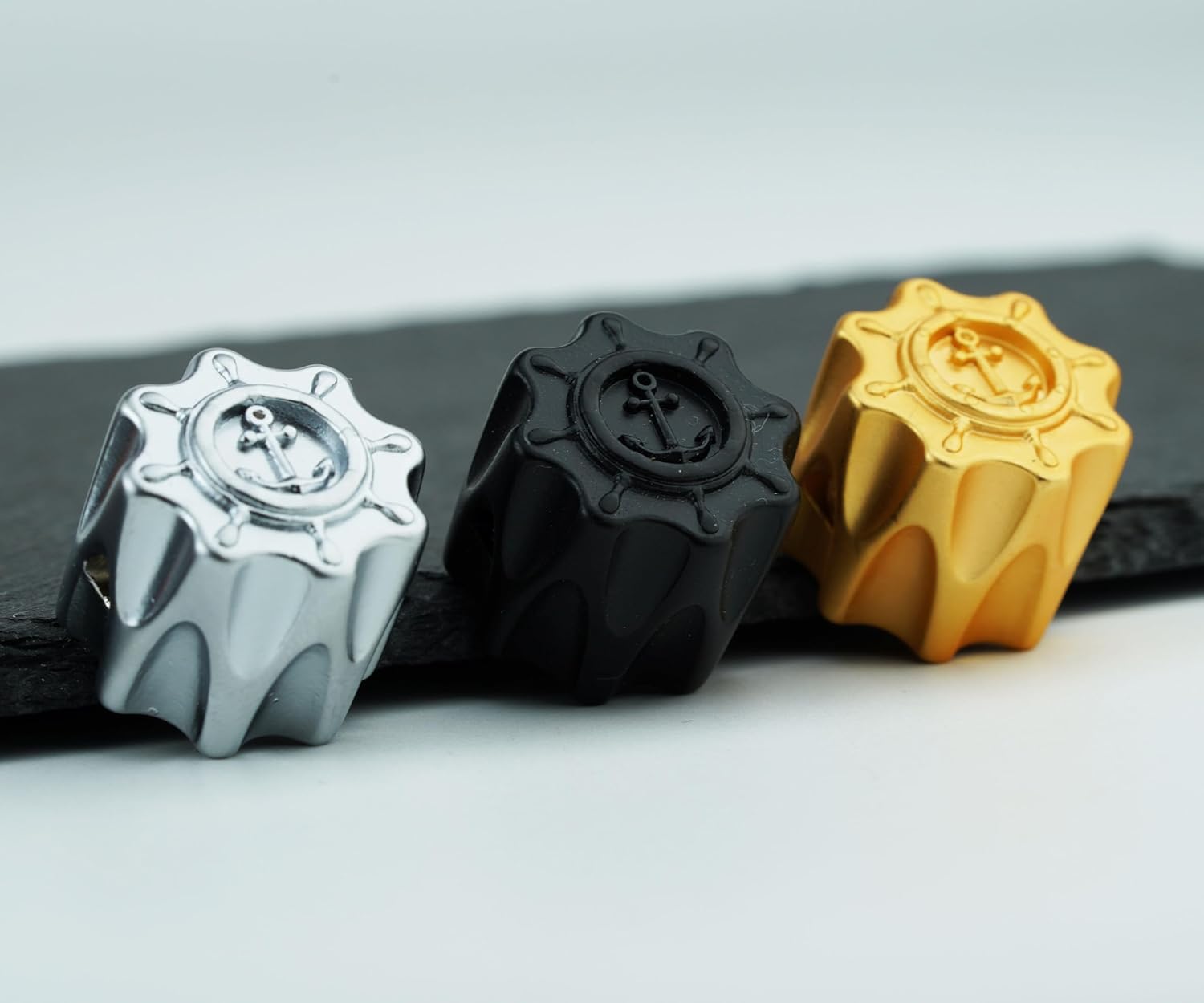
Figure 2.3: Guyker CKB035 knobs in various finishes: silver, black, and gold, demonstrating color options.
3. Specifications
| Feature | Specification |
|---|---|
| Inner Hollow Shaft Pot Diameter | Approx. 6.3mm (0.25 inch) |
| Total Diameter | 20mm (0.79 inch) |
| Material | Zinc Alloy (CNC machined) |
| Design | Domed with Ship Anchor Surface |
| Compatibility | Tele, LP, Epi style guitar, Jazz Bass, PB style bass, or similar instruments with 6.3mm shaft pots |
| Item Weight | 0.16 ounces (per knob, approximate) |

Figure 3.1: Technical drawing illustrating the precise dimensions of the control knob.
4. Installation (Setup)
These control knobs are designed for easy installation on potentiometers with a 6.3mm (0.25 inch) diameter shaft. No special tools are typically required for standard push-on installation.
- Verify Shaft Compatibility: Ensure your instrument's potentiometer shafts have a 6.3mm diameter.
- Remove Old Knobs (if applicable): Gently pull existing knobs straight off the potentiometer shafts. Avoid twisting or prying forcefully to prevent damage to the potentiometer.
- Align and Press: Align the new Guyker CKB035 knob with the potentiometer shaft. Apply firm, even pressure to push the knob straight onto the shaft until it is seated securely. Do not force the knob if it feels too tight; verify shaft size.
- Test Functionality: Once installed, rotate the knob to ensure smooth operation and proper control over volume or tone.
Video 4.1: Demonstration of Guyker 6.3mm Zinc Alloy Dome Potentiometer Control Knobs, showing various designs and the internal shaft opening. This video illustrates the general appearance and construction of similar Guyker knobs.
5. Operating
Once installed, the Guyker CKB035 control knobs function identically to your instrument's original knobs. Rotate them clockwise or counter-clockwise to adjust the corresponding potentiometer's setting, such as volume, tone, or other effects, depending on your instrument's wiring configuration.
6. Maintenance
To maintain the appearance and functionality of your control knobs:
- Cleaning: Wipe the knobs with a soft, dry cloth to remove dust and fingerprints. For stubborn grime, a slightly damp cloth can be used, followed immediately by a dry cloth. Avoid abrasive cleaners or solvents, as these can damage the finish.
- Inspection: Periodically check that the knobs are securely seated on their shafts. If a knob feels loose, gently press it back into place.
- Storage: If removing the knobs for storage or transport, keep them in a protective pouch or container to prevent scratches.
7. Troubleshooting
- Knob is Loose: If the knob feels loose on the shaft, ensure it is fully pushed down. If it continues to be loose, the potentiometer shaft may be undersized or worn, or the knob's internal diameter may be slightly oversized. Consider adding a small piece of tape around the shaft for a tighter fit, or consult a guitar technician.
- Knob Does Not Fit: If the knob cannot be pushed onto the shaft, re-verify the shaft diameter. These knobs are designed for 6.3mm shafts. Forcing the knob can damage both the knob and the potentiometer.
- Difficult Rotation: If the knob is difficult to turn, ensure it is not rubbing against the instrument's body or pickguard. Adjust its position slightly if necessary. If the issue persists, the potentiometer itself may require maintenance or replacement.
8. Warranty and Support
For warranty information, technical support, or any questions regarding your Guyker CKB035 Dome Potentiometer Control Knobs, please refer to the seller's contact information or visit the official Guyker website. Keep your proof of purchase for any warranty claims.