
1. Introduction
Thank you for choosing the Aqupuvir Apu-110 Sink Water Filter System. This manual provides comprehensive instructions for the proper installation, operation, and maintenance of your new water filter. Designed to reduce lead, chlorine, bad taste, and odor, this high-capacity system delivers clean, purified water directly from your kitchen faucet. Please read this manual thoroughly before use to ensure optimal performance and longevity of your product.
2. Product Overview
2.1 Key Features
- Advanced Filtration: Reduces lead, chlorine, bad taste, and odor.
- High Capacity: Filters up to 10,000 gallons of water.
- Easy Installation: Designed for quick and straightforward faucet mounting.
- View Window: Allows visual monitoring of filter condition.
- Dual Water Outlet Mode: Provides both filtered and unfiltered water options.
- 0.01 Micron Filtration Accuracy: Utilizes ten-layer filtration to retain beneficial minerals.
- Purification Method: Activated Carbon and Ceramic.
2.2 Components
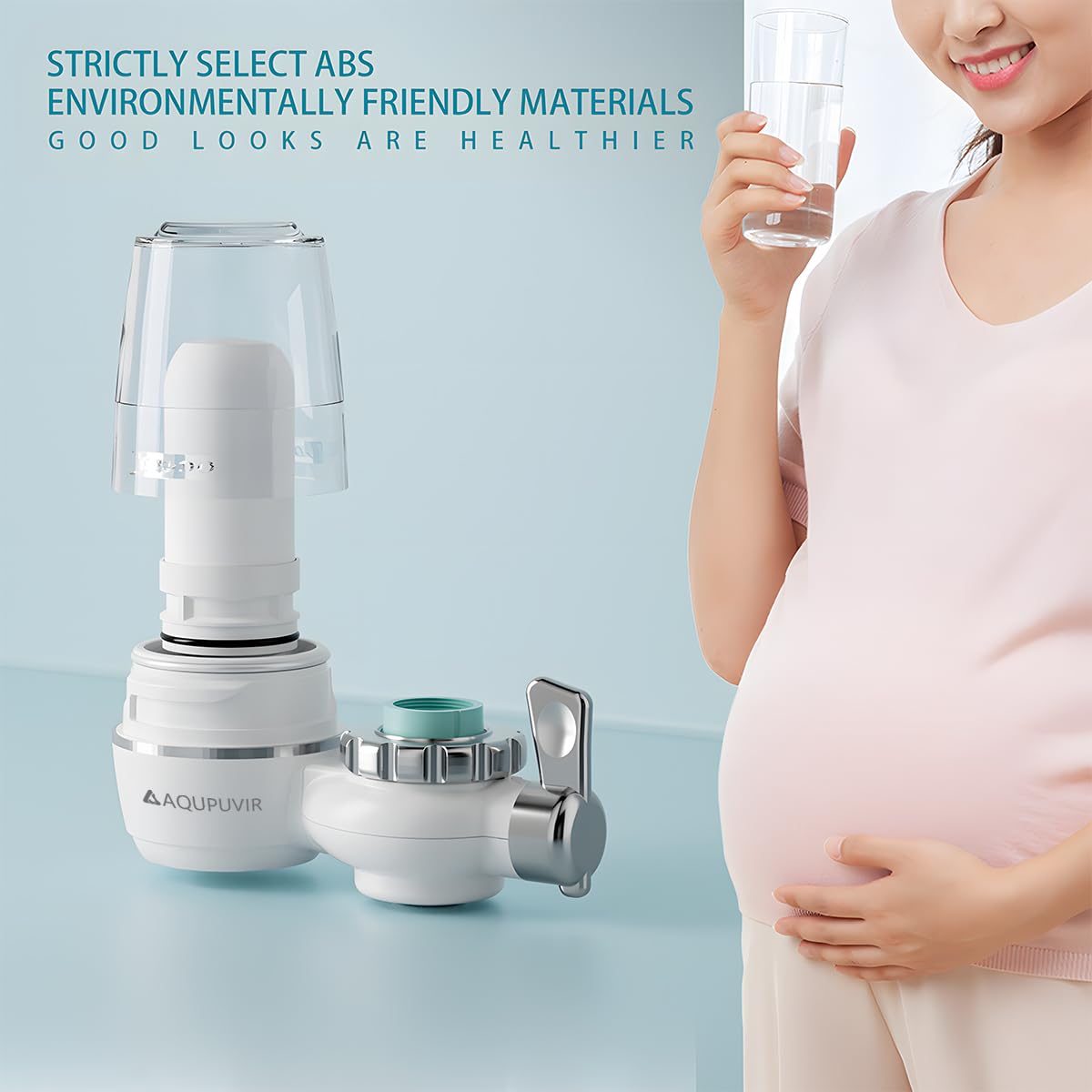
The Aqupuvir Apu-110 system includes the main filter unit, a filter cartridge, and various adapters to ensure compatibility with most standard faucets.


3. Setup & Installation
Follow these steps for proper installation of your Aqupuvir Apu-110 water filter system:
- Prepare Your Faucet: Unscrew and remove the existing aerator from your kitchen faucet.
- Select the Correct Adapter: The system comes with various adapters. Choose the one that best fits your faucet's threading. If necessary, use Teflon tape on the faucet threads to ensure a watertight seal.
- Install the Adapter: Screw the selected adapter onto your faucet. Tighten securely by hand, then use a wrench for a final quarter-turn if needed, but do not overtighten.
- Prepare the Filter Cartridge: Important: Before attaching the main filter unit, open the clear housing and remove the plastic wrapping from the filter cartridge. Reinsert the unwrapped filter cartridge into the housing and close it securely.
- Attach the Filter Unit: Slide the main filter unit onto the installed adapter. Ensure it clicks into place or is securely fastened with the provided nut. The unit should swivel freely for convenience.
- Initial Flush: Before first use, turn on the cold water and switch the filter to the purified water mode. Let the water run for approximately 10 seconds to flush out any loose carbon particles and prepare the filter for use.

4. Operating Instructions
The Aqupuvir Apu-110 features a simple lever to switch between filtered and unfiltered water.
- Filtered Water: To dispense purified water, move the lever to the position indicated for filtered water. Water will flow through the filter cartridge.
- Unfiltered Water: For tasks not requiring filtered water (e.g., washing dishes, filling a bucket), move the lever to the unfiltered water position. This bypasses the filter, extending the life of your filter cartridge.
5. Maintenance
Regular maintenance ensures the continued effectiveness of your water filter system.
5.1 Filter Cartridge Replacement
- The filter cartridge has a capacity of 10,000 gallons or approximately 3-6 months, depending on water quality and usage.
- Monitor the filter's condition through the transparent view window. As the filter collects impurities, its color will gradually darken.
- To replace the filter: Unscrew the clear housing from the main unit. Remove the old filter cartridge. Insert a new, unwrapped filter cartridge. Screw the housing back onto the main unit securely.

6. Troubleshooting
If you encounter any issues with your Aqupuvir Apu-110 filter system, refer to the following common problems and solutions:
- Water Leakage:
- Ensure all connections, especially the adapter to the faucet and the filter housing, are tightened securely.
- Check if the O-rings and washers are correctly seated and not damaged. Replace if necessary.
- Verify that Teflon tape was applied correctly to the faucet threads during installation.
- Reduced Water Flow:
- The filter cartridge may be clogged. Check the view window for significant discoloration. Replace the filter if it appears heavily soiled.
- Ensure the water supply to your faucet is fully open.
- Unpleasant Taste/Odor in Filtered Water:
- The filter cartridge may have reached the end of its lifespan. Replace the filter.
- Ensure the filter was properly flushed for 10 seconds after installation or replacement.
7. Specifications
| Brand | Aqupuvir |
| Model Name | Apu-110 |
| Product Dimensions | 7"L x 7"W x 2.8"H |
| Material | Plastic |
| Capacity | 10,000 Gallons (0.98 Pounds) |
| Installation Type | Faucet Mount |
| Purification Method | Activated Carbon, Ceramic |
| Power Source | Gravity-fed |
| Item Weight | 0.45 Kilograms |
| Supported Water TDS Level Maximum | 500 PPM |
8. Warranty & Support
For warranty information or technical support, please refer to the product packaging or contact Aqupuvir customer service directly. Keep your purchase receipt as proof of purchase for any warranty claims.