
1. Introduction
The Bawjog KZ-M2 Dual Mic Upgrade Cable is designed to enhance the audio and voice capabilities of your KZ C-Pin series in-ear monitors (IEMs). This cable features a dual microphone system with AI-powered noise reduction, high sensitivity, and an OFC silver-plated wire core for superior sound quality. It is ideal for gaming, video conferencing, and general communication where clear audio input is essential.
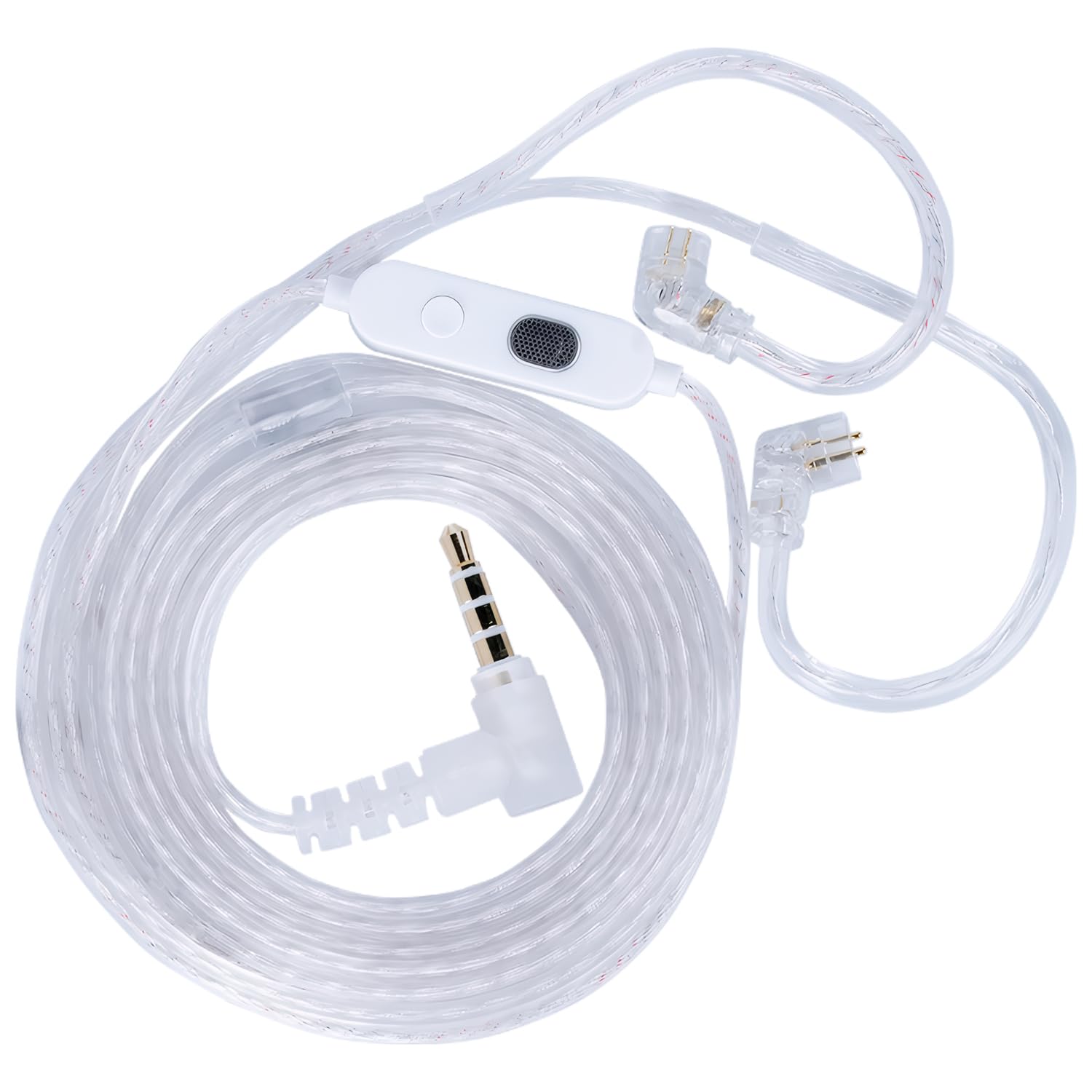
Figure 1: Bawjog KZ-M2 Dual Mic Upgrade Cable (3.5mm version).
2. Product Features
- Dual Microphone Design: Equipped with two high-performance omnidirectional condenser microphones for comprehensive sound capture.
- AI-Powered Noise Reduction: Filters out background noise for clear and natural voice recordings.
- High Sensitivity Microphones: Professional-grade microphones with -26dB sensitivity, capturing subtle sound details.
- High-Quality Audio Performance: OFC silver-plated wire core delivers detailed, natural sound with rich tones and clarity.
- Versatile Compatibility: 3.5mm plug for wide device compatibility.
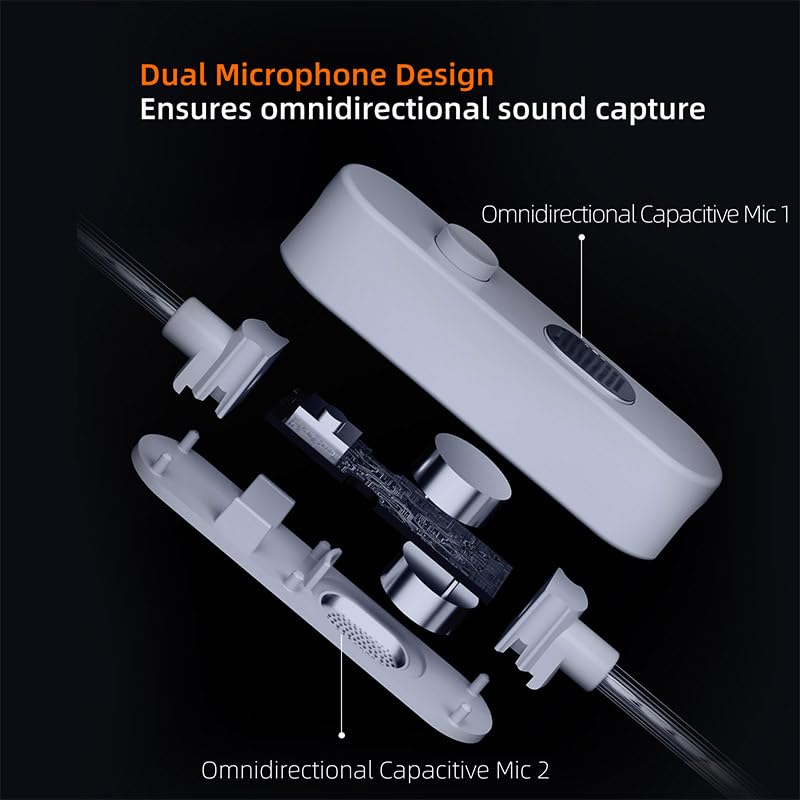
Figure 2: Exploded view illustrating the dual omnidirectional capacitive microphone design.
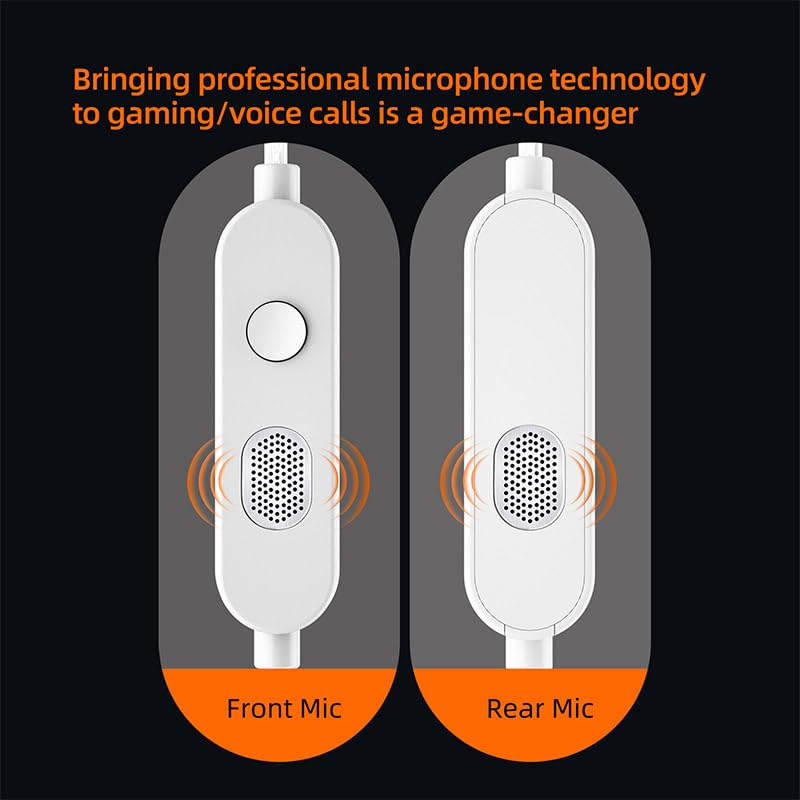
Figure 3: Diagram highlighting the front and rear microphone placement for comprehensive sound capture.
3. Setup and Installation
- Connect to IEMs: Identify the 0.75mm C-Pin connectors on your KZ or CCA brand IEMs. Carefully align the cable's C-Pin connectors with the IEMs and push them firmly until they are securely seated. Ensure the left and right connectors are matched correctly (usually indicated on the IEMs and cable).
- Connect to Audio Source: Insert the 3.5mm plug of the upgrade cable into the headphone jack of your audio device (e.g., smartphone, computer, gaming console, tablet, MP3 player, TV, Switch).
- Verify Connection: Once connected, ensure both IEMs are receiving audio and the microphone is functional.
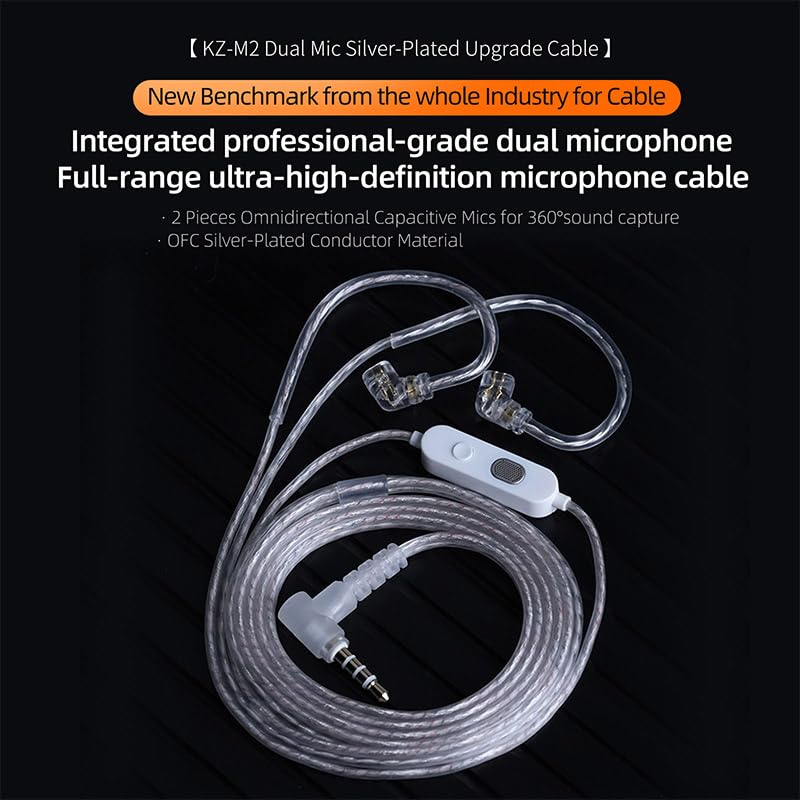
Figure 4: The KZ-M2 cable connected to compatible in-ear monitors.
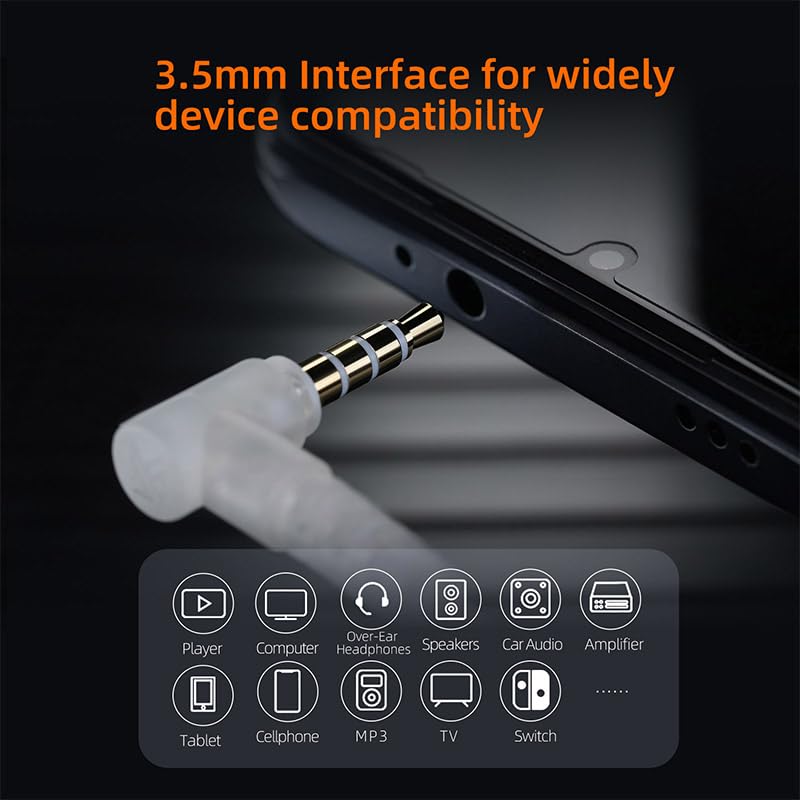
Figure 5: The 3.5mm interface offers wide compatibility with various audio devices.
4. Operating Instructions
4.1 Inline Control Functions
The KZ-M2 cable features an inline control unit with a single button for various functions:
- Short Press: Play/Pause audio, Answer/End calls.
- Long Press: Decline an incoming call.
- Press Twice: Skip to the next song.
- Press Three Times: Go back to the previous song.
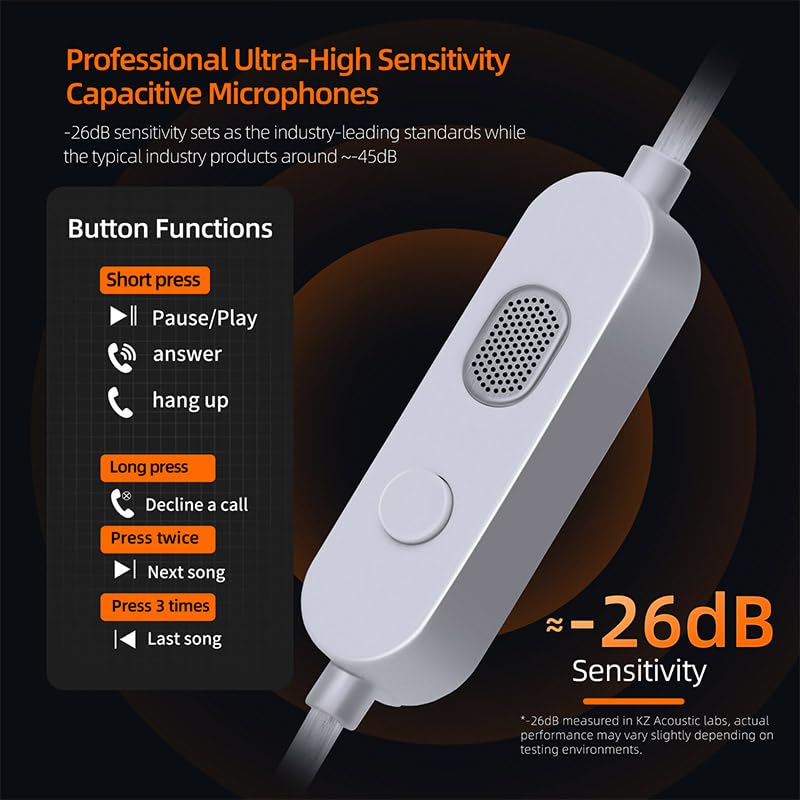
Figure 6: Inline control button functions and microphone sensitivity details.
4.2 Microphone Usage
The dual omnidirectional microphones are designed to capture sound from all directions, providing clear voice input without the need to position the microphone directly in front of your mouth. The AI noise reduction technology actively minimizes background distractions, ensuring your voice remains distinct and intelligible.

Figure 7: The dual-mic array allows for clear voice pickup without manual microphone positioning.
4.3 Optimal Usage Scenarios
This cable is particularly effective in environments requiring clear communication:
- Gaming: Experience ultra-HD voice communication, ensuring every tactical call is heard clearly by your teammates.
- Video Conferencing: Participate in online meetings with confidence, knowing your voice will be clear even in noisy settings.
- Voice Calls: Enjoy enhanced clarity for everyday phone calls.
- Open Spaces: The omnidirectional pickup and noise reduction make it suitable for use in various environments.

Figure 8: The KZ-M2 cable provides crystal-clear communication for gaming.
5. Maintenance and Care
- Storage: When not in use, coil the cable loosely to prevent kinks and damage. Avoid sharp bends.
- Cleaning: Wipe the cable gently with a soft, dry cloth to remove dust and grime. Do not use harsh chemicals or abrasive materials.
- Handling: Always grasp the plug when connecting or disconnecting the cable, rather than pulling on the cable itself.
- Environment: Avoid exposing the cable to extreme temperatures, direct sunlight, or excessive moisture.
6. Troubleshooting
- No Sound:
- Ensure the 3.5mm plug is fully inserted into your device.
- Check that the C-Pin connectors are securely attached to your IEMs.
- Verify your device's volume settings and ensure it's not muted.
- Test the cable with another audio device or another pair of IEMs to isolate the issue.
- Microphone Not Working:
- Ensure the 3.5mm plug is fully inserted into a compatible port that supports microphone input.
- Check your device's audio input settings to ensure the external microphone is selected.
- Confirm that the application you are using (e.g., game, video call software) has permission to access the microphone.
- Poor Sound Quality:
- Ensure all connections are clean and secure.
- Avoid coiling the cable too tightly, which can cause signal interference.
- Test with different audio sources to rule out source quality issues.
7. Specifications
| Feature | Detail |
|---|---|
| Model | KZ-M2 |
| Cable Length | 1.25M ± 3CM |
| Connector Type | 0.75mm C Pin |
| Plug Type | 3.5mm |
| Microphones | 2 Omnidirectional Condenser Mics |
| Microphone Sensitivity | -26dB |
| Wire Core Material | OFC Silver-Plated |
| Item Weight | 40 g |
| Recommended Uses | Gaming, voice calls, meetings, open spaces |
8. Compatible Headphones
The KZ-M2 Dual Mic Upgrade Cable is compatible with KZ and CCA brand C-Pin headphones, including but not limited to:
- KZ Series: ZSN, ZSN Pro, ZSN Pro X, ZSN Pro 2, ZS10 Pro, ZS10 Pro X, ZS10 Pro 2, Castor, EDX Pro, EDX Pro X, EDX LITE, EDX ULTRA, EDXS, DQS, SAGA, DQ6, DQ6S, D-FI, MERGA, EDA, ZENITH, VADER, ZVX, ESX, KRILA, ZAR, ZSX, Symphony, ZAT, ZAS, ZAX, ZNA, AS16 PRO, AS24 PRO, AS24, AST, Sonata, ASX, PR1, PR1 PRO, PR2, PR3, PRX, ZEX, ZEX PRO, ZES, KZ X Angelears Libra, LIBRA X, LIBRA.
- CCA Series: CRA, CRA+, HYDRO, C12, HM20, Polaris, Rhapsody, CSN, LYRA, PLA13, DUO, CKX, CS16.
- And other new models of wired headphones with C-Pin pins.
9. Warranty and Support
For warranty information and customer support, please refer to the documentation provided with your purchase or contact the retailer where the product was acquired. You may also visit the official Bawjog website for further assistance.