Welcome to Your esonstyle Invisible Sleeping Earbuds User Manual
This manual provides comprehensive instructions for the setup, operation, maintenance, and troubleshooting of your new esonstyle Invisible Sleeping Earbuds. Designed for ultimate comfort and effective noise blocking, these earbuds are perfect for sleep, relaxation, and daily audio enjoyment. Please read this manual carefully before using your earbuds to ensure optimal performance and longevity.
Important Safety Information
To ensure safe and proper use of your earbuds, please observe the following guidelines:
Hearing Protection: Avoid listening at high volume levels for extended periods to prevent hearing damage.
Water Resistance: The earbuds are IPX6 waterproof, meaning they are resistant to strong jets of water. Do not submerge them in water or expose them to saltwater or other liquids. Ensure the charging port is dry before charging.
Charging: Use only the provided USB-C cable and a certified power adapter. Do not attempt to charge the earbuds if they are wet.
Disassembly: Do not attempt to disassemble, repair, or modify the earbuds or charging case. This will void the warranty and may cause damage.
Temperature: Store and operate the earbuds within recommended temperature ranges (typically 0°C to 45°C or 32°F to 113°F).
Choking Hazard: Keep earbuds and small parts away from children and pets.
Package Contents
Verify that all items are present in your package:
esonstyle Invisible Sleeping Earbuds (Left and Right)
Charging Case
USB-C Charging Cable
Eartips (various sizes)
User Manual
Setup
1. Charging the Earbuds and Case
Before first use, fully charge both the earbuds and the charging case. Place the earbuds into the charging case. Connect the USB-C charging cable to the port on the back of the case and plug the other end into a USB power source. The indicator lights on the case will show the charging status.
A full charge takes approximately 1.5 hours. The earbuds provide up to 4 hours of playback time on a single charge, and the charging case extends the total battery life to approximately 24 hours.
Image: The esonstyle earbuds in their charging case, illustrating the battery life: 4 hours of playback time for the earbuds and an additional 20 hours (total 24 hours) provided by the charging case.
2. Pairing with Your Device
The earbuds utilize advanced Bluetooth 5.3 technology for a fast and stable connection.
Ensure the earbuds are charged and placed in the charging case.
Open the charging case. The earbuds will automatically enter pairing mode, indicated by a flashing light (if applicable, specific light behavior not detailed in input).
On your smartphone, tablet, laptop, or other Bluetooth-enabled device, go to the Bluetooth settings.
Search for "esonstyle S8" or a similar device name in the list of available devices.
Select the device name to connect. Once connected, you will hear an audible confirmation, and the indicator light on the earbuds will turn solid (if applicable).
Image: A detailed view of an esonstyle earbud, highlighting the internal components and the Bluetooth 5.3 chip, emphasizing its advanced wireless connectivity.
Operating Instructions
1. Wearing the Earbuds
The esonstyle Invisible Sleeping Earbuds are designed for a comfortable and secure fit, especially for side sleepers. They are small and made of soft silicone.
Gently insert the earbud into your ear canal.
Adjust the earbud by slightly twisting and tucking it until it sits snugly and comfortably in your ear, ensuring the small wing fits into your concha for stability.
Ensure a good seal for optimal sound quality and noise blocking.
Image: A visual guide demonstrating the correct method to wear the earbuds, showing both the initial insertion and the final tucked position for a secure and comfortable fit.
2. Basic Controls
The earbuds feature intuitive touch controls for media playback and call management. Specific touch gestures are typically detailed in the quick start guide or product packaging. Common controls include:
Play/Pause: Single tap on either earbud.
Next Track: Double tap on the right earbud.
Previous Track: Double tap on the left earbud.
Answer/End Call: Single tap on either earbud.
Reject Call: Press and hold on either earbud.
Activate Voice Assistant: Triple tap on either earbud (functionality may vary).
3. Noise Blocking Functionality
These earbuds provide effective passive noise cancellation by creating a comfortable seal in your ear canal. This design helps to isolate external sounds such as traffic, noisy neighbors, and general ambient noise, contributing to a more peaceful environment for sleep or concentration.
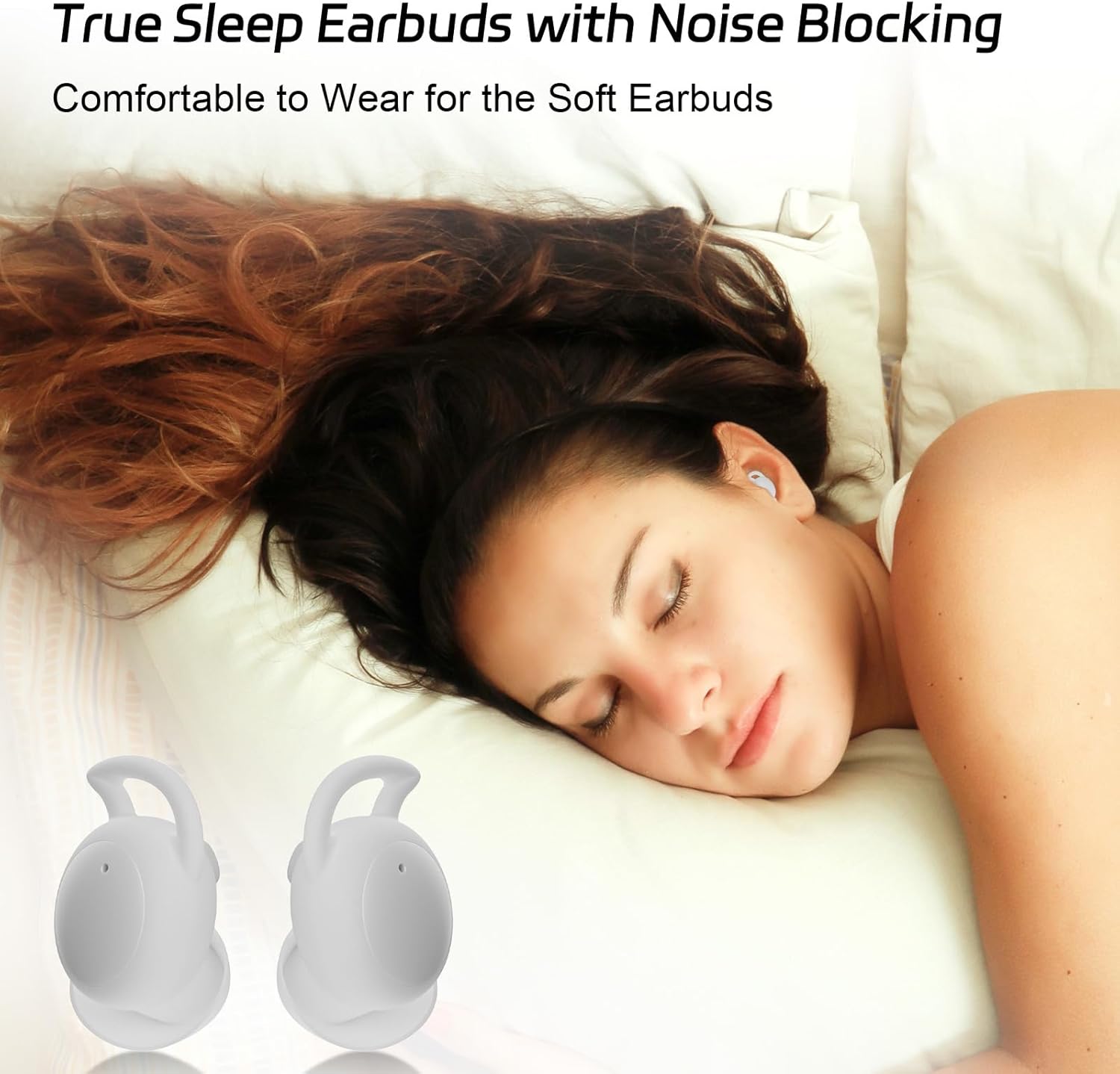
Image: A person sleeping peacefully, illustrating the effectiveness of the esonstyle earbuds in blocking external noise for undisturbed rest.
Maintenance
1. Cleaning Your Earbuds
Regular cleaning helps maintain hygiene and sound quality.
Gently wipe the earbuds and charging case with a soft, dry, lint-free cloth.
For the eartips, you can remove them and wash with mild soap and water, then ensure they are completely dry before reattaching.
Do not use abrasive cleaners, alcohol, or chemical solvents.
Ensure no moisture enters the charging port or speaker grilles.
2. Storage
When not in use, always store the earbuds in their charging case to protect them from dust, dirt, and physical damage. Store the case in a cool, dry place away from direct sunlight and extreme temperatures.
3. Water Resistance (IPX6)
The earbuds are rated IPX6 waterproof, meaning they are protected against powerful water jets. This makes them suitable for use during workouts where you might sweat, or in light rain. However, they are not designed for swimming, showering, or submersion in water. Always ensure the earbuds and charging port are completely dry before placing them in the charging case or connecting to a power source.
Image: A person engaged in physical activity and sweating, demonstrating the IPX6 waterproof capability of the esonstyle earbuds, making them suitable for active use.
Troubleshooting
If you encounter any issues with your esonstyle Invisible Sleeping Earbuds, please refer to the following common problems and solutions:
Earbuds not pairing with device:
Ensure earbuds are charged and out of the case.
Turn off and on Bluetooth on your device.
Forget the device from your Bluetooth list and try pairing again.
Ensure no other devices are currently connected to the earbuds.
No sound from earbuds:
Check the volume level on both your device and the earbuds.
Ensure the earbuds are properly connected to your device.
Try playing audio from a different application or source.
Earbuds not charging:
Ensure the charging cable is securely connected to both the case and the power source.
Try a different USB-C cable or power adapter.
Clean the charging contacts on the earbuds and inside the case with a dry cotton swab.
Poor sound quality or intermittent connection:
Ensure the earbuds are fully charged.
Reduce the distance between the earbuds and your device.
Avoid obstacles between the earbuds and your device (e.g., walls, large metal objects).
Ensure the eartips provide a good seal in your ear.
Specifications
Feature
Specification
Model
S8
Noise Control
Passive Noise Cancellation
Connectivity Technology
Wireless
Wireless Communication
Bluetooth 5.3
Material
Acrylonitrile Butadiene Styrene (ABS)
Charging Time
1.5 Hours
Earbud Playback Time
Up to 4 Hours
Total Battery Life (with case)
Up to 24 Hours
Water Resistance Level
IPX6 Waterproof
Product Weight
58 Grams
Product Dimensions
2.2 x 1.4 x 1.5 cm
Frequency Range
20 Hz - 20,000 Hz
Impedance
50 Ohm
Compatible Devices
Tablets, Laptops, Desktop Computers, Mobile Phones
Control Type
Media Control
Battery Cell Composition
Lithium Polymer
Warranty and Support
esonstyle products are manufactured to the highest quality standards. Your esonstyle Invisible Sleeping Earbuds come with a standard manufacturer's warranty against defects in materials and workmanship. Please refer to the warranty card included in your package for specific terms and conditions, including the warranty period.
For technical support, warranty claims, or any questions regarding your product, please contact esonstyle customer service through the retailer's platform or visit the official esonstyle website for contact information.
Please retain your proof of purchase for warranty purposes.