1. Product Overview
The findtime Model 6222 is a digital talking watch designed for ease of use, particularly for individuals who may benefit from large displays and audible time announcements. It combines practical features with a durable design.
- Voice Time Announcement: Press a button to hear the current time spoken aloud.
- Large Digital Display: Clear, easy-to-read numbers.
- LED Backlight: Illuminates the display for visibility in low-light conditions.
- Multiple Functions: Includes alarm, hourly chime, stopwatch, and calendar with day/date/week.
- Water Resistance: Rated 5ATM, suitable for daily use like splashes and rain (not for swimming or hot water).
- Shockproof Design: Enhanced durability for everyday wear.

Image 1.1: Front view of the findtime Model 6222 Digital Talking Watch, showcasing its large digital display and robust design.

Image 1.2: Visual representation of the watch's features designed to address common concerns, such as readability, time accuracy, water resistance, and ease of wear.
2. Setup and Initial Configuration
Before using your watch, please ensure it is properly set up. The watch comes with a pre-installed battery. If the display is dim or unresponsive, the battery may need replacement.
2.1 Button Functions
Your watch has several buttons, typically located on the sides of the watch case. Refer to the diagram below for general button identification. Specific functions are detailed in the 'Operating Instructions' section.

Image 2.1: Side view of the watch, illustrating the placement of control buttons for various functions.
2.2 Setting Time and Date
- In normal time display mode, press and hold the MODE button (usually bottom-left) until the seconds begin to flash. This indicates you are in setting mode.
- Press the RESET button (usually bottom-right) to cycle through the setting options: Seconds → Hour → Minute → Year → Month → Day.
- Use the START button (usually top-right) to adjust the flashing value.
- Once all settings are correct, press the MODE button again to exit setting mode.
2.3 12/24 Hour Format
In normal time display mode, press the START button to toggle between 12-hour (with AM/PM indicator) and 24-hour formats.
3. Operating Instructions
3.1 Voice Time Announcement
To hear the current time spoken aloud, press the TALKING button (refer to your watch's specific button layout, often a dedicated button or a long press on another). The watch will announce the time in English.
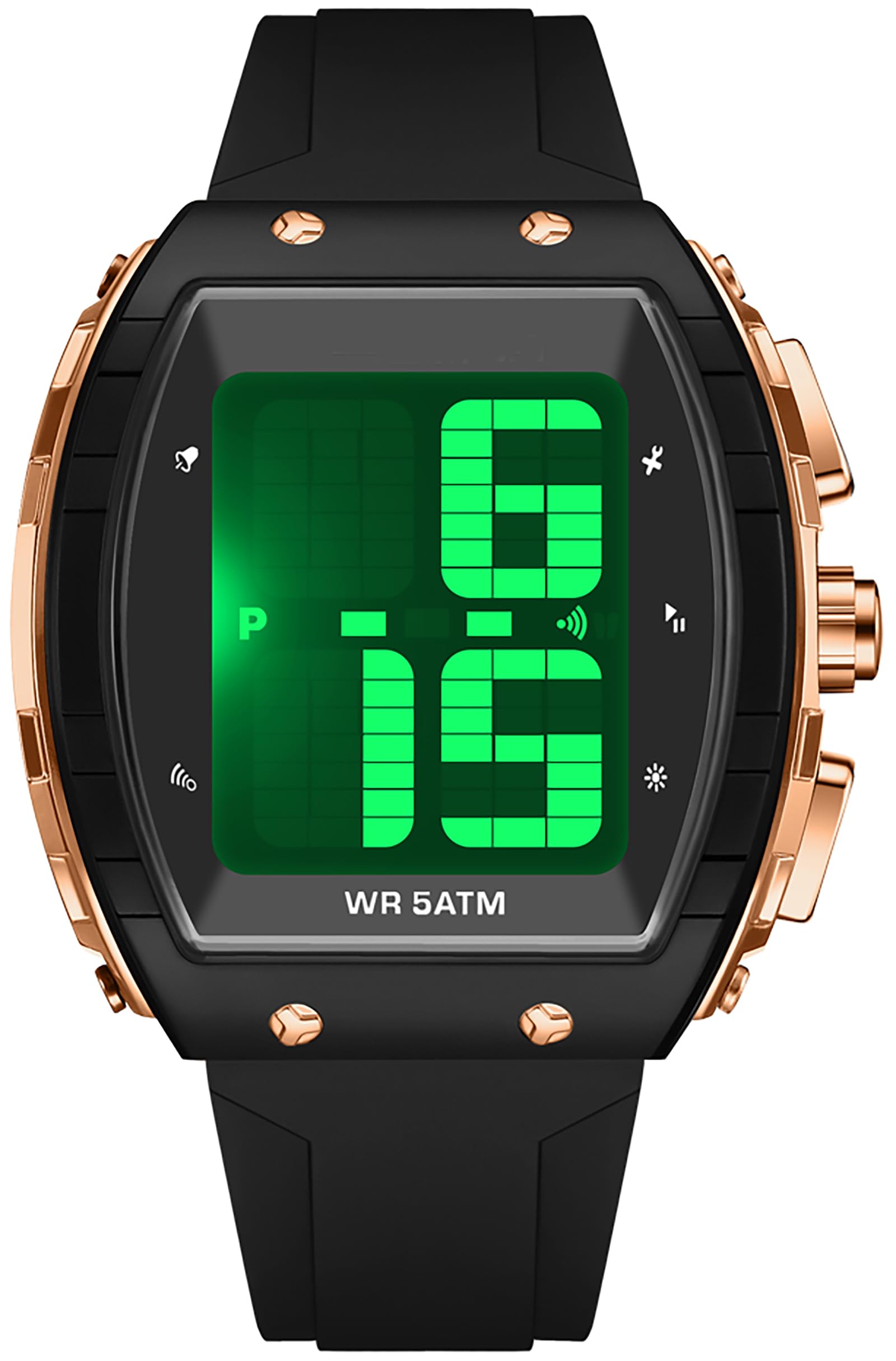
Image 3.1: An elderly man using the voice time announcement feature, demonstrating the watch's primary function for accessibility.
3.2 Alarm Function
- From normal time display, press the MODE button once to enter Alarm mode. The alarm time will be displayed.
- Press and hold the RESET button until the hour digits flash.
- Use the START button to adjust the hour.
- Press the RESET button again to select the minute digits, then use the START button to adjust the minutes.
- Press the MODE button to confirm and exit alarm setting.
- To turn the alarm ON/OFF, in Alarm mode, press the START button. An alarm icon will appear/disappear on the display.
3.3 Hourly Chime
To activate or deactivate the hourly chime, in normal time display mode, press the MODE button twice to enter the Hourly Chime setting. Press the START button to toggle the chime ON/OFF. An icon (often a bell or speaker) will indicate if it's active.
3.4 Stopwatch
- From normal time display, press the MODE button three times to enter Stopwatch mode.
- Press the START button to begin timing.
- Press the START button again to pause/resume timing.
- Press the RESET button to reset the stopwatch to zero.
- Press the MODE button to return to normal time display.
3.5 LED Backlight
To activate the LED backlight, press the LIGHT button (usually top-left). The display will illuminate for a few seconds, making it visible in dark environments.
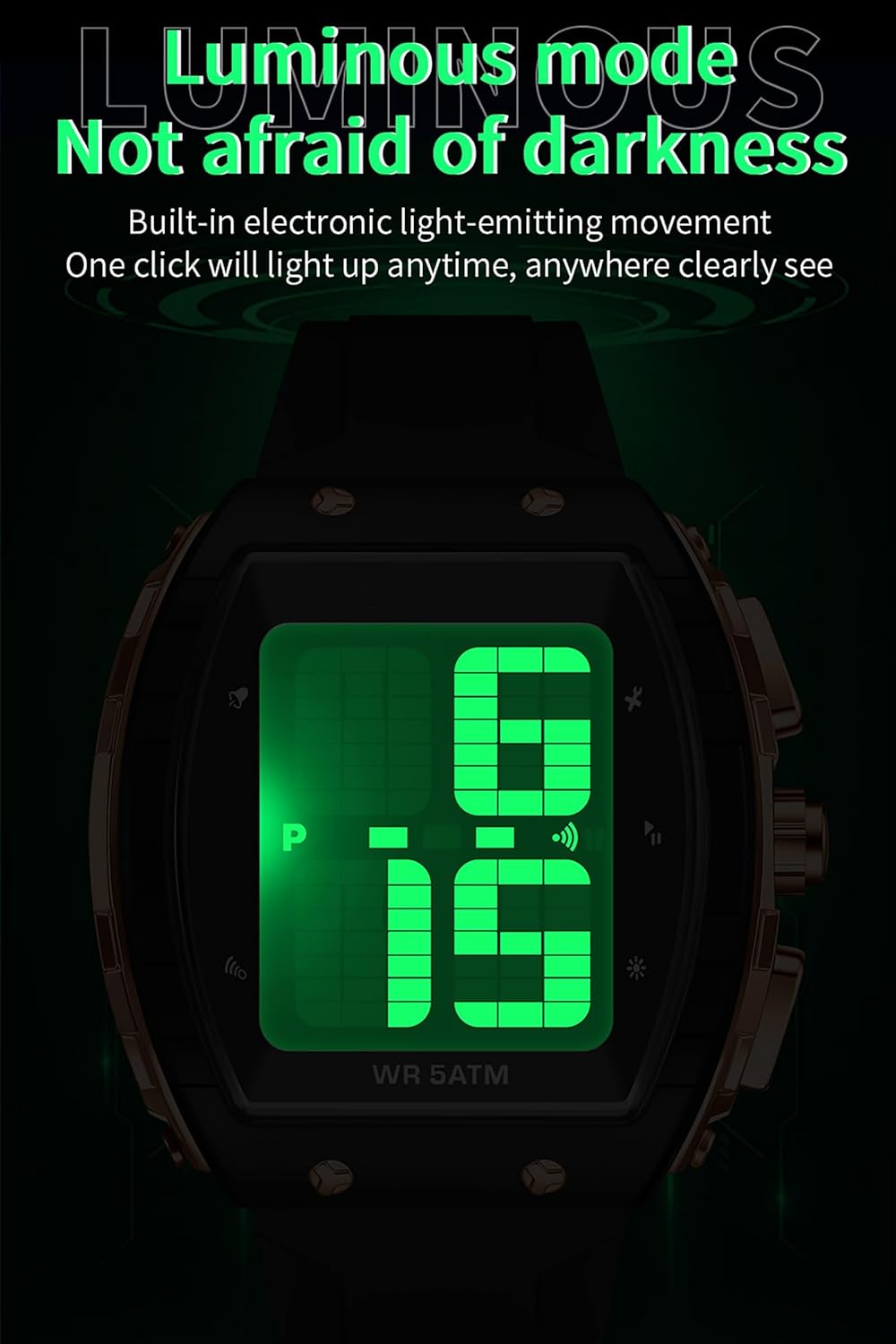
Image 3.2: The watch display illuminated by its green LED backlight, ensuring readability in low-light conditions.
4. Maintenance and Care
- Water Resistance: The watch is 5ATM water resistant. This means it is suitable for daily use, such as splashes, rain, and hand washing. DO NOT press any buttons underwater. Avoid exposure to steam and hot water, as this can damage the waterproof seal.
- Cleaning: Wipe the watch with a soft, dry cloth. For stubborn dirt, a slightly damp cloth can be used, followed by drying. Avoid harsh chemicals or abrasive materials.
- Battery Replacement: When the display becomes dim or the watch stops functioning, the battery may need replacement. This should ideally be done by a qualified watch technician to ensure the water resistance seal is maintained.
- Storage: Store the watch in a cool, dry place away from direct sunlight and extreme temperatures.
5. Troubleshooting
| Problem | Possible Cause | Solution |
|---|---|---|
| Display is blank or dim. | Low battery. | Replace the battery. |
| Voice announcement is unclear or silent. | Low battery; speaker obstruction. | Replace battery; ensure speaker is clear of debris. |
| Buttons are unresponsive. | Watch may be in a locked mode or battery is low. | Try pressing all buttons to see if it unlocks. If not, replace battery. |
| Time is incorrect. | Time not set correctly; battery low. | Re-set the time and date (Section 2.2). Replace battery if issue persists. |
6. Specifications
- Model Number: 6222
- Case Diameter: 50mm (1.97 inches)
- Case Thickness: 18mm (0.71 inches)
- Band Length: 265mm (10.43 inches)
- Weight: 61g (2.15oz)
- Water Resistance: 5ATM
- Display Type: Digital LED
- Functions: Talking Time, Alarm, Hourly Chime, Stopwatch, LED Backlight, Calendar (Day, Date, Week), 12/24H
- Material: Silicone band, ABS case, Acrylic mirror surface
7. Warranty and Support
Your findtime Model 6222 Digital Talking Watch is covered by a standard manufacturer's warranty against defects in materials and workmanship. Please refer to the warranty card included in your product packaging for specific terms and conditions, including the warranty period and coverage details.
For technical support, troubleshooting assistance, or warranty claims, please contact findtime customer service through the retailer where the product was purchased or visit the official findtime website for contact information. Please have your model number (6222) and proof of purchase ready when contacting support.