
1. Introduction
Thank you for choosing the Ansody 2-Pack 10000mAh 22.5W Compact USB C Power Bank. This manual provides essential information for the safe and efficient operation of your portable chargers. Please read it thoroughly before use and retain it for future reference.
2. Product Overview
The Ansody 2-Pack Power Bank offers a reliable and compact solution for charging your electronic devices on the go. Each power bank features a 10,000mAh capacity with 22.5W ultra-fast charging capabilities, supporting PD+QC3.0. They are equipped with multiple input and output ports and an LED display for precise battery level indication.
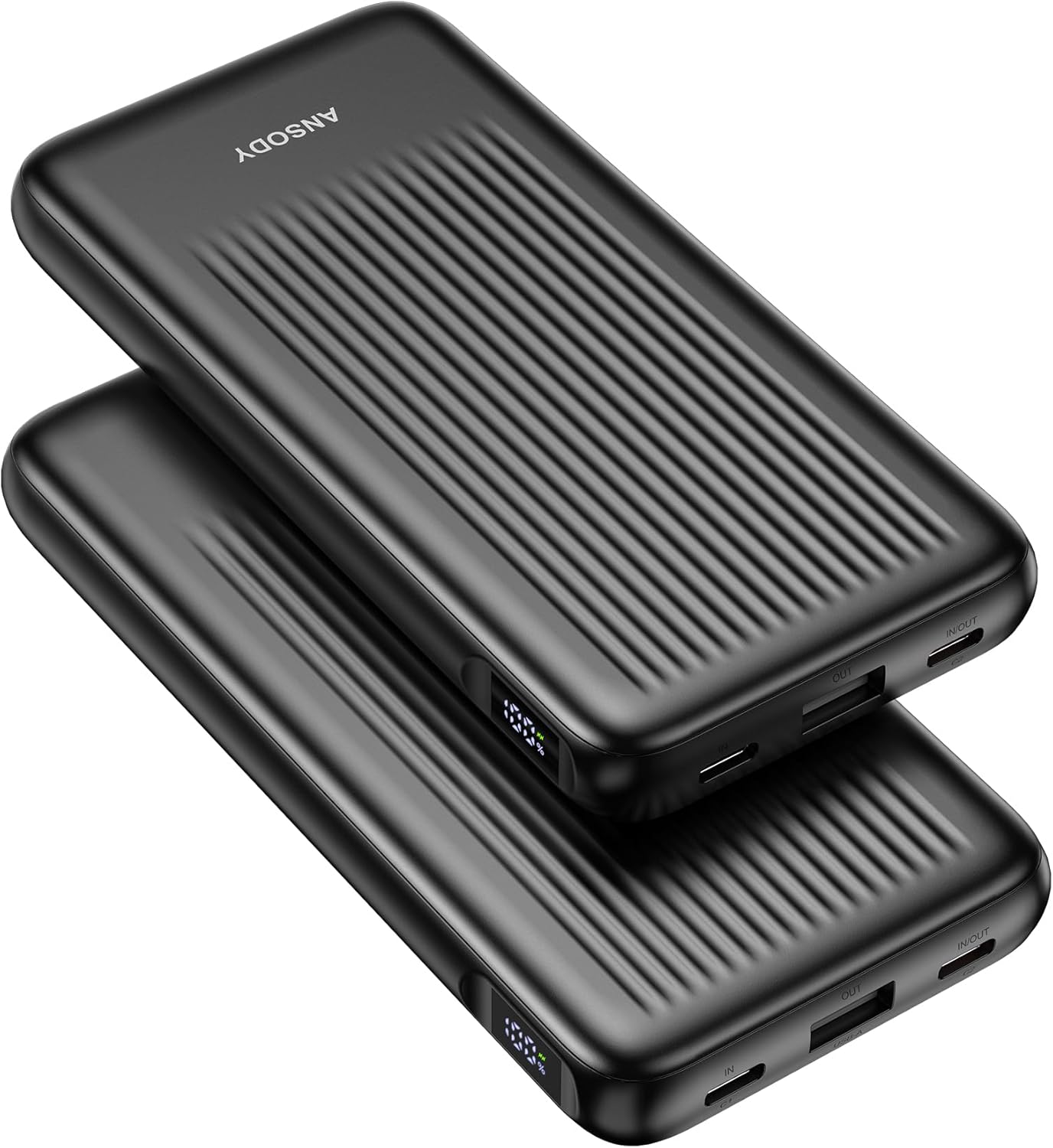
Figure 1: Ansody 2-Pack 10000mAh Power Banks
Key Features:
- Dual 10,000mAh Capacity: Each power bank provides sufficient power for multiple device charges.
- 22.5W Ultra-Fast Charging: Supports Power Delivery (PD) and Quick Charge 3.0 (QC3.0) for rapid charging.
- Triple Ports: Equipped with 1 USB-A output and 2 USB-C ports (one input, one input/output) for versatile connectivity.
- LED Digital Display: Shows precise battery percentage (1% accuracy) for clear status indication.
- Compact & Lightweight: Designed for portability, fitting easily into pockets or bags.
- Smart Safety Protection: Built-in safeguards against overvoltage, overcharging, overcurrent, and short circuits.
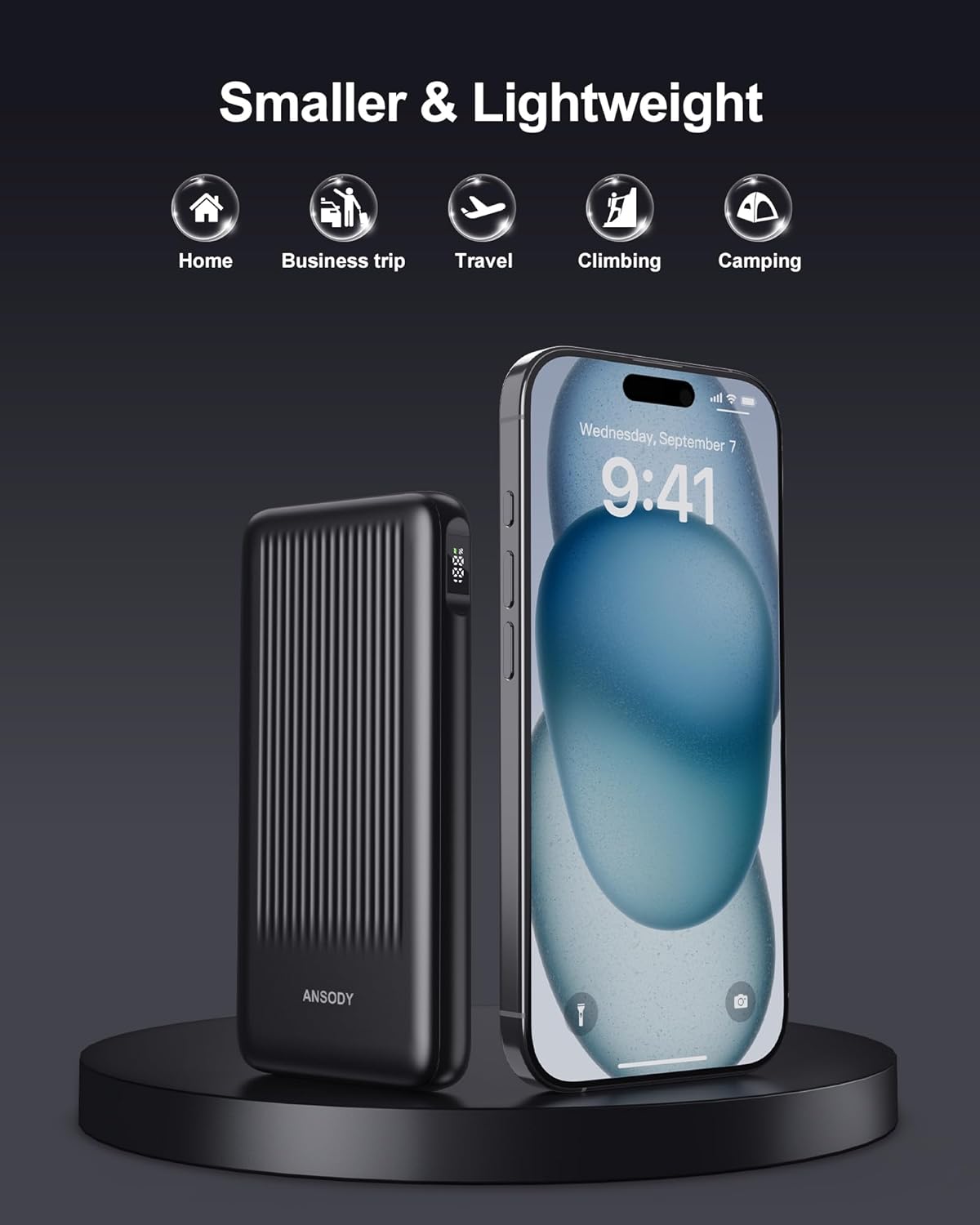
Figure 2: Power Bank Ports (USB-A, USB-C Input, USB-C Input/Output)

Figure 3: Compact Size Comparison
3. Setup: Charging the Power Bank
Before initial use, fully charge your Ansody Power Bank. It is recommended to use a power adapter of 18W or higher for optimal charging speed.
- Connect the provided USB-C cable to the USB-C Input (C1) port on the power bank.
- Plug the other end of the USB-C cable into a compatible USB wall charger (not included).
- The LED digital display will show the charging percentage, indicating the current battery level.
- Charging is complete when the display shows 100%. A full recharge typically takes approximately 3 hours with an 18W+ charger.

Figure 4: Recharging the Power Bank
4. Operating: Charging Your Devices
The Ansody Power Bank can charge various devices, including smartphones, tablets, AirPods, Bluetooth headphones, fitness trackers, and smartwatches.
- Check Battery Level: Press the power button on the side of the power bank to view the current battery percentage on the LED display.
- Connect Device: Use a compatible charging cable to connect your device to one of the power bank's output ports:
- USB-A Output: For devices compatible with standard USB-A.
- USB-C Input/Output (C2): For devices compatible with USB-C. This port supports both charging the power bank and charging external devices.
- Start Charging: The power bank will automatically begin charging your device. If it does not, press the power button once.
- Simultaneous Charging: You can charge up to two devices simultaneously using the available output ports.

Figure 5: Charging a Smartphone with the Power Bank

Figure 6: Simultaneous Device Charging
Official Product Video:
Video 1: Overview of the Ansody 2-Pack 10000mAh Power Bank 22.5W, demonstrating its features and compact design.
5. Safety Information
Your Ansody Power Bank is designed with intelligent safety protection features to ensure safe operation. The shell is made of safe and non-flammable materials, and it incorporates a high-quality lithium-ion battery.
- Overvoltage Protection: Prevents damage from excessive voltage.
- Overcharging Protection: Stops charging once the battery is full to prevent overcharge.
- Overcurrent Protection: Safeguards against excessive current flow.
- Short Circuit Protection: Automatically cuts off power in case of a short circuit.
- Temperature Protection: Monitors and regulates internal temperature to prevent overheating.
Important Warnings:
- Do not expose the power bank to extreme temperatures (above 60°C/140°F or below 0°C/32°F).
- Avoid dropping, disassembling, or modifying the device.
- Keep away from water, moisture, and flammable materials.
- Do not use if the power bank is damaged or swollen.
- Keep out of reach of children.
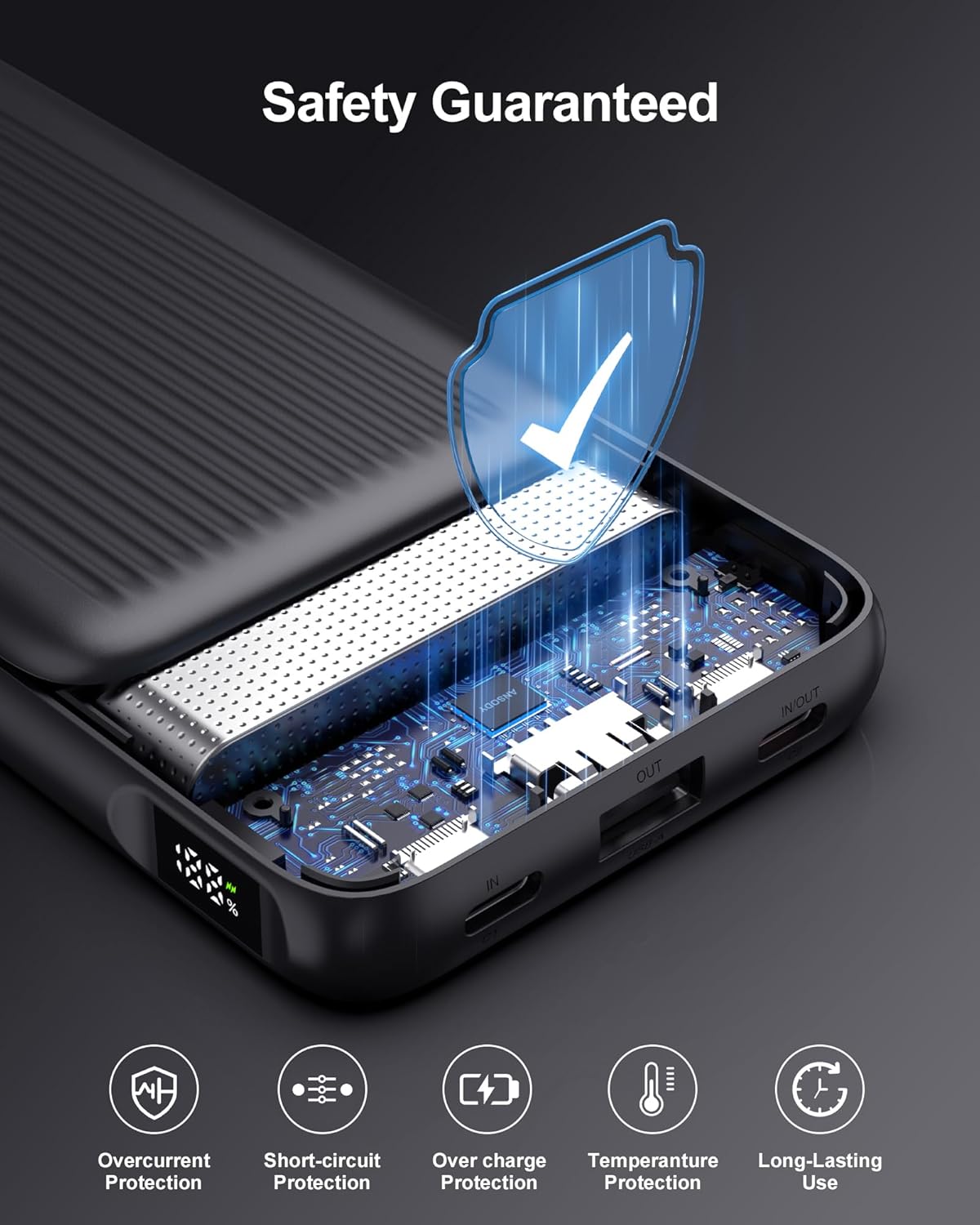
Figure 7: Built-in Safety Protections
6. Maintenance
- Clean the power bank with a dry, soft cloth. Do not use harsh chemicals or abrasive materials.
- Store the power bank in a cool, dry place away from direct sunlight.
- If not used for extended periods, charge the power bank at least once every three months to maintain battery health.
7. Troubleshooting
- Power Bank Not Charging: Ensure the charging cable and wall adapter are functioning correctly and properly connected to the USB-C Input (C1) port.
- Device Not Charging: Verify that your device's charging cable is securely connected to an output port (USB-A or USB-C2) on the power bank. Press the power button to activate charging if it doesn't start automatically.
- Slow Charging: Check if your device supports fast charging and if you are using a compatible cable. For recharging the power bank, ensure your wall adapter is 18W or higher.
- LED Display Malfunction: If the LED display is not showing correctly, try fully discharging and then recharging the power bank. If the issue persists, contact customer support.
8. Specifications
| Feature | Detail |
|---|---|
| Product Dimensions | 5.47 x 2.72 x 0.63 inches |
| Item Weight | 7.9 ounces |
| Battery Capacity | 10000 Milliamp Hours (each) |
| Item Model Number | S20 |
| Connector Type | USB Type A, USB Type C |
| Special Features | Digital Display, Fast Charging, Lightweight, Over Charging Protection, Pocket Size |
| Manufacturer | Allytec Electronics Co.,Ltd |
9. Warranty and Support
Ansody provides comprehensive customer support for your product.
- Warranty: 18 months support.
- Refund Guarantee: 30 Days Refund Guarantee.
- Care Plan: 24 Months Care Plan.
- Customer Service: 24/7 customer support is available for any inquiries or issues.
Please refer to the contact information provided in your product packaging for direct support.