
1. Introduction
This manual provides essential instructions for the safe and effective use of your FYIOGXG replacement battery, model BP-275. This battery is designed for compatibility with Icom IC-M91D and IC-M92D two-way radios. Please read this manual thoroughly before installation and operation.
2. Safety Information
Your safety is paramount. Adhere to the following guidelines to prevent damage to the battery, device, or personal injury.
- Do not disassemble, open, or service the battery pack. Unauthorized modifications can lead to hazards.
- Replace only with the battery pack designated for this product. Using incompatible batteries may cause malfunction or damage.
- Do not crush, puncture, short external contacts, or dispose of in fire or water. These actions can result in fire, explosion, or chemical burns.
- Do not store above 60°C (140°F). High temperatures can degrade battery performance and safety.
- New battery packs must be fully charged before initial use. This ensures optimal performance from the start.
- Read the operating guide of your device before using the battery. Ensure proper handling and charging procedures.
- Avoid using low-quality third-party adapter chargers. Such chargers can shorten the battery's lifespan and pose safety risks.
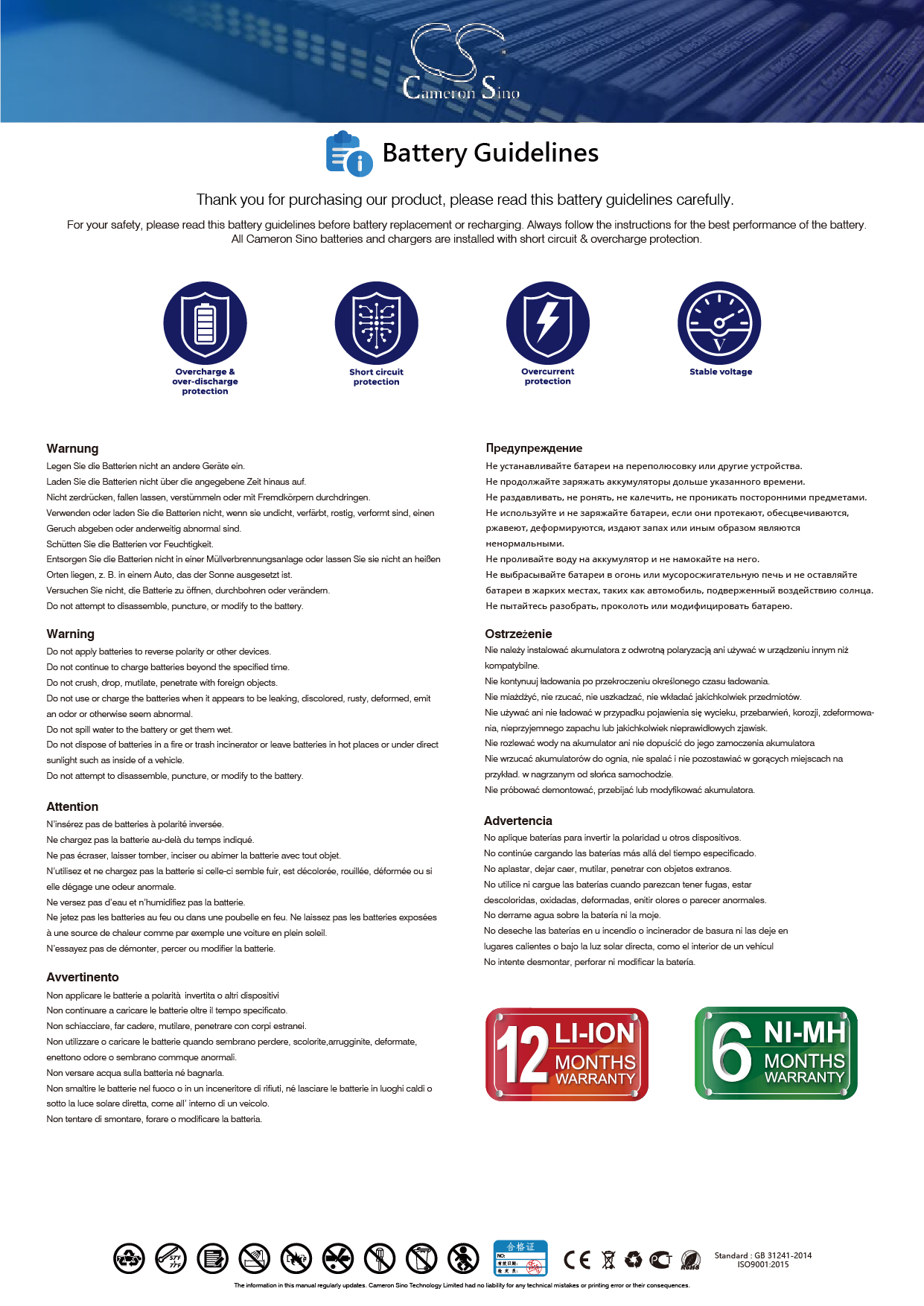
Image: General battery safety guidelines, illustrating common precautions for lithium-ion batteries.
3. Setup and Installation
Follow these steps for initial setup and installation of your new battery.
- Initial Charging: A new battery will achieve its best performance after 2 or 3 complete charge and discharge cycles. Fully charge the battery before its first use.
- Installation: Carefully align the battery with the battery compartment of your Icom IC-M91D or IC-M92D radio. Ensure the connector is properly and securely connected to your device.
- Resources: Many installation videos are available online which can assist with the process.

Image: Front view of the FYIOGXG BP-275 replacement battery, showing its overall shape and branding.

Image: Bottom view of the FYIOGXG BP-275 replacement battery, highlighting the connector pins for device integration.
4. Operating Instructions
Once installed, operate your radio as usual. The battery is designed to function identically to the original Icom BP-275 battery.
- Charging: Use the original or a high-quality compatible charger for your Icom radio. Ensure the battery is fully charged before extended use.
- Discharge Cycles: For optimal battery health, allow the battery to fully discharge occasionally before recharging, especially during the first few cycles.
5. Maintenance
Proper maintenance extends the life of your battery.
- Storage: If storing the battery for an extended period, charge it to approximately 50% capacity and store it in a cool, dry place away from direct sunlight and extreme temperatures.
- Cleaning: Keep the battery contacts clean and free from dust or debris. Use a dry, soft cloth for cleaning.
- Protection: The battery features built-in overcharge, over-discharge, over-voltage, and short-circuit protection to ensure safe and durable use.
6. Troubleshooting
If you encounter issues with your battery, consider the following:
- Battery Not Charging: Ensure the battery is correctly seated in the charger and the charger is properly connected to a power source. Verify the charger is compatible and functional.
- Short Operating Time: Ensure the battery has completed 2-3 full charge/discharge cycles to reach optimal capacity. Check if the radio's settings (e.g., high power transmission) are consuming excessive power.
- Radio Not Powering On: Confirm the battery is fully charged and correctly installed. Check for any visible damage to the battery or radio contacts.
7. Specifications
Detailed specifications for the FYIOGXG BP-275 replacement battery:
| Feature | Specification |
|---|---|
| Model Number | BP-275 (Replacement for CS-ICM910TW) |
| Compatibility | Icom IC-M91D, Icom IC-M92D |
| Battery Type | Lithium Polymer |
| Capacity | 1500mAh / 11.1Wh |
| Voltage | 7.4V |
| Dimensions | 76.50 x 60.00 x 25.40mm |
| Weight | 80.0g |
| Certifications | ISO9001, CE, UKCA |
| Protection Features | Overcharge, Over-discharge, Over-voltage, Short-circuit |

Image: Close-up of the battery label, detailing model number (CS-ICM910TW, BP-275), rating (7.4VDC, 1500mAh/11.1Wh), and safety warnings.
8. Warranty and Support
Your FYIOGXG replacement battery comes with a comprehensive warranty and dedicated support.
- Warranty: This product is covered by a 12-month (1 Year) warranty from the date of purchase.
- Customer Support: For any inquiries or assistance, please contact customer support. Email replies are typically provided within 24 hours.
- Manufacturer Information: For additional product information and support, you may visit the manufacturer's website: www.cameronsino.com.